
OmniFocus Pro 4.9.1
OmniFocus task manager and project planner for focused productivity
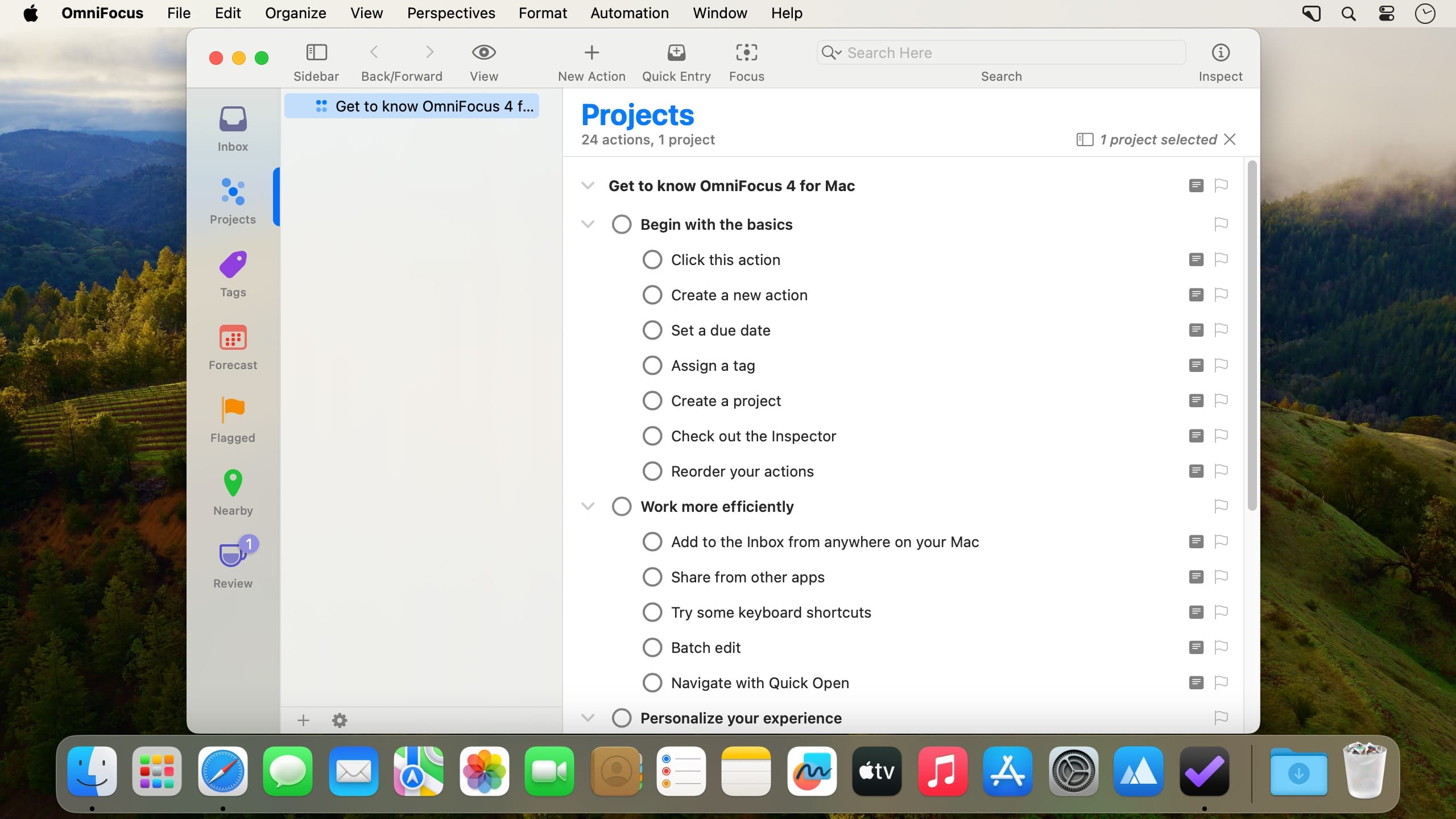
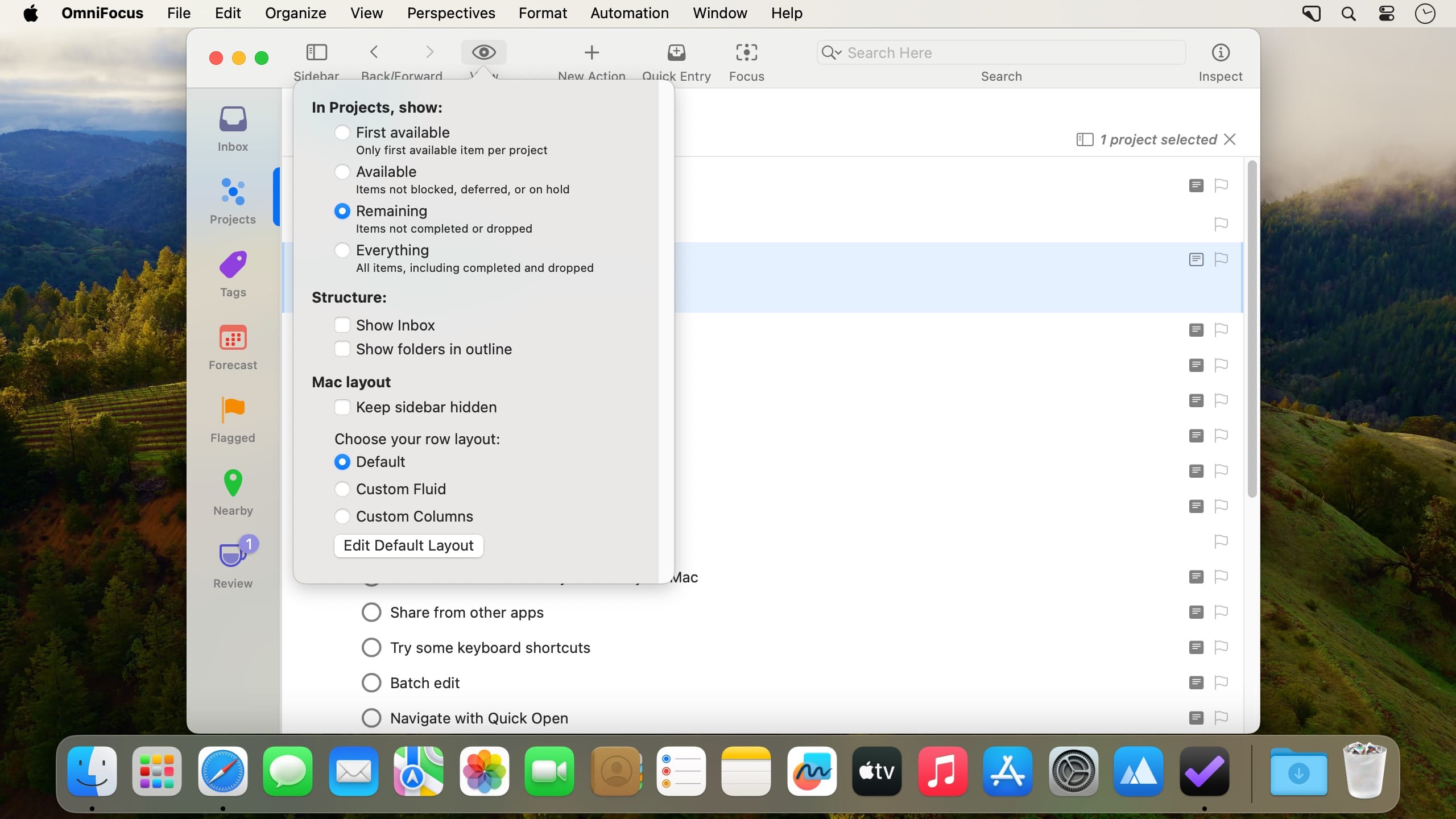
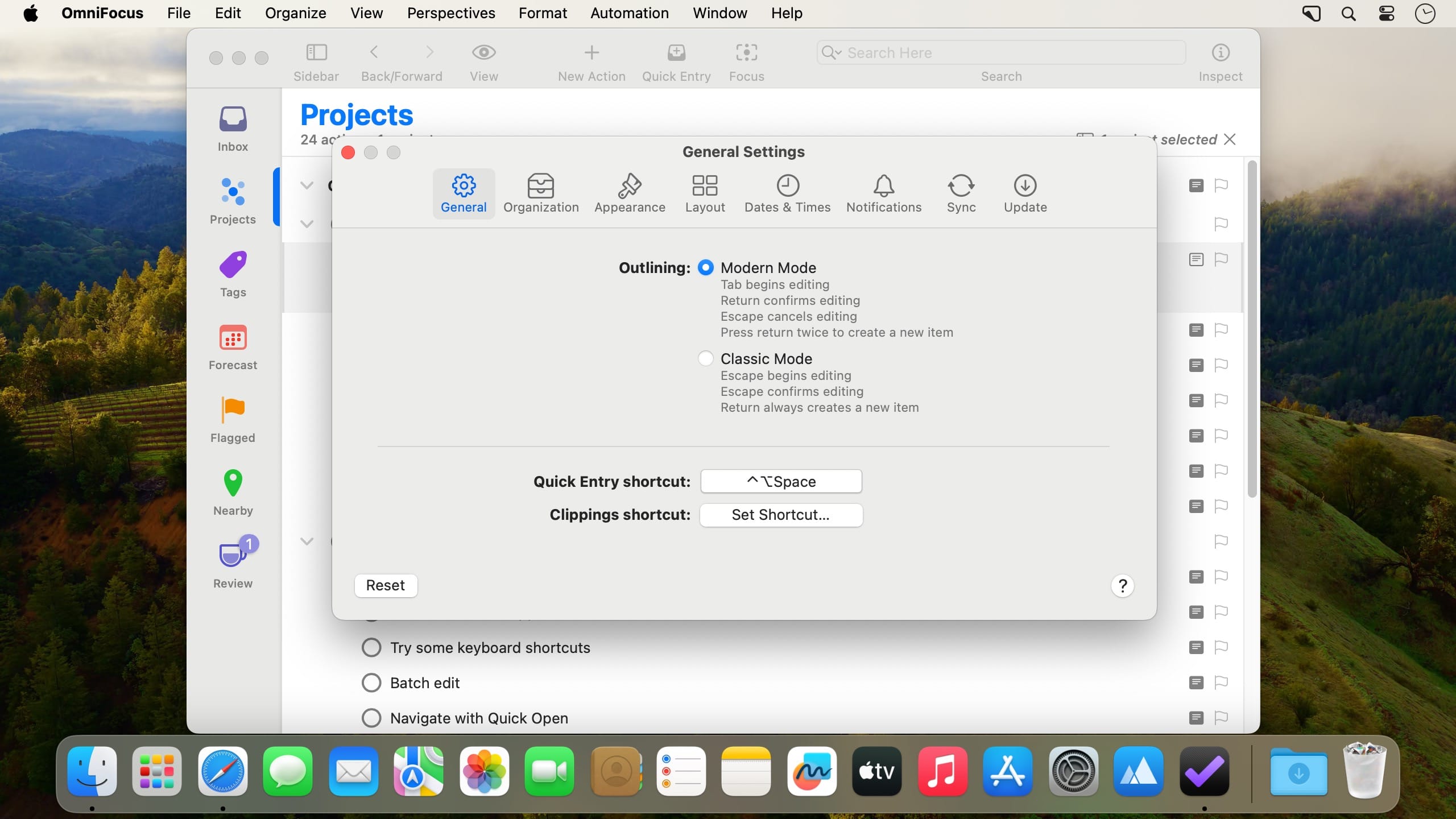
Tasks and ideas arrive through email, chats and web pages, and most of them get lost. OmniFocus catches them on your Mac. Then it helps you turn a loose list of actions into a real plan.
- Clip notes and information straight from Mail, Messages, Safari and other apps, so nothing stays buried in your inbox.
- Big projects break down into sub-projects or parallel projects, each with its own goals and deadlines.
- Recurring tasks repeat on schedule and sit in clear contexts, so routine work doesn't depend on your memory.
- The Forecast perspective lays out what's due based on your plans. Useful before you plan your day.
- Review walks you through your projects one by one and shows what each still needs. You can also set up custom perspectives for the views you use most.
- Flags, due dates and color-coded highlights make it harder to miss the important stuff.
- Your data stays in sync across Macs and iOS devices through the Omni Sync Server or your own WebDAV server.
Version 4.9.1:
All Platforms
- Documentation — Updated in-app Help.
- Shortcuts — Open Folders Shortcuts action now displays a flat list of existing folders.
- Shortcuts — Attachment file extension is now always included when a file is attached via the Add Actions Shortcuts action.
Mac
- Inspector — Mini calendar date picker popover now lays out correctly when opened from the Inspector.
- Settings — Adjusted layout of settings in Dates & Times Settings.
Frequently asked questions
How do I install the app?
Mount the image, drag the app into the "Applications" folder and launch it. If the system blocks the launch, allow it in "System Settings → Privacy & Security".
The app is damaged or won't launch
Reinstalling from a fresh image usually helps. Make sure your macOS version matches the one listed in the compatibility specs.
How do I update?
Download the new version from the site and install it over the current one — your settings will be preserved.
The download link doesn't work
Try a mirror or a download manager. For large files the browser often drops the connection.
How do I completely remove the app?
Use an uninstaller utility — it cleans up the service files that remain after moving the app to the trash.




Choose a download source
OmniFocus Pro 4.9.1 · 48.83 MB
Previous versions
OmniFocus Pro 4.9.1
Previous versions are available to registered users.