
Apeaksoft Blu-ray Player 1.1.96
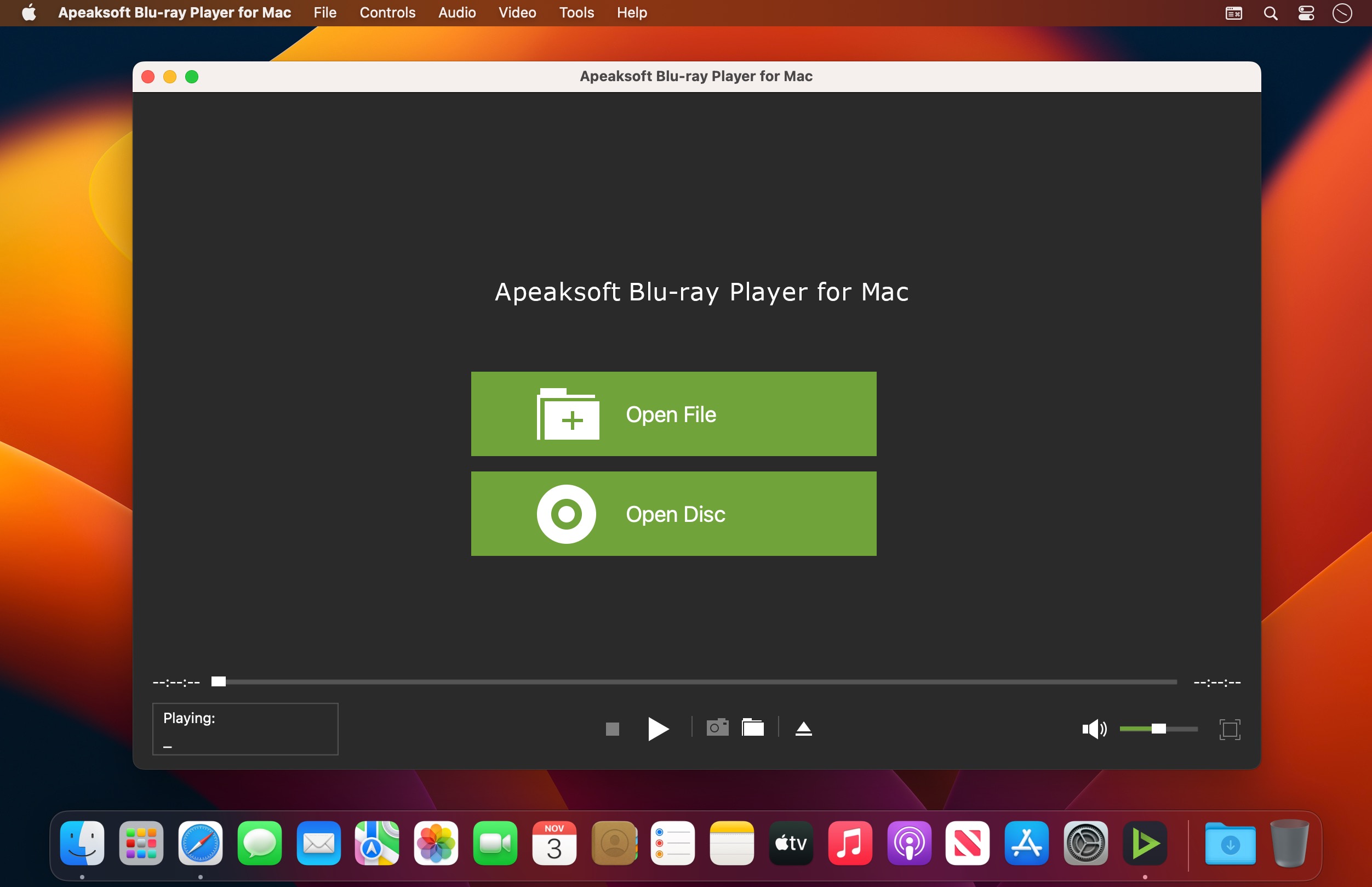

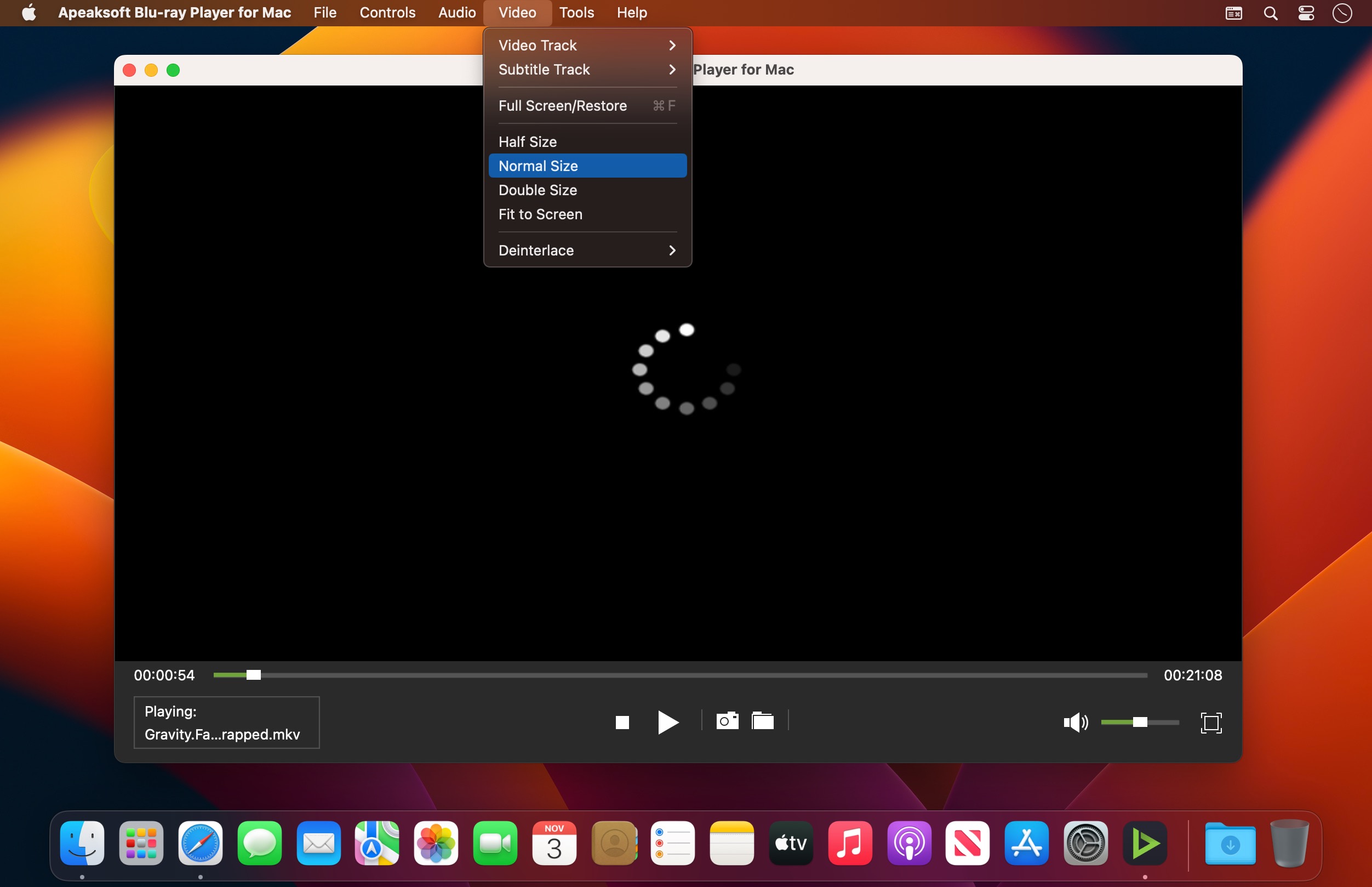
Best Blu-ray player to play Blu-ray disc, Blu-ray folder, DVD disc/folder, ISO file with high-quality visual effects.
It also can work as a powerful media player to play 4K UHD/1080p HD/SD video in MP4, MOV, AVI, MKV, and other formats.
Play Blu-ray, DVD disc/folder/ISO and media files
Play Blu-ray movies with 1080p HD visual effect and play 4K UHD, 1080p/720p HD and common SD videos losslessly and smoothly.
Play Blu-ray disc/folder and ISO file on your computer
Apeaksoft Blu-ray Player is specially designed to play Blu-ray disk, folder and ISO file. It highly supports the newly released Blu-ray movies and guarantees you a full HD 1080p Blu-ray disc playback. With this powerful Blu-ray playing software, you can easily enjoy Blu-ray movies with vivid visual effects and crystal-clear details. In addition, it also enables you to play Blu-ray folder and ISO file smoothly.
Play DVD disc/folder/ISO file
More than just a Blu-ray player, Apeaksoft Blu-ray Player also has the capability to play DVD disk, DVD folder and ISO file with high image/sound quality. Many settings are offered to help you better enjoy your DVD. For instance, you can handily set audio track/channel, video track, subtitle track and more get the best DVD playing experience.
In a word, whether you want to play Blu-ray movie, or enjoy DVD disc, this all-featured Blu-ray player can always be your best choice.
Play 4K UHD, 1080p/720p HD and SD video in any format
Besides the Blu-ray and DVD playing features, Apeaksoft Blu-ray Player allows you to play 4K/HD/SD videos in any frequently-used format. You can play video in MP4, H.264/MP4 AVC, H.265/HEVC, MPG, M4V, TS, MTS, M2TS, MXF, RM, RMVB, WMV, ASF, MKV, AVI, 3GP, F4V, FLV, VOB and more. Surely, if you prefer watching the 4K/HD video to get more fantastic visual experience, it will help you play 4K videos in MP4, H.264/MPEG-4 AVC, H.265/HEVC, TS, MKV, AVI, MOV, FLV and WebM format.
Version 1.1.96:
- Release notes were unavailable when this listing was updated.
Frequently asked questions
How do I install the app?
Mount the image, drag the app into the "Applications" folder and launch it. If the system blocks the launch, allow it in "System Settings → Privacy & Security".
The app is damaged or won't launch
Reinstalling from a fresh image usually helps. Make sure your macOS version matches the one listed in the compatibility specs.
How do I update?
Download the new version from the site and install it over the current one — your settings will be preserved.
The download link doesn't work
Try a mirror or a download manager. For large files the browser often drops the connection.
How do I completely remove the app?
Use an uninstaller utility — it cleans up the service files that remain after moving the app to the trash.





Choose a download source
Apeaksoft Blu-ray Player 1.1.96 · 47.07 MB
Previous versions
Apeaksoft Blu-ray Player 1.1.96
Previous versions are available to registered users.