
IINA 1.4.4

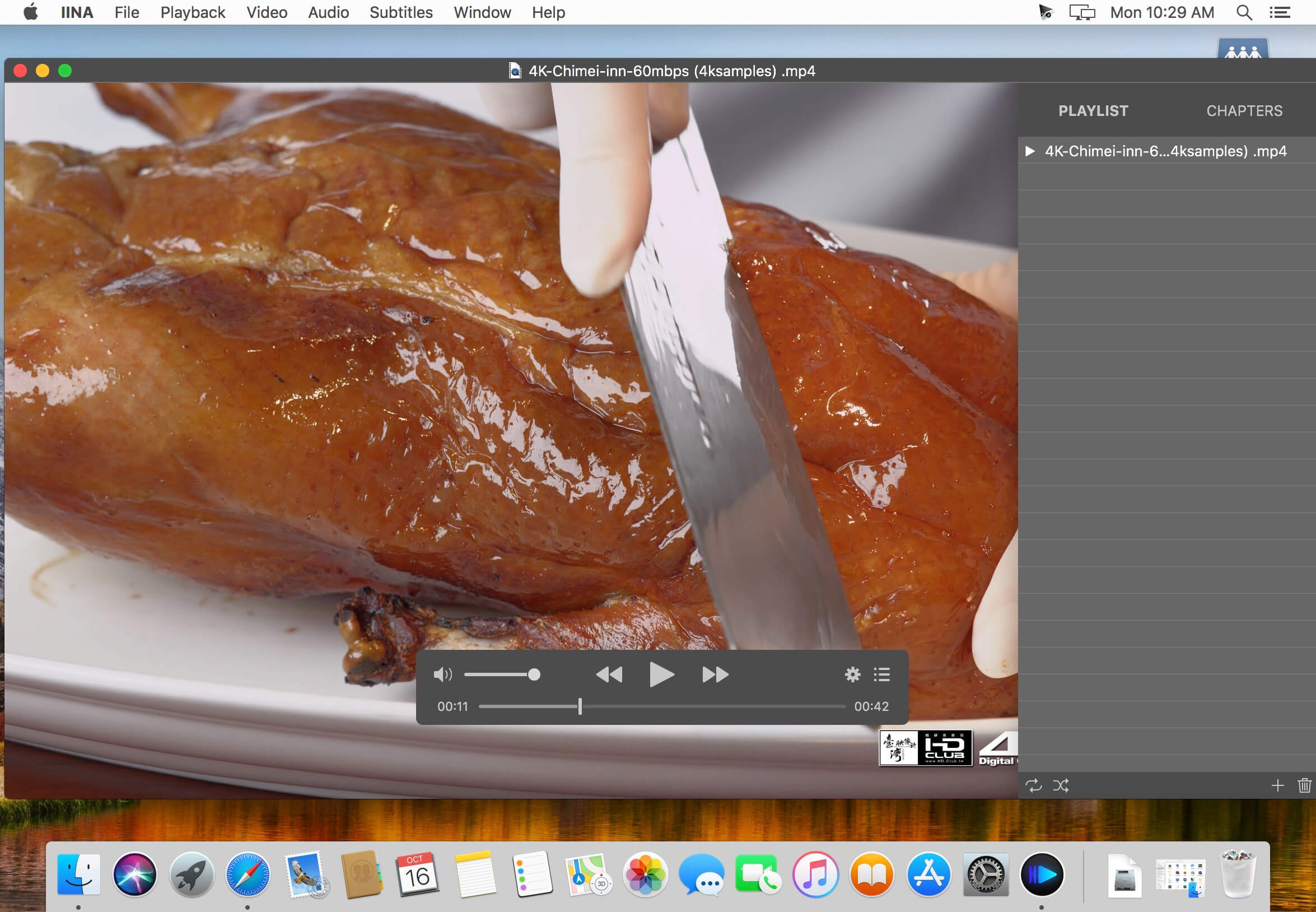
IINA is the modern video player for macOS.
- For and only for modern macOS - IINA is born to be a modern macOS application, from its framework to its user interface. It adopts the post-Yosemite design language, and keeps up the pace of new technologies such as Force Touch and Touch Bar.
- Revolutionary user experience - IINA simplifies a lot of user interactions. In addition to traditional cascaded menus, it provides interactive UI components and gestures to give you intuitive, flexible, powerful control of the playback.
- Powerful functionality - Based on MPV, one of the most powerful media player projects ever, IINA supports almost all common media types (even GIF) and stably outputs high-quality video that is optimized for Retina screen. MPV's config file and script system are also integrated.
- You are the target-user - IINA is made by a user like you, who (may be) also having been expected for a powerful and elegant media player on macOS for years. Whether you just got your first Mac or are already a professional MPV user, IINA will satisfy you for its customizability and expandability.
Features
- Designed for modern macOS
- 4 original themes
- Best user experience
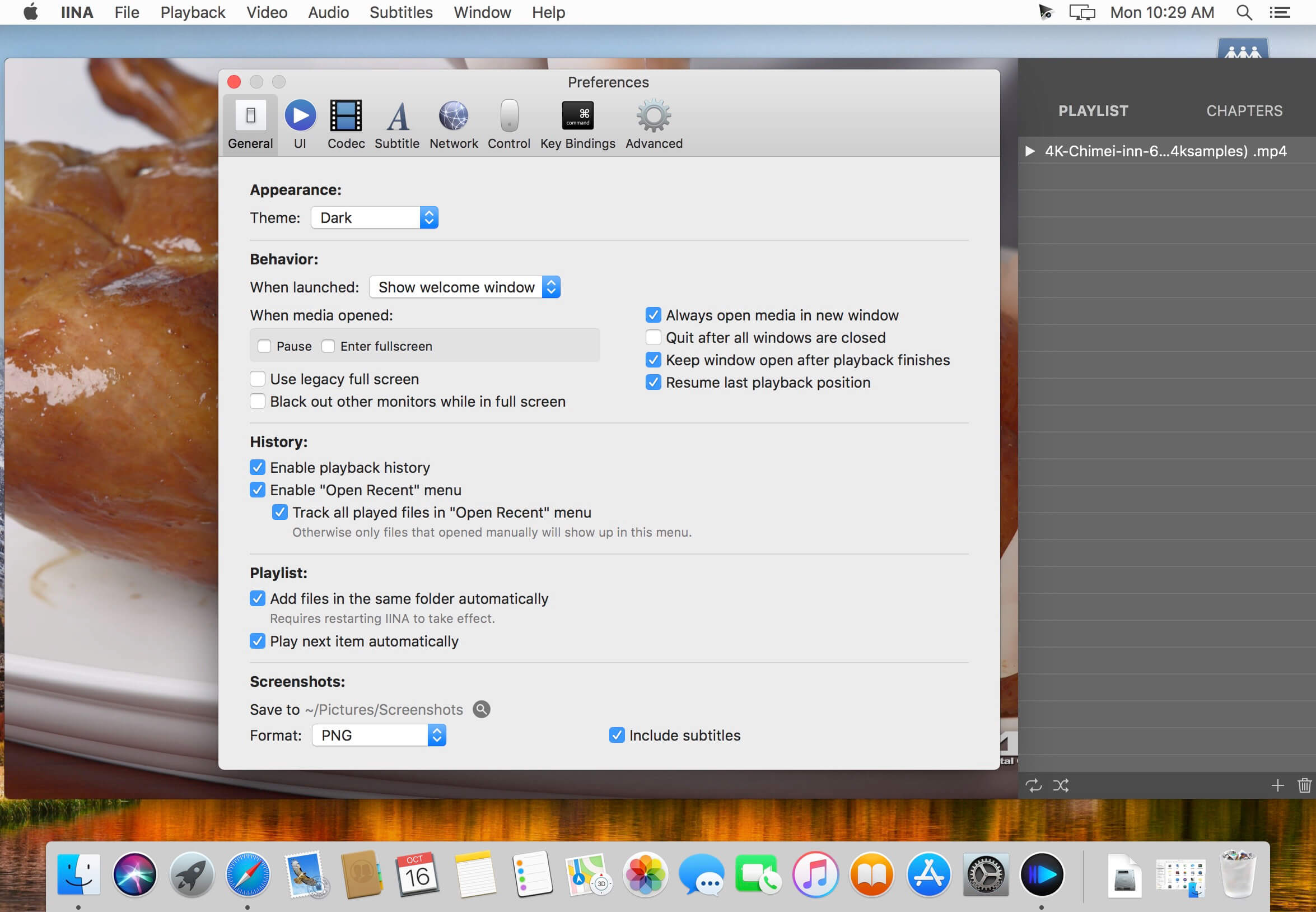
- Convenient settings
- Customizable mouse action
- Customizable key bindings
- Touch Bar / Force Touch support
- Picture-in-Picture support
- Powerful backend
- Playlist and chapter
- MPV config file system
- Open source
IINA 1.4.4:
Bug Fixes
- Added comprehensive guard to prevent the use of the iina:// URL scheme to modify local files. This blocks the remaining discovered paths that allow command injection in certain situations.
Frequently asked questions
How do I install the app?
Mount the image, drag the app into the "Applications" folder and launch it. If the system blocks the launch, allow it in "System Settings → Privacy & Security".
The app is damaged or won't launch
Reinstalling from a fresh image usually helps. Make sure your macOS version matches the one listed in the compatibility specs.
How do I update?
Download the new version from the site and install it over the current one — your settings will be preserved.
The download link doesn't work
Try a mirror or a download manager. For large files the browser often drops the connection.
How do I completely remove the app?
Use an uninstaller utility — it cleans up the service files that remain after moving the app to the trash.
VersionIINA 1.4.4
DeveloperCollider LI
CompatibilitymacOS 10.13 or later
LanguageMultilangual
IncludesFree





Information
Visitors in the group Guests cannot leave comments on this publication.
Choose a download source
IINA 1.4.4 · 104.24 MB