
Nuke 2.0
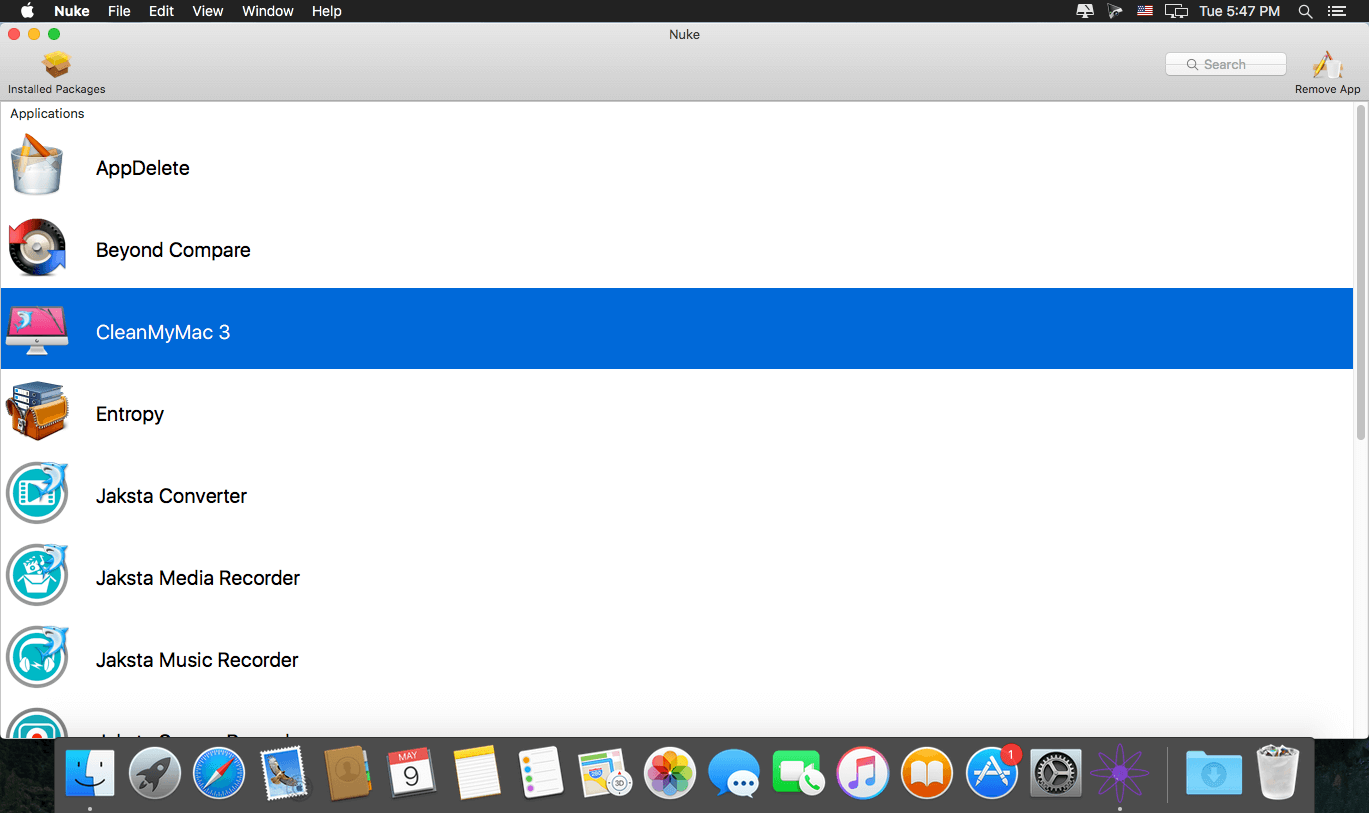
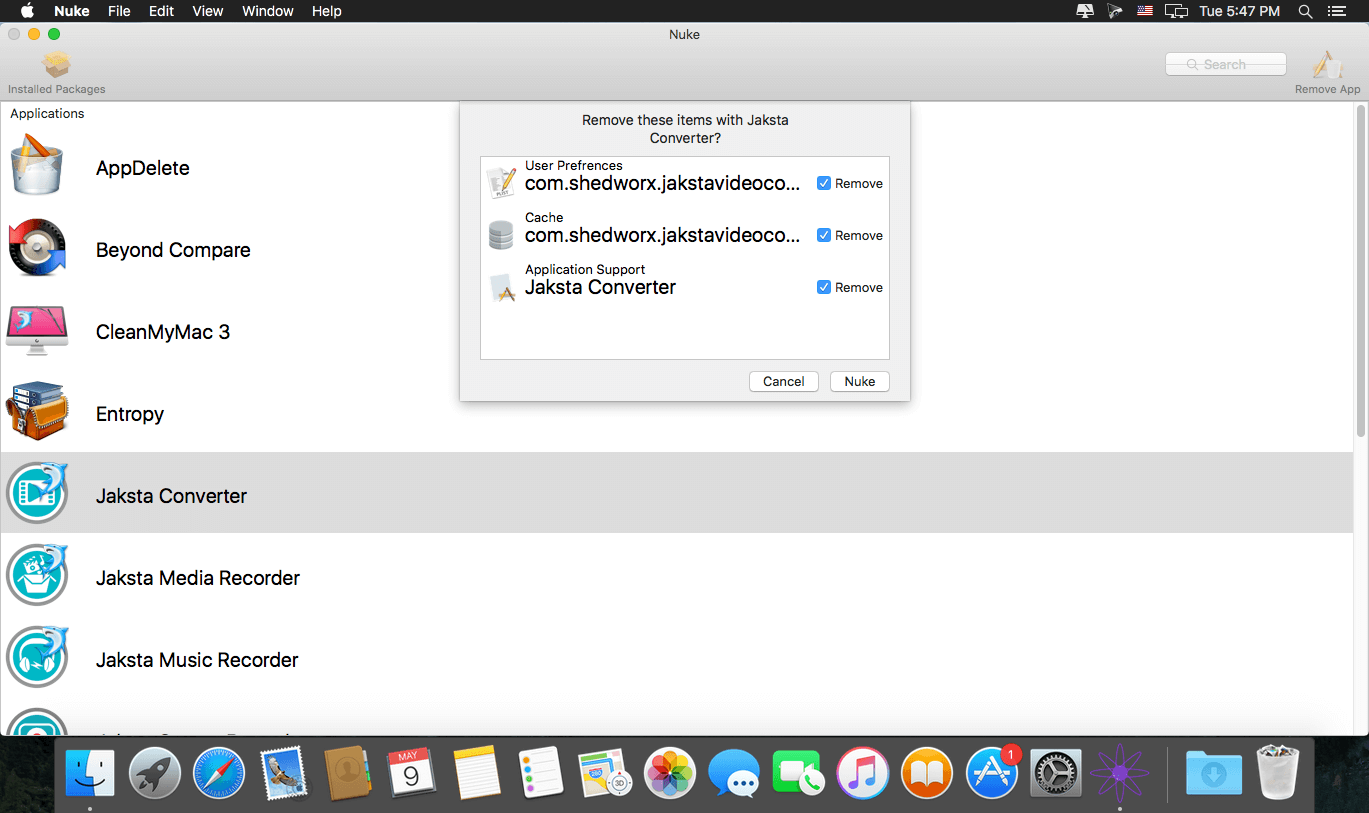
Nuke removes all the files that would otherwise be left behind when sending your old apps to the trash. With Nuke, you can also reset apps to like-new status, removing all preferences and save-data, prefect for troubleshooting an app that fails to launch. The app also provides uninstallers for software packages like Microsoft Office, Adobe Creative Cloud, Mac Keeper, and many more. Nuke has features that other uninstallers don't, such as removing items from your Dock and Start up items when sending them to the trash.
WHAT’S NEW
Version 2.0:
New
Additional Support for:
- Adobe Flash Player
- Android Studio
- Logitech Options
- and others
New Features:
- Removing preference panes is now supported - A new search bar has been added to quickly find apps and preference panes.
- The Reset App button can now be accessed by holding the option key and clicking on Remove App.
- Nuke now only asks for your admin password when removing files that require it (i.e., should be much less often).
- Our website now takes Bitcoin.
- Lots of backend updates and stability fixes
SCREENSHOTS
Frequently asked questions
How do I install the app?
Mount the image, drag the app into the "Applications" folder and launch it. If the system blocks the launch, allow it in "System Settings → Privacy & Security".
The app is damaged or won't launch
Reinstalling from a fresh image usually helps. Make sure your macOS version matches the one listed in the compatibility specs.
How do I update?
Download the new version from the site and install it over the current one — your settings will be preserved.
The download link doesn't work
Try a mirror or a download manager. For large files the browser often drops the connection.
How do I completely remove the app?
Use an uninstaller utility — it cleans up the service files that remain after moving the app to the trash.
VersionNuke 2.0
DeveloperOklasoft.
CompatibilityMac OS X 10.11 +
LanguageEnglish
IncludesSerial




Information
Visitors in the group Guests cannot leave comments on this publication.
Choose a download source
Nuke 2.0 · 2.4 MB