

AppSana 2.8
Screenshots
Click to enlarge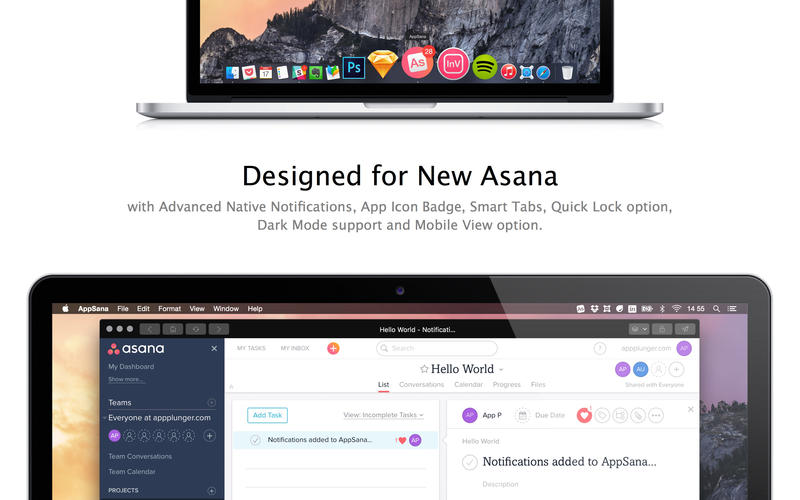
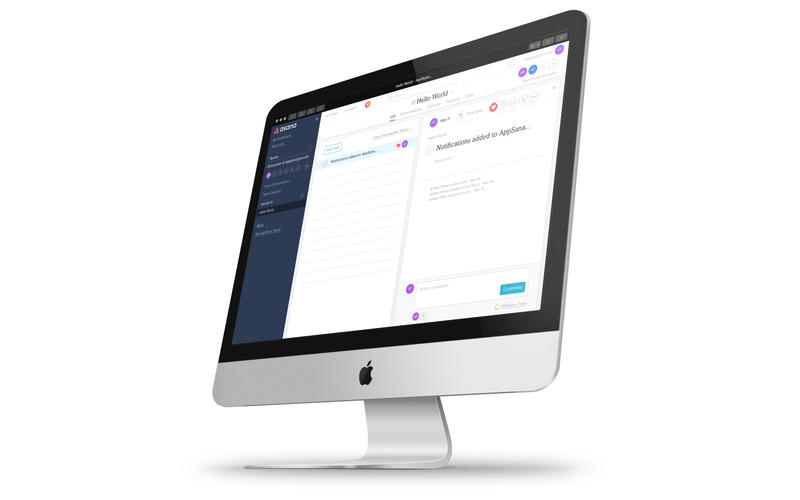
AppSana is a smart app that integrates with Asana. Designed to be the perfect client for Asana with Native Notifications, App Icon Badge, Smart Tabs, Screen Lock option, Dark Mode support and Mobile View option.
Native Notifications
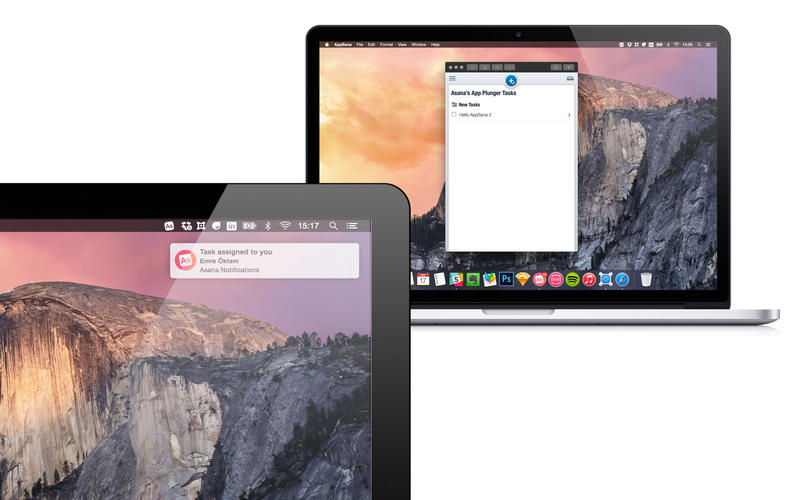
You will be informed with clean and optimised messages about every activity at your Asana Workspaces.
App Icon Badge
Badge can show: Number of new tasks, My tasks assigned for today, My all tasks.
Smart Tabs with Keyboard Shortcuts
For jumping light-speed between workspaces and projects. With keyboard shortcuts support.
Quick Lock with Keyboard Shortcuts
You can simply lock AppSana with a 4-Digit PIN. Protect your tasks without logging out from Asana. With a single-click lock button and keyboard shortcut support.
Retina-ready, smooth & Dark Mode Support
You will make use of every pixel of AppSana. It’s retina-ready and has smooth interface with Dark Mode support.
Mobile View Option
Minimalist? Use Asana Mobile with AppSana Mobile View option.
- AppSana remembers the last page you have visited.
- Upload files from here.
- Your links will open your default browser.
- Copy or share Current URL option.
- Quick Launch taskbar icon (with icon hiding option)
- Always on top option.
- Home, Back, Forward buttons. And you can set your own Asana Home Page.
- Fullscreen support for maximized Asana experience.
Version 2.8
- Bug fixes and performance optimisations...
Comments
No comments yet. Be the first.
Information
Visitors in the group Guests cannot leave comments on this publication.