AppDelete 4.3.3
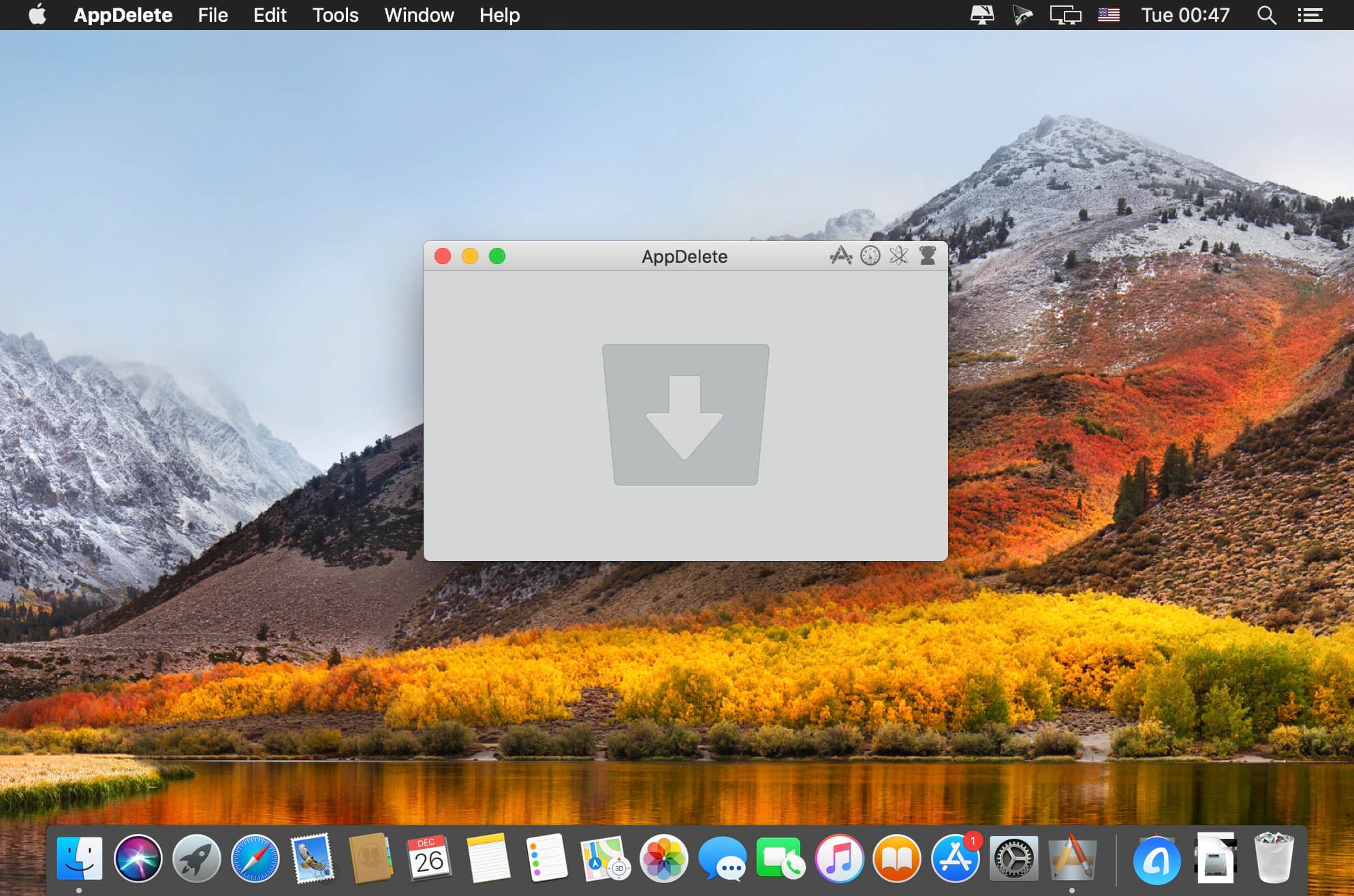

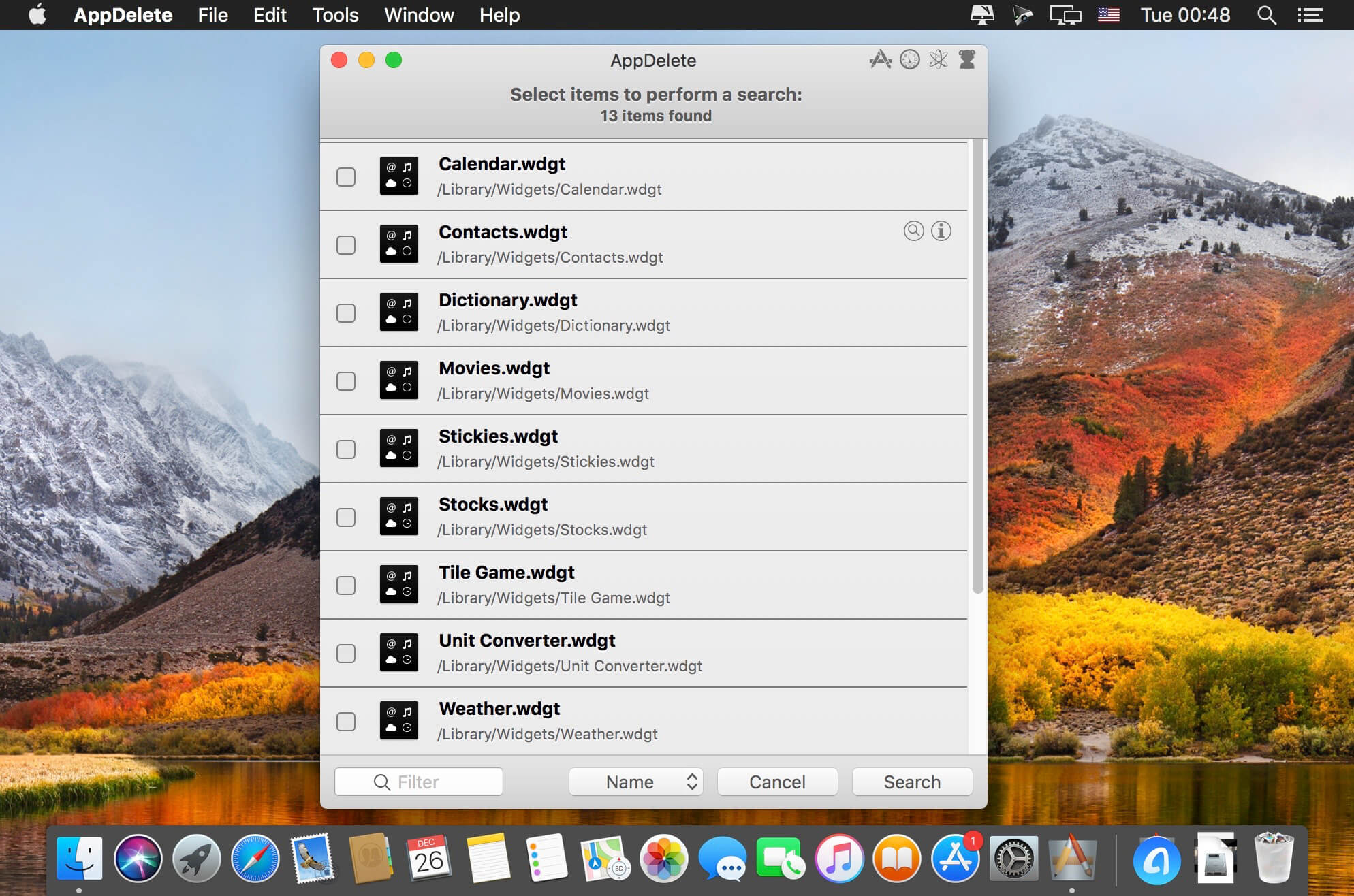
AppDelete is an uninstaller for Macs that will remove not only Applications but also Widgets, Preference Panes, Plugins, and Screensavers along with their associated files. Without AppDelete these associated items will be left behind to take up space and potentially cause issues. For a proper uninstall don’t just delete but be sure to AppDelete!
FEATURES:
- All-New UI and revised workflow for the best AppDelete experience ever
- Optimized for operation on OS 10.9 Mavericks/Yosemite (backwards compatible with Lion/Mountain Lion)
- New and Improved search algorithm to find the most files ever
- File sizes and grouping for all items
- Fully compatible with Retina displays
- All latest technologies/dev tools being utilized such as Automatic Reference Counting and Grand Central Dispatch
- Updated Tools menu with features such as showing Library folder and deleting .DS_Store files
- All-New Genius Search and much improved Orphans search
- Major updates to Hidden mode for background operation with menubar icon
- Additional Preferences such as Ignore List and Protect Running Apps
- Updated Help file to make options more clear to user
- Fifteen languages: English, Chinese, Czech, Danish, Dutch, Finnish, French, German, Italian, Japanese, Korean, Portuguese (Brazilian), Russian, Spanish, and Swedish
- Sparkle updater to always have the latest version (with new localizations)
- Search filters to find items for deletion fast (including old PPC apps)
- Finds associated items that are invisible or hidden
- Trash monitoring so that simply throwing an app in the trash triggers AppDelete
- Archive/Install from Archive feature for safekeeping and transferring items to another Mac
- Password requested only once if needed instead of multiple requests
- Keeps a Log of all activities and has the ability to Undo a deletion
- Moves items into an organized deleted package in your trash
- Force Empty Trash for stubborn to remove items
- And More...
Version 4.3.3:
- New float main window on top preference
- Added Greek localization
- Refinements to uninstall algorithm
- Various localization updates and other improvements
Frequently asked questions
How do I install the app?
Mount the image, drag the app into the "Applications" folder and launch it. If the system blocks the launch, allow it in "System Settings → Privacy & Security".
The app is damaged or won't launch
Reinstalling from a fresh image usually helps. Make sure your macOS version matches the one listed in the compatibility specs.
How do I update?
Download the new version from the site and install it over the current one — your settings will be preserved.
The download link doesn't work
Try a mirror or a download manager. For large files the browser often drops the connection.
How do I completely remove the app?
Use an uninstaller utility — it cleans up the service files that remain after moving the app to the trash.
VersionAppDelete 4.3.3
DeveloperReggie Ashworth
CompatibilityOS X 10.7 or later
LanguageEnglish, French, German
IncludesKG




Information
Visitors in the group Guests cannot leave comments on this publication.
Choose a download source
AppDelete 4.3.3 · 5.8 MB