The Foundry Nuke Studio 15.1v2
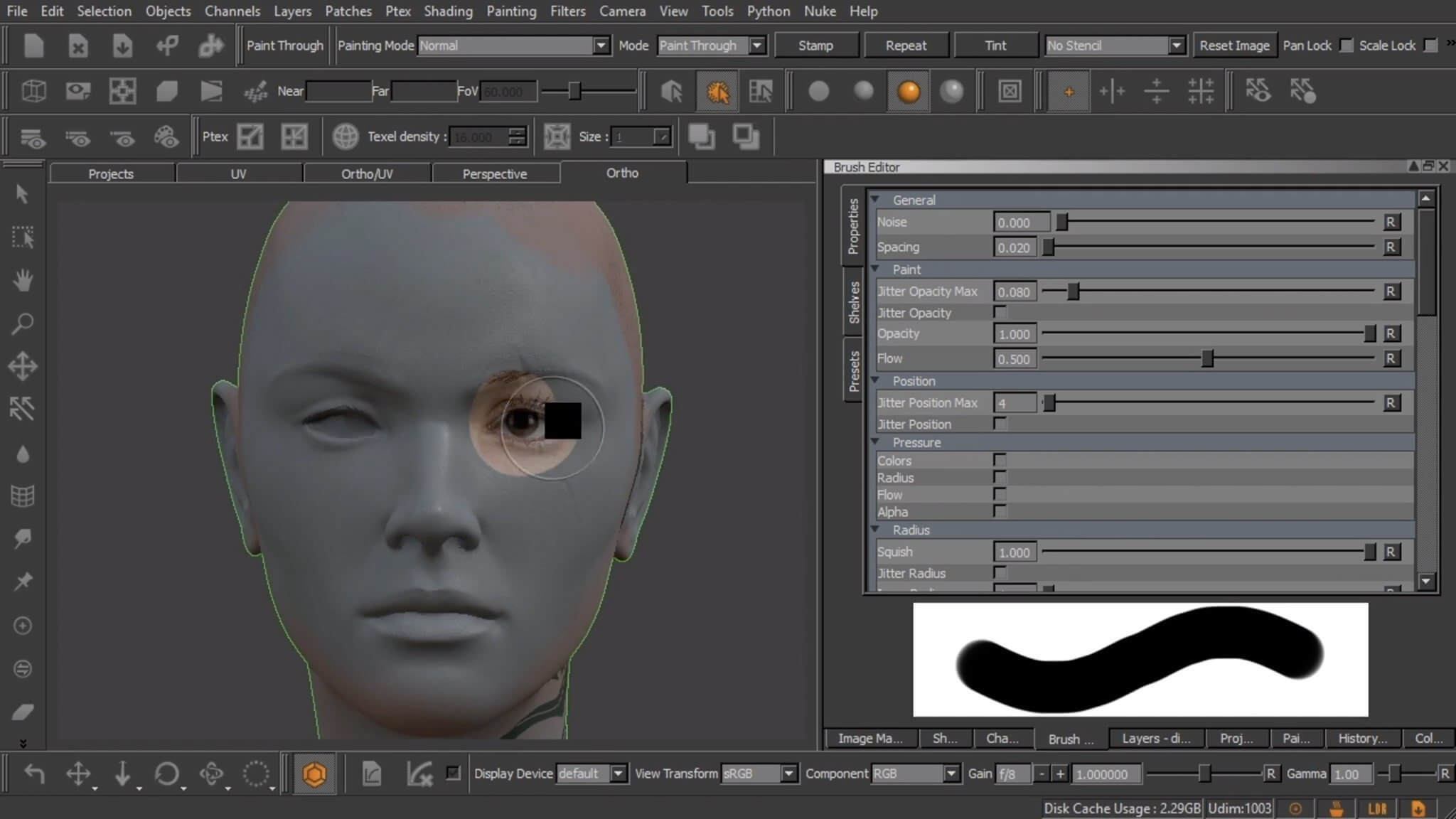
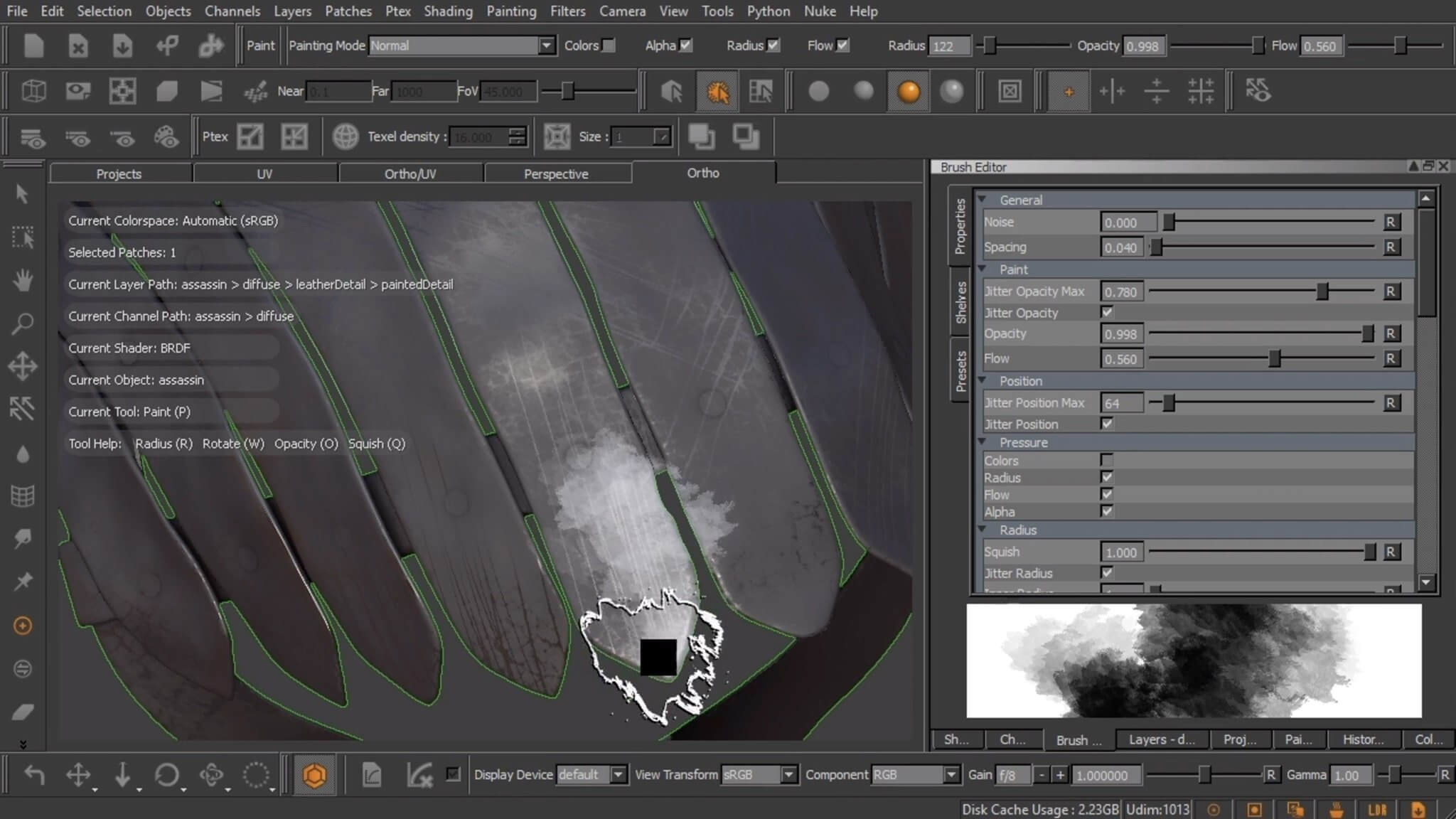
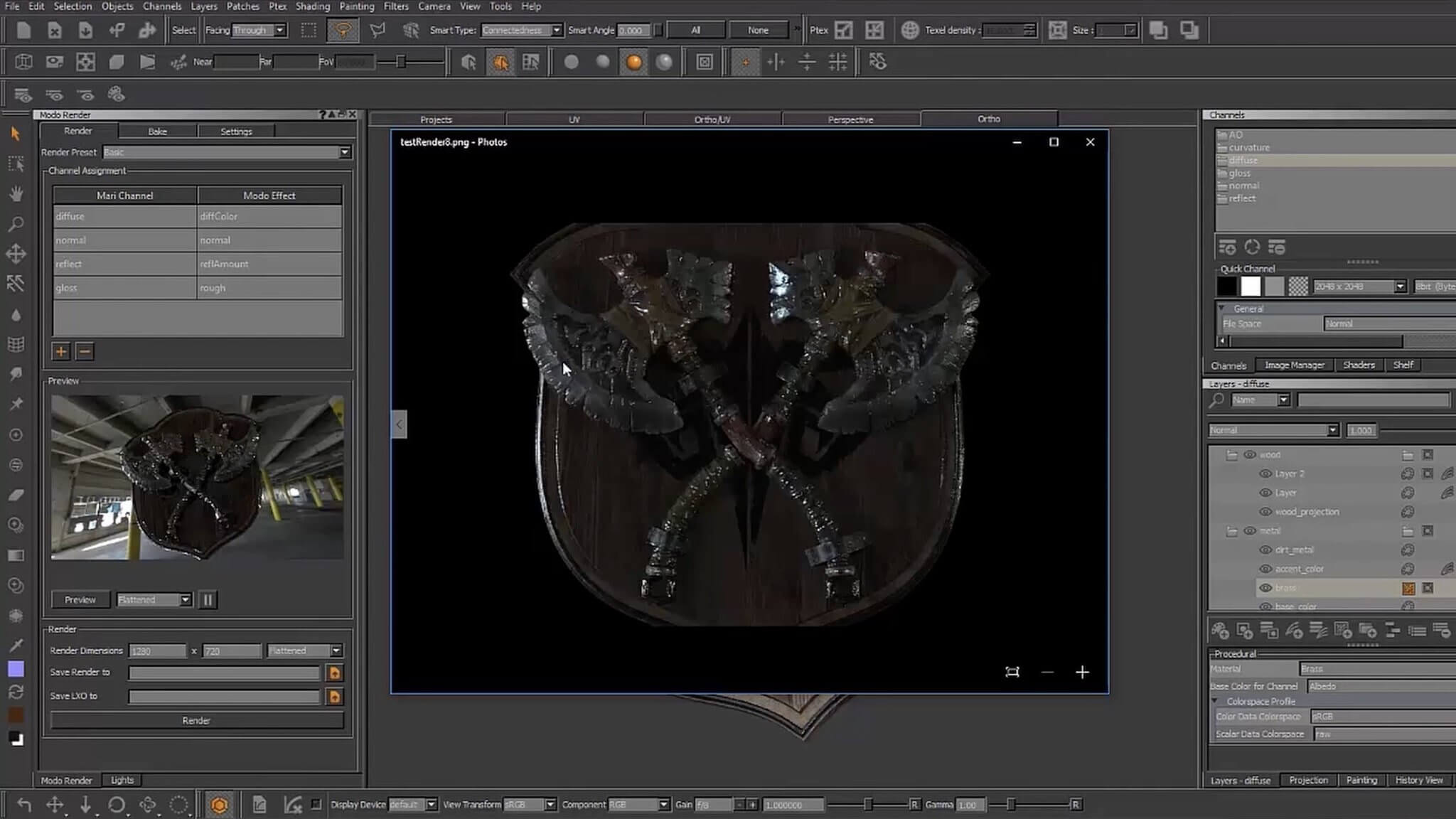
Our industry-leading NUKE range offers cutting-edge toolkits covering node-based compositing, editorial and finishing across solutions that deliver unparalleled speed, functionality and collaboration possibilities. Whether you're a single shot compositor or working across projects end to end, you can find all the tools you need to get the job done fast.
NUKE’s powerful node-based compositing toolset gives you the power and flexibility to create with confidence. NUKE includes all of the 2D compositing tools you’d expect, together with a full 3D system, plus tools for stereoscopic film and deep compositing built right in. NUKE’s unparalleled flexibility, customisation and collaboration help you and your team get the highest quality results fast. This award-winning toolset is the core that the NUKE range is built on.
Highest quality results
Used by many of the best VFX houses in the industry on the biggest blockbuster movies, NUKE makes producing pixel perfect, film-grade results both painless and creatively satisfying.
Complete compositing toolkit
NUKE’s advanced node-based compositing toolset includes over 200 different nodes, plus a true 3D system, deep compositing tools and support for stereoscopic workflows in the base application.
Speed and efficiency
Work quickly and interactively with NUKE’s cutting-edge toolkits, GPU acceleration and fluid workflows. Everything you need to get the job done fast is built in and ready to go.
Scalability
NUKE’s node graph, resolution-independent processing, and collaborative nature ensure that the scope of work you can handle with NUKE—both technically and creatively—is unmatched.
Collaborative workflow
Efficient, collaborative workflows lie at the heart of the NUKE range. Whether you're working in a group of artists or running an effects department, NUKE makes teamwork seamless.
Open and customizable
With major operating system support, low hardware requirements, a Python API and seamless compatibility with other members of the NUKE family, NUKE is a perfect fit for your pipeline.
Version 15.1v2:
- Release notes were unavailable when this listing was updated.
Frequently asked questions
How do I install the app?
Mount the image, drag the app into the "Applications" folder and launch it. If the system blocks the launch, allow it in "System Settings → Privacy & Security".
The app is damaged or won't launch
Reinstalling from a fresh image usually helps. Make sure your macOS version matches the one listed in the compatibility specs.
How do I update?
Download the new version from the site and install it over the current one — your settings will be preserved.
The download link doesn't work
Try a mirror or a download manager. For large files the browser often drops the connection.
How do I completely remove the app?
Use an uninstaller utility — it cleans up the service files that remain after moving the app to the trash.



Choose a download source
The Foundry Nuke Studio 15.1v2 · 1.53 GB
Previous versions
The Foundry Nuke Studio 15.1v2
Previous versions are available to registered users.