

File Viewer for Dummies 3.6
Screenshots
Click to enlarge

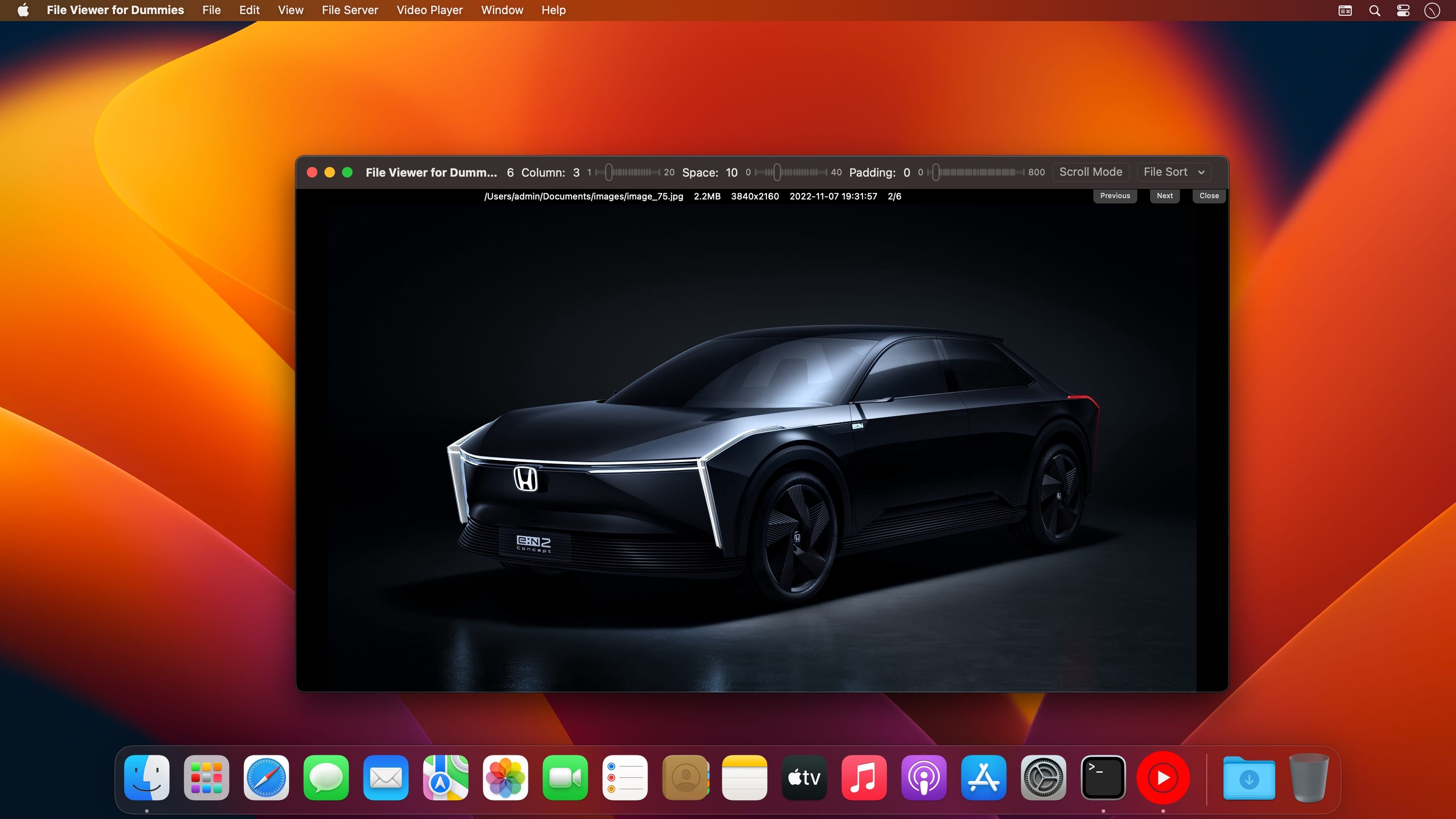
With File Viewer for Dummies can you view almost all types of files with waterfall layout just in a SINGLE app, including images, videos, gifs, pdf, Microsoft word/excel, iWorks pages/numbers and etc. Easily transfer files between phones/pads/PCs and Macs.
Key Features
- User waterfall style to view images, gifs, videos, text, pdf files , it is suitable to view comic and browse huge number of images & videos.
- Play and loop animation images, video automatically, video play support airplay, it is easy to play video on TV.
- Embedded a powerful web server, users can use web browser to upload and manage files easily, it can be a handy remote web server.
Use it as a file viewer in waterfall style
Step 1. Users just drag&drop images,video,text, pdf or folders into this app, the app will load all files automatically.
Step 2. Users can modify view arrangement from toolbar.
How to transfer files between phone/pad/PC/Mac?
Step 1. Enable file server from setting page, the file server's url will list beside, such as (http://192.168.1.12:5156).
Step 2. You can use web browser to access file server by url such as (http://192.168.1.12:5156), you can upload files, create subfolders, download files from it.
Version 3.6
- Adjust view arrangement to fit small screen
- Fix bug when in light mode
Comments
No comments yet. Be the first.