Invisible 3.2.2
The quickest way to keep personal documents away from unwanted eyes.
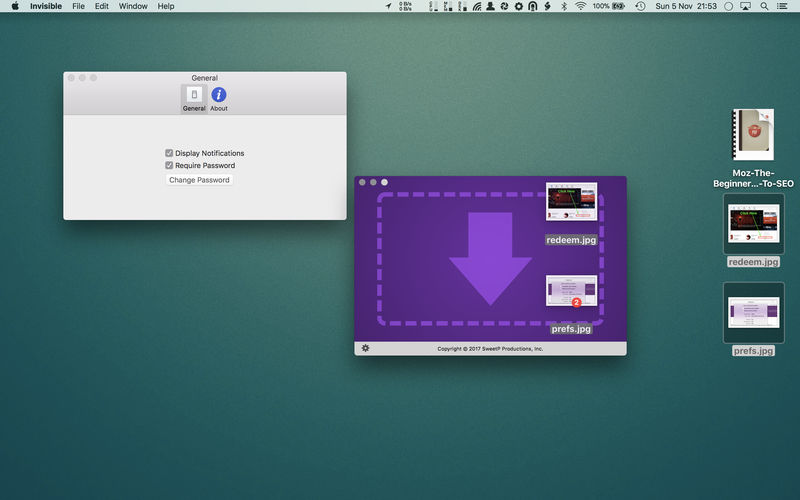
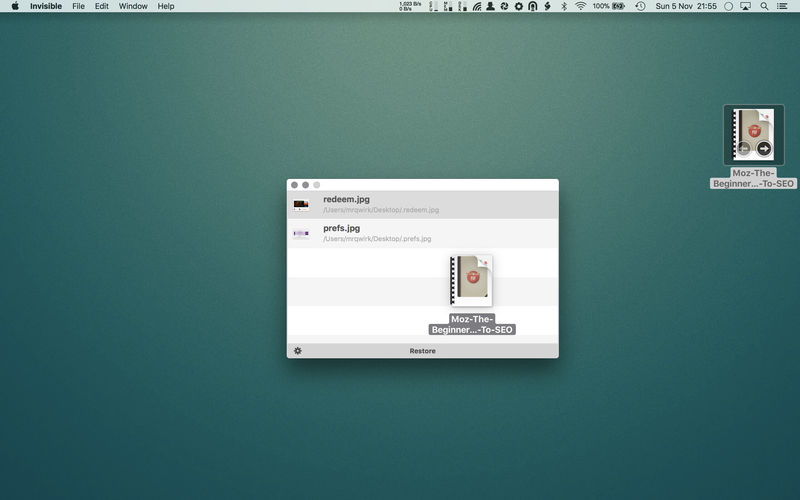
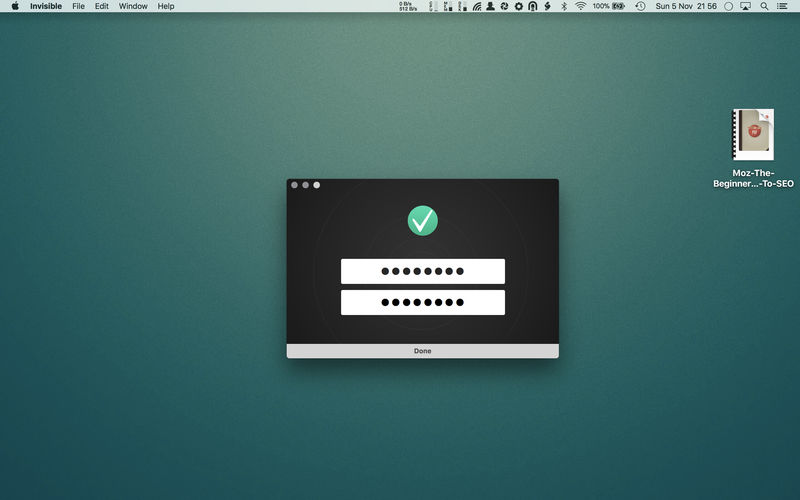
Drop files onto Invisible to instantly hide them from view, and make them visible again just as easily with the click of a button. All your private files are kept safely out of view, and password protected for even more piece of mind.
Invisible can hide single documents, or entire folders of private data, and personal files.
Keeping your files private couldn't be any easier.
You can access and edit your files from within the Invisible application without the need to make them visible. A quick double-click of your file from within Invisible's interface will open it, a tap on the spacebar gives you a quicklook preview.
Invisible doesn't alter your files in anyway so theres no chance of corruption or data loss.
Invisible is handy for:
- quickly clearing your desktop (useful for taking screenshots)
- hiding personal documents
- hiding documents in place without altering them
Version 3.2:
- updated for macOS Tahoe
Frequently asked questions
How do I install the app?
Mount the image, drag the app into the "Applications" folder and launch it. If the system blocks the launch, allow it in "System Settings → Privacy & Security".
The app is damaged or won't launch
Reinstalling from a fresh image usually helps. Make sure your macOS version matches the one listed in the compatibility specs.
How do I update?
Download the new version from the site and install it over the current one — your settings will be preserved.
The download link doesn't work
Try a mirror or a download manager. For large files the browser often drops the connection.
How do I completely remove the app?
Use an uninstaller utility — it cleans up the service files that remain after moving the app to the trash.


Choose a download source
Invisible 3.2.2 · 5.46 MB
Previous versions
Invisible 3.2.2
Previous versions are available to registered users.