
Autopano Giga 4.4.1
Autopano Giga allows you to stitch 2, 20, or 2,000 images.
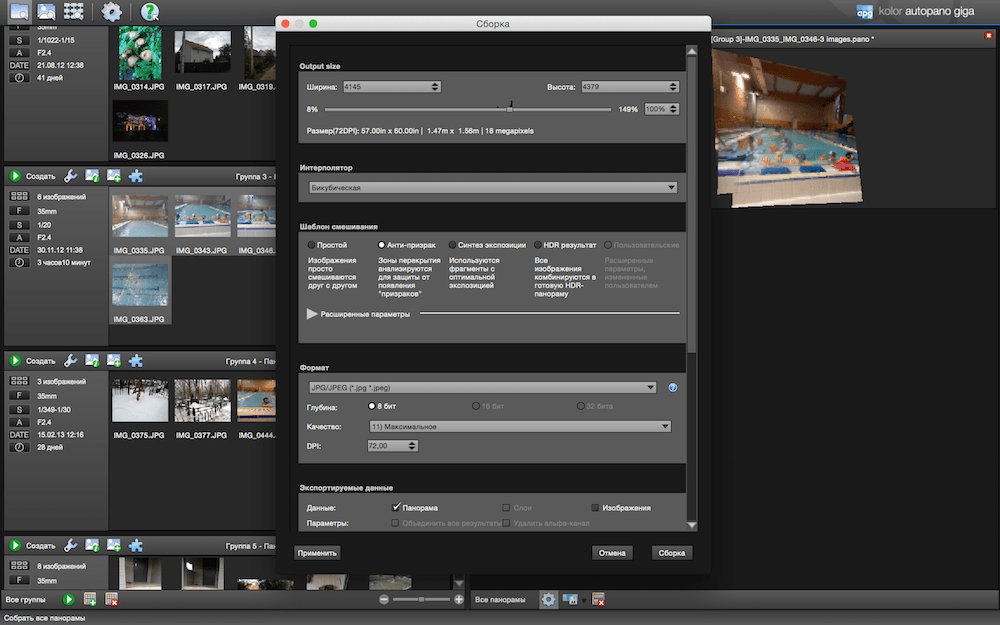
Version 4.0 integrates impressive new features that will definitely make you adopt Autopano Pro or Autopano Giga:
- Choose between 9 projection modes the one that best suits your image, including Little-Planet, Panini, Hammer, Mirror Ball, Orthographic and more.
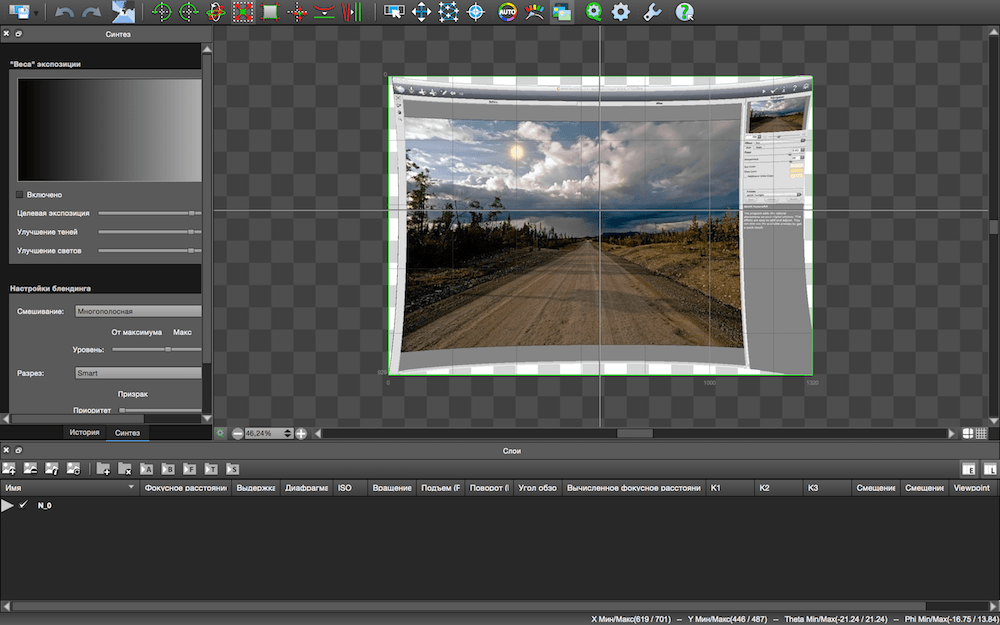
- Edit your panoramas with an exceptional efficiency: the panorama editor is now real-time and pixel accurate. The ergonomics have been totally revamped, so that all tools take advantage of the real-time editor.
- Use the Preview mode to get an instant visualization of your final panorama, before even rendering it. You can keep this mode on when you use all the tools of the panorama editor.
- Manually remove the ghosts in the overlapping areas in an instant thanks to the Mask tool. Also very useful to remove the tripod, or get rid of anything in your panorama (Autopano Giga only).
SCREENSHOTS

Frequently asked questions
How do I install the app?
Mount the image, drag the app into the "Applications" folder and launch it. If the system blocks the launch, allow it in "System Settings → Privacy & Security".
The app is damaged or won't launch
Reinstalling from a fresh image usually helps. Make sure your macOS version matches the one listed in the compatibility specs.
How do I update?
Download the new version from the site and install it over the current one — your settings will be preserved.
The download link doesn't work
Try a mirror or a download manager. For large files the browser often drops the connection.
How do I completely remove the app?
Use an uninstaller utility — it cleans up the service files that remain after moving the app to the trash.
VersionAutopano Giga 4.4.1
DeveloperKolor SARL
CompatibilityOS X 10.9.5 or later
LanguageEnglish
Includesserial



Information
Visitors in the group Guests cannot leave comments on this publication.
Choose a download source
Autopano Giga 4.4.1 · 124.1 MB