
Print Window 5.3.1
Screenshots
Click to enlarge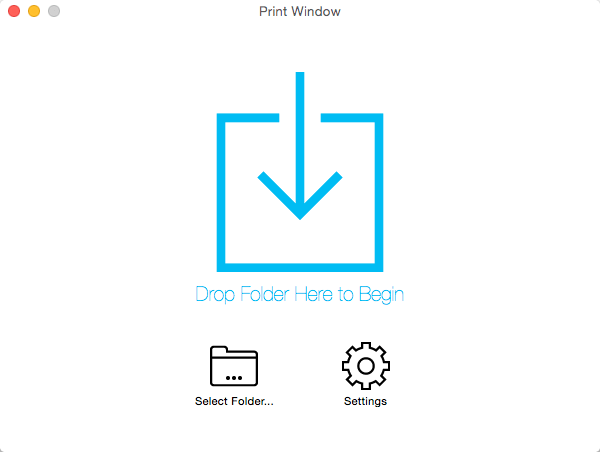
Print Window offers the ability to print a file listing directly from within the Mac OS X Finder. No more taking screenshots of windows or settling for text-only printouts of filenames only. Print Window provides the works: icons, file information, sorting and so much more!
The Standard edition is free but does not have all the features of the Advanced edition. Print Window Advanced Edition is available for purchase and includes all the features described on this page. Both editions come in the same executable file. Advanced features are enabled when a valid serial number is entered.
Version 5.3.1:
- Fixed an issue that could cause columns to begin above the header when using the Names Only style and including headers
- Fixed a crash that could occur when clicking "Cancel" when saving a file listing as a file
- Other minor bug fixes and improvements
Comments
No comments yet. Be the first.
Information
Visitors in the group Guests cannot leave comments on this publication.