
Teorex PhotoStitcher 3.0.3
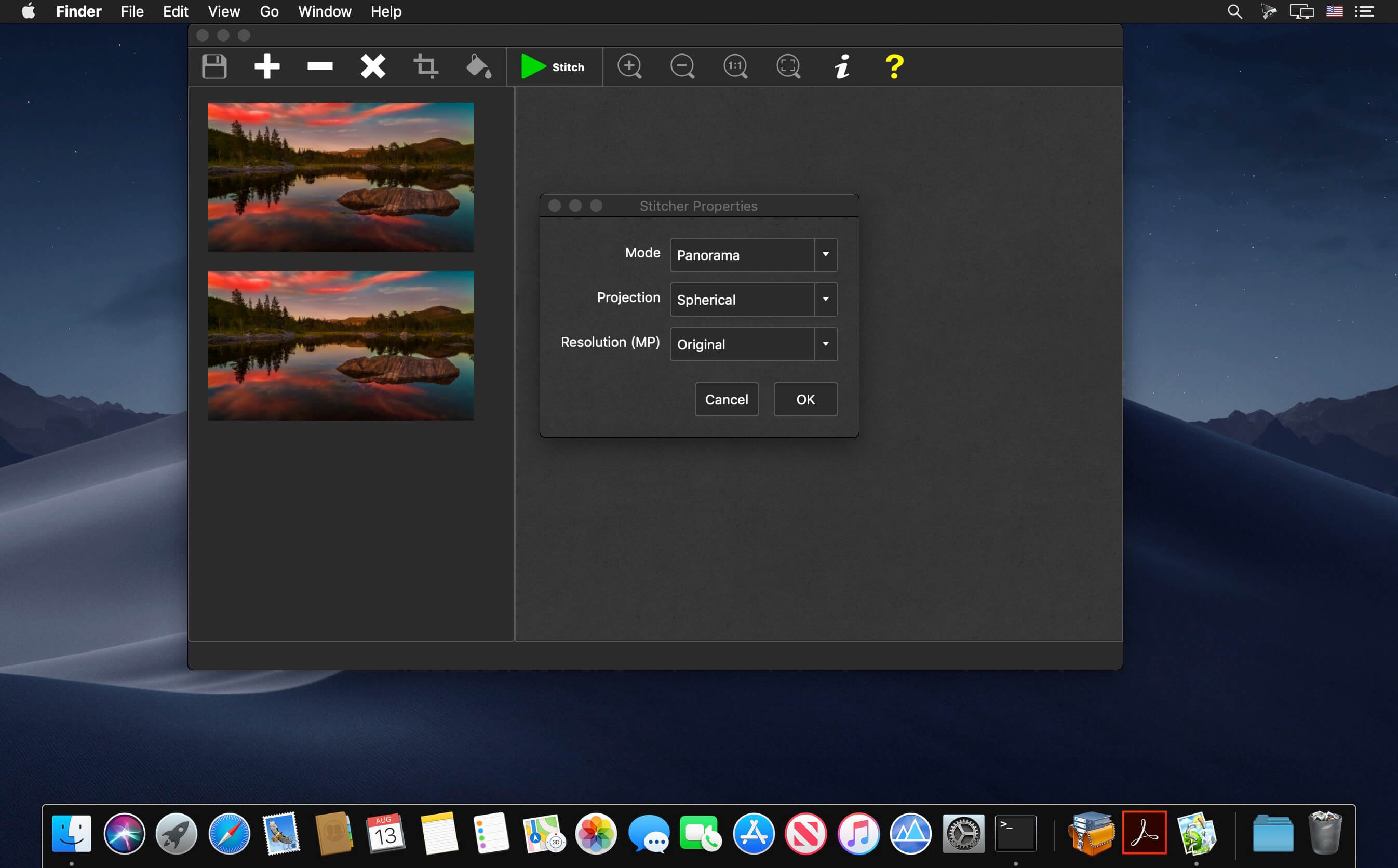

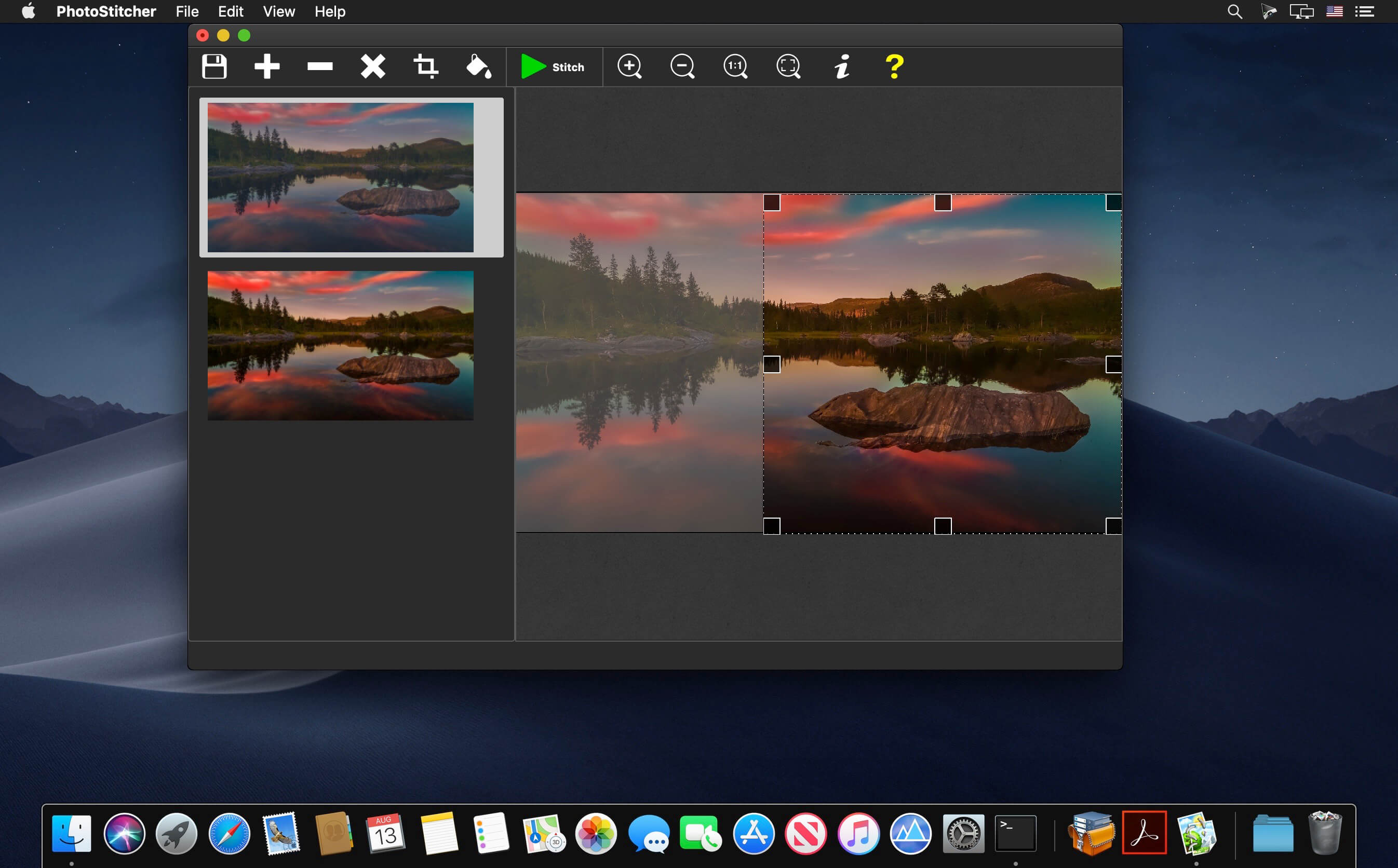
PhotoStitcher creates perfect panoramic photographs without the frustration of manual image alignment and adjustment. Simply snap a series of overlapping images and click the 'Stitch' button to create dazzlingly expansive, large-scale scenes.
Automatically stitch your photos to panorama
Does creating a perfect panorama require professional skills and a high-end camera? Not, necessarily. With PhotoStitcher you can stitch multiple photos into a picturesque panoramic image. The program smoothly combines photos of different resolutions, different shooting angles and even different perspectives into one perfectly aligned panorama depicting breath-taking landscapes, monumental churches or skyscraping mountains that are so hard to fit into one frame.
Scan Oversized Images in Pieces and Stitch them Together Using PhotoStitcher
Automatically stitch scans
Need to scan something that's larger than your scanner's window? You don't need to spend thousands of dollars on a large format scanner.
Top Reasons to use PhotoStitcher
- Works with any arrangement of overlapping photos taken from a single location
- Accelerated stitching on multiple CPU cores.
- Automatic cropping to maximum image area.
- Automatic exposure blending.
- Automatically stitch scanned images into a large picture.
- Choice of planar, cylindrical, stereographic, orthographic, Mercator, or spherical projection.
- Simple and intuitive interface. Just select images and click "Stitch"
- Merge multiple microscope images into a single picture
- Automatically Stitch Satellite Google Earth Images
- Easy to get use & started
- Native support for 64-bit operating systems.
- Automatic image completion
- State of the art stitching engine.
- Completely non-technical
Version 2.0
- Added new "Scan" mode
- Added new auto crop to maximum area feature
- Added new auto complete feature
- Added new projections(Mercator, Transverse Mercator, Panini, Panini Portrait)
- Added new resolution option, to process in lower resolution
- Improved memory usage
- Improved usability and stability
Frequently asked questions
How do I install the app?
Mount the image, drag the app into the "Applications" folder and launch it. If the system blocks the launch, allow it in "System Settings → Privacy & Security".
The app is damaged or won't launch
Reinstalling from a fresh image usually helps. Make sure your macOS version matches the one listed in the compatibility specs.
How do I update?
Download the new version from the site and install it over the current one — your settings will be preserved.
The download link doesn't work
Try a mirror or a download manager. For large files the browser often drops the connection.
How do I completely remove the app?
Use an uninstaller utility — it cleans up the service files that remain after moving the app to the trash.



Choose a download source
Teorex PhotoStitcher 3.0.3 · 15.6 MB
Previous versions
Teorex PhotoStitcher 3.0.3
Previous versions are available to registered users.