Panorama 2.0
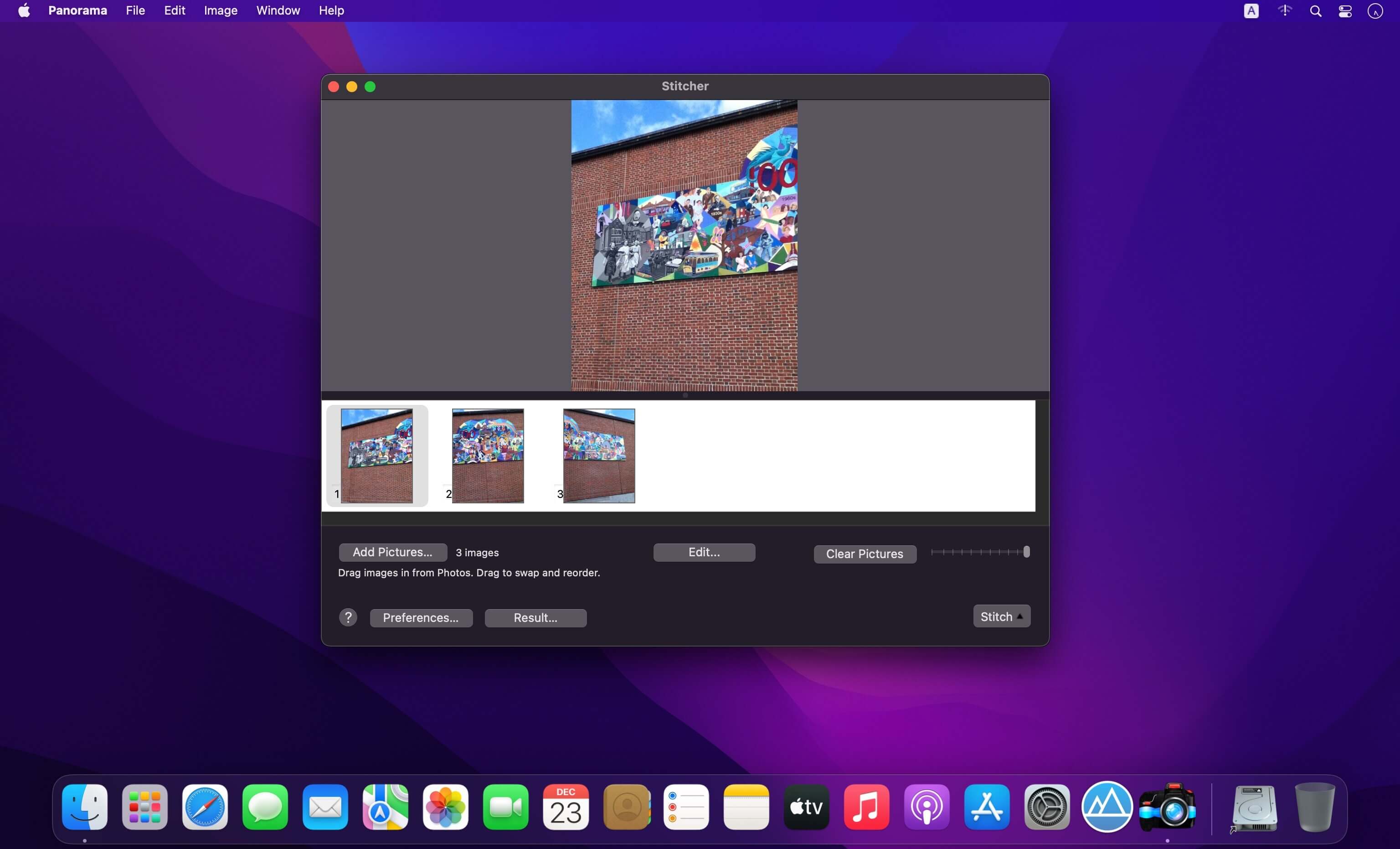
Panorama is a professional high quality image stitcher for iOS and Mac.Panorama has perfected an image matching technique called homography, whose primary advantage over other apps of this type is that it does not warp horizontal edges in the panorama, making it ideal for photographing architectural scenes.
Create beautiful high-resolution panoramas on your Mac or iOS device. Extends the capability of your digital camera or scanner by stitching multiple overlapping pictures into stunning panoramas.
Features
- Doubles and triples your camera's field of view.
- Perfectly seamless 2 and 3 picture panoramas.
- Creates 360° high resolution segmented panoramas.
- Photo sets larger than 3 are blends of smaller stitched panoramas.
- Save in any format supported by your system, such as JPG, PDF, PNG or TIFF.
- AppleScript support for blending and stitching
- Attractive simple interface.
- Each individual stitch can merge up to 16 pictures at a time.
- Stitches vertically or horizontally.
- Apply subsequent stitching to panoramas to create rectangular mosaics.
- Alternatively blend pictures with stitching turned off to create photomontages.
- Automatically sort pictures in the order they should stitch.
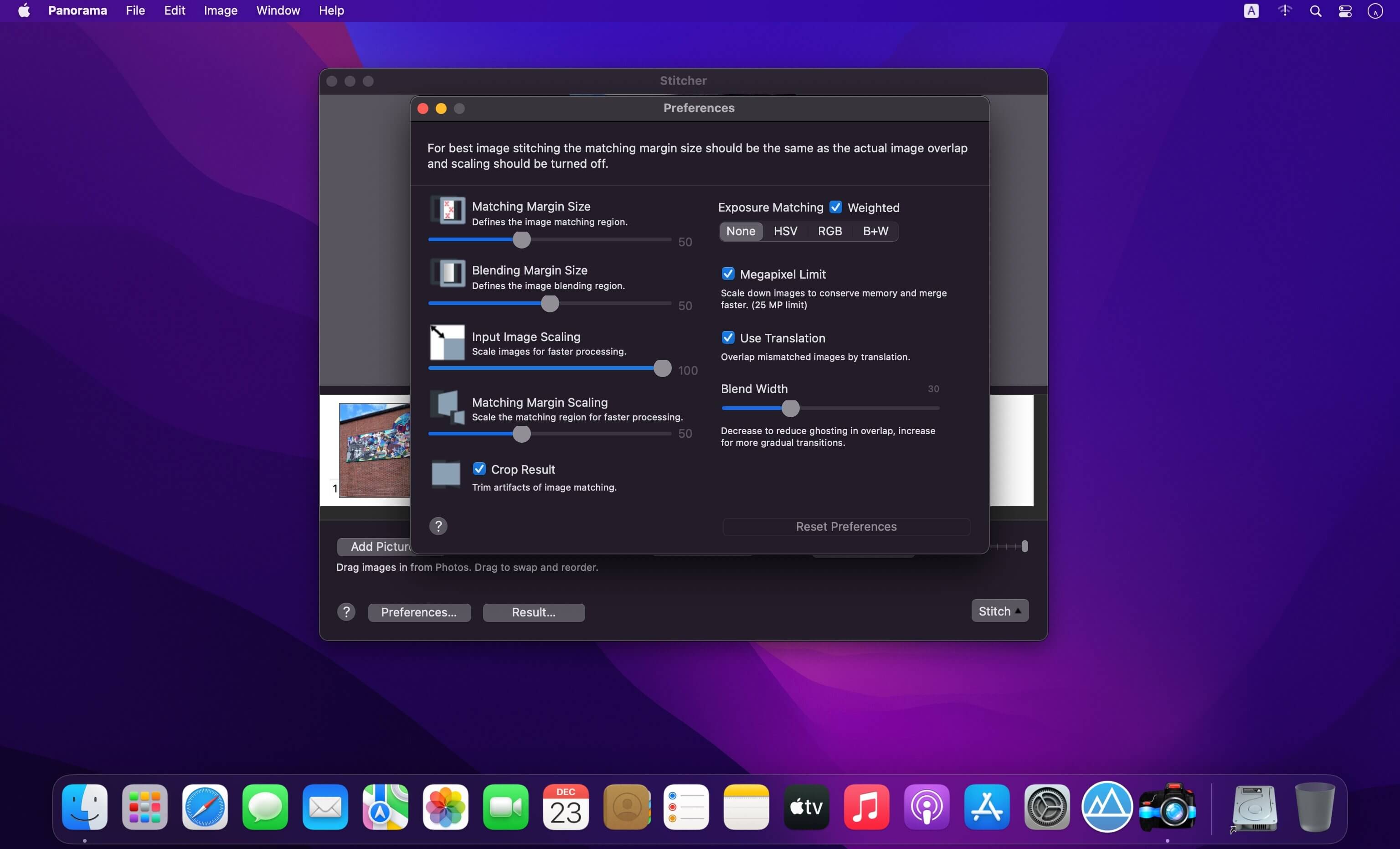
- Option for scaling down very large pictures to increase speed.
- Stitching margins are adjustable to match the overlap in your pictures.
- Variable blending gradient.
- Supports image formats jpg, tiff, png and bmp.
- It's fun!
Version 2.0:
- Maintenance update.
Frequently asked questions
How do I install the app?
Mount the image, drag the app into the "Applications" folder and launch it. If the system blocks the launch, allow it in "System Settings → Privacy & Security".
The app is damaged or won't launch
Reinstalling from a fresh image usually helps. Make sure your macOS version matches the one listed in the compatibility specs.
How do I update?
Download the new version from the site and install it over the current one — your settings will be preserved.
The download link doesn't work
Try a mirror or a download manager. For large files the browser often drops the connection.
How do I completely remove the app?
Use an uninstaller utility — it cleans up the service files that remain after moving the app to the trash.





Choose a download source
Panorama 2.0 · 7.83 MB