
Invisor - Media File Inspector 3.28
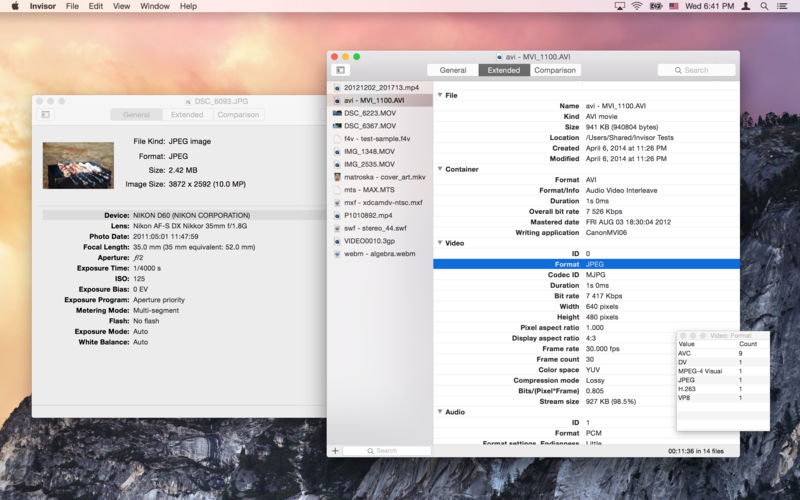
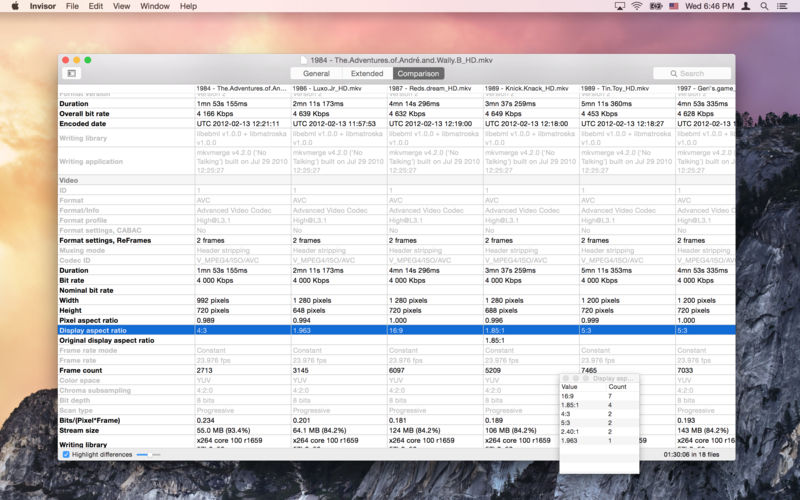
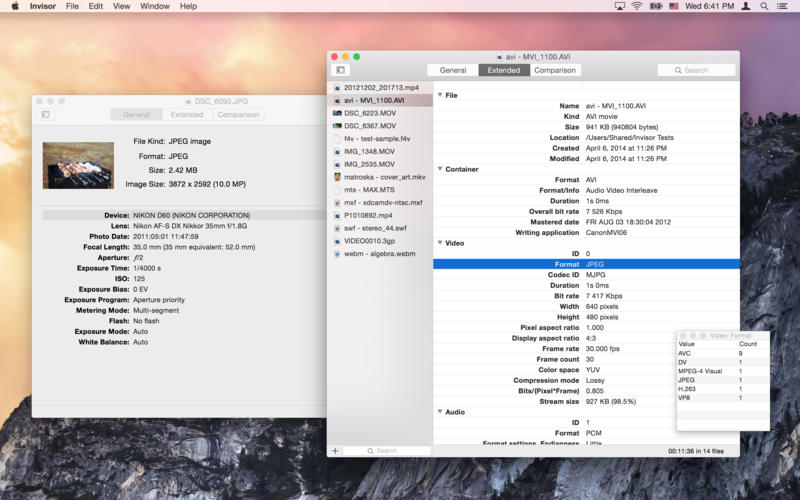
Invisor displays technical information about your video, audio and photo files with ability to compare collected data.
Supports most of video and audio file formats including MPEG-1/2/4, Matroska, WMV, XVID, AVI, MXF, MOV, MJPEG, MP3, AAC, Vorbis, AC-3, DTS, WMA, ALAC, FLAC, PCM and others. Displays detailed info about file's container and media streams including subtitles and chapters.
The list of supported photo files includes JPEG, TIFF, PNG and most of raw formats produced by the cameras. Displays EXIF, IPTC, GPS, XMP and MakerNote tags.
Export feature allows you to save gathered information in different formats: Text, HTML, XML, JSON and CSV. Comparison table can be exported to CSV document.
Also there is a command to remove geolocation metadata from photos and MPEG-4 (QuickTime) movies to protect your privacy while sharing the media files.
Version 3.28
- MediaInfo library updated to v24.12
Frequently asked questions
How do I install the app?
Mount the image, drag the app into the "Applications" folder and launch it. If the system blocks the launch, allow it in "System Settings → Privacy & Security".
The app is damaged or won't launch
Reinstalling from a fresh image usually helps. Make sure your macOS version matches the one listed in the compatibility specs.
How do I update?
Download the new version from the site and install it over the current one — your settings will be preserved.
The download link doesn't work
Try a mirror or a download manager. For large files the browser often drops the connection.
How do I completely remove the app?
Use an uninstaller utility — it cleans up the service files that remain after moving the app to the trash.





Choose a download source
Invisor - Media File Inspector 3.28 · 19.68 MB
Previous versions
Invisor - Media File Inspector 3.28
Previous versions are available to registered users.