
Energiza Pro 1.3.3
Screenshots
Click to enlarge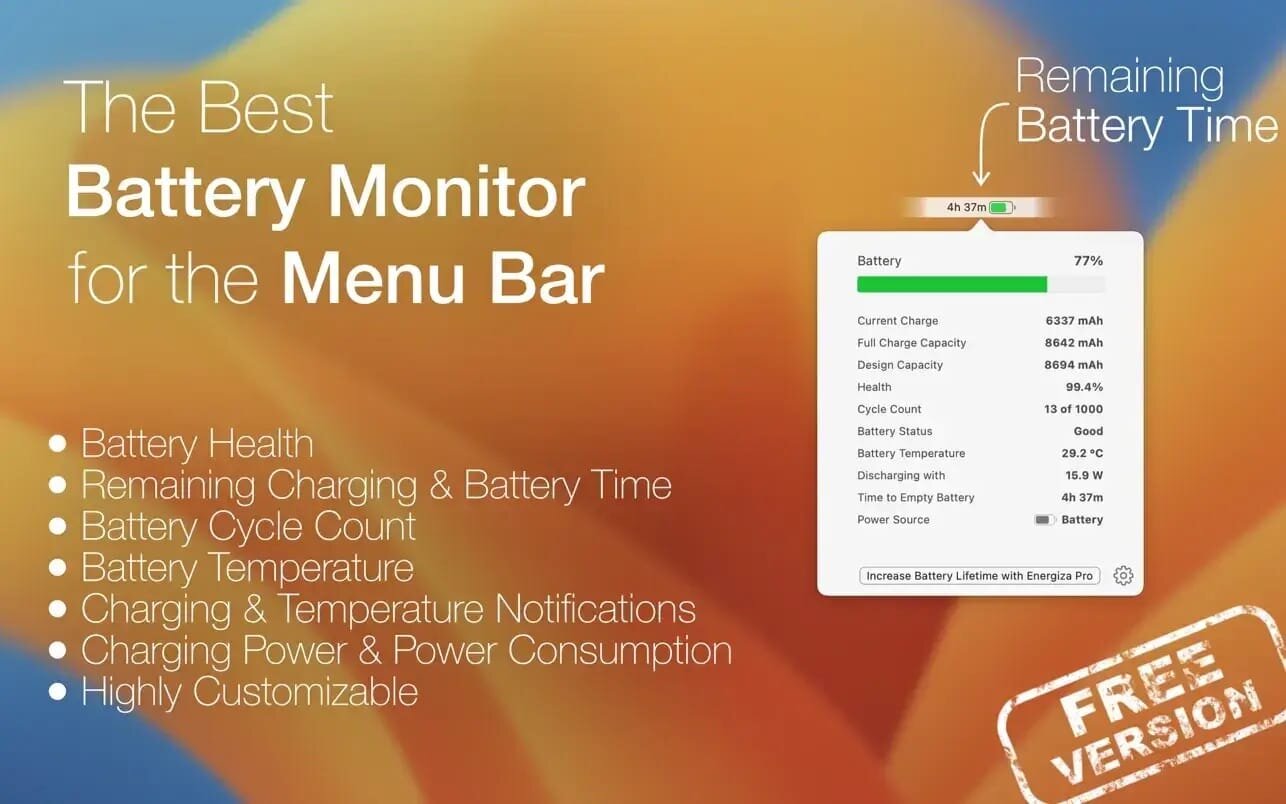
With Energiza, you can increase battery lifetime by taking control of charging. MacBook's batteries wear out when fully charged for a long time. This happens naturally when using your MacBook as a desktop replacement and being plugged in continuously. With Energiza Pro, you can limit charging to the comfort zone and prevent battery wear. Apple does the same with its "Optimised Battery Charging" feature.
But, this feature most of the time does not work reliably in case you don't have a reoccurring usage pattern. With Energiza Pro, you are in control. Your battery will surely thank you!
In addition, Energiza will provide you with lots of other helpful features
- Individual Charging Limits
- Battery Temperature Protection
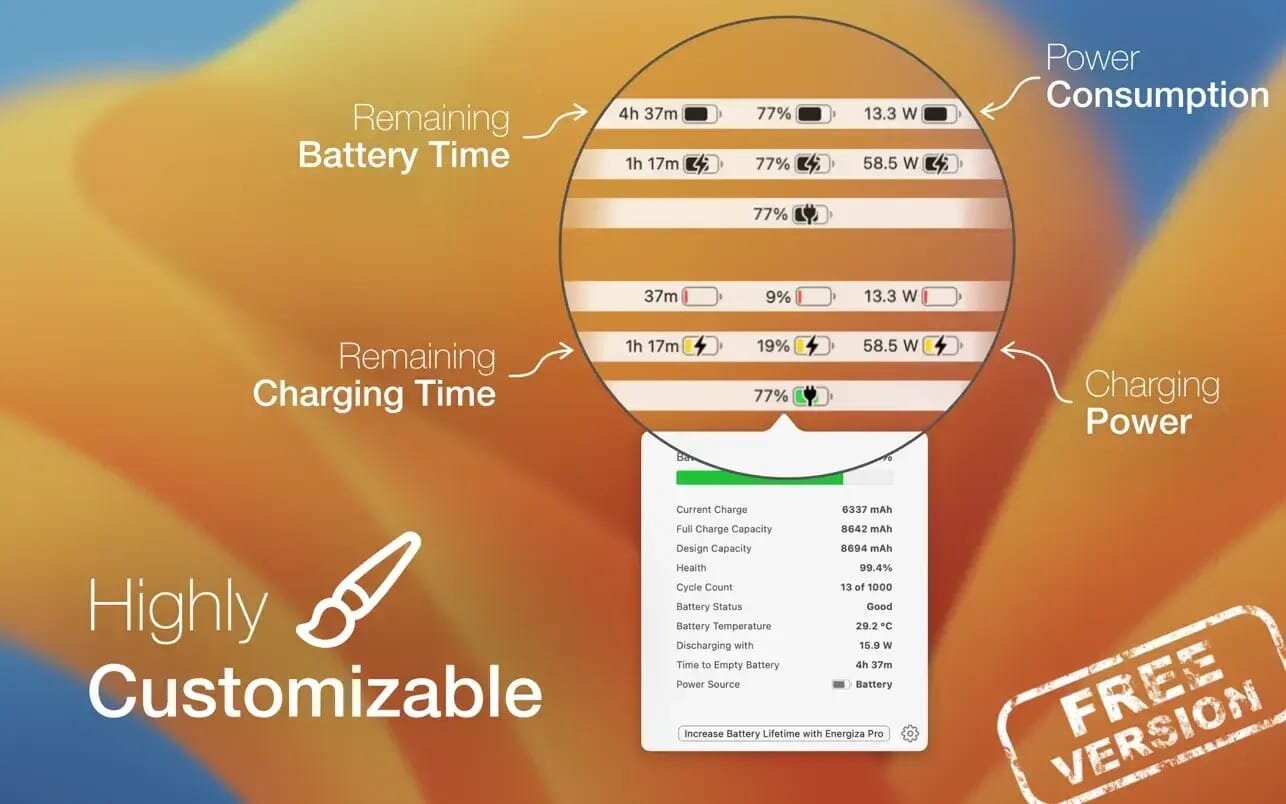
- Remaining Charging & Battery Time
- Battery Health and Usage Information
- Power Usage Information
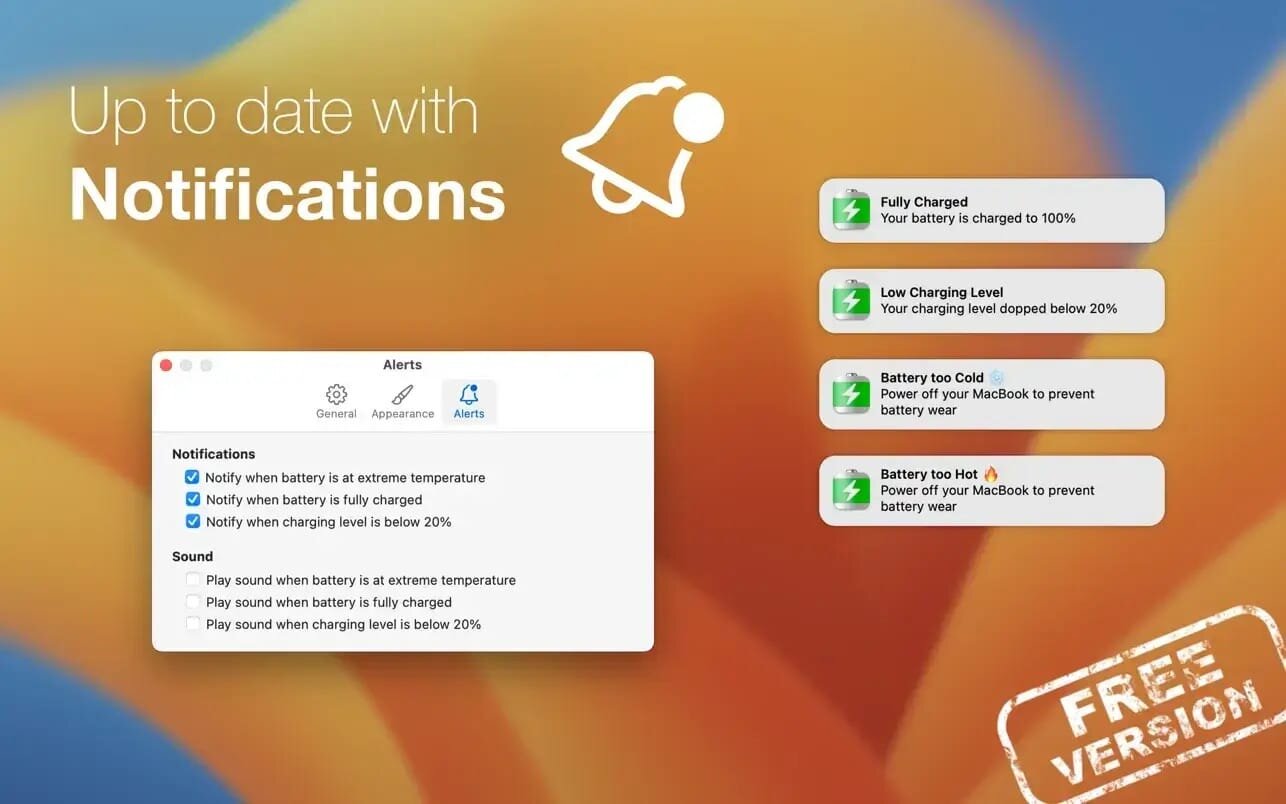
- Charging & Temperature Notifications
- Highly Customizable
Version 1.3.3:
- Updates: official site does not provide any info about changes in this version
Comments
No comments yet. Be the first.
Information
Visitors in the group Guests cannot leave comments on this publication.