
TotalFinder 1.15.1

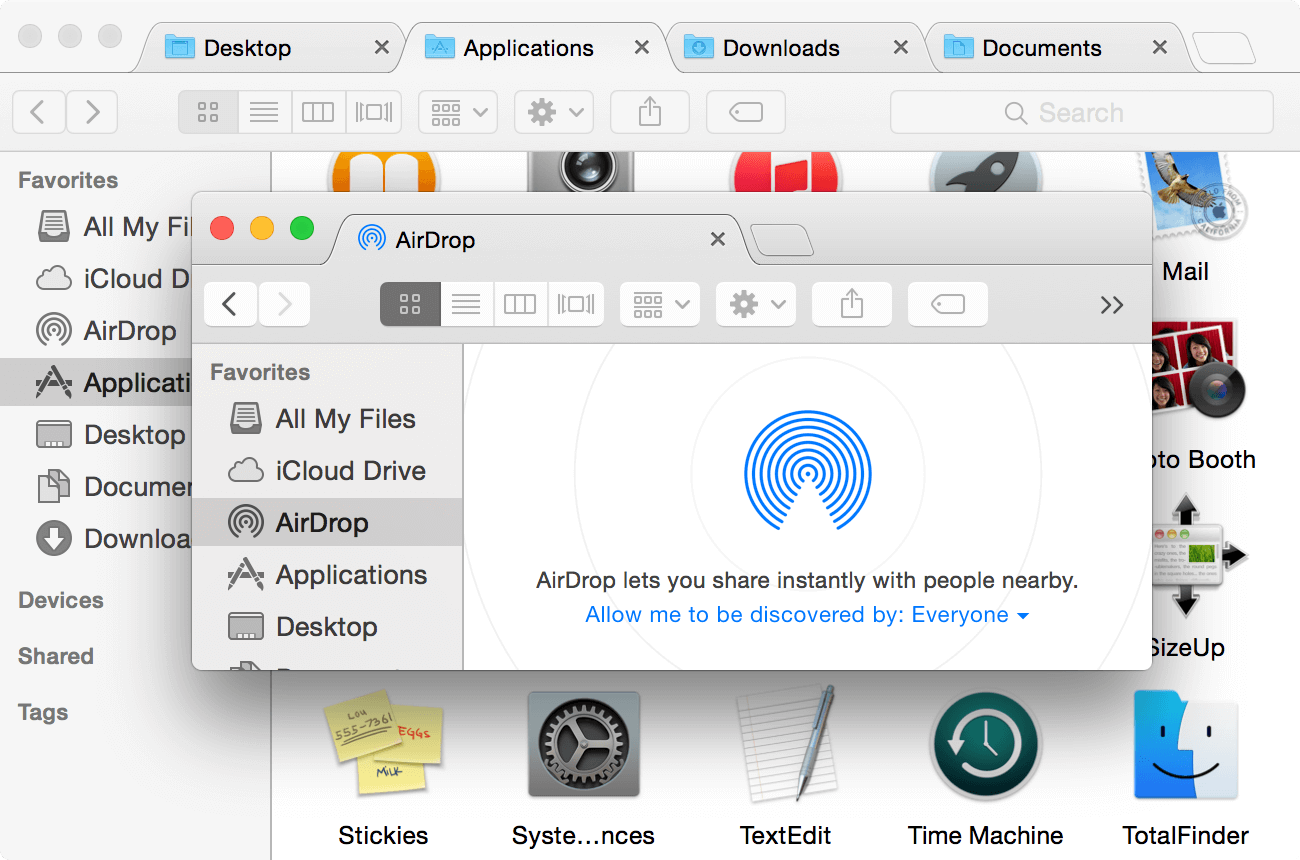
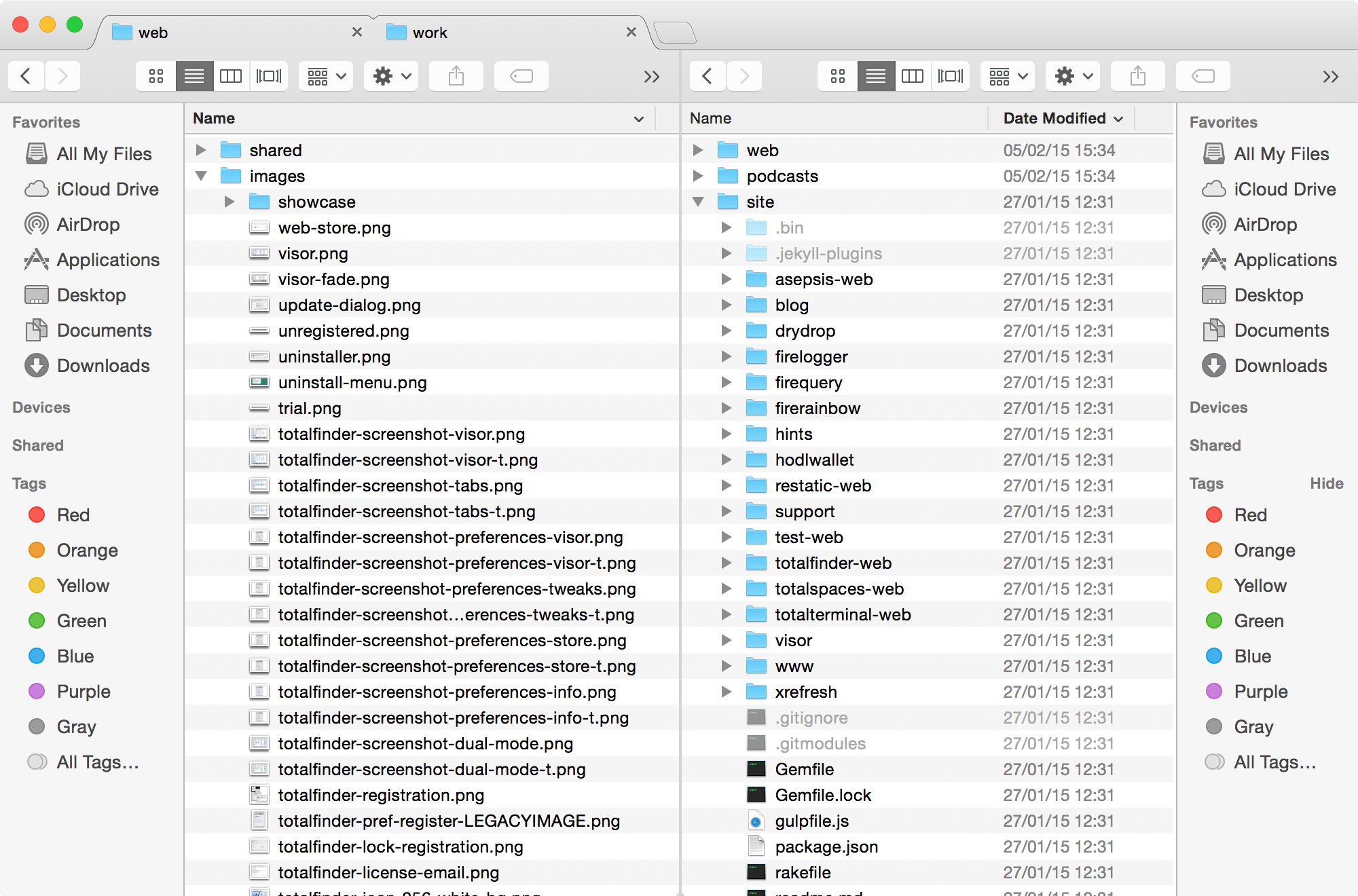
TotalFinder adds tabs, hotkeys, and other tweaks to the macOS Finder.
TotalFinder application delivers exceptional performance, user-friendly interface, compact and does not require a system reboot after installation. The list of improvements also includes additional tools for getting clients from the file collection. The program allows the user to quickly get rid of the file format .ds_store, accumulated on the hard disk. Updated TotalFinder also allows you to hide or show invisible files, and a new Explorer window can now be opened at any time using the appropriate "hot" keys, and more.
Tab-based interface
Say goodbye to scattered, disorganized Finder windows. TotalFinder merges everything into a workflow-friendly, tab-based layout.
System-wide access
With TotalFinder, convenience is key: With the stroke of a hot-key, it’s available instantly, system-wide.
Helpful tweaks
TotalFinder’s Folders on Top feature takes file organization to a new level. Just click the option in the Preferences menu and your much-needed folders will automatically be prioritized in every window.
Reduce clutter
macOS Finder has a bad habit of cluttering your system with hidden attribute files. TotalFinder emphasizes cleanliness, eliminating superfluous files and freeing up valuable storage space.
Version 1.15:
Frequently asked questions
How do I install the app?
Mount the image, drag the app into the "Applications" folder and launch it. If the system blocks the launch, allow it in "System Settings → Privacy & Security".
The app is damaged or won't launch
Reinstalling from a fresh image usually helps. Make sure your macOS version matches the one listed in the compatibility specs.
How do I update?
Download the new version from the site and install it over the current one — your settings will be preserved.
The download link doesn't work
Try a mirror or a download manager. For large files the browser often drops the connection.
How do I completely remove the app?
Use an uninstaller utility — it cleans up the service files that remain after moving the app to the trash.



Choose a download source
TotalFinder 1.15.1 · 6.64 MB
Previous versions
TotalFinder 1.15.1
Previous versions are available to registered users.