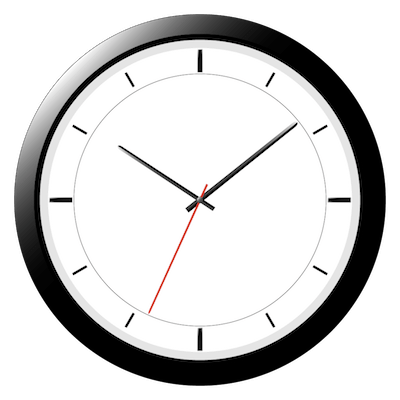
deepClock 1.11.2
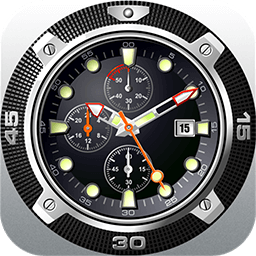
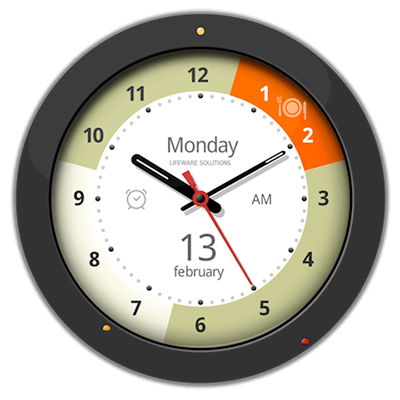
deepClock is a magnificent analogue clock which will decorate any desktop. It isn't just an ordinary clock. It's a magnificent decoration for any desktop. deepClock doesn't burden the desktop with unnecessary information. The program just displays a beautiful and unique clock which you can place anywhere.
You can adjust the app as much as possible for your convenience:
- run application at launch
- keep clock in one of three positions: standard, on top of all applications (even a fullscreen mode), and also to freeze at desktop level.
- show clock in all spaces
Features
- 15 style variants of clock
- 6 style variants of calendar
- Low CPU usage
- Movable clock
- Run at login
- Hidden arrows in the clock
- There is a new function, "Events" - add small reminders so you do not miss anything important!
- Scalable clock and calendar
WHAT’S NEW
Version 1.11.2
- Issue with Clock Sound Effect Volume slider has been fixed
Screenshots
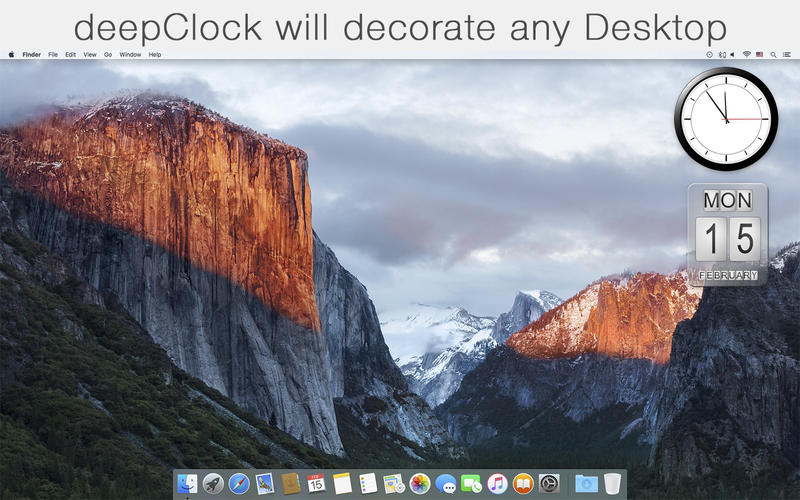
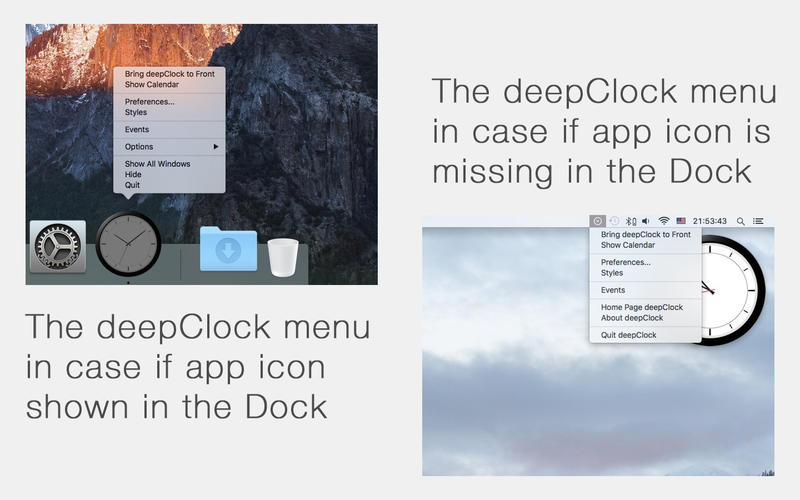
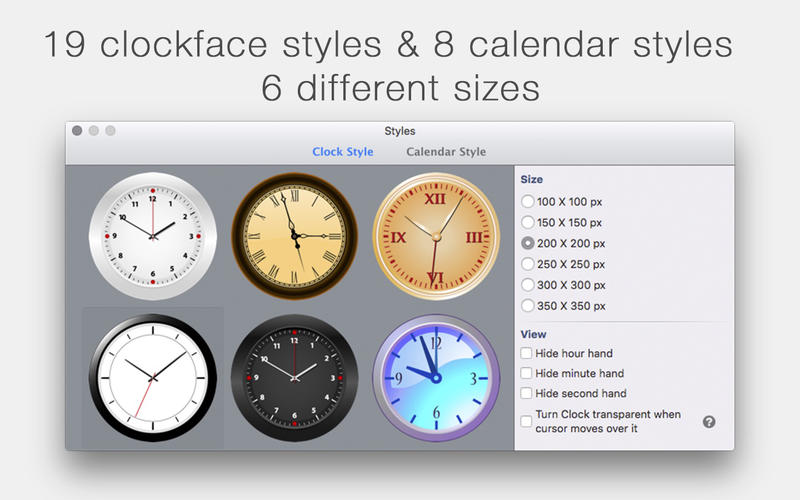
Frequently asked questions
How do I install the app?
Mount the image, drag the app into the "Applications" folder and launch it. If the system blocks the launch, allow it in "System Settings → Privacy & Security".
The app is damaged or won't launch
Reinstalling from a fresh image usually helps. Make sure your macOS version matches the one listed in the compatibility specs.
How do I update?
Download the new version from the site and install it over the current one — your settings will be preserved.
The download link doesn't work
Try a mirror or a download manager. For large files the browser often drops the connection.
How do I completely remove the app?
Use an uninstaller utility — it cleans up the service files that remain after moving the app to the trash.
VersiondeepClock 1.11.2
DeveloperAlexey Nikitin © Aperio Lux Team
CompatibilityOS X 10.9 or later, 64-bit processor
LanguageEnglish, French, German, Italian, Japanese, Russian, Ukrainian
IncludesPre-K'ed
Information
Visitors in the group Guests cannot leave comments on this publication.
Choose a download source
deepClock 1.11.2 · 28.29 MB