
Cisdem PDF Converter OCR 10.0.0
Convert PDF to Word, Excel, and more on Mac
Screenshots
Click to enlarge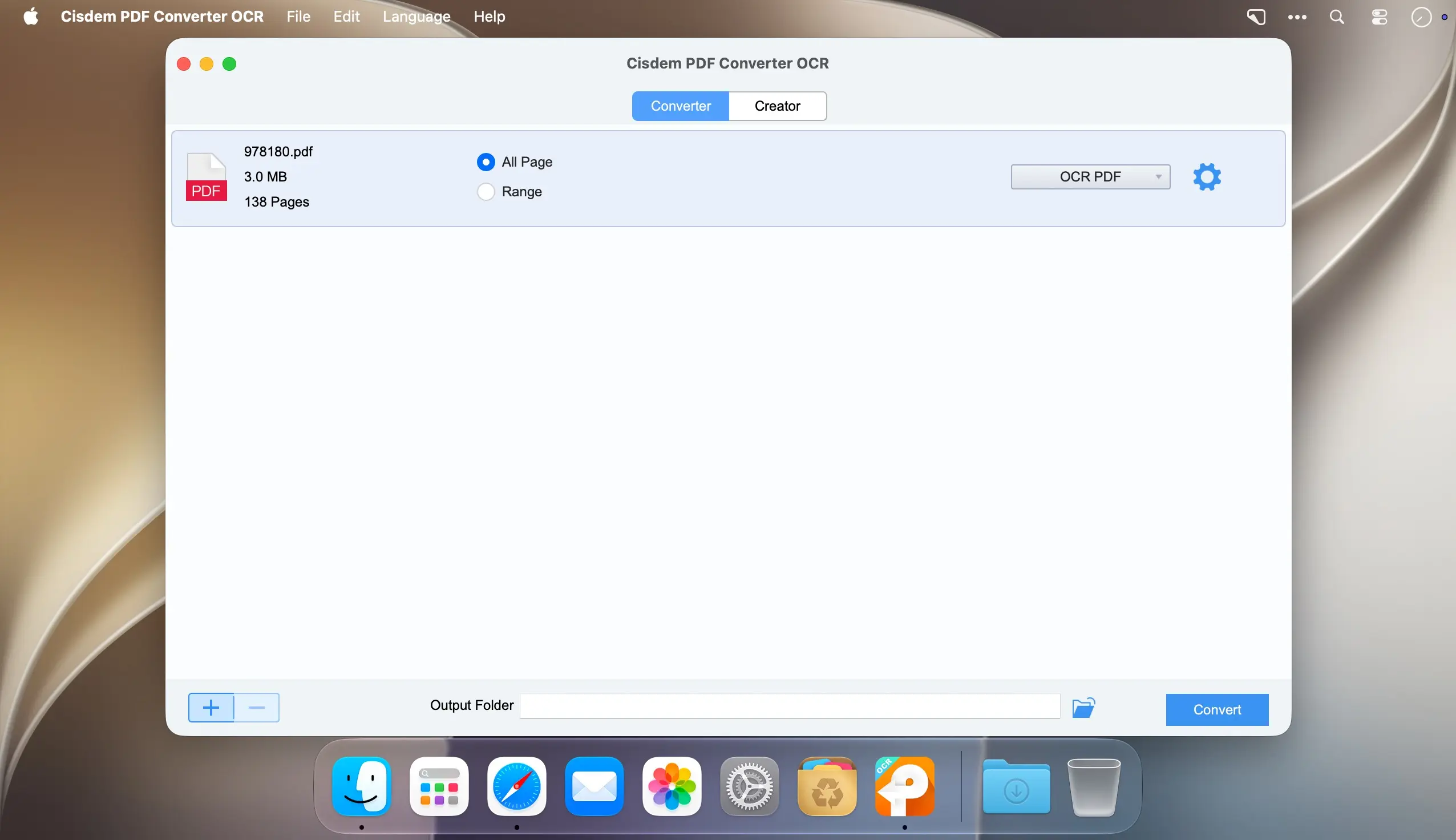
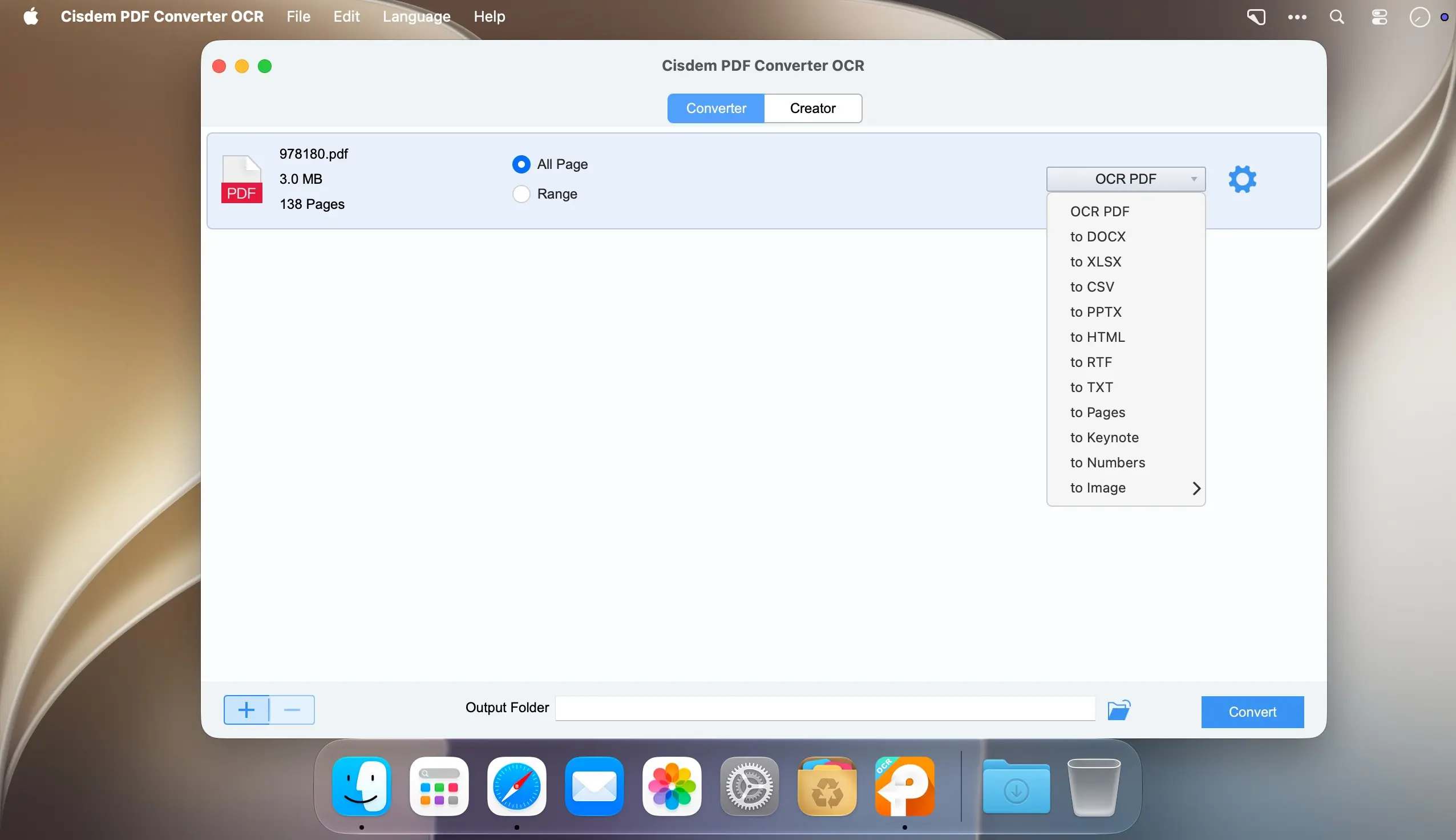
Cisdem PDF Converter OCR for Mac converts PDF files into editable Word, Excel, PowerPoint, and iWork documents, as well as images and other popular formats, so you can edit, archive, or reuse the content of any PDF without retyping it from scratch.
Documents that look just like the originals
Cisdem PDF Converter OCR keeps the original formatting and layout of your PDF as closely as possible during conversion. Text, images, and tables are placed correctly in the output file — tabular data lands in the right cells in Excel, page layouts are preserved in PowerPoint, and the overall look and feel carries over into Word, even for complex PDFs — so there's no need to spend time fixing the result afterward.
Make scanned PDFs searchable and editable
Using OCR (Optical Character Recognition), Cisdem PDF Converter OCR identifies text characters in scanned PDFs and image files and converts them into searchable, editable content. The app automatically detects scanned files and can batch process multiple scanned PDFs and images at once, with accurate recognition in languages including English, Chinese, Spanish, Arabic, French, Russian, Portuguese, German, Japanese, and Korean, as well as support for multi-language documents.
- Convert PDF to Office formats: export PDF to Word (docx, doc), PowerPoint (pptx), and Excel (xlsx) for easy editing.
- Convert PDF to iWork formats: turn PDF into Pages, Keynote, and Numbers files on Mac.
- Convert PDF to images: save PDF pages as JPG, JPEG, PNG, BMP, TIFF, or SVG.
- Convert PDF to other formats: export to PDF/A, EPUB, HTML, RTF, TXT, XOD, and XPS.
- OCR for scanned PDFs and images: automatically detect scanned content and batch convert it into searchable, editable files.
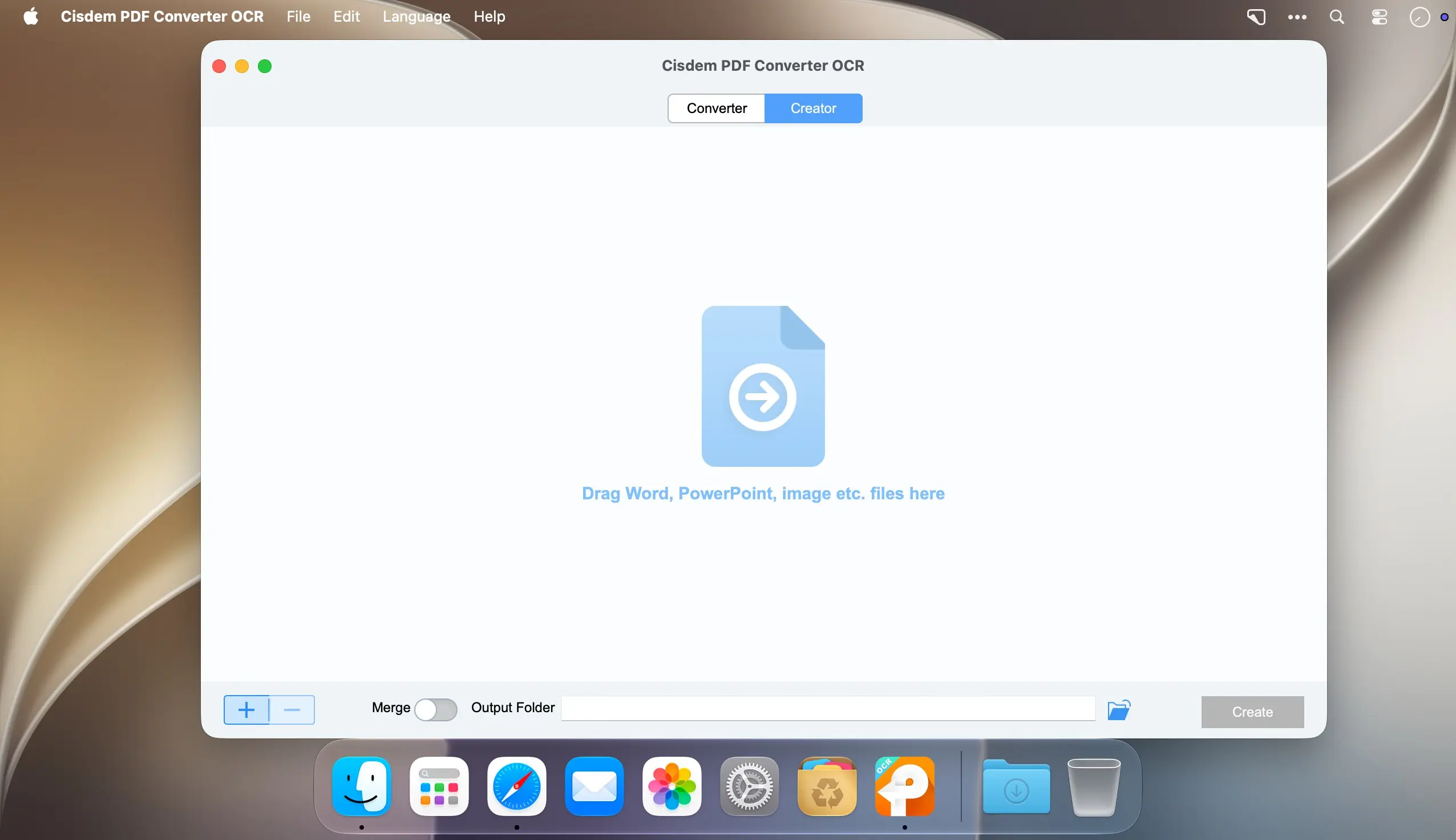
- Create PDF from 40+ formats: generate industry-standard PDF files from Word, PowerPoint, Excel, and more than 40 other file formats.
Download Cisdem PDF Converter OCR for Mac and start converting your PDF files today.
Version 10.0:
- Improved compatibility with Apple Silicon.
- Improved PDF conversion and OCR functionality.
- Added drag-and-drop sorting for merging files in Creator.
- Fixed some issues to improve overall stability and performance.
Comments
No comments yet. Be the first.