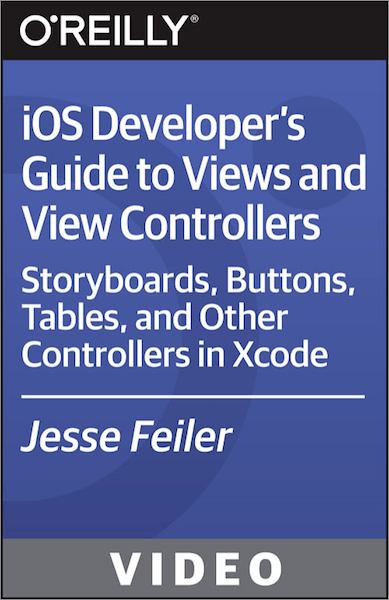
O'Reilly- iOS Developer's Guide to Views and View Controllers
In this iOS Developer's Guide to Views and ViewControllers training course, expert author Jesse Feiler teaches you how to build an app using Xcode storyboards. This course is designed for users that already have user experience with iOS or OS X as well as Swift, Objective-C or another object-oriented language.
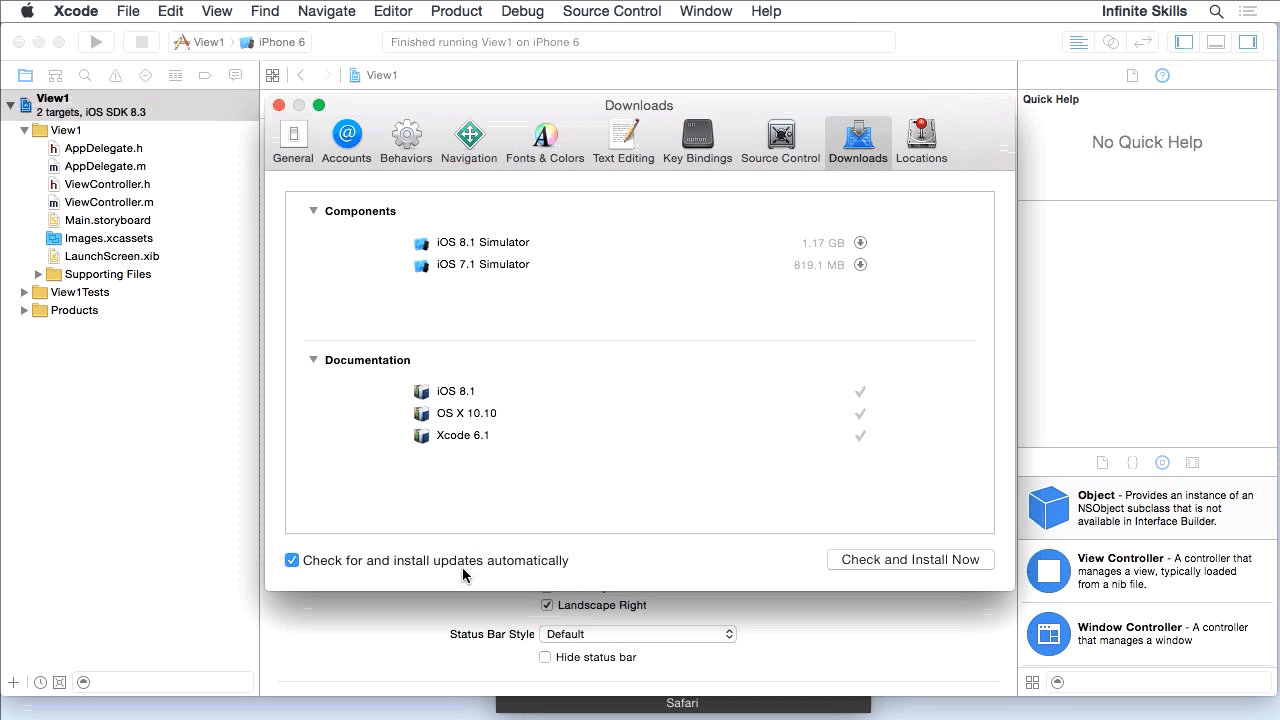
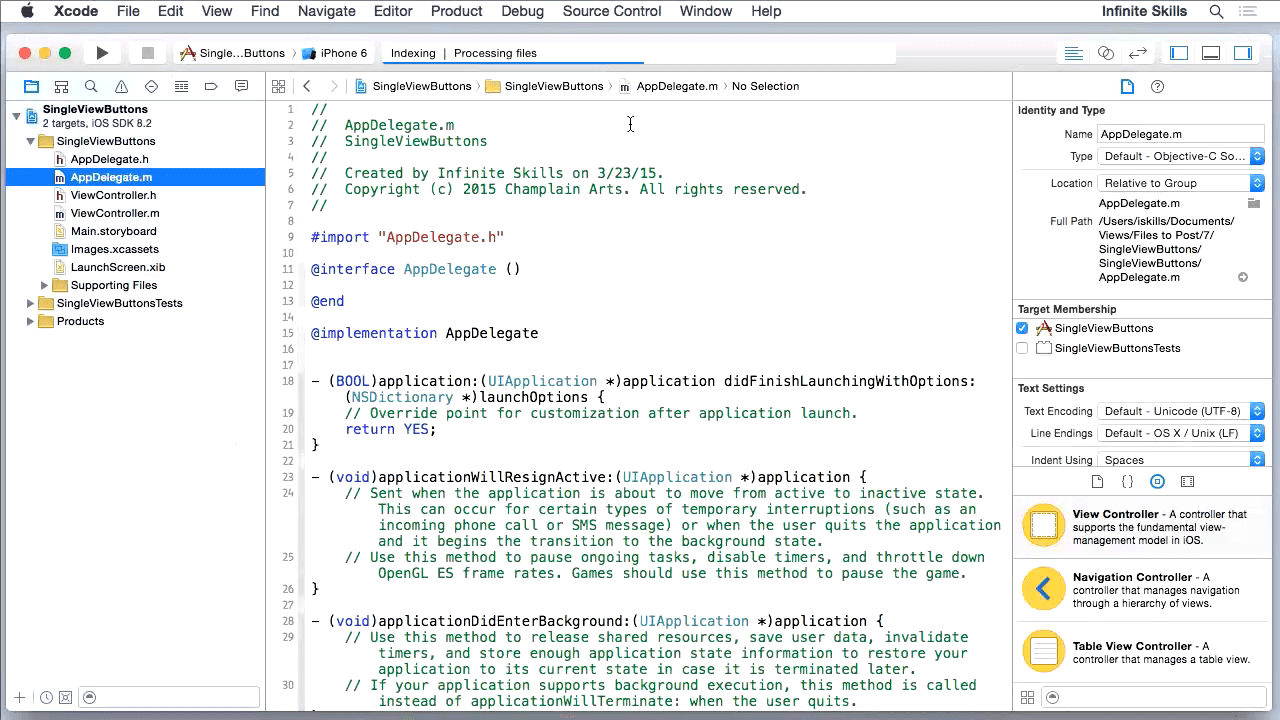
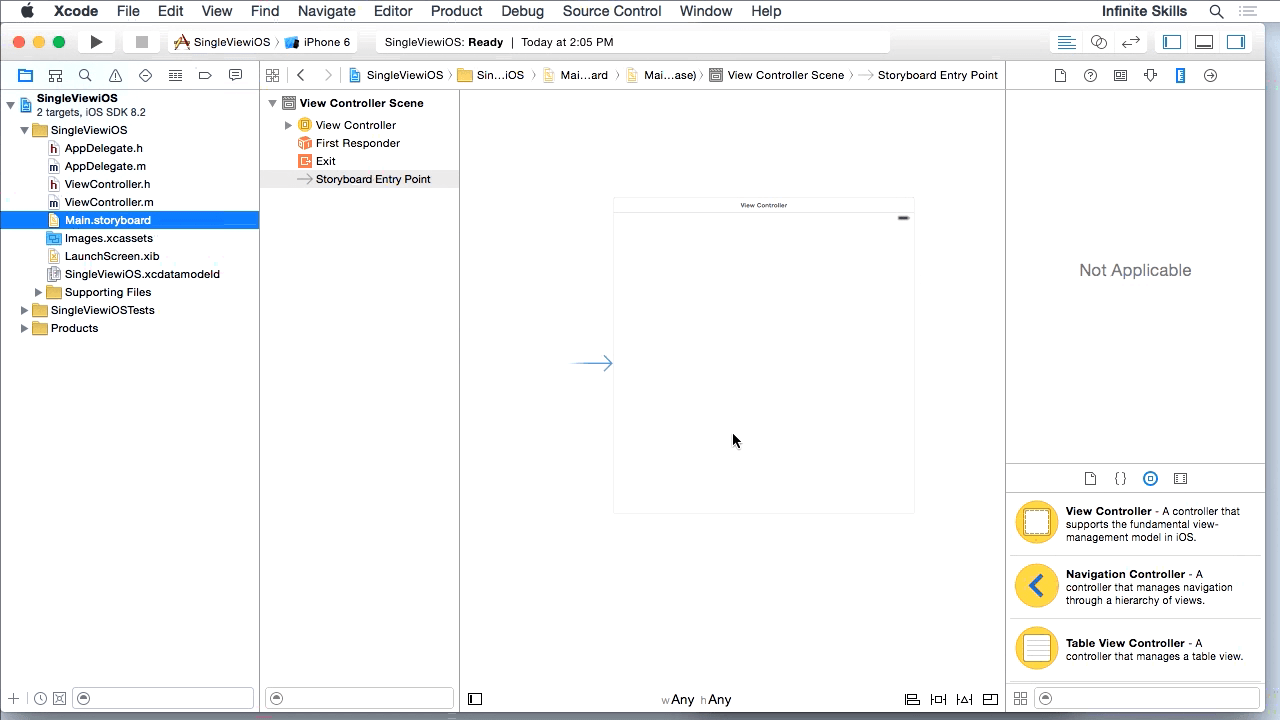
You will start by learning how to build a project from a template, including how to customize Xcode, create a storyboard, and write the code using Objective-C and Swift. From there, Jesse will teach you about the View and ViewController structure. This video tutorial also covers how to build a storyboard, use the navigation controllers, and build bar button items. You will also learn how to use asset catalogs, and bars. Finally, you will learn how to use alerts, action sheets, and present Views modally.
Once you have completed this computer based training course, you will be fully capable of building your own apps using Xcode storyboards.
Screenshots
Frequently asked questions
How do I install the app?
Mount the image, drag the app into the "Applications" folder and launch it. If the system blocks the launch, allow it in "System Settings → Privacy & Security".
The app is damaged or won't launch
Reinstalling from a fresh image usually helps. Make sure your macOS version matches the one listed in the compatibility specs.
How do I update?
Download the new version from the site and install it over the current one — your settings will be preserved.
The download link doesn't work
Try a mirror or a download manager. For large files the browser often drops the connection.
How do I completely remove the app?
Use an uninstaller utility — it cleans up the service files that remain after moving the app to the trash.
Information
Users of Guests are not allowed to comment this publication.
Choose a download source
O'Reilly- iOS Developer's Guide to Views and View Controllers · 1.12 GB