Mac OS X from the Command Line
In this Mac OS X from the Command Line training course, expert author Chris Tarnowieckyi will teach you all about the command line tools and how to use them. This course is designed for users that are already familiar with Mac OS X.
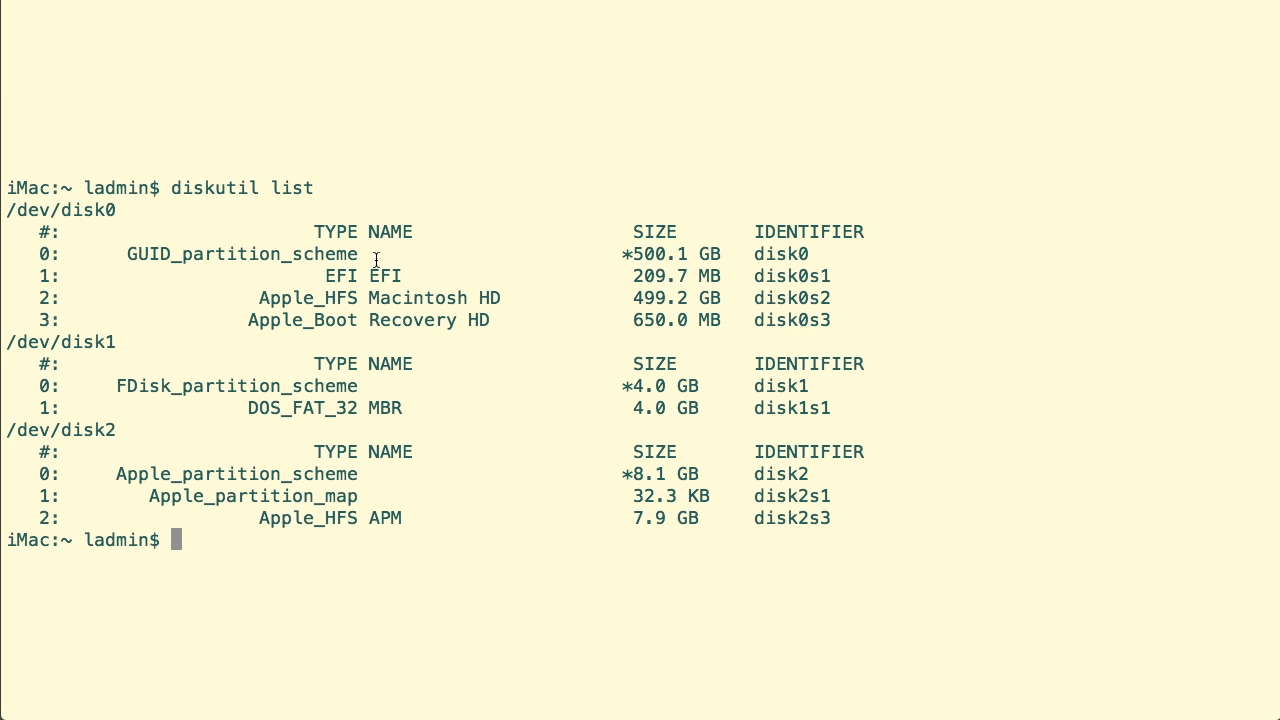
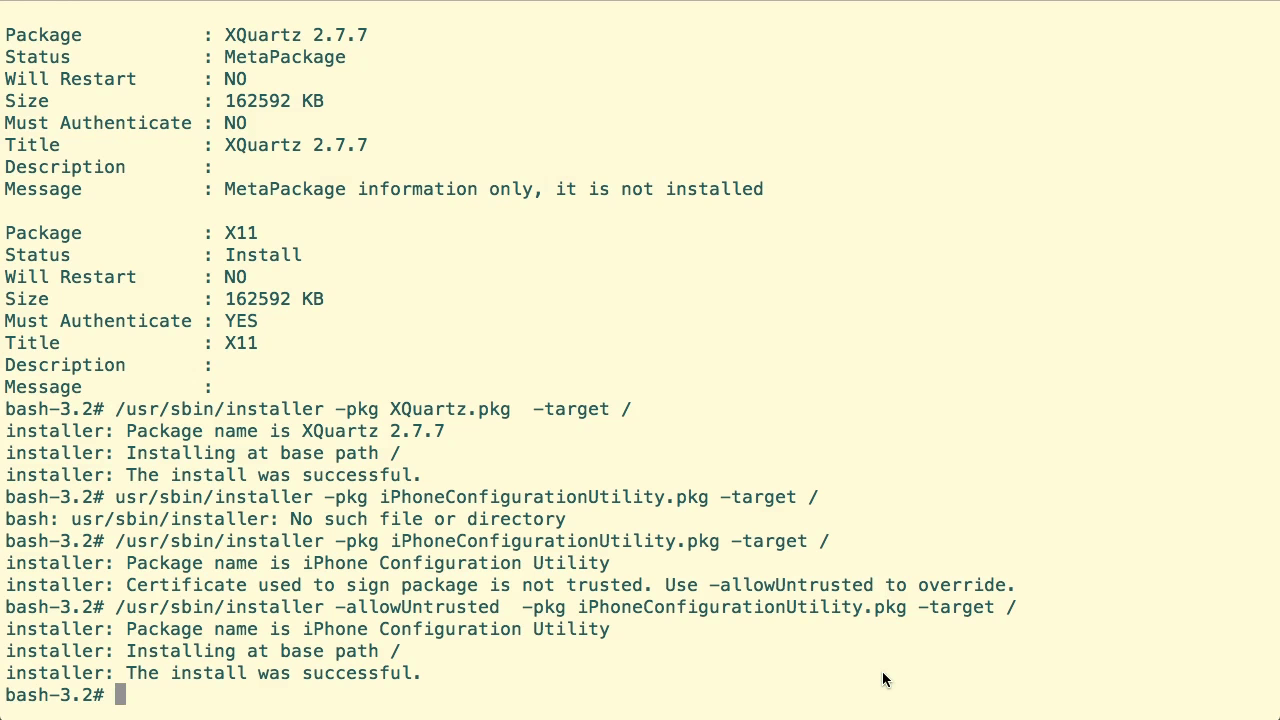
You will start by learning how to open the terminal and configure and customize a session. From there, Chris will teach you how to compare Finder actions with commands, add functions to the system, and get system information. This video tutorial also covers how to manage the system, find, identify, and manage data, and use Directory services. You will also cover how to manage profiles and keychains, install packages, and process media with commands unique to Apple. Finally, you will learn about the Apple System Log, and about automation and development.
Once you have completed this computer based training course, you will be fully capable of using the OS X command line to work more efficiently. Working files are included, allowing you to follow along with the author throughout the lessons.
Screenshots

Frequently asked questions
How do I install the app?
Mount the image, drag the app into the "Applications" folder and launch it. If the system blocks the launch, allow it in "System Settings → Privacy & Security".
The app is damaged or won't launch
Reinstalling from a fresh image usually helps. Make sure your macOS version matches the one listed in the compatibility specs.
How do I update?
Download the new version from the site and install it over the current one — your settings will be preserved.
The download link doesn't work
Try a mirror or a download manager. For large files the browser often drops the connection.
How do I completely remove the app?
Use an uninstaller utility — it cleans up the service files that remain after moving the app to the trash.
Information
Users of Guests are not allowed to comment this publication.
Choose a download source
Mac OS X from the Command Line · 2.26 GB