
Delineato Pro 1.2.7
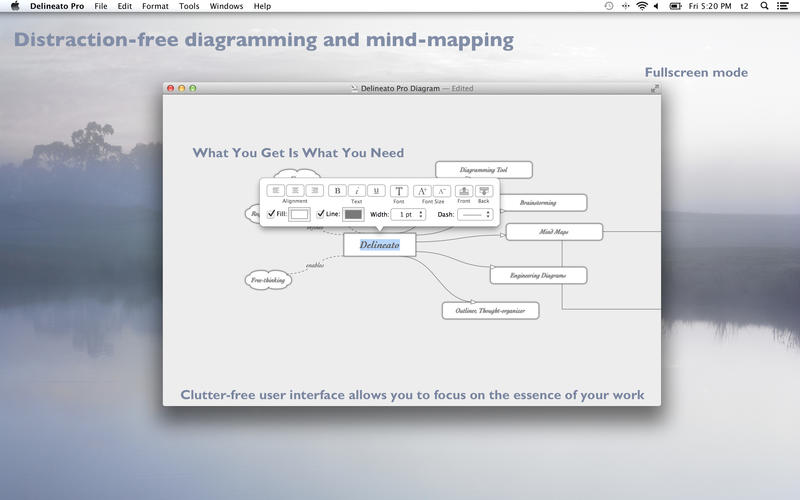
Delineato Pro is the professional edition of Delineato - the italian word for "outline". Designed using the WYSIWYN paradigm - What You See Is What You Need - this carefully crafted application is targeted at creating simple diagrams, mind maps, brainstorming, to-do lists, architectural diagrams.
A clutter-free interface allows you to concentrate and focus on the essence of your work.
Don't forget to check our website for the video-teaser and video-tutorial!
Features List:
- Infinite canvas and retina-displays compatibility;
- Multiple shapes and connectors;
- Drop any image from the Desktop or other app;
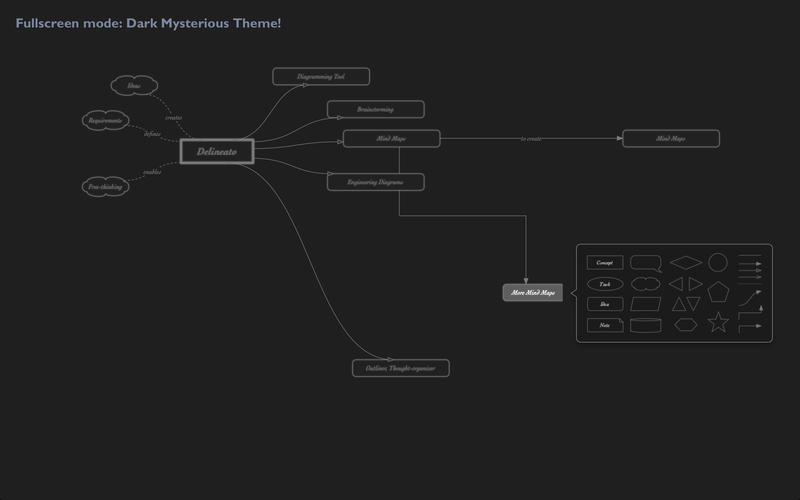
- Edit directly, drag-and-drop shapes and connectors from a palette;
- Fullscreen mode;
- Themes;
- Dark mysterious mood or Light grey stylish mood;
- Text on links, shortcuts, full customization;
- Grid, smart alignment guides, smart resizing guides;
- Share: Facebook, Twitter, E-mail, Airdrop, etc.;
- Export transparent or opaque diagrams as PDF, EPS, JPG, etc.
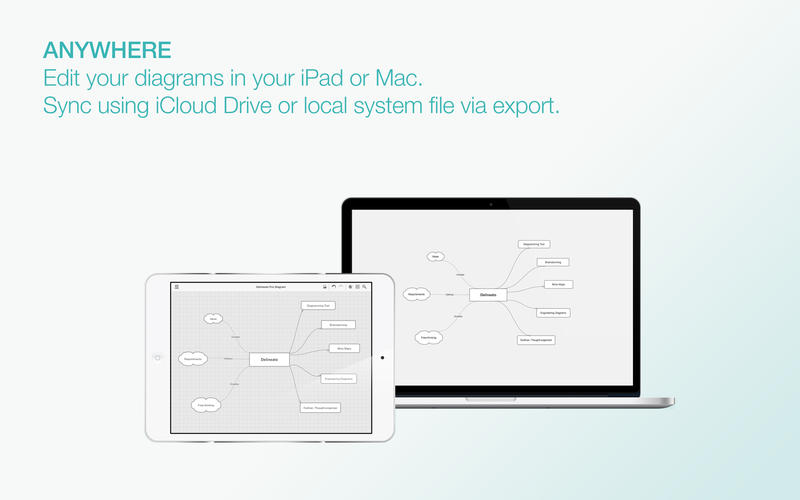
- iCloud support.
SCREENSHOTS
Frequently asked questions
How do I install the app?
Mount the image, drag the app into the "Applications" folder and launch it. If the system blocks the launch, allow it in "System Settings → Privacy & Security".
The app is damaged or won't launch
Reinstalling from a fresh image usually helps. Make sure your macOS version matches the one listed in the compatibility specs.
How do I update?
Download the new version from the site and install it over the current one — your settings will be preserved.
The download link doesn't work
Try a mirror or a download manager. For large files the browser often drops the connection.
How do I completely remove the app?
Use an uninstaller utility — it cleans up the service files that remain after moving the app to the trash.
VersionDelineato Pro 1.2.7
DeveloperFapptory - Soluções Tecnológicas Lda.
CompatibilityOS X 10.6 or later, 64-bit processor
LanguageEnglish
IncludesPre-K'ed





Information
Visitors in the group Guests cannot leave comments on this publication.
Choose a download source
Delineato Pro 1.2.7 · 63.08 MB