

DVDFab All-In-One 12.0.8.2
Screenshots
Click to enlarge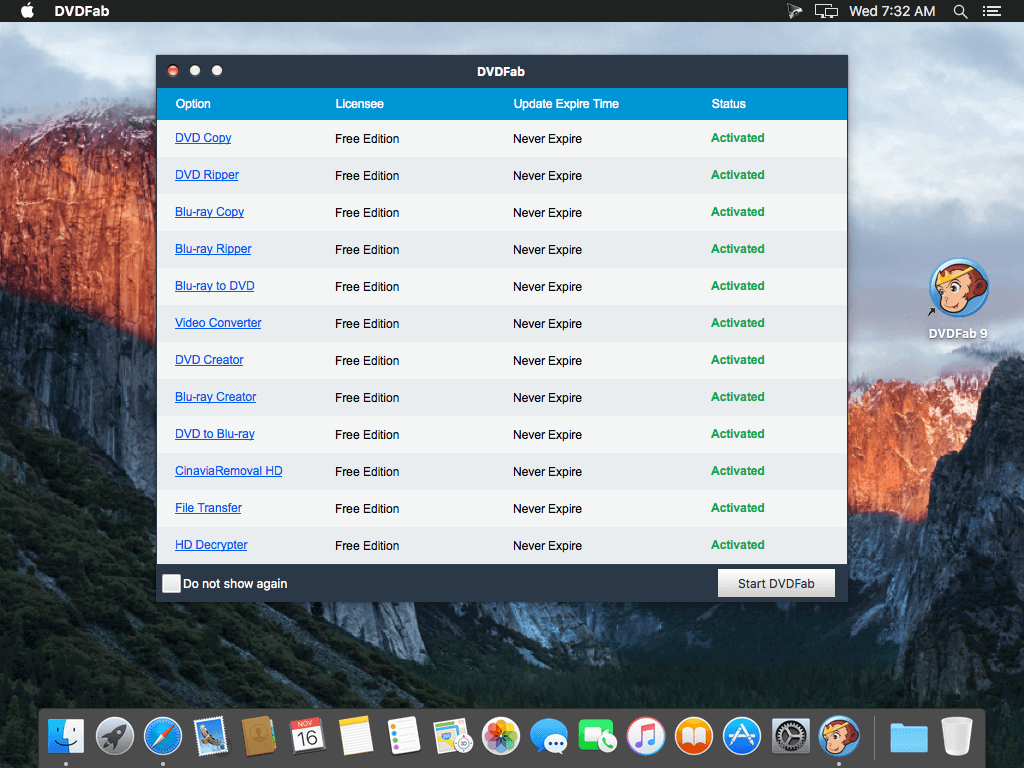
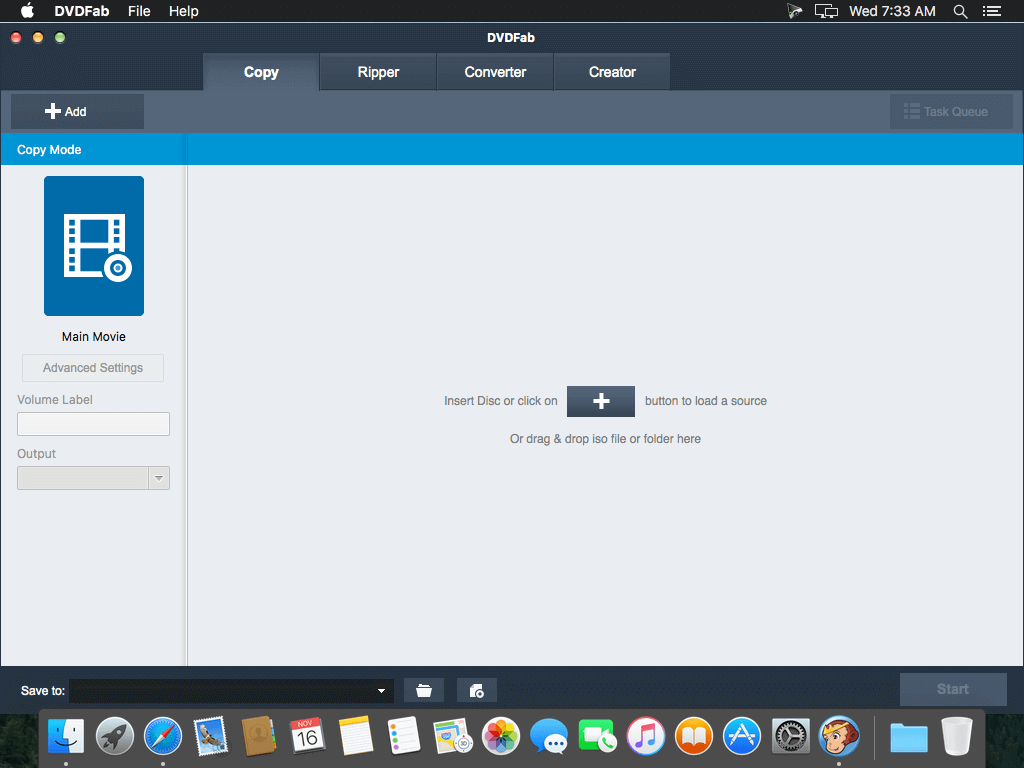
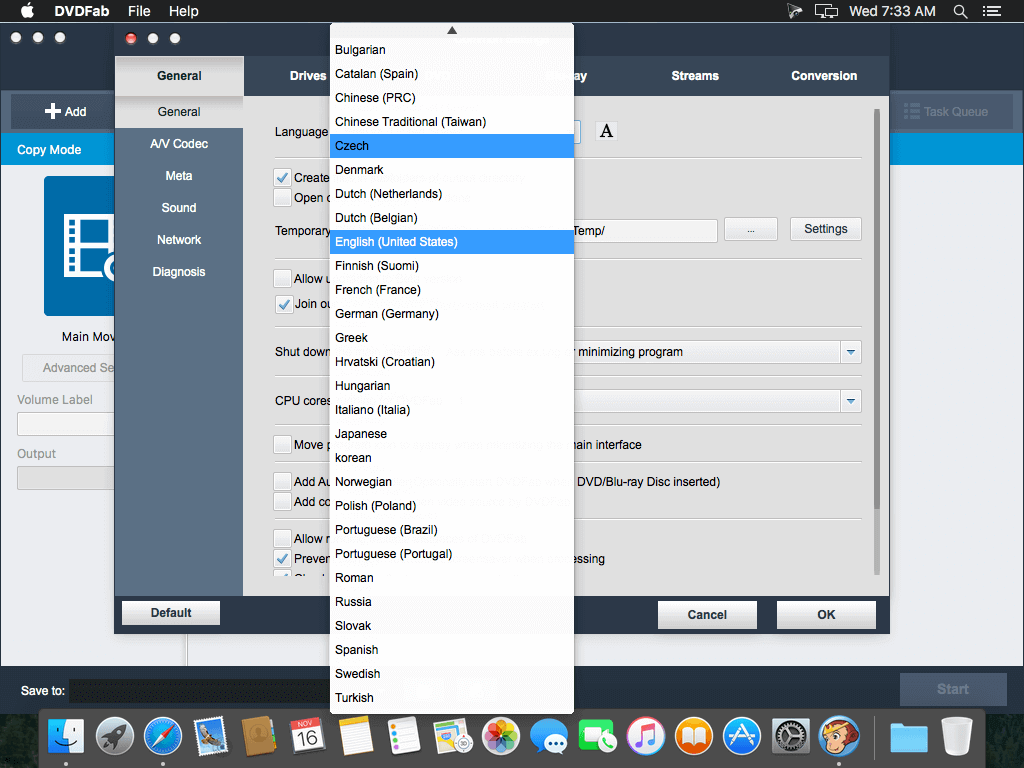
DVDFab DVD Copy for Mac is powerful and flexible mac DVD copy software works on Mac OS. As one of the best Mac DVD copy software, it enables you to copy DVD on Mac with one or two mouse clicks and customize the output with its many flexible settings.
This DVD Copy software for Mac allows you to copy, and burn DVD to a blank DVD disc or backup the DVD content to a folder or ISO file onto your Mac and media server, and compress content to fit on smaller discs, the choice is yours! In addition, the DVD copy speed is very fast, and the quality is excellent.
DVDFab DVD Copy for Mac is definitely a best all-in-one solution for making DVD backup of your expensive DVD collection.
- Clone/Burn/Copy/Backup any DVD
- Copy DVD-9 to DVD-9/DVD-5, Copy DVD-5 to DVD-5/DVD-9, Copy DVD-9 to DVD-5, Copy DVD-5 to DVD-9
- 6 DVD copy modes are available: Full Disc, Main Movie, Customize, Split, Merge, Clone/Burn
Version 12.0.8.2:
- New: Added support for some new Java protections.
Comments2
Information
Visitors in the group Guests cannot leave comments on this publication.