Wattagio 1.13.1

Wattagio 1.13.1

Wattagio 1.13.1

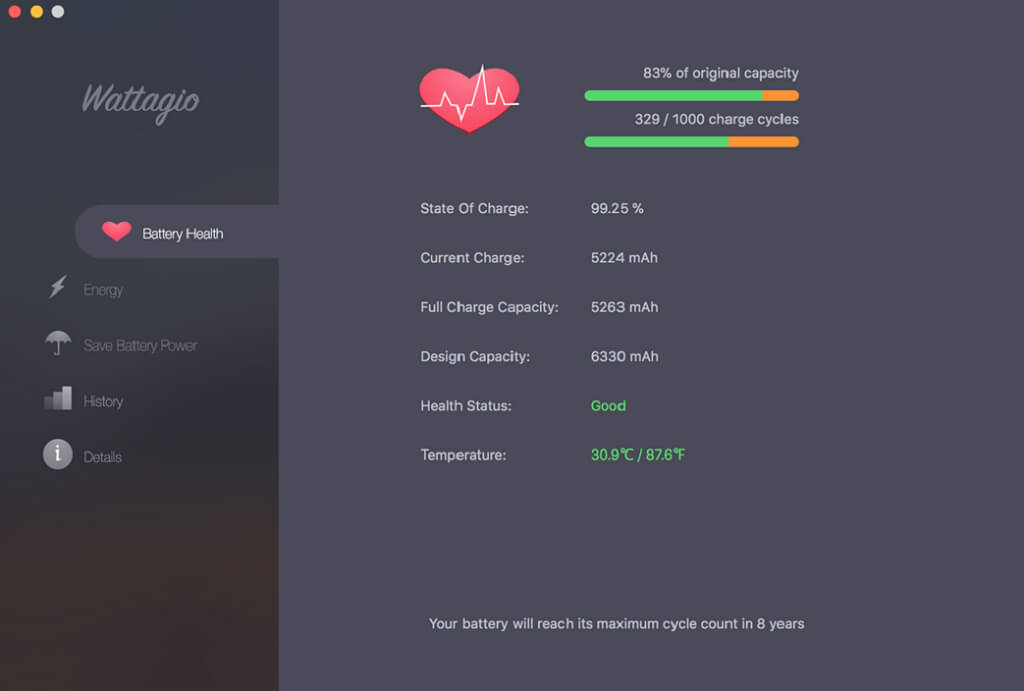
Wattagio informs you about current battery health and helps to decrease power usage. Flexible settings in application give options to customize your profile to meet your needs.

Features

  • Helps you to keep battery healthy
  • Reads out the raw battery data to give you more precise information
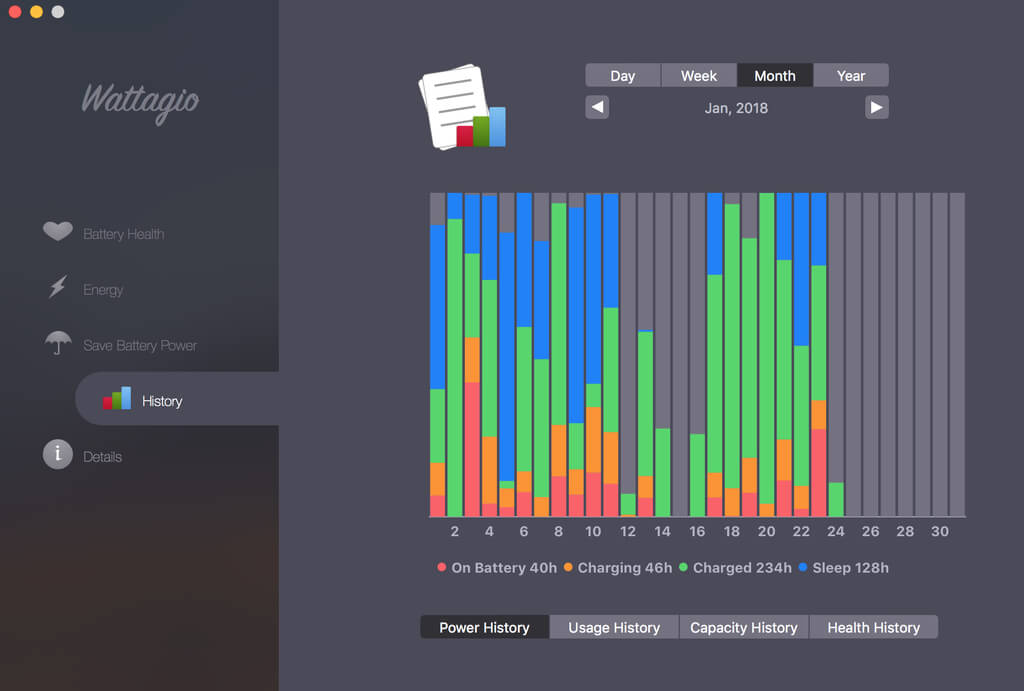
  • Detailed stats & health Information for MacBook’s battery
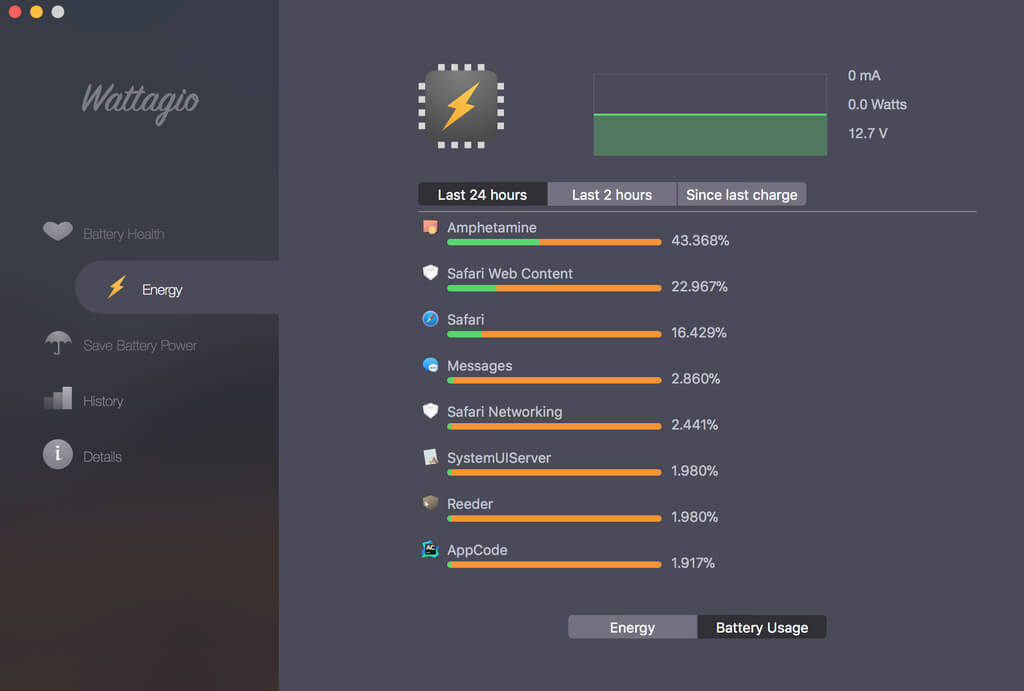
  • Shows proportion of battery used by each app
  • Battery widget
  • Battery level notifications
  • Customizable battery status in menu bar
  • Airplane mode

Version 1.13:

  • Bug fixes and performance improvements
5 570 views 2 comments

Frequently asked questions

How do I install the app?

Mount the image, drag the app into the "Applications" folder and launch it. If the system blocks the launch, allow it in "System Settings → Privacy & Security".

The app is damaged or won't launch

Reinstalling from a fresh image usually helps. Make sure your macOS version matches the one listed in the compatibility specs.

How do I update?

Download the new version from the site and install it over the current one — your settings will be preserved.

The download link doesn't work

Try a mirror or a download manager. For large files the browser often drops the connection.

How do I completely remove the app?

Use an uninstaller utility — it cleans up the service files that remain after moving the app to the trash.

Comments 2

SimonTemplar 23 October 2018 12:05
"Wattagio" its a great looking and pratical tool that i use 24/7, always on in my MacBook Pro.
And it doesn't take a massive amont of Ram neither CPU. It runs in Mojave.
Recommended !
SimonTemplar 22 November 2018 08:53
Mange tak, many thanks for this update,

Mange tak, many thanks for this update, of this great, accurate battery software.
Information
Users of Guests are not allowed to comment this publication.
Wattagio 1.13.1