
DVDFab All-In-one 11.0.7.5
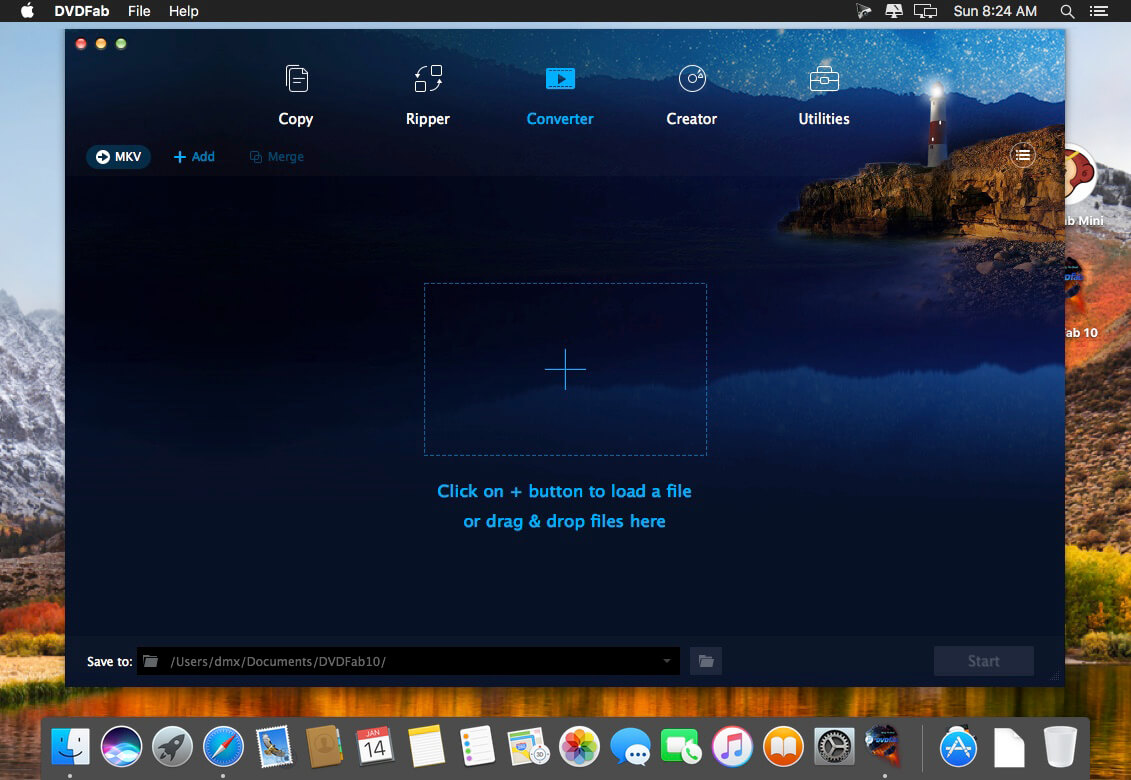
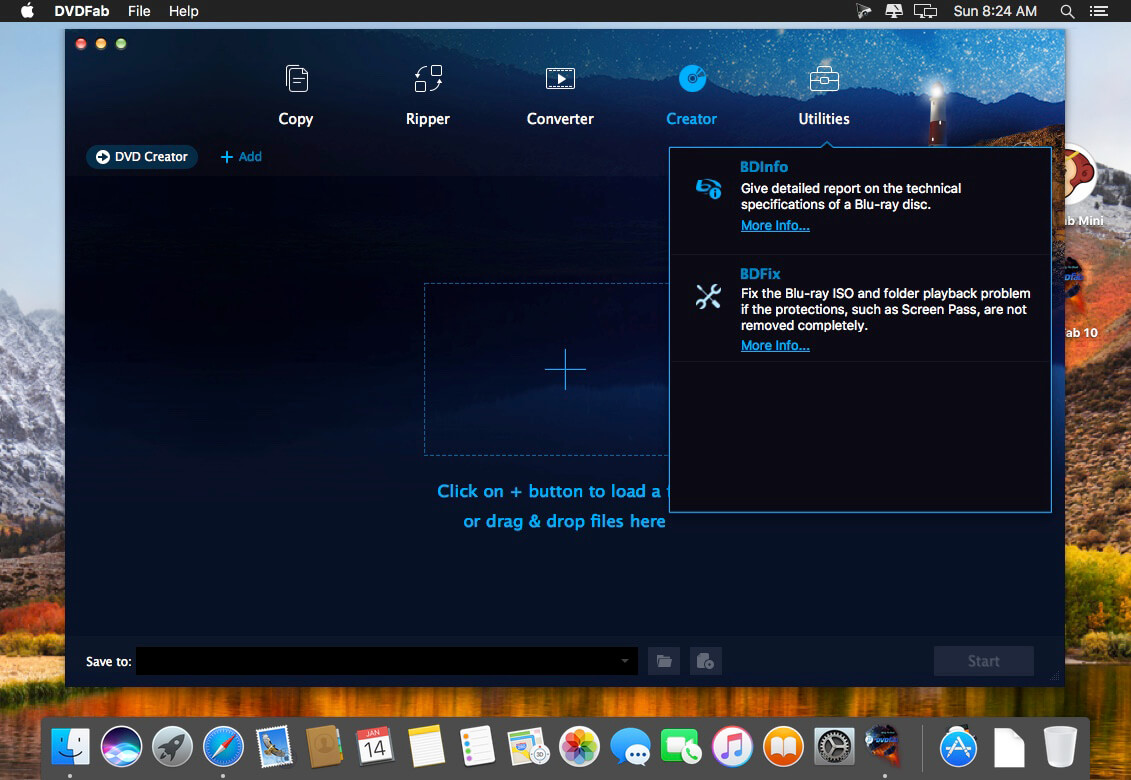
DVDFab All-In-One for Mac is a versatile combo of nearly all the powerful DVDFab products – DVD Copy for Mac, DVD Ripper for Mac, Blu-ray Copy for Mac, Blu-ray Ripper for Mac, Blu-ray to DVD Converter for Mac, DVD to Blu-ray Converter for Mac, DVD Creator for Mac, Blu-ray Creator for Mac, Video Converter for Mac, DVD Cinavia Removal for Mac, Blu-ray Cinavia Removal for Mac, and File Transfer for Mac. It provides totally complete solution for all your DVD/Blu-ray/video issues and performs perfectly.
A Versatile and Complete Combination of Nearly All DVDFab Products
DVDFab All-In-One for Mac is definitely a perfect integration of all the current DVDFab products with all full features for Mac, and that's not the whole thing you will own for purchasing it. You can also save more than 239 US dollars for 1 year subscription at least, and more than 416 US dollars for lifetime to the maximum.
Ultimate Solution for All Your DVD/Blu-ray/Video Issues
DVDFab All-In-One for Mac is the ultimate solution for all your DVD/Blu-ray/video issues. The included DVD options, Blu-ray options, video options, Cinavia removal options and file transfer options enable you to freely copy/burn/clone DVD/Blu-ray to any blank DVD disc or to the hard drive on your Mac for display or backup; rip and convert DVD/Blu-ray/video to almost all popular video/audio formats or devices in support of video playback; remove the hard-to-conquer Cinavia protections embedded in the audio tracks of many Blu-rays; transfer the converted files to Apple devices.
Professional, Full-featured and Fast
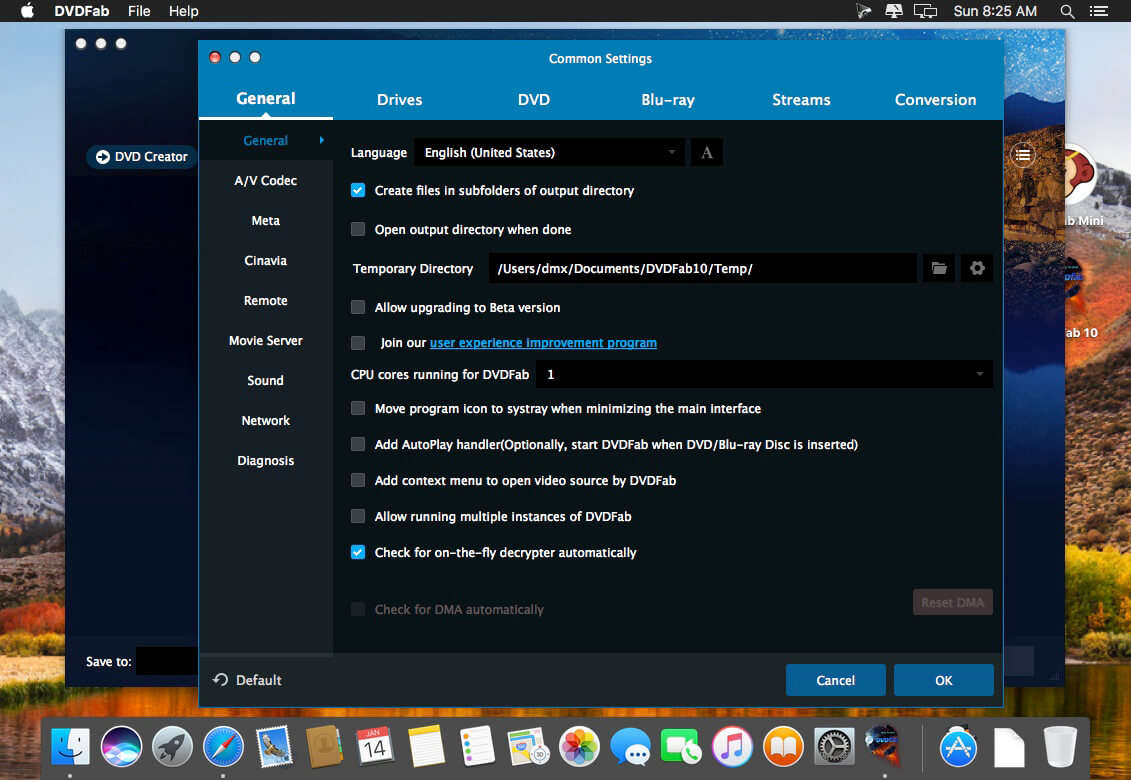
DVDFab All-In-One for Mac provides the integrated solution with an intuitive and simple UI designation and optimized profiles for you to finish all the operations smoothly and successfully, and the maximum convenience to let you customize the output file in your way to make it more suitable for your need. Moreover, thanks to its supports of bath conversion, multi-core CPUs, the newest NIVIDA CUDA and acceleration high-techs, the processing speed is faster than all its peers.
Tech-Savvy to Output Spotless Quality
DVDFab products all have been in development for years to keep its high-end experience and to catch up with the latest technology trends. So, there is no doubt you will have a smooth process no matter how many customizations you made for the output file, and an astonishing resulting file with original quality kept maximally.
This bundle includes:
- DVD Creator
- DVD Copy
- DVD Ripper
- DVD to Blu-ray Converter
- DVD Cinavia Removal
- Blu-ray Creator
- Blu-ray Copy
- Blu-ray Ripper
- Blu-ray to DVD Converter
- Blu-ray Cinavia Removal
- Video Converter
- DRM Removal for Apple
Version 11.0.7.5 :
- Release notes were unavailable when this listing was updated.
Frequently asked questions
How do I install the app?
Mount the image, drag the app into the "Applications" folder and launch it. If the system blocks the launch, allow it in "System Settings → Privacy & Security".
The app is damaged or won't launch
Reinstalling from a fresh image usually helps. Make sure your macOS version matches the one listed in the compatibility specs.
How do I update?
Download the new version from the site and install it over the current one — your settings will be preserved.
The download link doesn't work
Try a mirror or a download manager. For large files the browser often drops the connection.
How do I completely remove the app?
Use an uninstaller utility — it cleans up the service files that remain after moving the app to the trash.
VersionDVDFab All-In-one 11.0.7.5
DeveloperFengtao Software Inc.
CompatibilityOS X 10.6 or later, 64-bit processor
LanguageEnglish
IncludesK'ed by HCiSO



Information
Visitors in the group Guests cannot leave comments on this publication.
Choose a download source
DVDFab All-In-one 11.0.7.5 · 330.73 MB
Previous versions
DVDFab All-In-one 11.0.7.5
Previous versions are available to registered users.