
Launchey 2.1.1d

"Great Utility tool.
Love Launchey! Nice little Utility tool. It's SO HANDY! wondering why no one thought of that before?!!" - by Amphetamine
I was looking for an app that would list all apps and quickly launch them. I tried Launchey and was very pleased with the results. It did all that I was looking for in the app. I had several questions and suggestions. I emailed the developer and he responded very quickly. Within 20 minutes, even though there is 7 time zones different. I recommend Lauchey." - by pcsnet
- customizable menu,
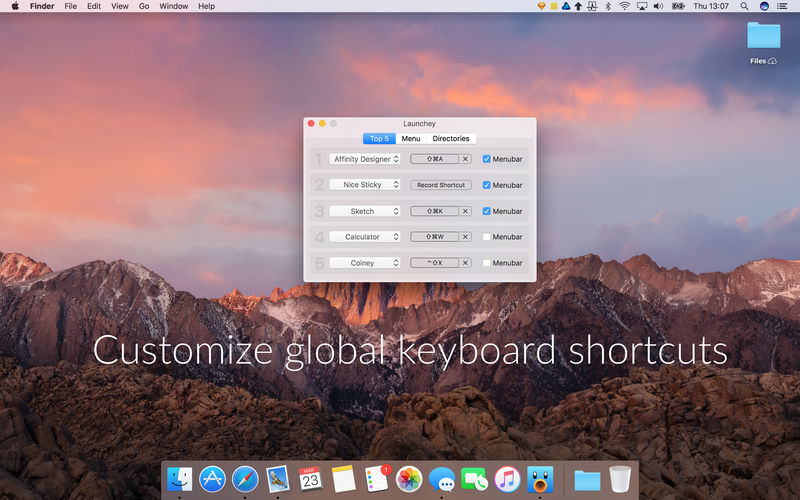
- customizable hotkeys,
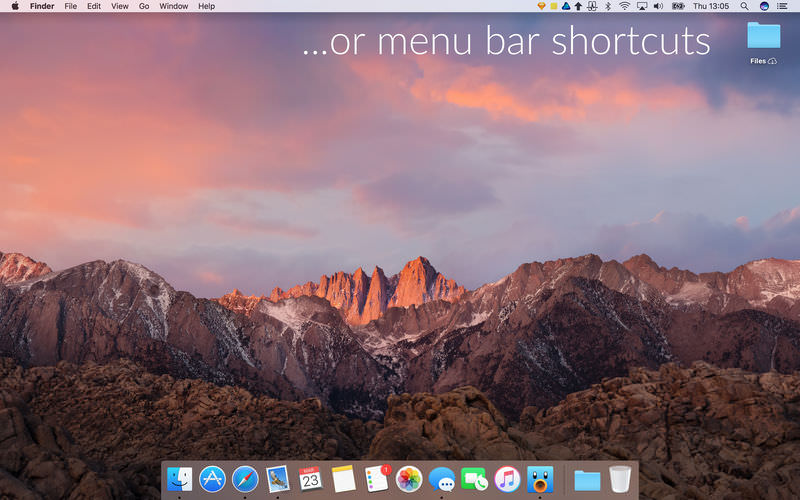
- displaying apps directly in the menubar,
- customizable application directiories,
- launch at startup,
- fast and lightweight,
- build using newest Apple technologies.
Version 2.1.0
- Tweaks and fixes to keyboard shortcut handling.
Frequently asked questions
How do I install the app?
Mount the image, drag the app into the "Applications" folder and launch it. If the system blocks the launch, allow it in "System Settings → Privacy & Security".
The app is damaged or won't launch
Reinstalling from a fresh image usually helps. Make sure your macOS version matches the one listed in the compatibility specs.
How do I update?
Download the new version from the site and install it over the current one — your settings will be preserved.
The download link doesn't work
Try a mirror or a download manager. For large files the browser often drops the connection.
How do I completely remove the app?
Use an uninstaller utility — it cleans up the service files that remain after moving the app to the trash.
VersionLaunchey 2.1.1d
DeveloperNice Apps
CompatibilitymacOS 10.13 or later, 64-bit processor
LanguageEnglish
IncludesK'ed by HCiSO





Information
Visitors in the group Guests cannot leave comments on this publication.
Choose a download source
Launchey 2.1.1d · 9.22 MB
Previous versions
Launchey 2.1.1d
Previous versions are available to registered users.