Pimp Your Screen 3.8
Let’s face it - you look at your screen a lot, why should it be dull and boring?! It should be beautiful, it should make you smile, reflect your feelings, and even make you feel better. And here’s a perfect solution for that.
Pimp Your Screen is an award-winning app that gives you an exclusive selection of unique themes, backgrounds and many other eye candies.
Now with Apple Watch support! Let your Apple Watch face perfectly match the look of your iPhone!
Choose from what we created for you:
- Diverse designs arranged in categories for easier browsing: Abstract, Cartoon, Sci-Fi, Animals, Sports, Nature, Holidays, Minimal, Cities, 3D
- Themes: perfectly match Lock and Home screen
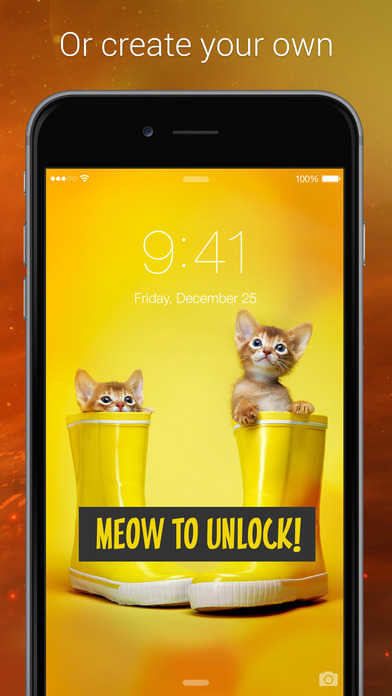
Create your own designs with Home & Lock Screen Maker:
- Personalize your wallpapers with text
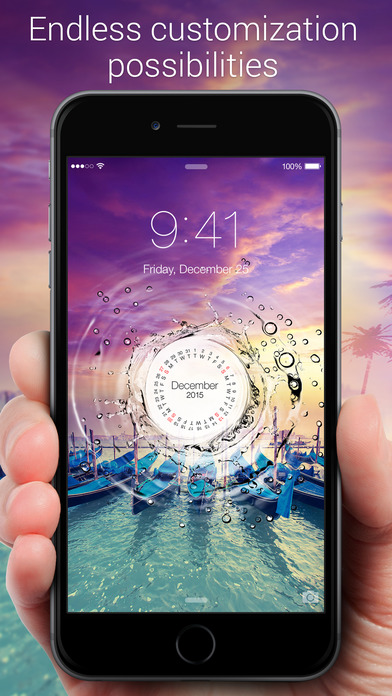
- Add calendars and frames to your Lock Screens, customize the date-and-time and slide-to-unlock area
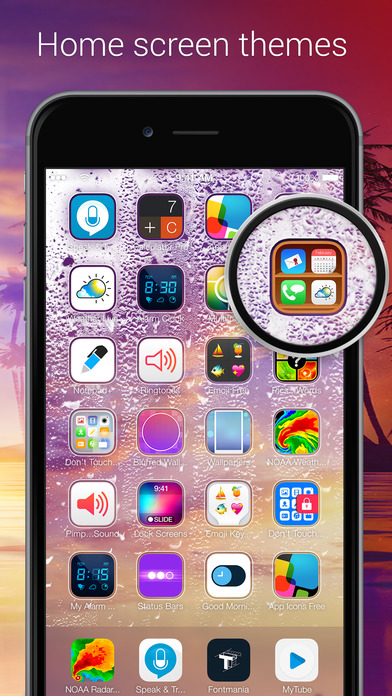
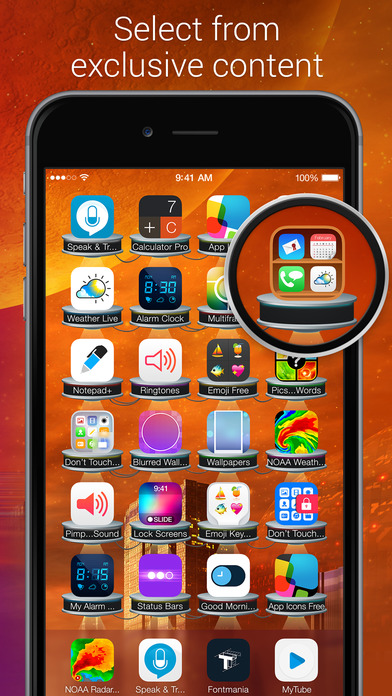
- Pick Icon Skins and App Shelves to create unique Home Screens
- Use your own photos as backgrounds and create great designs
Useful features you will enjoy:
- New and Popular galleries
- Preview feature: just tap the screen to bring up the icons. There's no need to save each design to see how it looks on your screen!
- Adjustable content cache size: decide how much space the app occupies on your device
- All the designs look great in both Standard and Zoomed display modes
- Share your images on Facebook, Twitter, Tumblr, Instagram or email
- Landscape and Portrait images available for iPad
Always something new to enjoy:
- We add new eye candies daily. Just tap 'New' to see updates
- Special holiday and seasonal content updates
Bring some color and glow into your everyday life and change the look of your device whenever you want. It's time to Pimp Your Screen!
WHAT’S NEW
Version 3.8
- iPad Pro support: all the designs have been reworked to perfectly fit the wide screen of your new device.
- Quick access to your favorite wallpapers. Jump straight to your best-loved categories from Spotlight Search by simply entering the category name.
- More exclusive content: boost your creativity and find new extraordinary ways to personalize your screen!
SCREENSHOTS

Frequently asked questions
How do I install the app?
Mount the image, drag the app into the "Applications" folder and launch it. If the system blocks the launch, allow it in "System Settings → Privacy & Security".
The app is damaged or won't launch
Reinstalling from a fresh image usually helps. Make sure your macOS version matches the one listed in the compatibility specs.
How do I update?
Download the new version from the site and install it over the current one — your settings will be preserved.
The download link doesn't work
Try a mirror or a download manager. For large files the browser often drops the connection.
How do I completely remove the app?
Use an uninstaller utility — it cleans up the service files that remain after moving the app to the trash.
VersionPimp Your Screen 3.8
DeveloperIAC Search & Media Europe Ltd.
CompatibilityiOS 7.0 or later. Compatible with iPhone, iPad, and iPod touch.
LanguageEnglish, Arabic, French, German, Italian, Japanese, Korean, Portuguese, Russian, Simplified Chinese, Spanish, Traditional Chinese, Turkish
IncludesPre-K'ed

Information
Visitors in the group Guests cannot leave comments on this publication.
Choose a download source
Pimp Your Screen 3.8 · 58.22 MB