Quartet Expert - Templates Bundle for Keynote 5.0
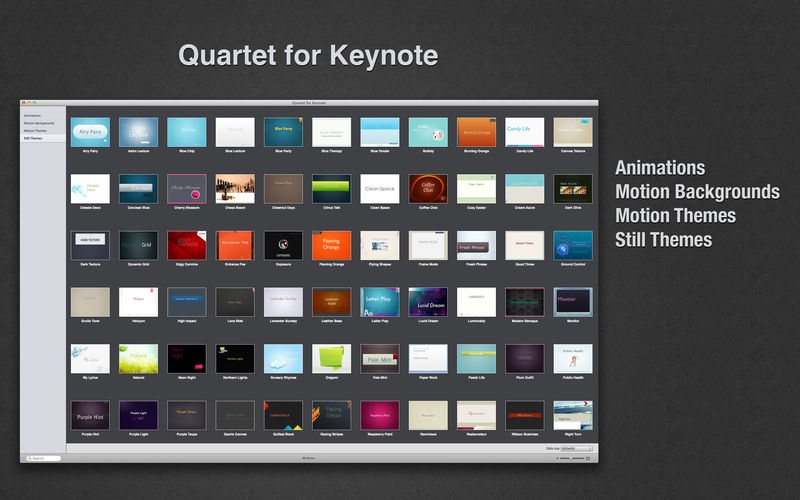
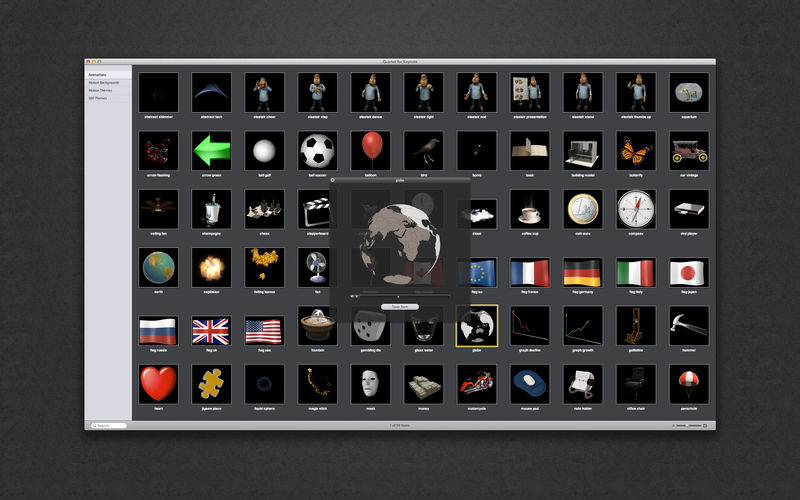
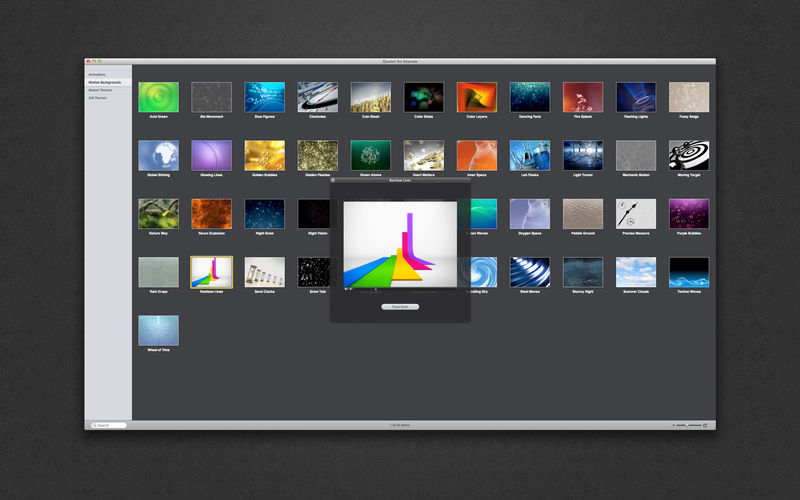
The perfect accompaniment to Apple's Keynote application, Quartet provides you with 20 original motion themes, 45 motion backgrounds, 100 animations, and 90 still themes. Use them to make your next presentation convincing and unique!
Still Themes
The Still Themes set consists of 90 high-quality designs for Keynote presentations. These are more than just beautiful backgrounds – each one of them includes up to 24 different master slides, which lets you choose the best layout for your information. The themes are available in up to five sizes: 1920x1080, 1680x1050, 1280x720, 1024x768, and 800x600 pixels. Let us take care of the appearance of your presentation, while you focus on the content.
Animations
Animations is a bundle of dazzling designs for adding magical motion to your Keynote presentations. Because the animated images have transparent backgrounds, they are easy to work with and embed into your slides. It has never been easier to position, blend, resize, rotate, overlay, and underlay. You can also use Animations with movie-editing applications such as Final Cut Pro, Final Cut Express, and Motion.
Motion Backgrounds
Motion Backgrounds is a striking set of 45 animated designs for adding intensity to any Keynote presentation. Copy a motion background, paste it to your slides, and watch them liven up. All backgrounds are available in 1024 x 768 px. In addition, the files are arranged for looping to allow endless playback of any background in the package. Simply choose QuickTime Inspector in Keynote and select Loop under the Repeat pop-up.
Motion Themes
The Motion Themes set is created for exclusive Keynote presentations. The pack includes 20 motion themes, each providing 14 master slides, which allow you to choose the ideal layout for your ideas, proposals, and solutions. Use the matching motion backgrounds, fonts, frames, and bullet styles to drive your point home. All themes are available in two sizes: 800 x 600 and 1024 x 768 pixels, and can be exported to QuickTime.
Version 5.0
- New User Interface.
- New Templates added.
- Fixed crash which occurred on launching app with latest macOS version.
Frequently asked questions
How do I install the app?
Mount the image, drag the app into the "Applications" folder and launch it. If the system blocks the launch, allow it in "System Settings → Privacy & Security".
The app is damaged or won't launch
Reinstalling from a fresh image usually helps. Make sure your macOS version matches the one listed in the compatibility specs.
How do I update?
Download the new version from the site and install it over the current one — your settings will be preserved.
The download link doesn't work
Try a mirror or a download manager. For large files the browser often drops the connection.
How do I completely remove the app?
Use an uninstaller utility — it cleans up the service files that remain after moving the app to the trash.
VersionQuartet Expert - Templates Bundle for Keynote 5.0
DeveloperOS X 10.6.6 or later, 64-bit processor
CompatibilityAlungu UAB
LanguageEnglish
IncludesK'ed by TNT
Related posts


Information
Visitors in the group Guests cannot leave comments on this publication.
Choose a download source
Quartet Expert - Templates Bundle for Keynote 5.0 · 3.79 GB