Sound Studio 4.11.0
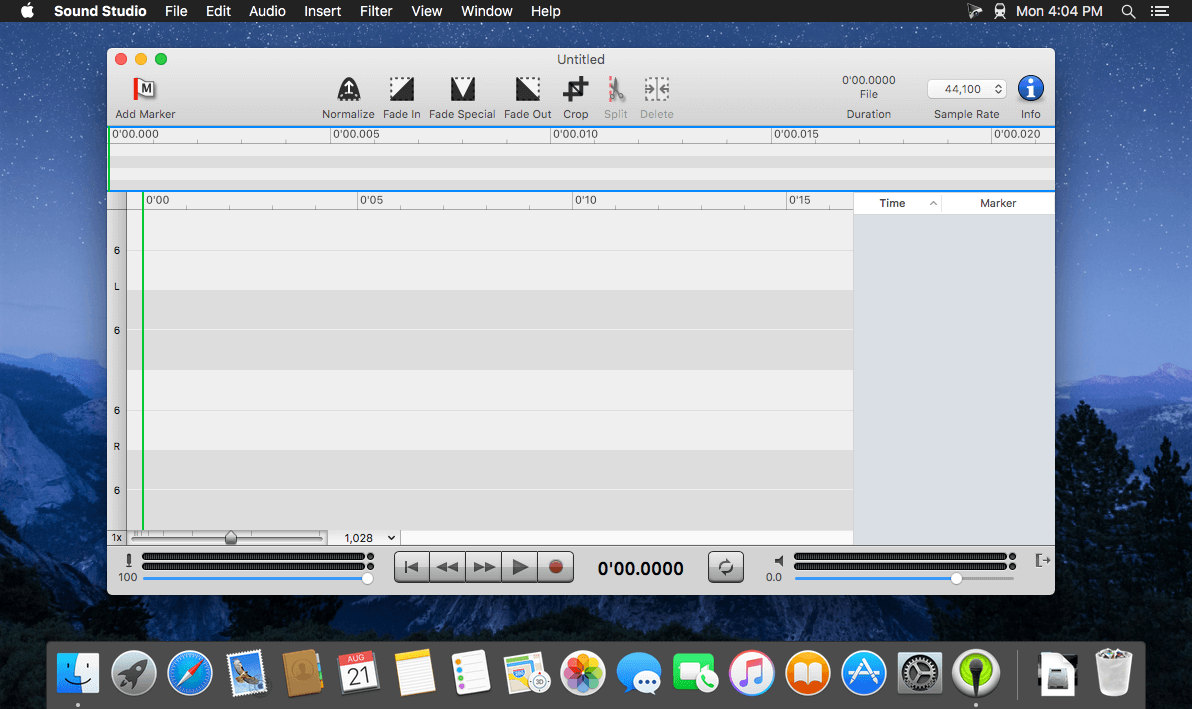
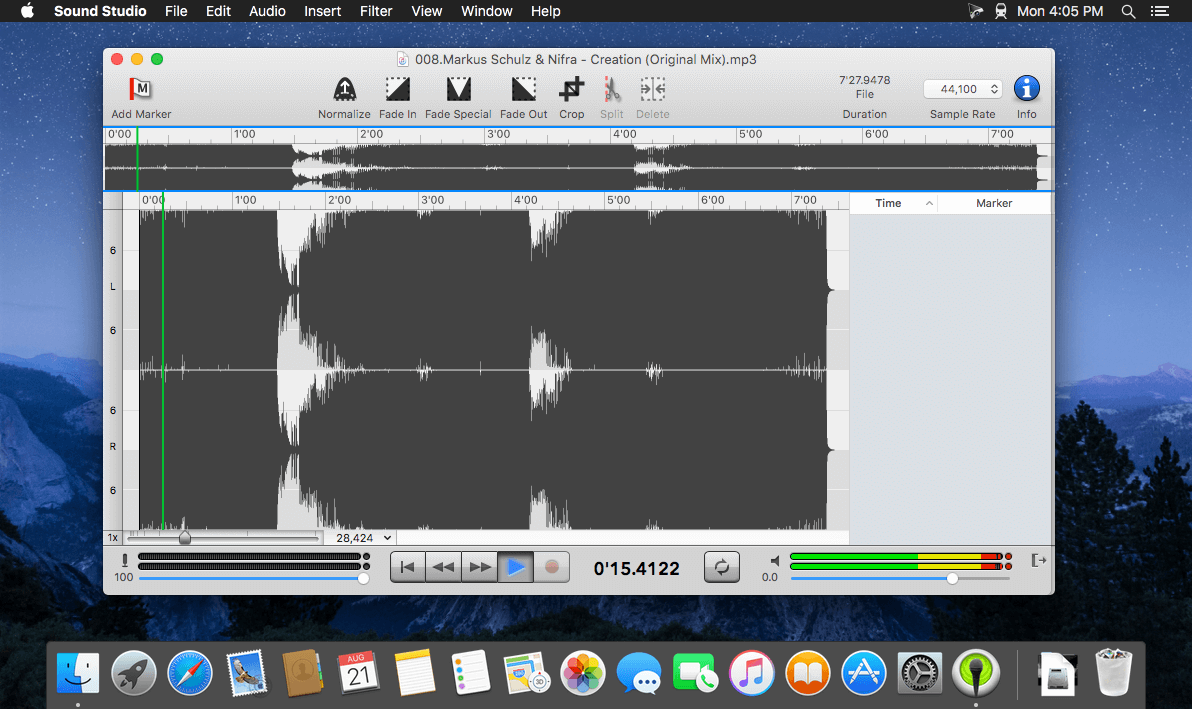
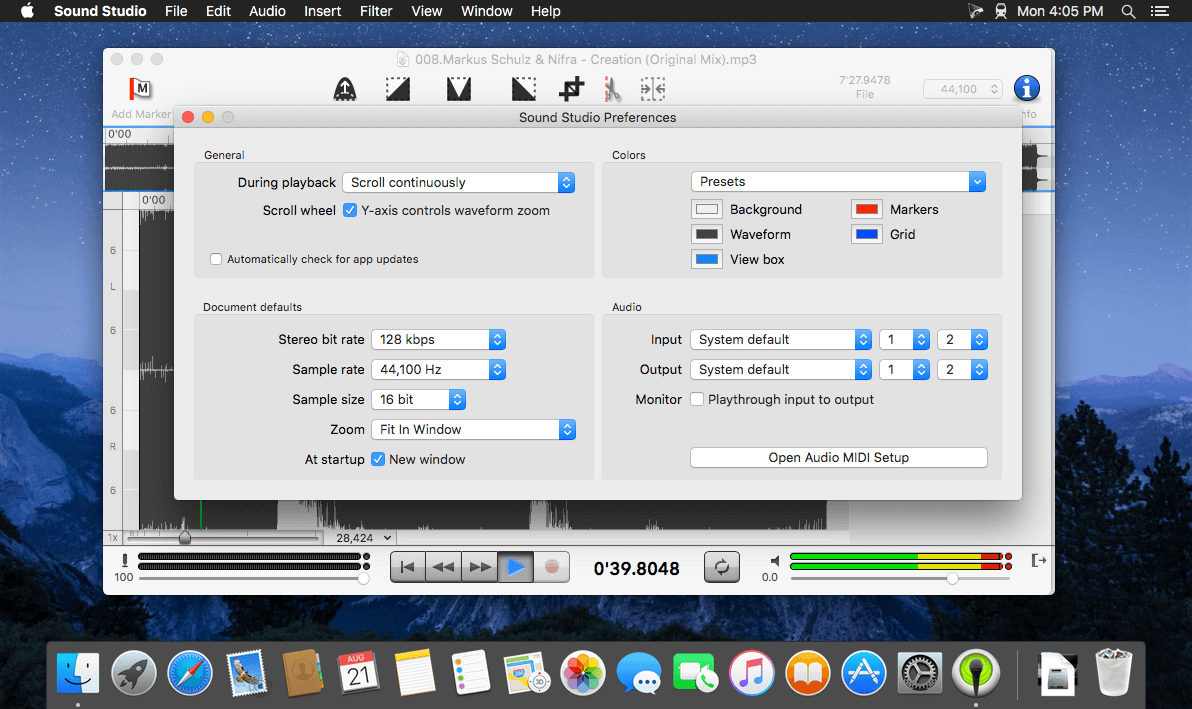
Sound Studio lets you easily record and professionally edit audio on your Mac. Easily rip vinyls and digitize cassette tapes, or record lectures and voice memos. Prepare for live shows with live effect processing and level tweaking, then record it all with performance recording capabilities.
Any audio project, completed with ease
- Expansive compatibility. Record your work as an MP3 or AAC M4A file. Edit and export audio in several formats including AIFF and WAV.
- Creative effects. Layer several effects like delay, reverb, chorus, or flanger filters, then tweak levels or EQ settings.
- Multi-track support. Record live audio alongside multiple tracks of studio-added sounds.
Version 4.10.0
- Added Dark Mode support. Much of the drawing code needed to be rewritten to support Dark Mode, so some things may look or feel different.
- Increased the minimum OS version to macOS 10.14 (Mojave).
- Fixed several minor UI issues.
- Added a "New Tab" command to the File menu.
Frequently asked questions
How do I install the app?
Mount the image, drag the app into the "Applications" folder and launch it. If the system blocks the launch, allow it in "System Settings → Privacy & Security".
The app is damaged or won't launch
Reinstalling from a fresh image usually helps. Make sure your macOS version matches the one listed in the compatibility specs.
How do I update?
Download the new version from the site and install it over the current one — your settings will be preserved.
The download link doesn't work
Try a mirror or a download manager. For large files the browser often drops the connection.
How do I completely remove the app?
Use an uninstaller utility — it cleans up the service files that remain after moving the app to the trash.

Choose a download source
Sound Studio 4.11.0 · 19.06 MB
Previous versions
Sound Studio 4.11.0
Previous versions are available to registered users.