Arturia Analog Lab Pro v5.12.0.6227

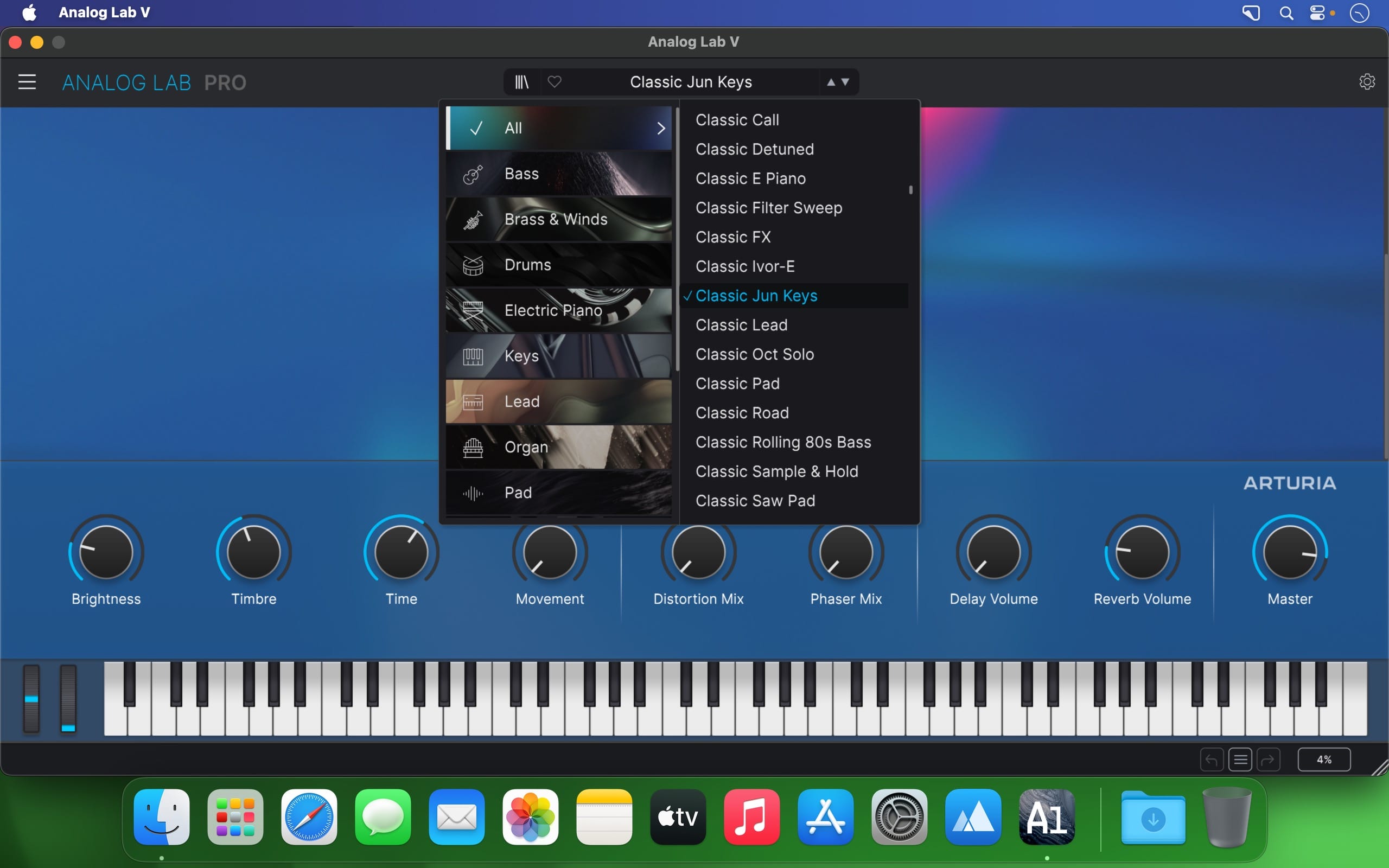
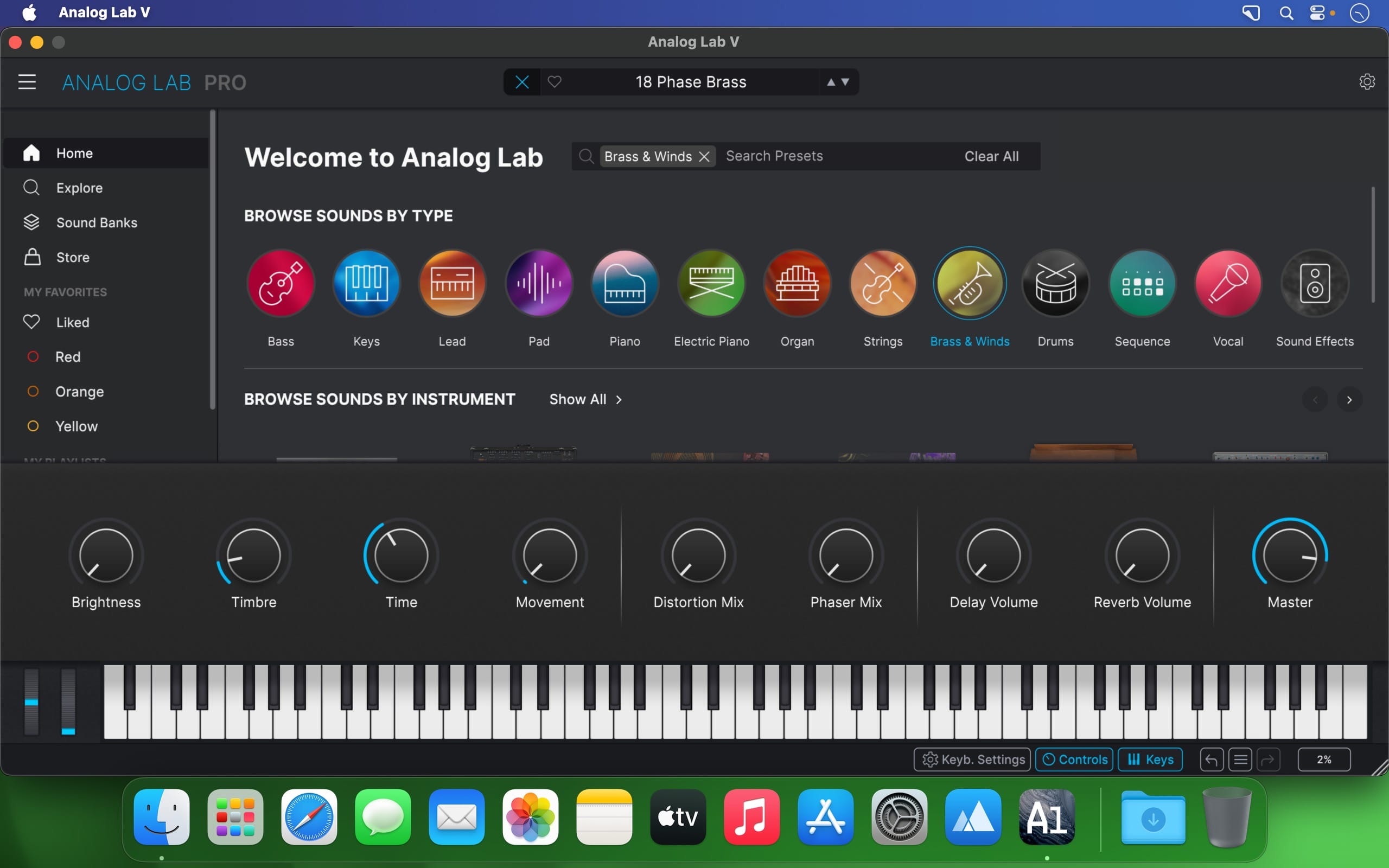
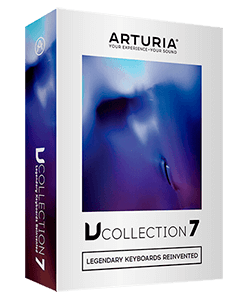
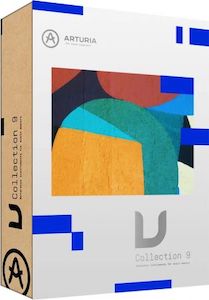
Analog Lab gives you streamlined access to 6500+ of the hottest presets from our award-winning V Collection. Featuring sounds from all 21 faithfully modeled vintage keyboards, combining awe-inspiring sound with exceptional ease of use and awesome features. In addition to studying the feedback from the music community, our developers worked hand-in-hand with professional ergonomists to optimize each aspect of this music production & performance dream instrument.
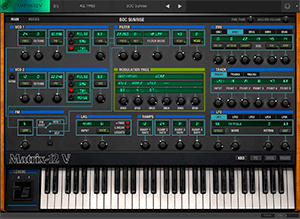
It resulted in an intuitive interface, a beautifully organized category based browsing experience, and natural mapping of the sonic parameters, creating a self-contained sonic encyclopedia of legendary sounds.
Keeping it real
- You’re all about the sound. So is Analog Lab.
- Why settle for samples of classic instruments when you can have faithful reproductions of them? In Analog Lab, you’re surfing the best sounds from Arturia’s award-winning V Collection of 21 classic synths, organs and pianos—all of which are authentic physical models of the originals.
- There’s simply nothing more true to the organic sound quality of yesteryear available anywhere.
All of your favorite go-to sounds at your fingertips
Analog Lab gives you the best of 21 instruments that made music history, all in one convenient place.
Analog synthesizers. Digital synthesizers. Acoustic pianos. Electric pianos. Organs. Strings machines. With the best of 21 vintage instrument reproductions on tap, Analog Lab lets you transcend time and style by arming you with everything from the most iconic sounds of the past to modern sound designs that are cutting edge today. Whether you’re composing, recording or performing, over 6500 sounds cover every song, genre, mood and ambience you can think of—no programming required. Use it standalone or with your favorite DAW.
Version 5.12.0:
- Release notes were unavailable when this listing was updated.
Frequently asked questions
How do I install the app?
Mount the image, drag the app into the "Applications" folder and launch it. If the system blocks the launch, allow it in "System Settings → Privacy & Security".
The app is damaged or won't launch
Reinstalling from a fresh image usually helps. Make sure your macOS version matches the one listed in the compatibility specs.
How do I update?
Download the new version from the site and install it over the current one — your settings will be preserved.
The download link doesn't work
Try a mirror or a download manager. For large files the browser often drops the connection.
How do I completely remove the app?
Use an uninstaller utility — it cleans up the service files that remain after moving the app to the trash.
Choose a download source
Arturia Analog Lab Pro v5.12.0.6227 · 4.38 GB
Previous versions
Arturia Analog Lab Pro v5.12.0.6227
Previous versions are available to registered users.