
Textual 7.2.7
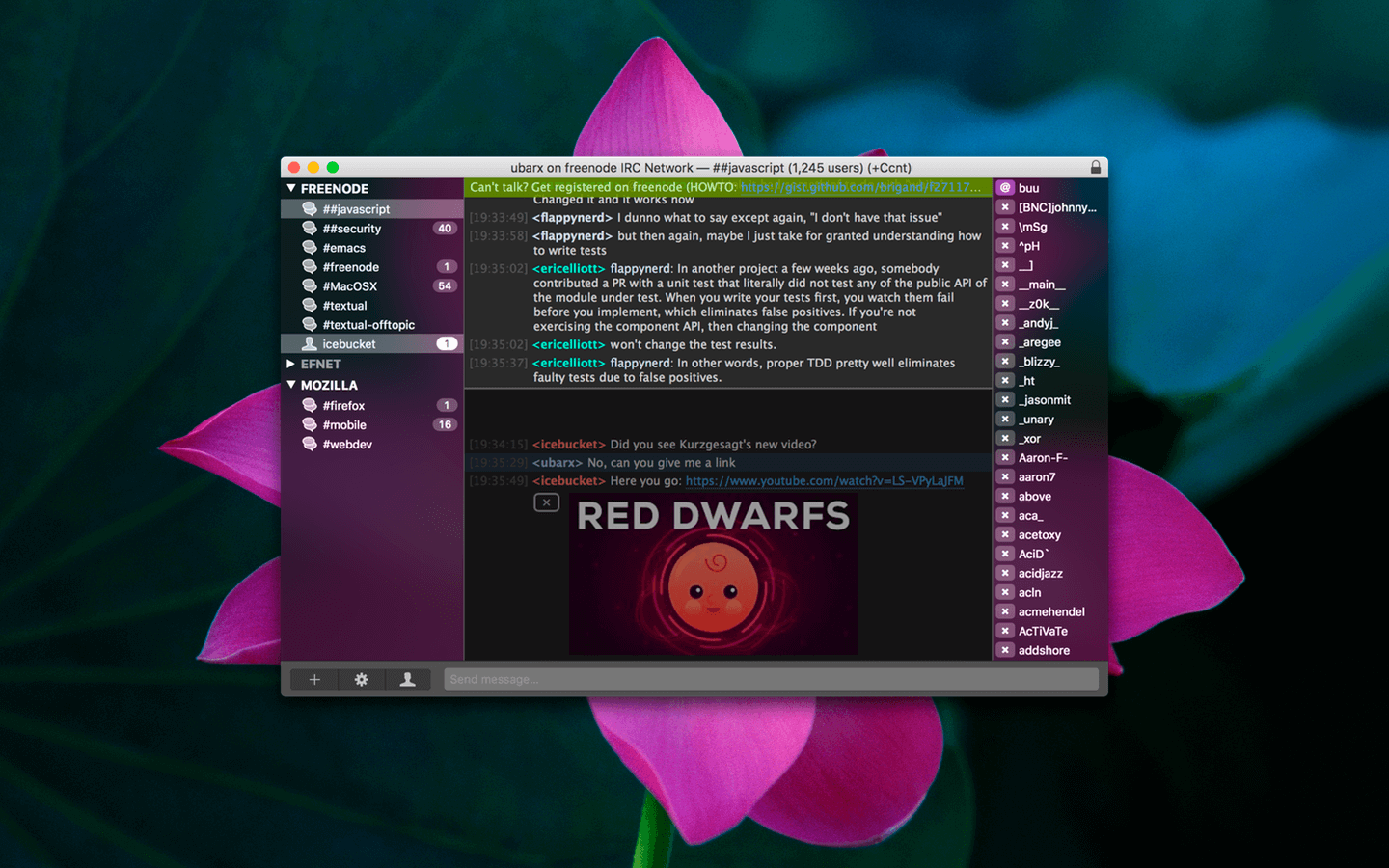
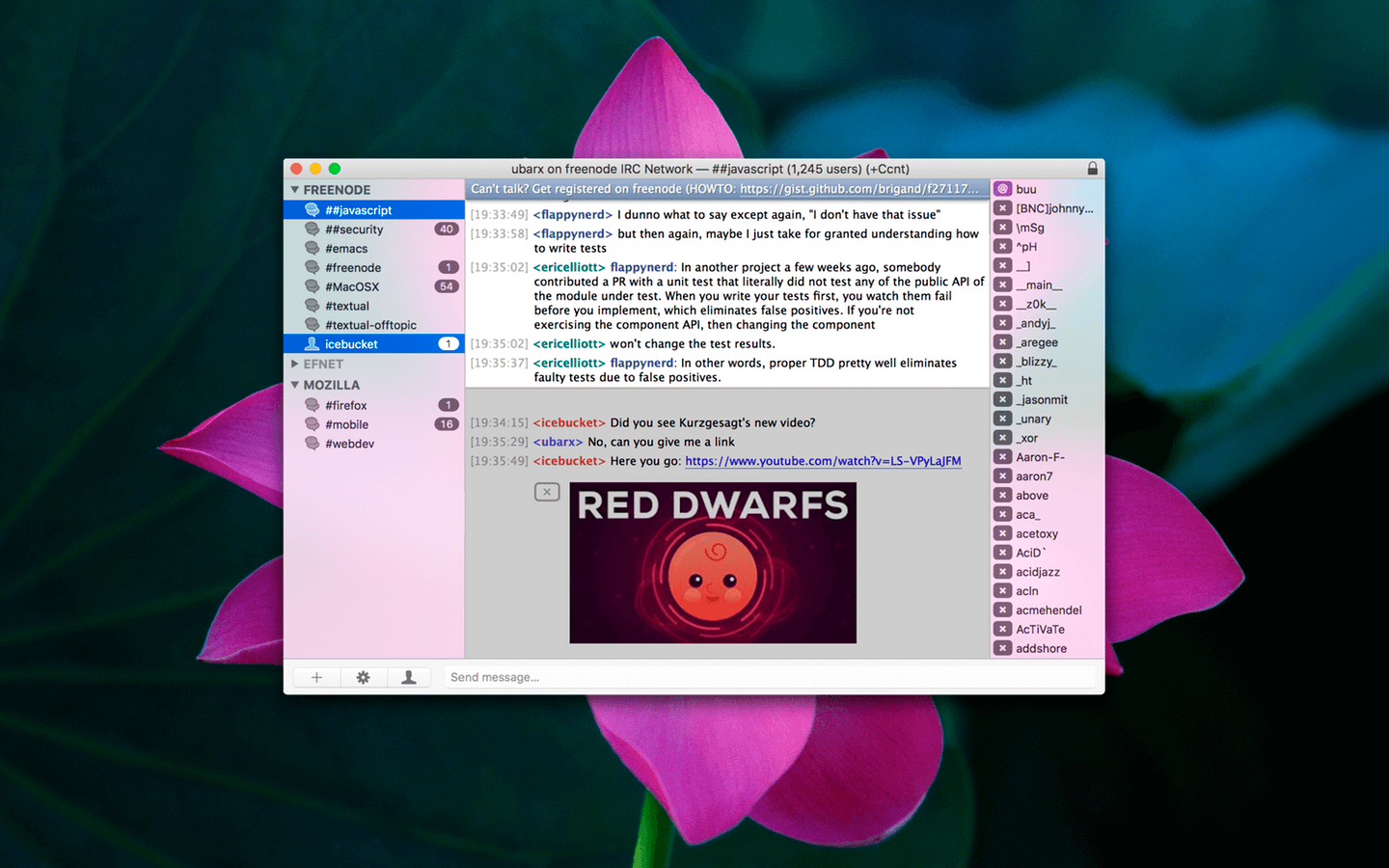
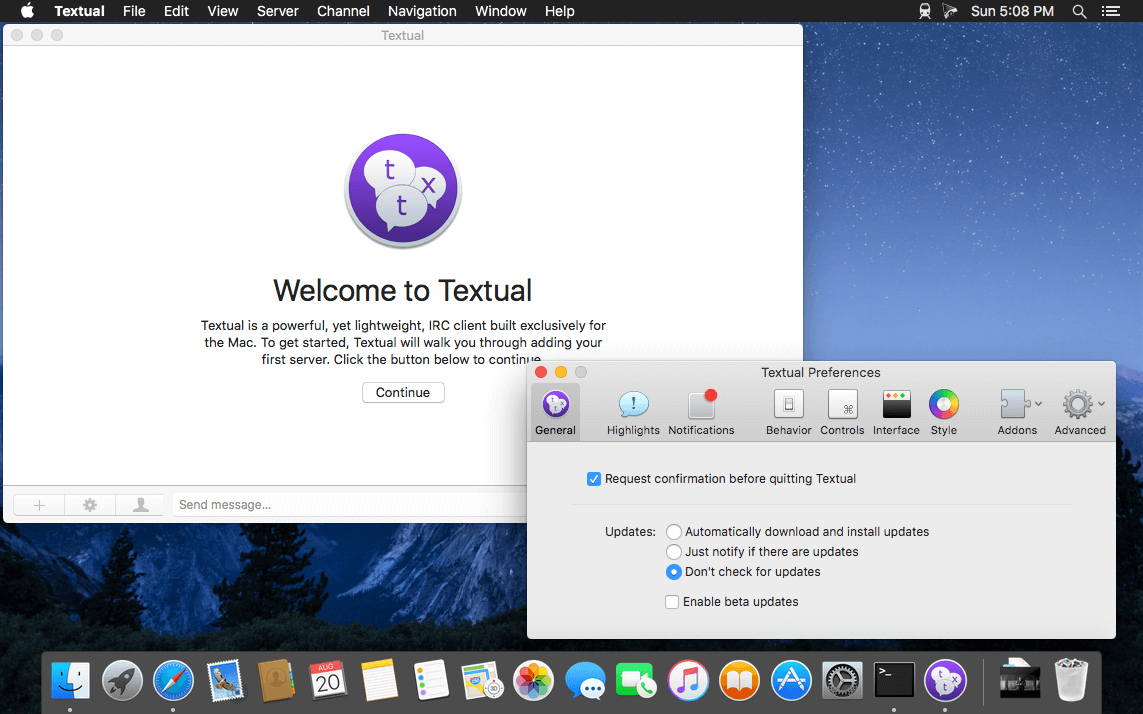
Textual is a top-rated macOS IRC client for chatting in Internet Relay Chat rooms. It helps protect your privacy by using well-established, proven security technologies—such as Off-the-Record Messaging (OTR)—so that your messages are visible only to the people you intend to communicate with.
Textual also includes:
- Address Book to track when friends are online or offline
- Auto-completion for nicknames, commands, and channels
- Rich text formatting (bold, color, italic, underline)
- Built-in conversion of text emoticons to emojis
- Growl and native Notification Center support
- Inline media embedding (display images directly in chat)
- Inline nickname colorization
- Per-channel notification controls
- Rule-based ignore matching with advanced customization
- Powerful filters that can trigger commands based on incoming messages
- Strong ZNC integration for advanced users
- Quick navigation via fuzzy searching
- Extensive, customizable keyboard shortcuts
- SOCKS4, SOCKS5, and HTTP proxy support (with or without SSL)
- SASL for simple authentication and security
- Support for self-signed certificates for authentication
- Options to validate and manage trust for untrusted certificates
- Ability to view multiple channels simultaneously
- …and much more!
Version 7.2.7:
Fixes
- Fixed automatic scrolling on macOS 27.
Frequently asked questions
How do I install the app?
Mount the image, drag the app into the "Applications" folder and launch it. If the system blocks the launch, allow it in "System Settings → Privacy & Security".
The app is damaged or won't launch
Reinstalling from a fresh image usually helps. Make sure your macOS version matches the one listed in the compatibility specs.
How do I update?
Download the new version from the site and install it over the current one — your settings will be preserved.
The download link doesn't work
Try a mirror or a download manager. For large files the browser often drops the connection.
How do I completely remove the app?
Use an uninstaller utility — it cleans up the service files that remain after moving the app to the trash.





Choose a download source
Textual 7.2.7 · 10.16 MB
Previous versions
Textual 7.2.7
Previous versions are available to registered users.