
Schwartz 1.8
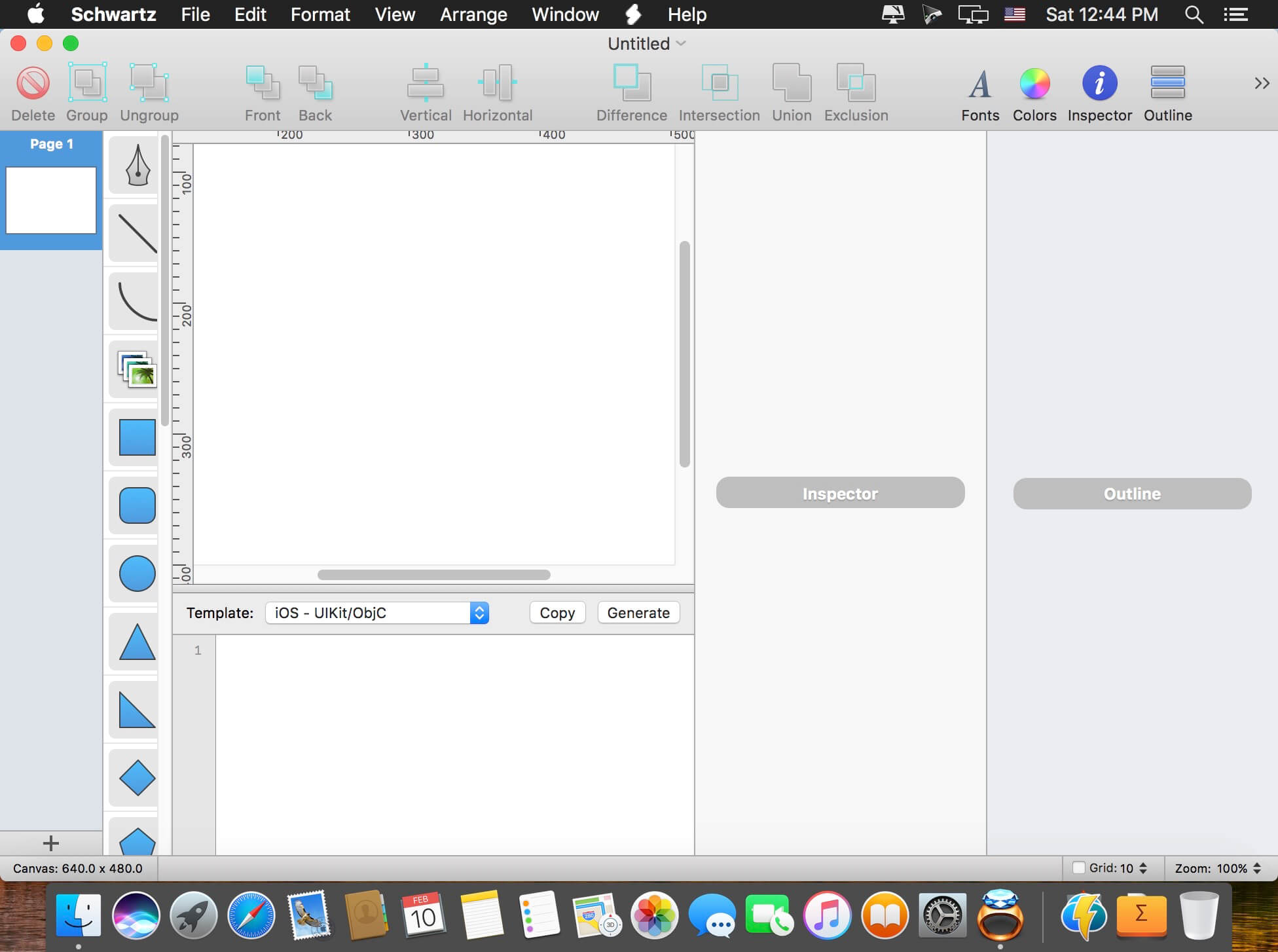
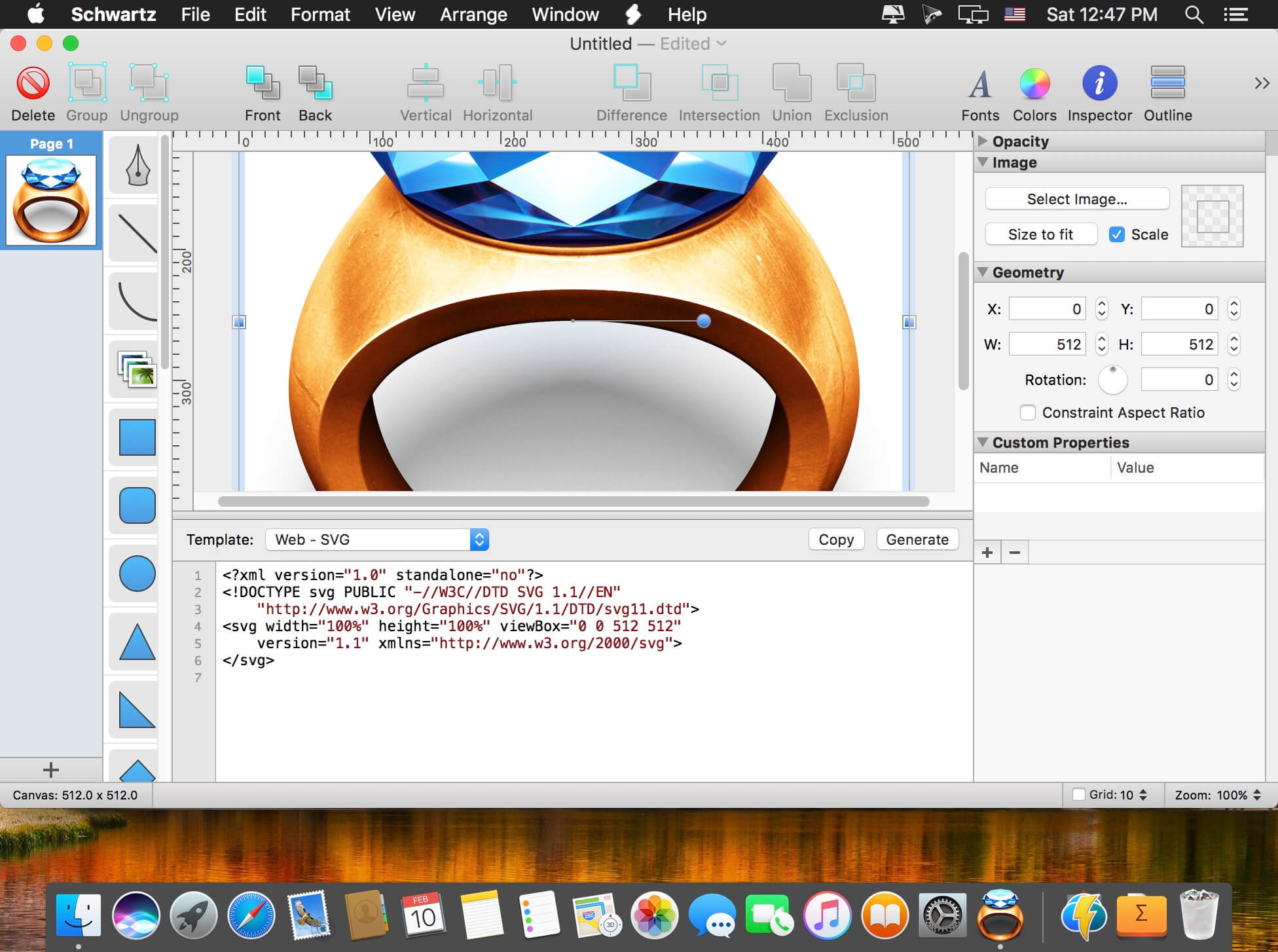
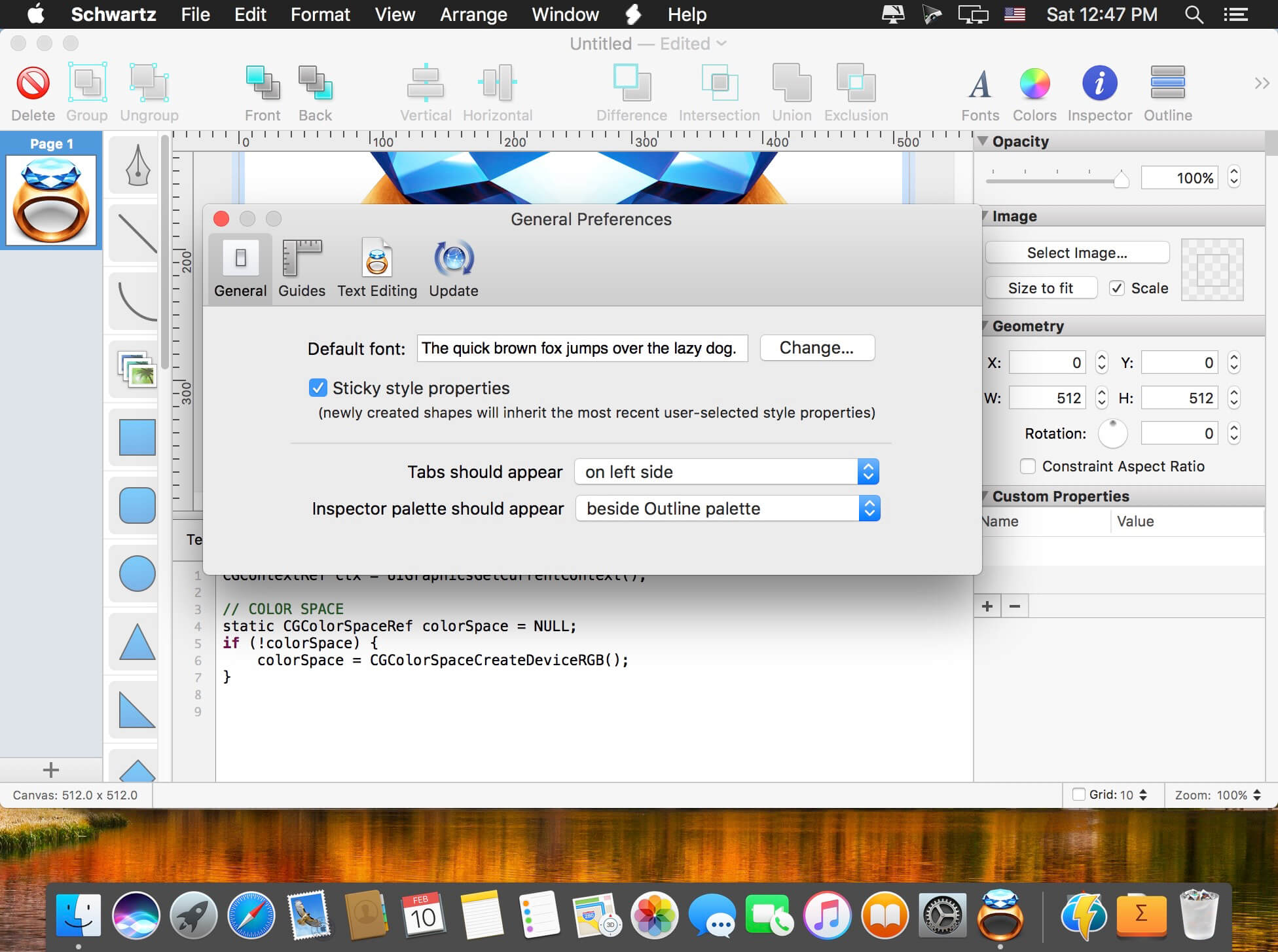

Schwartz is a developer tool that takes the pain out of writing complex graphics-drawing code. With Schwartz, you can create vector-based graphic compositions in a user-friendly WYSIWYG environment, and then automatically generate source code for rendering your composition on iOS, OS X, the Web, or any other platform. Schwartz already supports producing source code in many different target languages like Objective-C, C, Swift, SVG, and jаvascript.
But what's unique about Schwartz is that it's template-based. Each source code output target is a template that can be edited to your specific syntactical tastes. And adding new templates to support new target languages is extremely easy.
Working with Schwartz templates is a simple and intuitive process, similar to using template languages for popular web application frameworks like Ruby on Rails, Django, or JavaServer Pages.
Version 1.8:
- New: Custom Properties. In the Inspector sidebar, you'll find a new "Custom Properties" palette. Here, you can add custom name/value pairs to any selected object on the canvas. Then, you can access these properties in your Schwartz Templates by looping through `object.customProperties` or `object.customPropertiesDictionary`. Each custom property has a `name` and `value` property containing the values you entered in the sidebar palette.
- New: Resolution Control - Edit the DPI of any document in the "Edit Canvas Size" sheet.
- New: Export Selection - Main Menu > File > Export Selection…
- New: 10% Zoom Scale option.
- Fix: Control-clicking objects on the Canvas for activating the context menu now works properly again.
- Fix: Improved canvas rendering performance.
Frequently asked questions
How do I install the app?
Mount the image, drag the app into the "Applications" folder and launch it. If the system blocks the launch, allow it in "System Settings → Privacy & Security".
The app is damaged or won't launch
Reinstalling from a fresh image usually helps. Make sure your macOS version matches the one listed in the compatibility specs.
How do I update?
Download the new version from the site and install it over the current one — your settings will be preserved.
The download link doesn't work
Try a mirror or a download manager. For large files the browser often drops the connection.
How do I completely remove the app?
Use an uninstaller utility — it cleans up the service files that remain after moving the app to the trash.
VersionSchwartz 1.8
DeveloperTodd Ditchendorf
CompatibilityOS X 10.8 or later, 64-bit processor
LanguageEnglish
IncludesK'ed by TNT




Information
Visitors in the group Guests cannot leave comments on this publication.
Choose a download source
Schwartz 1.8 · 8.44 MB