CLion v2017.3.4
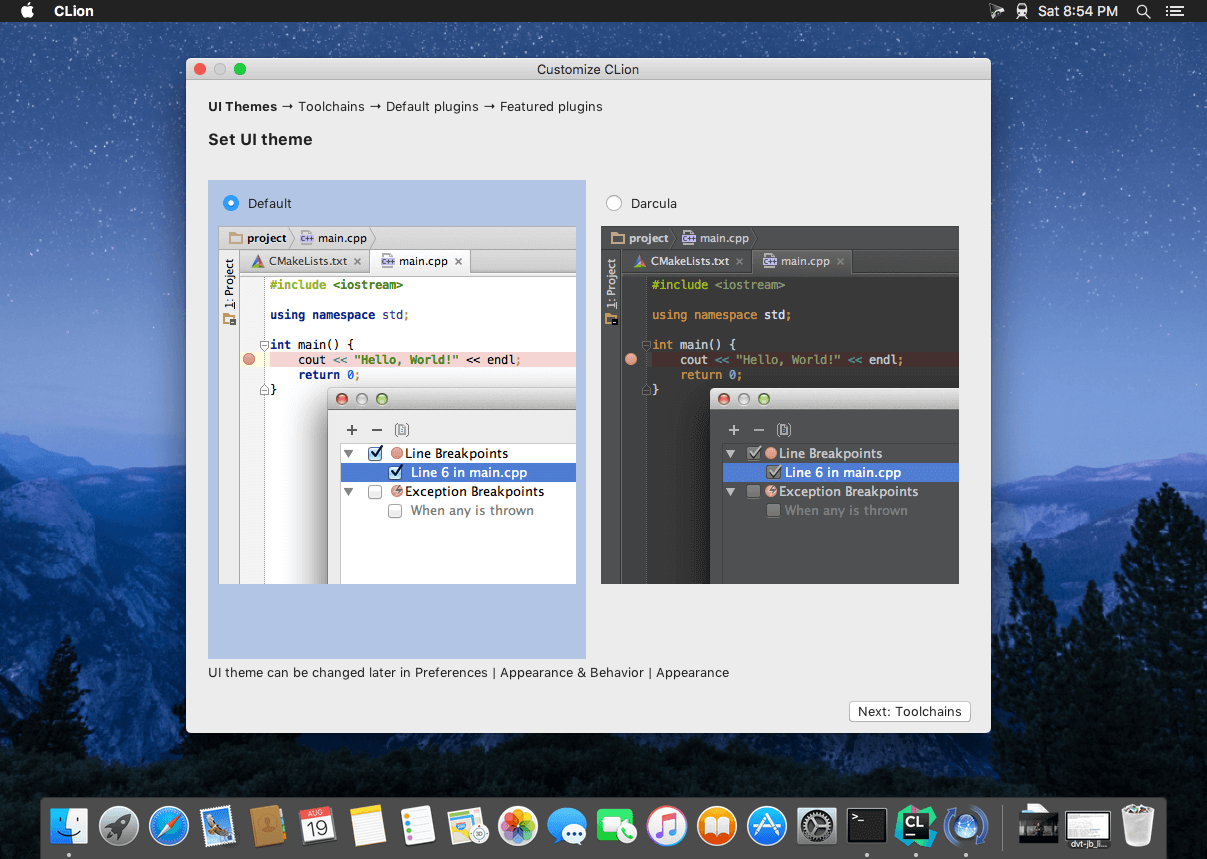

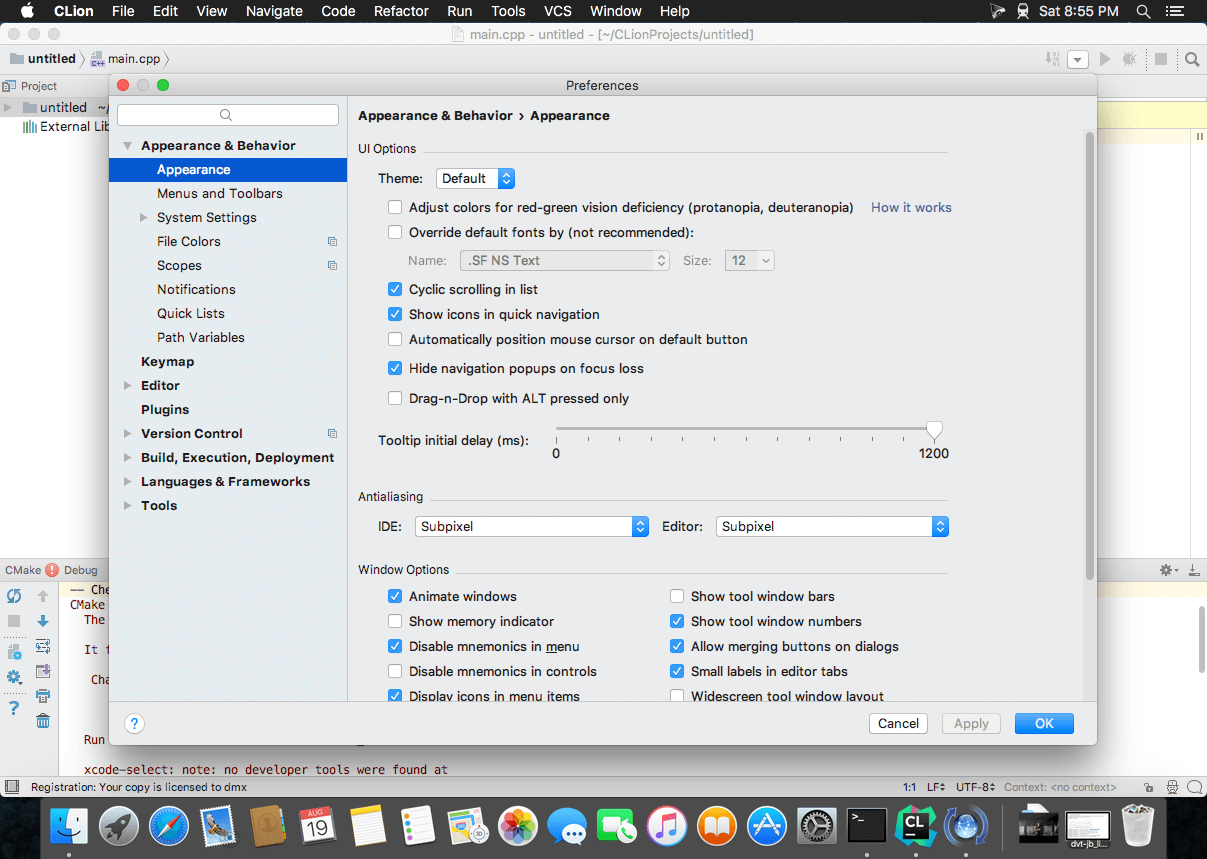
A power tool for a power language
This powerful IDE helps you develop in C and C++ on Linux, OS X and Windows, enhancing your productivity with a smart editor, code quality assurance, automated refactorings, and deep integration with CMake build system.
Fully integrated C/C++ Development Environment
Smart Editor
Trust CLion to take care of the routine while you focus on the important things. Knowing your code through and through, it can boost your productivity with smart and relevant code completion, full coding assistance including customizable coding styles, keymaps and various project views, and instant navigation to a symbol's declaration or usages.
Code generation
Save time on unnecessary typing while CLion generates code for you. Add class members, override/implement functions, wrap a block of code with a statement, or generate a block of code from one word using live templates---all via simple keyboard shortcuts.
Refactorings
With CLion, you can maintain, improve and clean up code at the speed of thought. Whenever you need to rename symbols, move members up/down the hierarchy, extract code to function, typedef, define, etc., CLion's automated refactorings will accurately and instantly propagate the appropriate changes throughout the code for you.
On-the-fly analysis
With CLion, you can create code that's beautiful and correct at the same time. Potential code issues are identified instantly and fixed as you type. Be sure all the proper changes are handled automatically by CLion.
CMake support
All of the opportunities offered by CMake are under your fingertips in CLion. No additional project structure is required, as CLion takes all the information from CMake build system and handles your changes in CMake files automatically. CMakeCache editor and CMake settings dialog help you configure your project the right way.
Integrated debugger
Investigate and solve problems with ease, using breakpoints, watches and expression evaluation through CLion's friendly user interface. Get the complete view of your project with variable values shown right in the editor as you debug. You can even change variable values while debugging to investigate an issue in-depth.
Version 2017.3.4:
- The update brings an important fix to the built-in SSH client and makes it compatible with the new GitHub cryptographic standards.
Frequently asked questions
How do I install the app?
Mount the image, drag the app into the "Applications" folder and launch it. If the system blocks the launch, allow it in "System Settings → Privacy & Security".
The app is damaged or won't launch
Reinstalling from a fresh image usually helps. Make sure your macOS version matches the one listed in the compatibility specs.
How do I update?
Download the new version from the site and install it over the current one — your settings will be preserved.
The download link doesn't work
Try a mirror or a download manager. For large files the browser often drops the connection.
How do I completely remove the app?
Use an uninstaller utility — it cleans up the service files that remain after moving the app to the trash.
VersionCLion v2017.3.4
DeveloperJetBrains
CompatibilityOS X 10.9.4 or later, 64-bit processor
LanguageEnglish
IncludesK


Information
Visitors in the group Guests cannot leave comments on this publication.
Choose a download source
CLion v2017.3.4 · 300.09 MB