
Monosnap 3.4.11
Capture screenshots, share files, record video and .gifs!
KEY FEATURES
Capture:
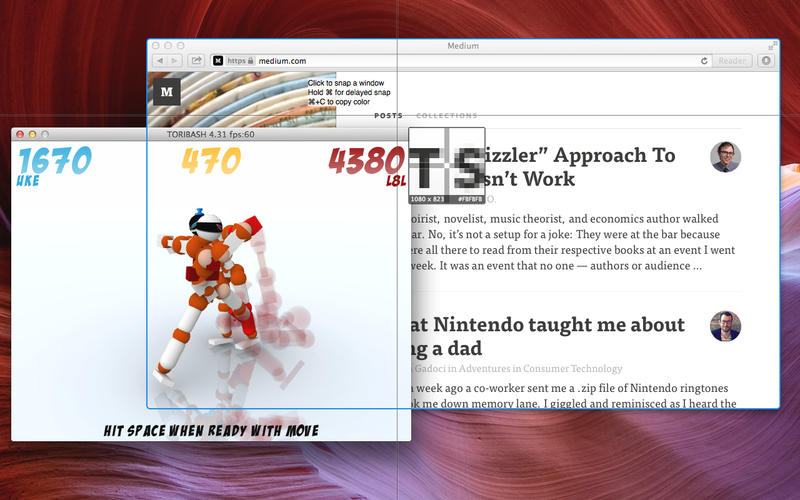
- Capture full screen, just part of the screen, or a selected window
- Make your crop area pixel perfect with our 8x magnifier
- Customize hotkeys
- Make timed screenshot
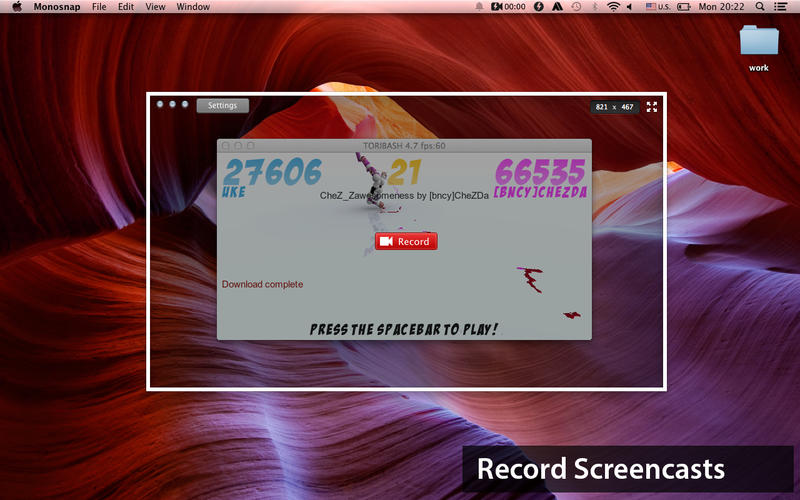
- Record screencasts
- Highlight details while recording a video
Annotate and Edit:
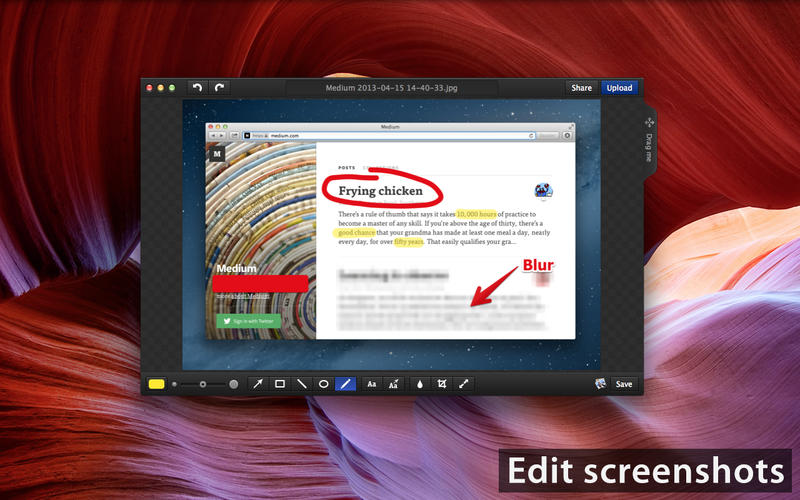
- Highlight important details with pen, text, arrows and shapes
- Hide private information with blur tool
- Open snapshots in your favorite external editor
Save and share:
- Login to get free cloud storage space
- Connect Monosnap to Evernote, Dropbox, CloudApp, Yandex.Disk and Box.com
- Add your personal ftp, sftp, webdav or S3 server
- Upload files and images by dropping them to the menubar icon
- Drag & Drop right from the editor
- Use your own ftp,sftp or webdav server
- Share your snapshots in one click
- Upload your videos on youtube or monosnap
Version 3.4.11:
- Fixed bug with text tool in the image editor
- ‘Open editor’ renamed to ‘Open last image’
- Fixed bug with a restoring in-app purchases
- Fixed bugs with Capture Area tool
- Added new hotkey [ALT+CMD+C] - copy image to the clipboard and close editor
- Added new mode to select a square area for 'Capture Area tool'
- Added preferences for clipboard: now you can set up a hotkey to open or upload an image from clipboard
- Added final resolution in px for saving gifs
- Shadow added to all type of screenshot, not only to screenshot of windows
- Minor fixes and changes
Frequently asked questions
How do I install the app?
Mount the image, drag the app into the "Applications" folder and launch it. If the system blocks the launch, allow it in "System Settings → Privacy & Security".
The app is damaged or won't launch
Reinstalling from a fresh image usually helps. Make sure your macOS version matches the one listed in the compatibility specs.
How do I update?
Download the new version from the site and install it over the current one — your settings will be preserved.
The download link doesn't work
Try a mirror or a download manager. For large files the browser often drops the connection.
How do I completely remove the app?
Use an uninstaller utility — it cleans up the service files that remain after moving the app to the trash.
VersionMonosnap 3.4.11
DeveloperFarminers Limited
CompatibilityOS X 10.8 or later, 64-bit processor
LanguageEnglish, Russian
IncludesK'ed by TNT





Information
Visitors in the group Guests cannot leave comments on this publication.
Choose a download source
Monosnap 3.4.11 · 17.36 MB