
Mailplane 3.8.2
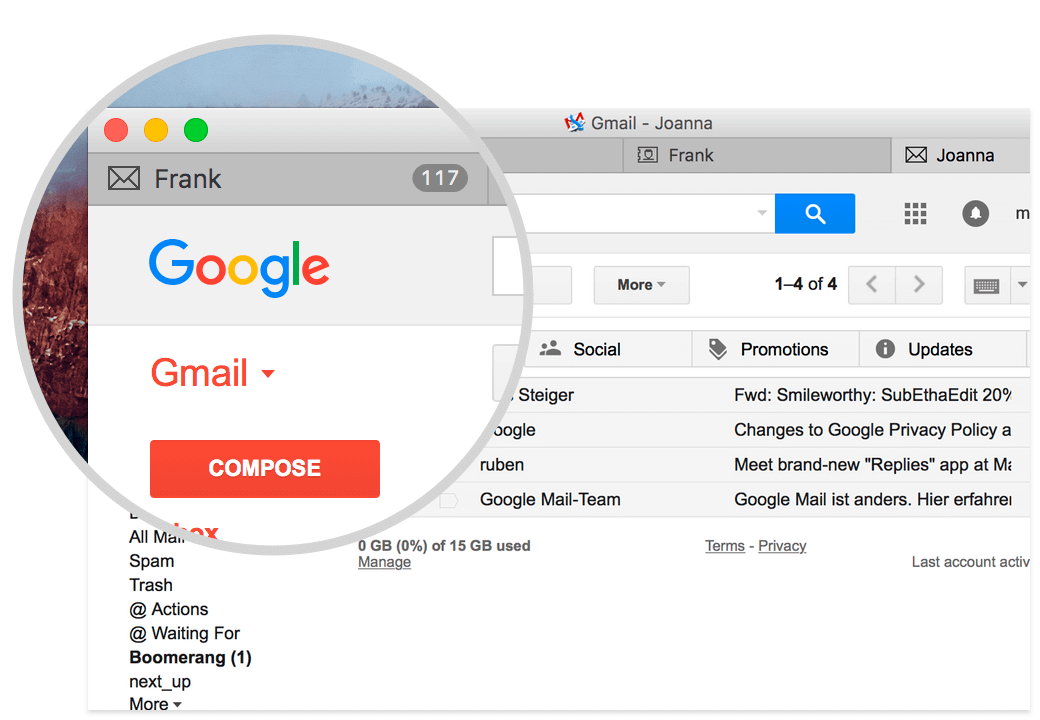
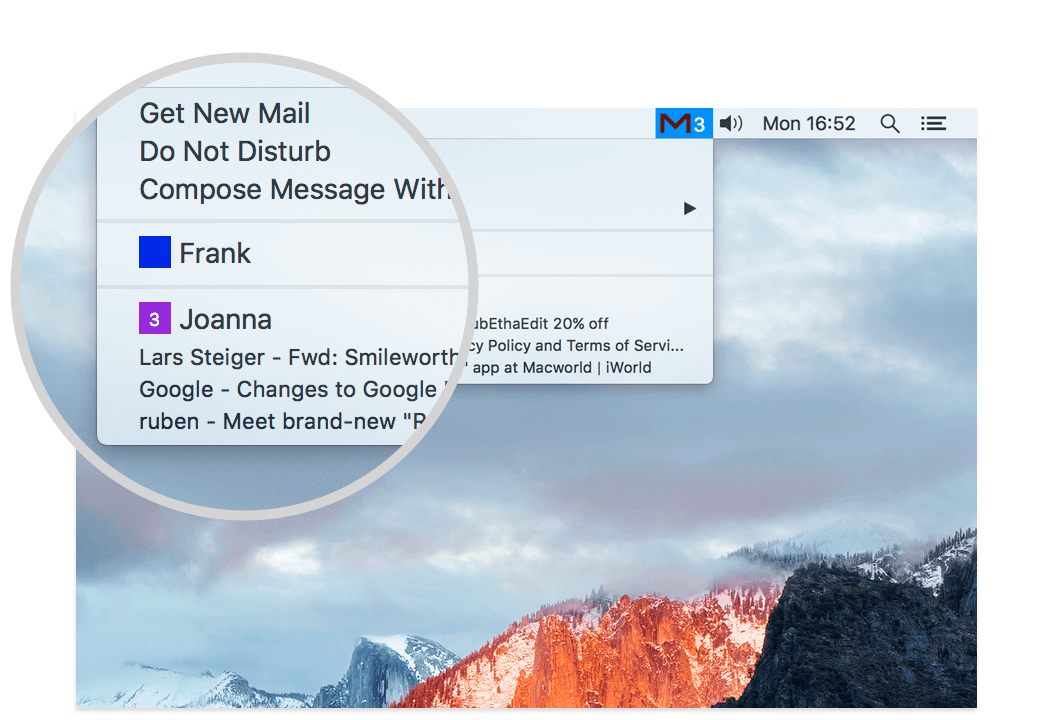
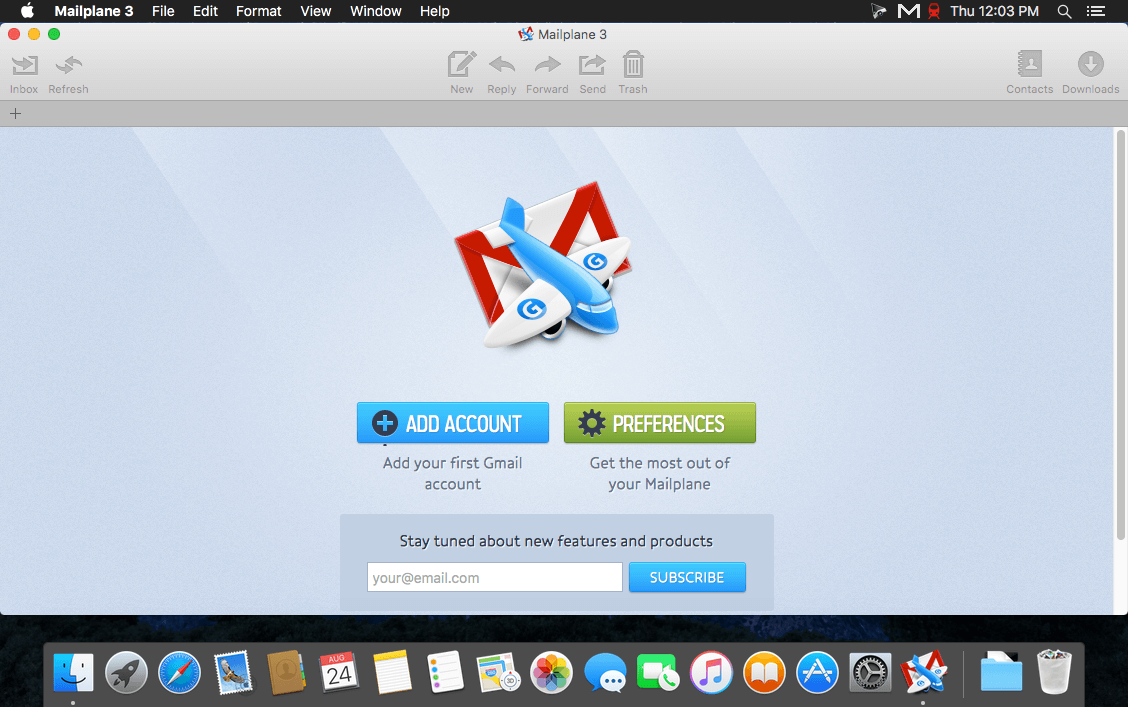
Mailplane brings Gmail to your Mac desktop. Mailplane combines Gmail's spam protection, endless storage, global access, and unique user interface with great Mac features:
- Attach files: Drag 'n' drop your files and folders to Mailplane and watch them being attached to the message and automatically uploaded.
- Send optimized photos: Pictures get automatically resized and optimized to reduce the size of your message.
- Instantly send screenshots: Need to send a Screenshot? With one click you grab a portion of your screen and attach it to your message.
- Send pictures from iPhoto: Mailplane comes with an iPhoto plugin that makes sending picture attachments so easy: select any pictures in iPhoto and then press the email button. That's it.
- and more!
Version 3.7.0:
- Bookmarks (a.k.a Quick Links) - Use "Mail > Go to > Add Bookmark..." to save frequent searches or links to individual messages in Gmail. You can then navigate to those bookmarks via "Mail > Go to > Navigate...". It's intended as replacement for the retiring Quick Links lab feature.
- Quote Selected Text - Gmail did also retire the Quote Selected Text lab feature. We went ahead and built a replacement for it. Simply select text in Mailplane and press either "Mail > Reply" (⌘-R) or "Mail > Reply All" (⌥-⌘-R).
- macOS 10.13 High Sierra Beta - Apple made macOS 10.13 Beta available via their Beta Software Program. This update will allow you to start Mailplane on macOS 10.13 Beta. There are no other known issues so far but full compatibility is still being verified.
Frequently asked questions
How do I install the app?
Mount the image, drag the app into the "Applications" folder and launch it. If the system blocks the launch, allow it in "System Settings → Privacy & Security".
The app is damaged or won't launch
Reinstalling from a fresh image usually helps. Make sure your macOS version matches the one listed in the compatibility specs.
How do I update?
Download the new version from the site and install it over the current one — your settings will be preserved.
The download link doesn't work
Try a mirror or a download manager. For large files the browser often drops the connection.
How do I completely remove the app?
Use an uninstaller utility — it cleans up the service files that remain after moving the app to the trash.
VersionMailplane 3.8.2
Developeruncomplex gmbh
CompatibilityOS X 10.10 or later, 64-bit processor
LanguageEnglish
IncludesK'ed by TNT




Information
Visitors in the group Guests cannot leave comments on this publication.
Choose a download source
Mailplane 3.8.2 · 80.13 MB