
Ceceree 1.2.3
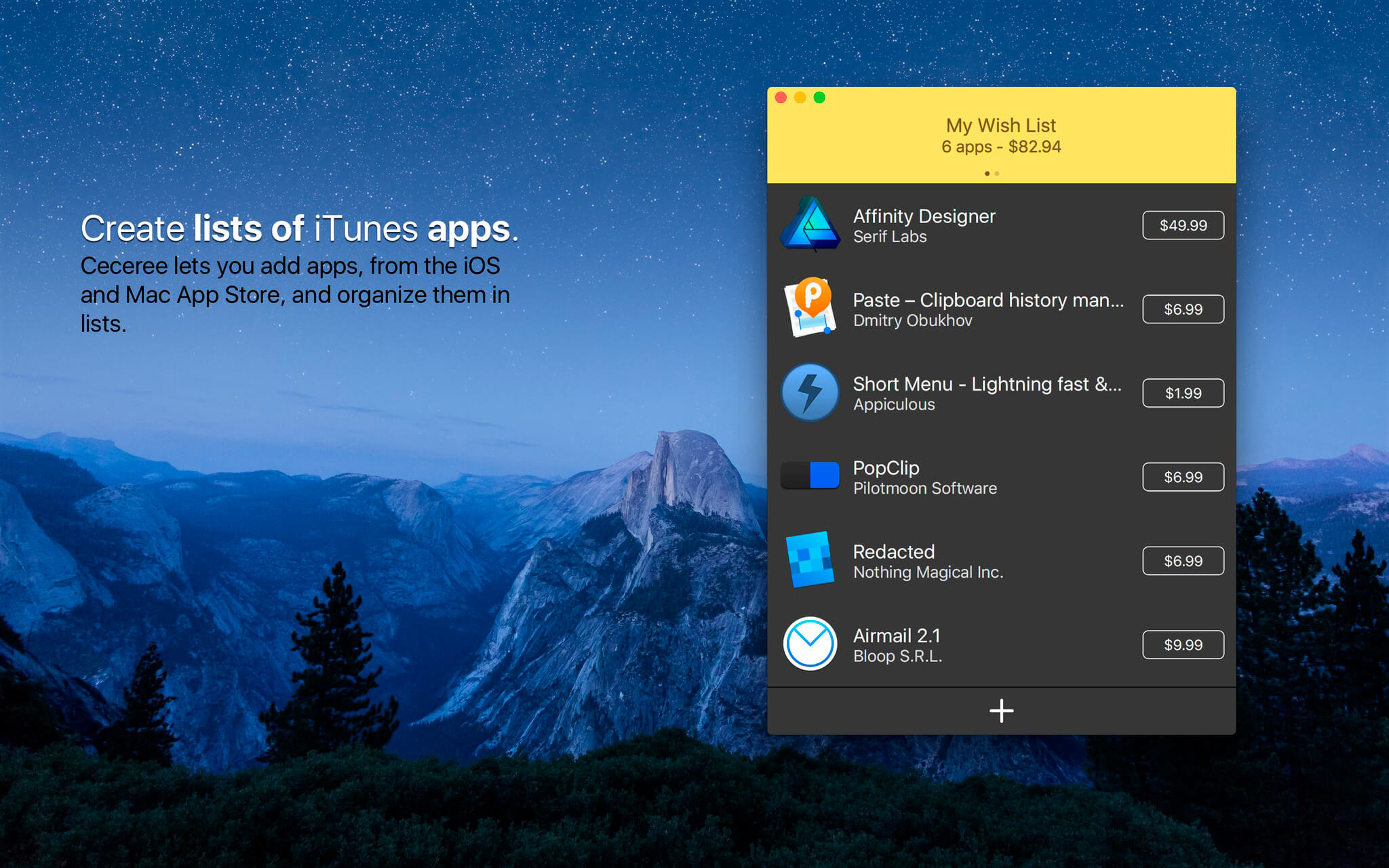
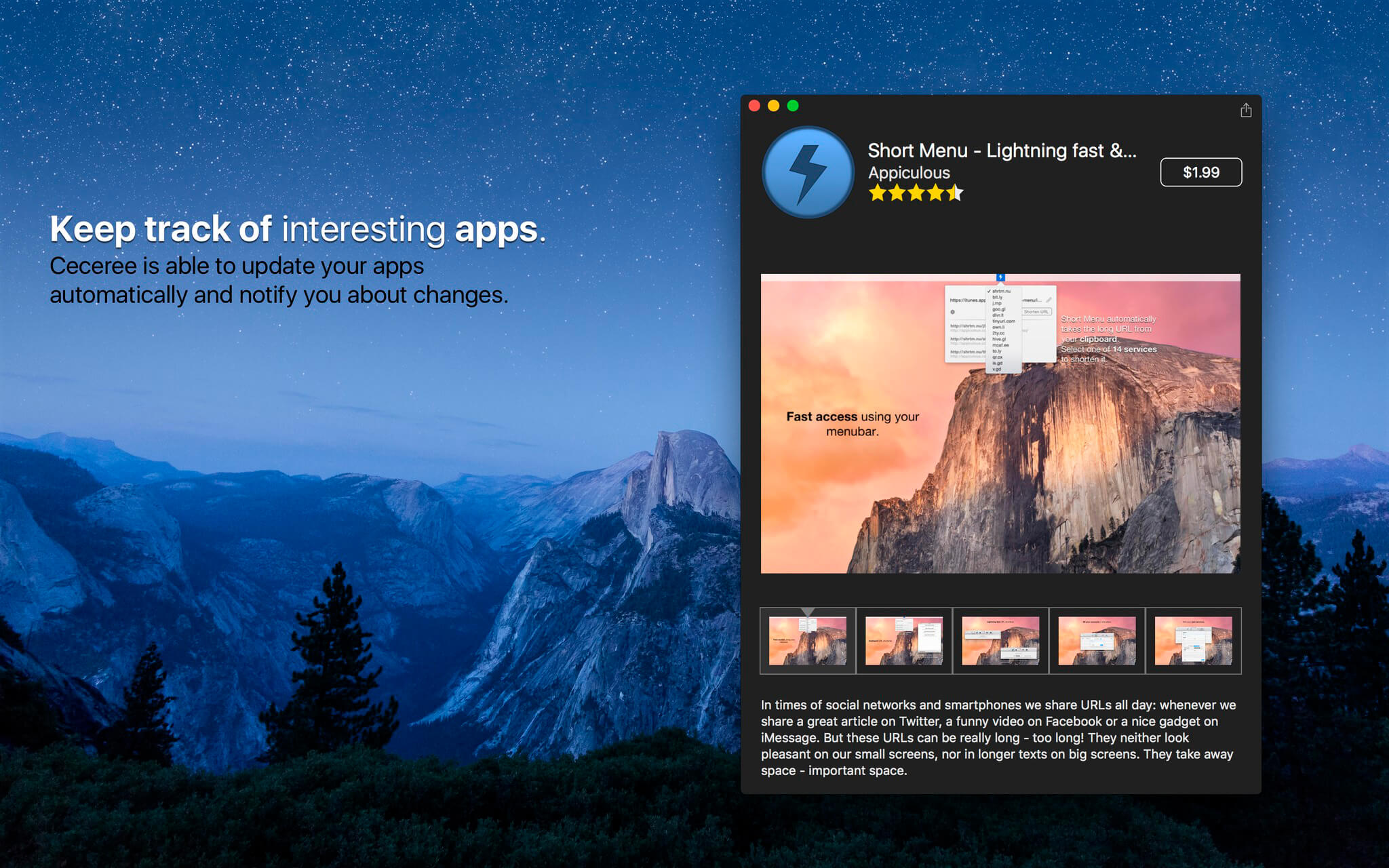

Ceceree is great if you sometimes see apps on the Mac App Store which seem interesting, but you don't really know if you want to buy them--possibly because you're not comfortable with the price or you're waiting for a new version. So let's add them to a wish list. But wait, which wish list? There's a wish list for apps in iTunes, but the Mac App Store doesn't have one. That's where Ceceree comes into play. It lets you add apps, from both the iOS and Mac App Store, and organize them in lists. Additionally you can keep track of the apps you added and share your lists with others.
Version 1.2.3:
- Fixes the crash which occurred on macOS Sierra after launch.
Frequently asked questions
How do I install the app?
Mount the image, drag the app into the "Applications" folder and launch it. If the system blocks the launch, allow it in "System Settings → Privacy & Security".
The app is damaged or won't launch
Reinstalling from a fresh image usually helps. Make sure your macOS version matches the one listed in the compatibility specs.
How do I update?
Download the new version from the site and install it over the current one — your settings will be preserved.
The download link doesn't work
Try a mirror or a download manager. For large files the browser often drops the connection.
How do I completely remove the app?
Use an uninstaller utility — it cleans up the service files that remain after moving the app to the trash.
VersionCeceree 1.2.3
DeveloperAppiculous UG
CompatibilityOS X 10.10 or later, 64-bit processor
LanguageEnglish
IncludesKG





Information
Visitors in the group Guests cannot leave comments on this publication.
Choose a download source
Ceceree 1.2.3 · 7.12 MB
Previous versions
Ceceree 1.2.3
Previous versions are available to registered users.