
Dejal Simon 4.3.1
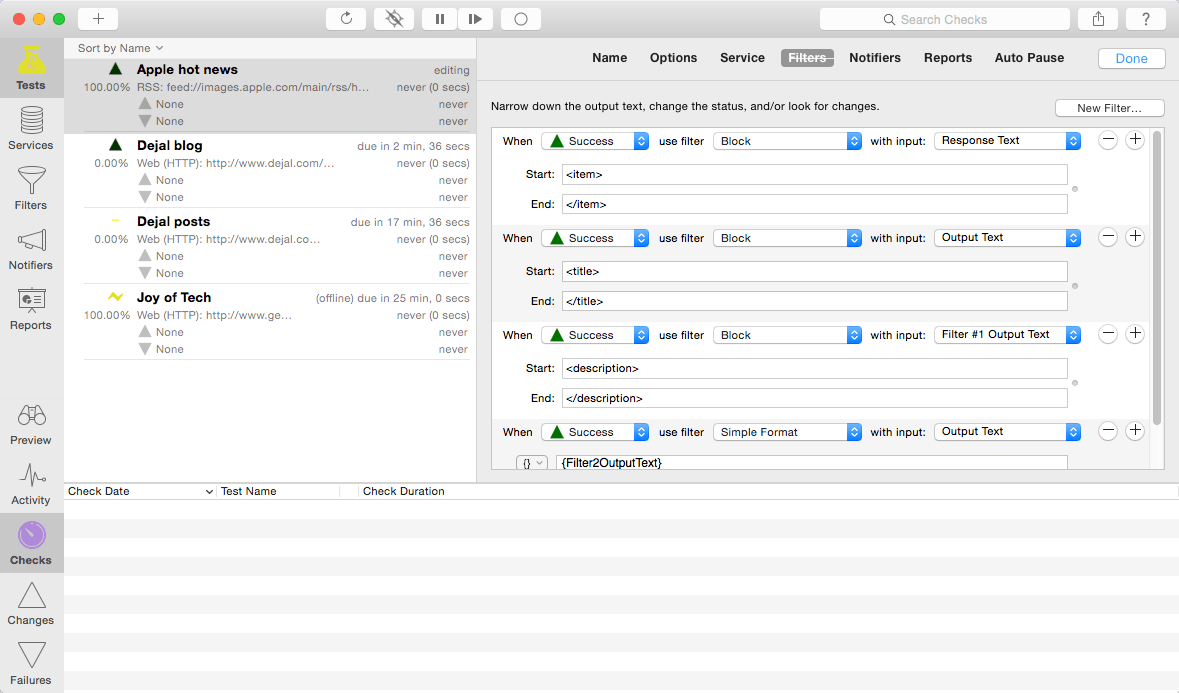
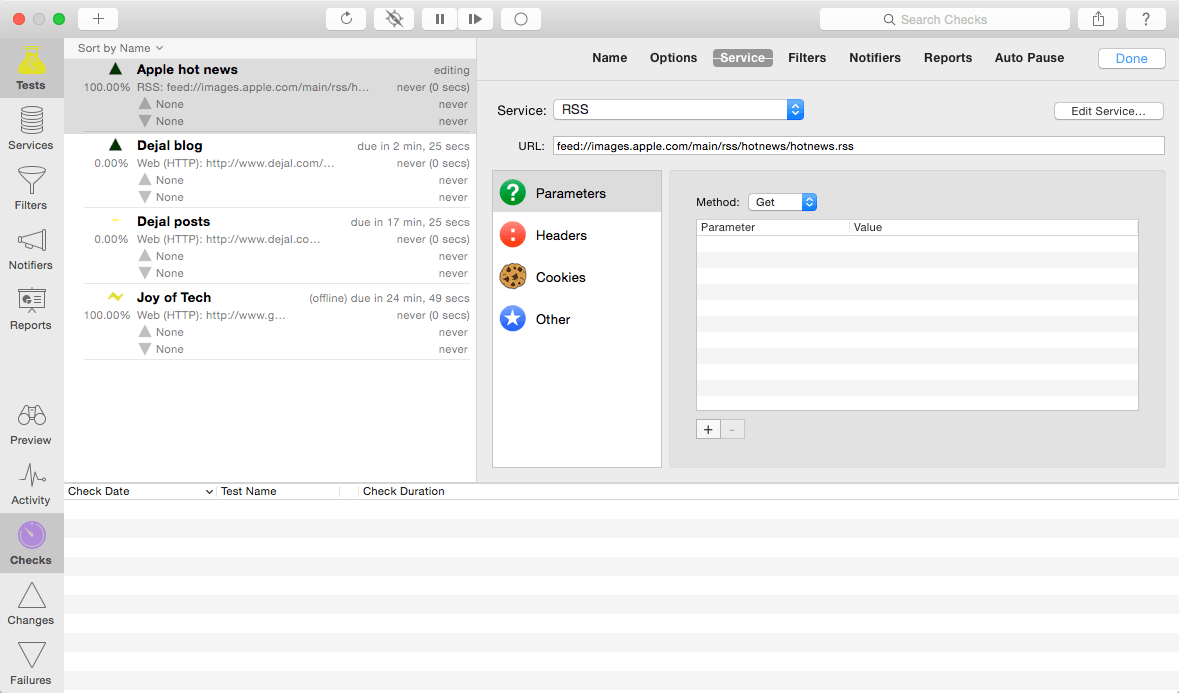
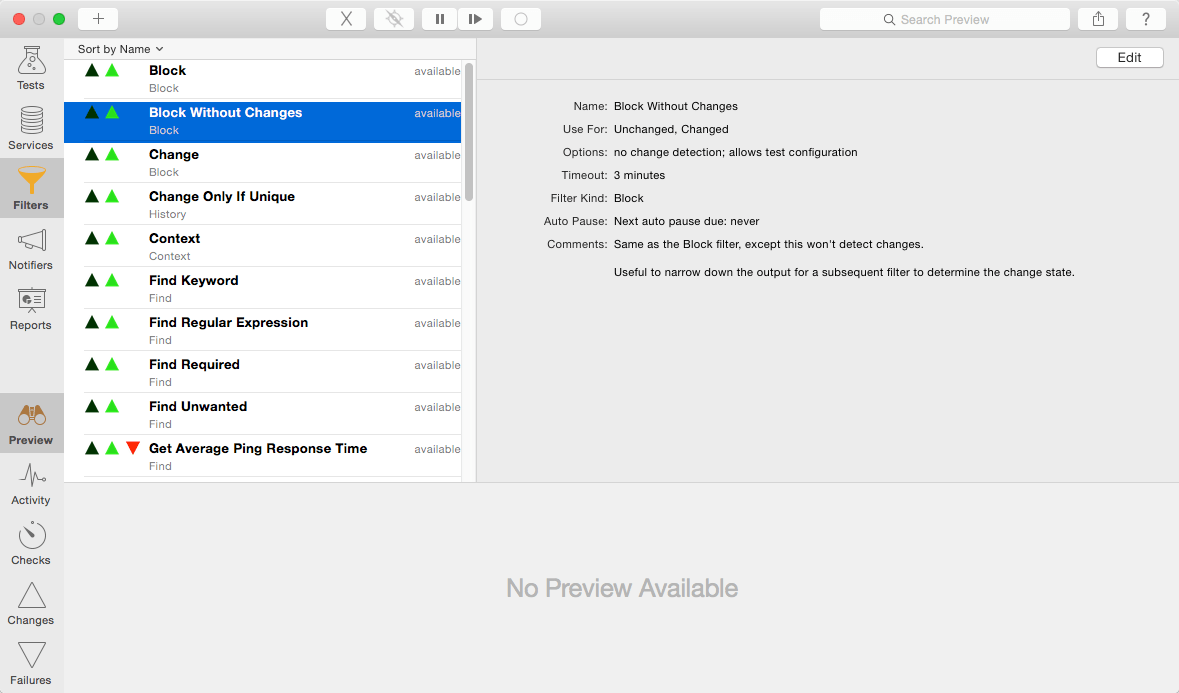
Dejal Simon is the essential site monitoring tool for Mac OS X. It checks servers for changes or failures, and notifies you via email, sound, speech, Twitter, or other means. You can use it to track updated sites, and to alert you when an important server goes down or recovers. It is a native Mac OS X application with an intuitive and attractive interface.
Simon is very versatile. It can be used to monitor your own website and servers, track posts and new comments on your or friends' blogs, check for web mail, get notifications of updates to favorite news and entertainment websites, keep an eye on auctions, and many other uses.
Top New Features
- Redesigned to use a convenient single-window layout.
- Support for organizing tests etc into groups.
- Optionally hide Simon from the Dock.
- Password protect access to Simon.
- Reorder filters and notifiers in a test.
- New email service to check sending, receiving or both.
- New RSS service.
- New context filters to include extra text around a change.
- See each filter's output in the preview.
- Share menu.
- Migration from the old App Store editions.
- Attractive new app and window icons.
- New service plan subscription option.
- Plus many more improvements and fixes.
Version 4.3:
- Mojave dark mode and compatibility
- Added the ability to follow or not follow a meta refresh for each test
- Several improvements to the pause and auto-pause functions
- A number of refinements of services and filters
- Updated the default data
- Plus many other improvements
Frequently asked questions
How do I install the app?
Mount the image, drag the app into the "Applications" folder and launch it. If the system blocks the launch, allow it in "System Settings → Privacy & Security".
The app is damaged or won't launch
Reinstalling from a fresh image usually helps. Make sure your macOS version matches the one listed in the compatibility specs.
How do I update?
Download the new version from the site and install it over the current one — your settings will be preserved.
The download link doesn't work
Try a mirror or a download manager. For large files the browser often drops the connection.
How do I completely remove the app?
Use an uninstaller utility — it cleans up the service files that remain after moving the app to the trash.
VersionDejal Simon 4.3
DeveloperDejal Systems, LLC
CompatibilityOS X 10.10 or later, 64-bit processor
LanguageEnglish
IncludesK'ed by The Shark


Information
Visitors in the group Guests cannot leave comments on this publication.
Choose a download source
Dejal Simon 4.3.1 · 21.83 MB