
InstaCal - Menu Bar Calendar 1.9.8
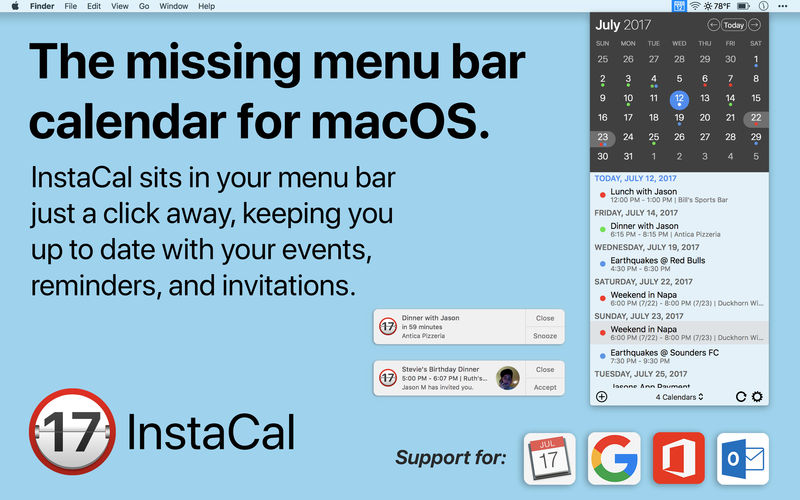
InstaCal is the missing menu bar calendar macOS deserves. Get it now for 50% off during our launch sale!
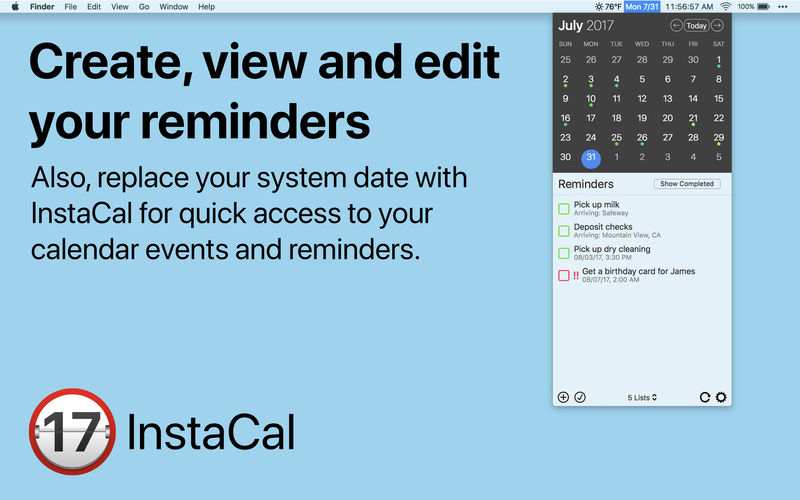
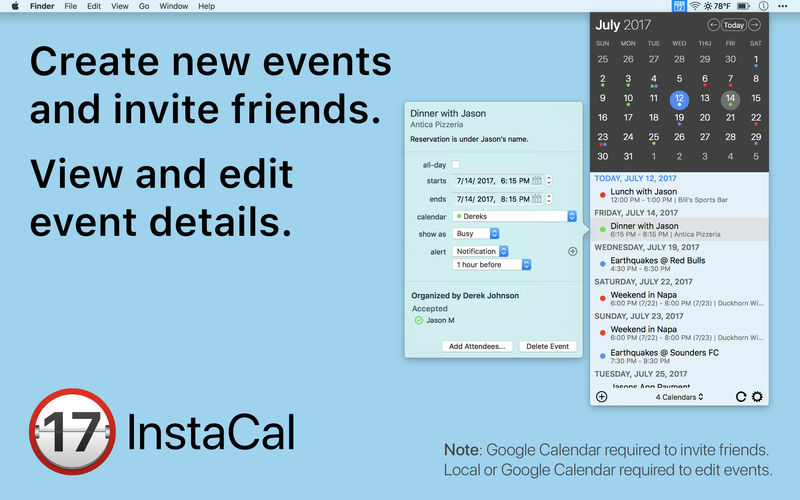
InstaCal is an affordable, yet powerful calendar app that puts all your events right at your fingertips, always available in your Mac's menu bar. InstaCal is quick and convenient, and can be opened at any time with a configurable keyboard shortcut. From there you can view your calendar events, make changes, invite friends or even add new events. You can also see your Reminders list, and add new reminders as well as view and edit existing ones.
You can use any of the calendars added to your Mac (those available in the Calendar app) as well as adding unlimited accounts from:
- Google Calendar (view, respond to invitations, create new events and edit existing events)
- Office 365 (view and respond to invitations)
- Outlook (view and respond to invitations)
InstaCal also includes:
- Customizable calendar colors
- Useful menu bar options (day/date)
- Full Touch Bar support
Version 1.9.8
- Bug fixes
Frequently asked questions
How do I install the app?
Mount the image, drag the app into the "Applications" folder and launch it. If the system blocks the launch, allow it in "System Settings → Privacy & Security".
The app is damaged or won't launch
Reinstalling from a fresh image usually helps. Make sure your macOS version matches the one listed in the compatibility specs.
How do I update?
Download the new version from the site and install it over the current one — your settings will be preserved.
The download link doesn't work
Try a mirror or a download manager. For large files the browser often drops the connection.
How do I completely remove the app?
Use an uninstaller utility — it cleans up the service files that remain after moving the app to the trash.





Choose a download source
InstaCal - Menu Bar Calendar 1.9.8 · 7.86 MB