Lightroom 6 Essential Training
Take what you know about Lightroom—whether it's a little or a lot—and kick it up a notch, with this essential training from photographer/teacher Chris Orwig. Lightroom 6 is the latest stand-alone version of the extremely popular photo-asset management, enhancement, and publishing program for Windows and Macintosh, and there are more features to cover than ever before.
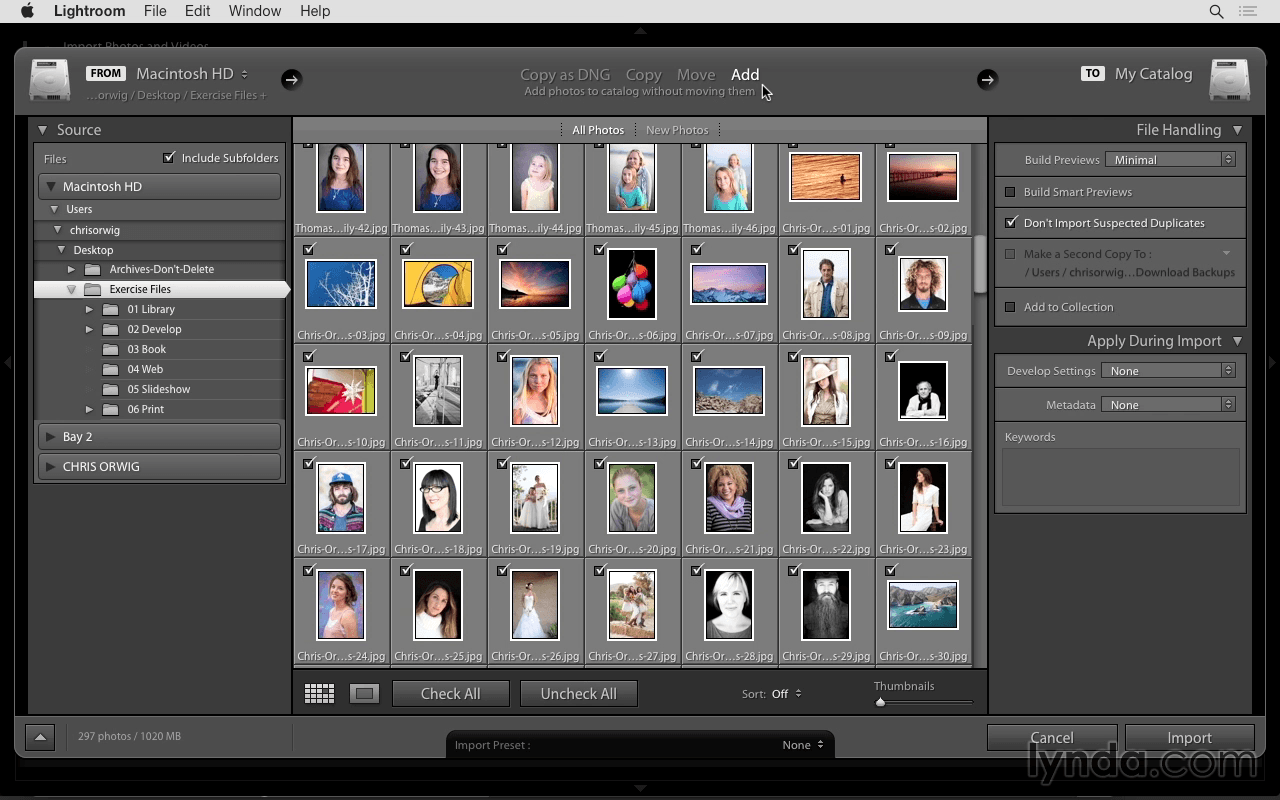
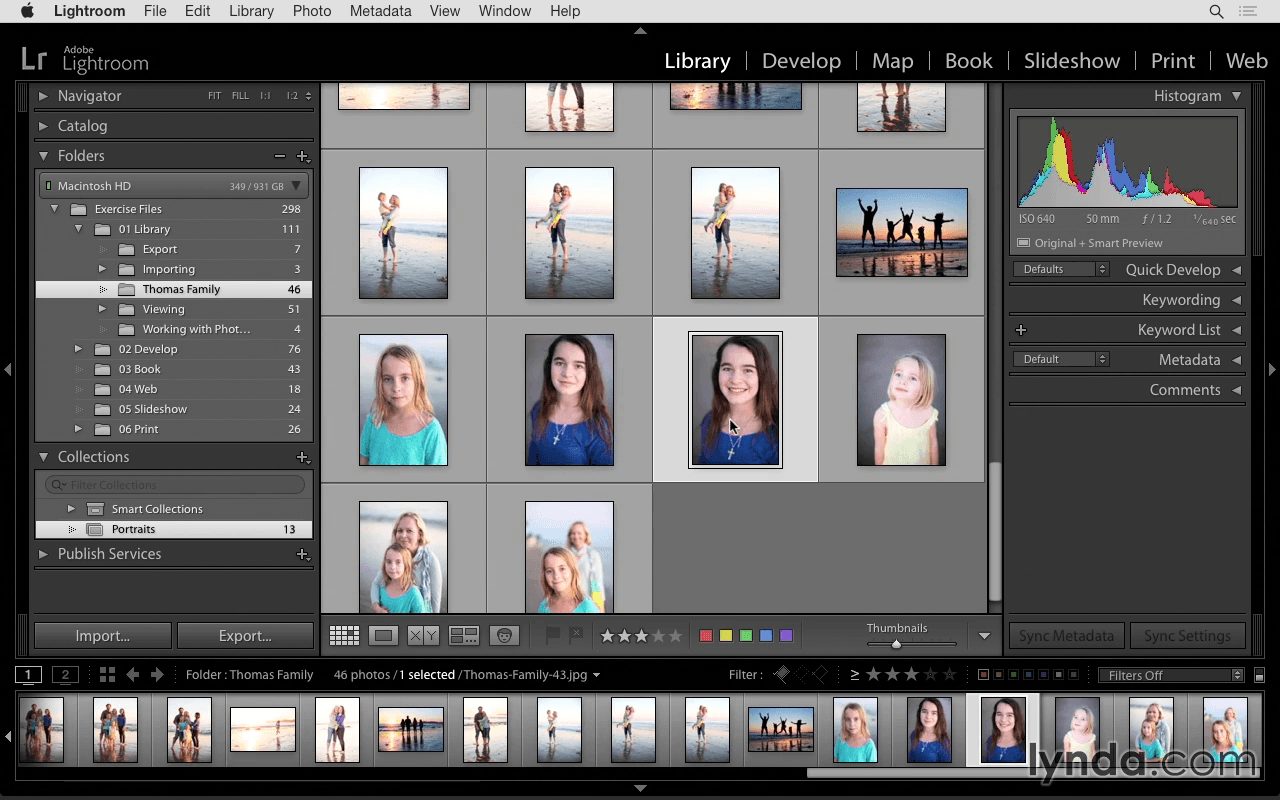
Chris starts with the Library module: the hub for importing, viewing, ranking and rating your photographs. Then he'll move to the Develop module and show how to make one-click enhancements, correct exposure, retouch distractions, and perform localized adjustments. Want to push photos to their creative limit, and share them with family friends? Chris also covers creating panoramas and books, slideshows, and custom print layouts.
Topics include:
- Why use Lightroom?
- Importing photographs from your computer or camera
- Viewing and comparing images in the Library
- Renaming photos and folders
- Rating and organizing photos
- Grouping photos into collections
- Adding keywords and face tags
- Editing JPEG and RAW images in Photoshop
- Exporting and emailing photos
- Enhancing photos in the Develop module
- Fixing issues with the retouching tools
- Making localized corrections
- Reducing noise and sharpening
- Correcting lens distortion
- Combining images with Photo Merge
- Creating a book, web gallery, or slideshow
- Printing photos
Screenshots

Frequently asked questions
How do I install the app?
Mount the image, drag the app into the "Applications" folder and launch it. If the system blocks the launch, allow it in "System Settings → Privacy & Security".
The app is damaged or won't launch
Reinstalling from a fresh image usually helps. Make sure your macOS version matches the one listed in the compatibility specs.
How do I update?
Download the new version from the site and install it over the current one — your settings will be preserved.
The download link doesn't work
Try a mirror or a download manager. For large files the browser often drops the connection.
How do I completely remove the app?
Use an uninstaller utility — it cleans up the service files that remain after moving the app to the trash.
Information
Users of Guests are not allowed to comment this publication.
Choose a download source
Lightroom 6 Essential Training · 2.01 GB