Photoshop CC 2017 Essential Training Photography
Whether you're an experienced photographer or someone who has just recently purchased a camera, learning how to use Photoshop is the best investment you can make to get the most out of your photographs. In Photoshop CC 2017 Essential Training: Photography, Julieanne Kost focuses on Photoshop's most powerful features and techniques specifically for photographers, with the goal of removing technical barriers so you can master the technology, start creating as soon as possible, and quickly get the results you want.
Photoshop CC picks up where Adobe Camera Raw and Lightroom leave off, and is loaded with tools and features that can help take your photography to the next level. This course demonstrates the most efficient and nondestructive ways to perform essential editing tasks, including retouching, color and tonal correction, compositing multiple photographs, and adding creative effects—all while maintaining the highest-quality images. Along the way, you will learn the secrets of features such as layers, Smart Objects, adjustment layers, blend modes, fill layers, filters, layer masks, and painting as well as master other features that make Photoshop the most popular and powerful image-editing software on the market.
Topics include:
- Making creative changes with adjustment layers
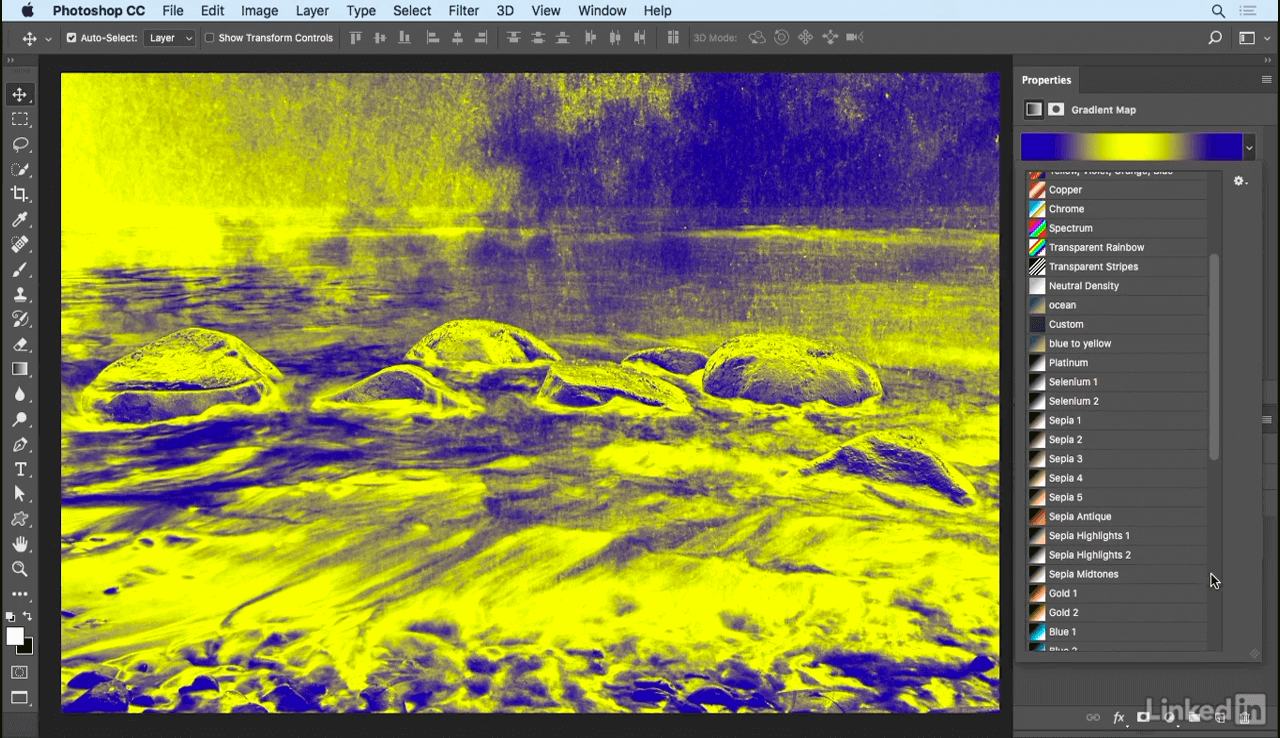
- Adding color and gradients with fill layers
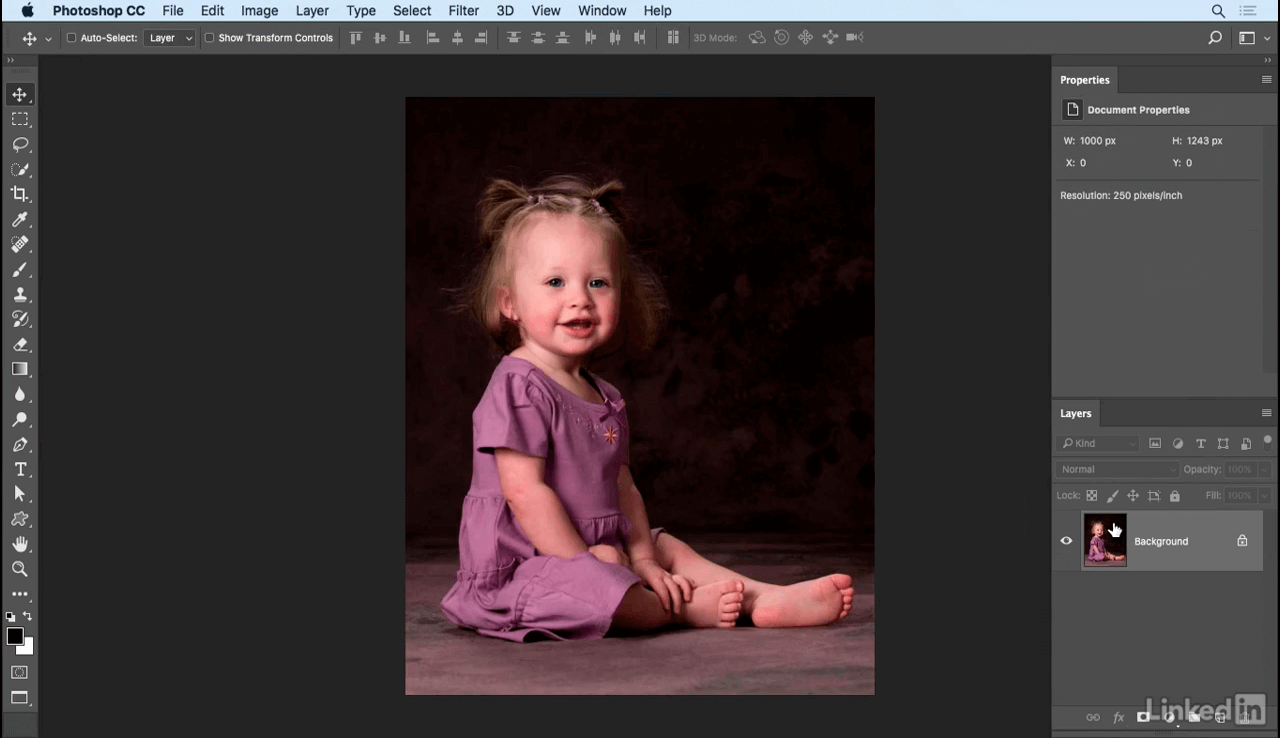
- Retouching portraits
- Combining (aka compositing) multiple images
- Working with Smart Objects
- Applying corrective and artistic filters
- Painting with Photoshop
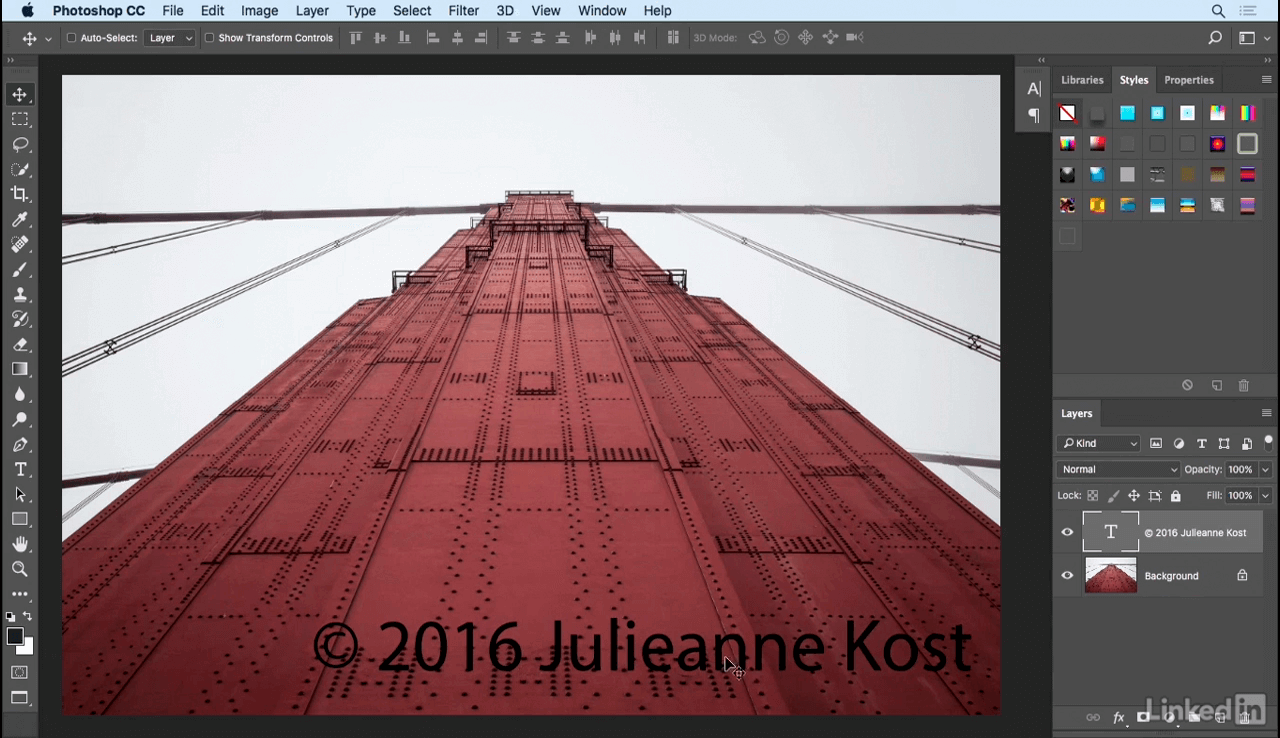
- Adding text and watermarks to photos
- Using artboards and libraries
- Exporting and sharing images from Photoshop
SCREENSHOTS
Frequently asked questions
How do I install the app?
Mount the image, drag the app into the "Applications" folder and launch it. If the system blocks the launch, allow it in "System Settings → Privacy & Security".
The app is damaged or won't launch
Reinstalling from a fresh image usually helps. Make sure your macOS version matches the one listed in the compatibility specs.
How do I update?
Download the new version from the site and install it over the current one — your settings will be preserved.
The download link doesn't work
Try a mirror or a download manager. For large files the browser often drops the connection.
How do I completely remove the app?
Use an uninstaller utility — it cleans up the service files that remain after moving the app to the trash.
VersionPhotoshop CC 2017 Essential Training Photography
LanguageEnglish


Information
Visitors in the group Guests cannot leave comments on this publication.
Choose a download source
Photoshop CC 2017 Essential Training Photography · 1.46 GB