
Muse Essential Training
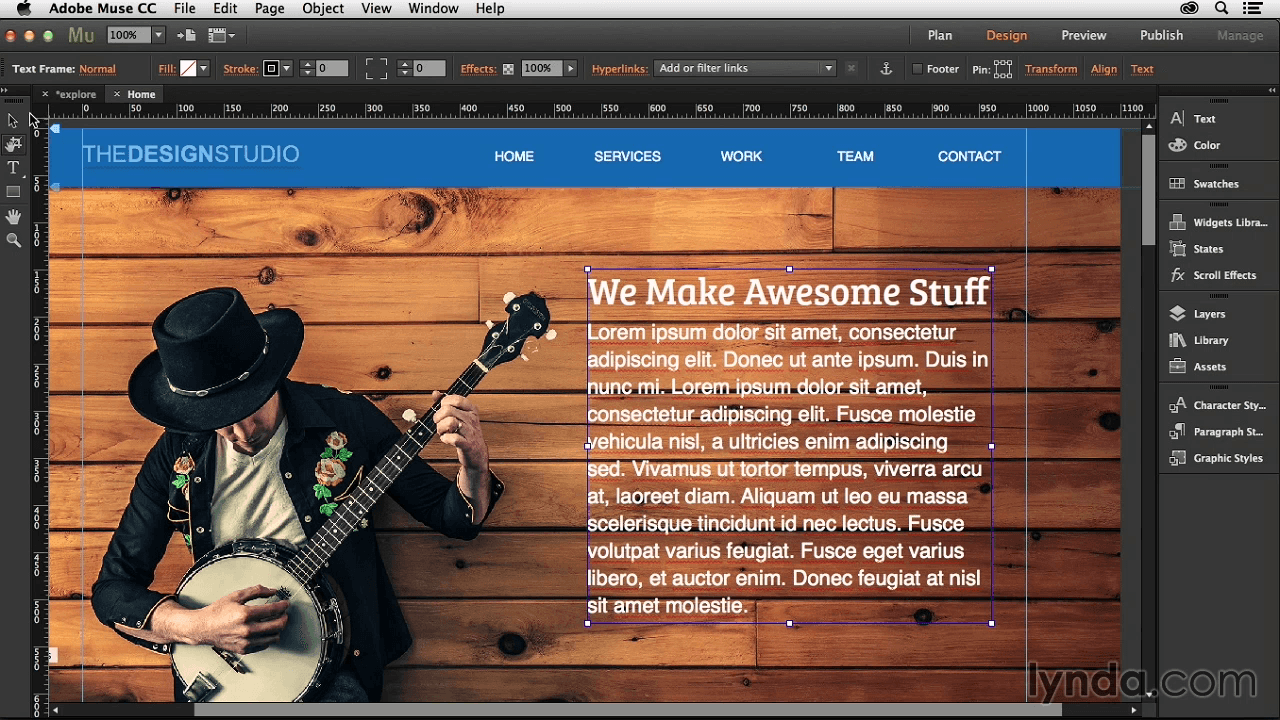
Learn how to create HTML-based websites with Muse—a toolset familiar to anyone who has used Adobe Photoshop, InDesign, or Illustrator. Staff author Justin Seeley covers the design process from start to finish, from setting up web pages and populating them with graphics and text, to creating dynamic menus and adding special features such as widgets, slideshows, animations, embedded video, social media integration, and more. James also explains how to create an alternate layout for display on mobile devices, publish and update your site, and view analytics on web traffic.
Topics include:
- Becoming familiar with the Muse interface
- Creating a sitemap
- Setting up master pages
- Working with headers and footers
- Importing and embedding graphics
- Scaling, rotating, and aligning page objects
- Wrapping text around images
- Working with web-safe and Typekit fonts
- Creating links
- Adding menus for navigation
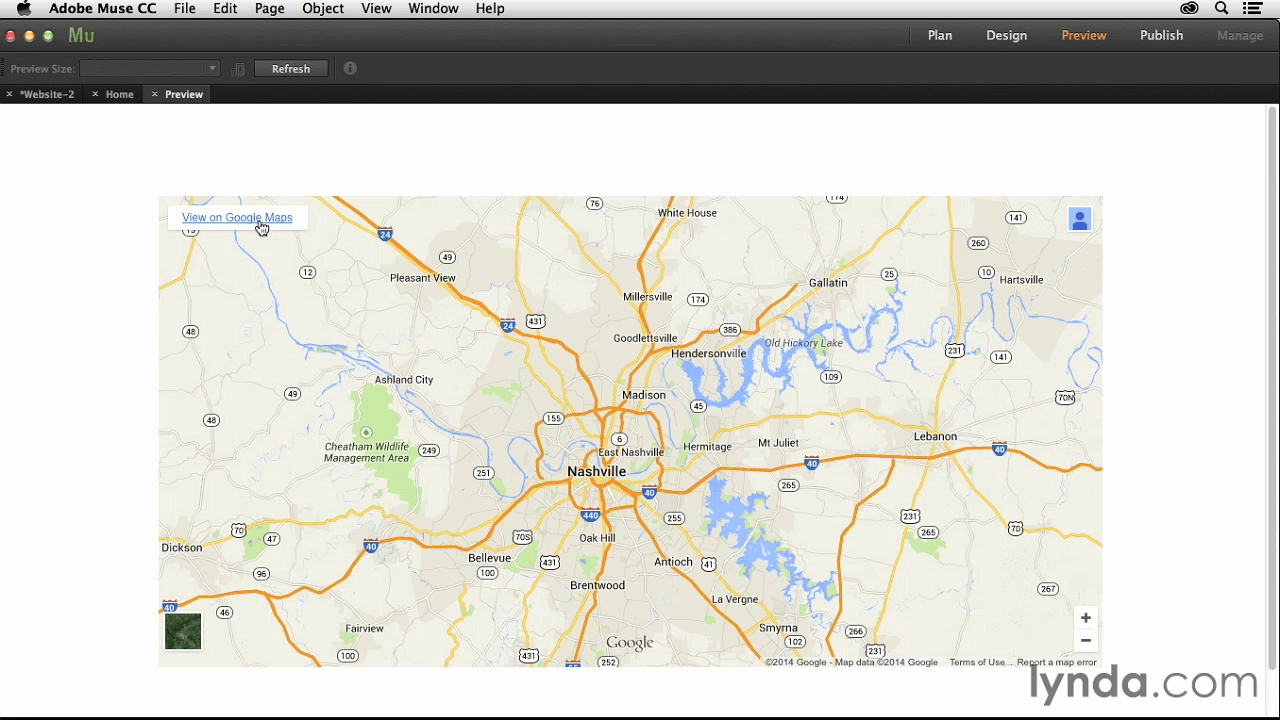
- Inserting an interactive map
- Adding a Facebook Like button
- Building a Business Catalyst form
- Exporting the site to HTML
Screenshots

Frequently asked questions
How do I install the app?
Mount the image, drag the app into the "Applications" folder and launch it. If the system blocks the launch, allow it in "System Settings → Privacy & Security".
The app is damaged or won't launch
Reinstalling from a fresh image usually helps. Make sure your macOS version matches the one listed in the compatibility specs.
How do I update?
Download the new version from the site and install it over the current one — your settings will be preserved.
The download link doesn't work
Try a mirror or a download manager. For large files the browser often drops the connection.
How do I completely remove the app?
Use an uninstaller utility — it cleans up the service files that remain after moving the app to the trash.
Information
Users of Guests are not allowed to comment this publication.
Choose a download source
Muse Essential Training · 1.51 GB