
DeskCover Pro 1.8
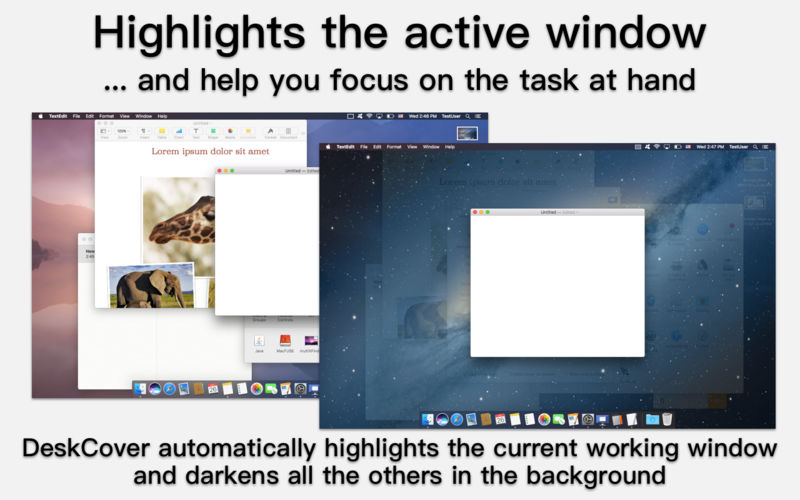
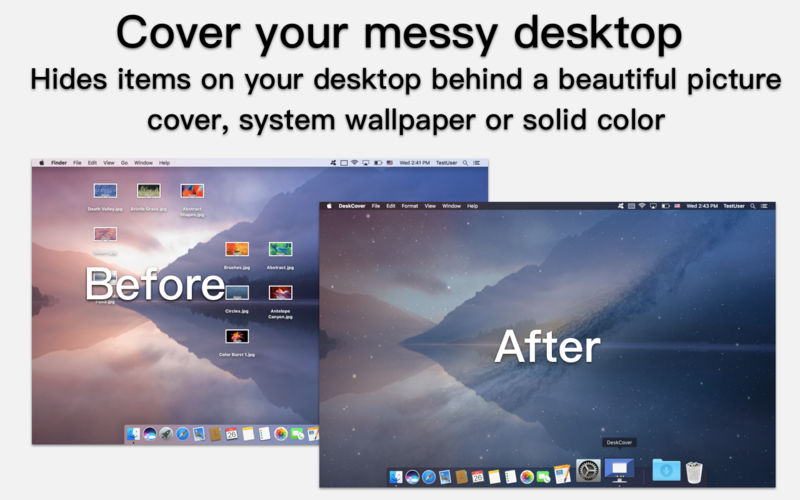
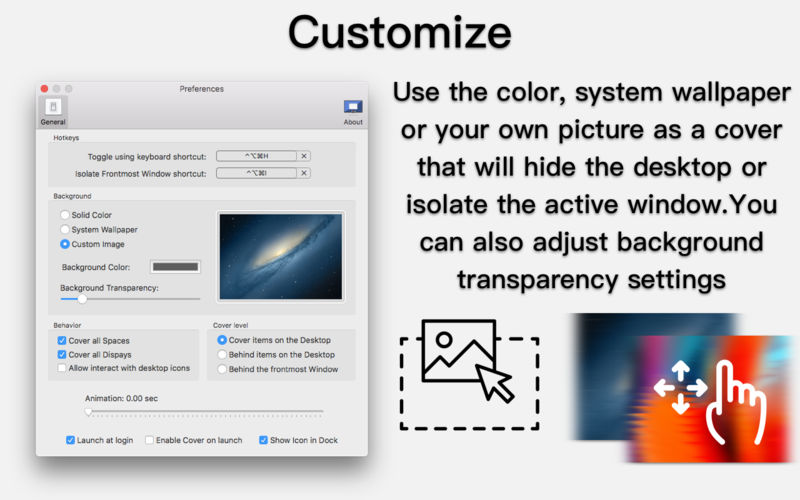
Small and unobtrusive macOS utility designed to help you focus on your current task by covering your desktop and going into single window mode in an instant
Keeping your desktop clean is at times a challenging task if you have to work with a lot of documents on a daily basis and you also need quick access to each of them.
Furthermore, if you are the type of user who uses multiple applications at the same time and has to switch between lots of windows regularly, you need a tool designed to help you stay focused and rapidly conceal your desktop when and if you require it to look pristine.
DeskCover Pro is a low-key macOS application created with this exact purpose in mind: to allow its users to swiftly add a cover over their busy desktop, and to go into single window mode when they have to avoid distractions and to focus on the task at hand.
Version 1.8:
- Release notes were unavailable when this listing was updated.
Frequently asked questions
How do I install the app?
Mount the image, drag the app into the "Applications" folder and launch it. If the system blocks the launch, allow it in "System Settings → Privacy & Security".
The app is damaged or won't launch
Reinstalling from a fresh image usually helps. Make sure your macOS version matches the one listed in the compatibility specs.
How do I update?
Download the new version from the site and install it over the current one — your settings will be preserved.
The download link doesn't work
Try a mirror or a download manager. For large files the browser often drops the connection.
How do I completely remove the app?
Use an uninstaller utility — it cleans up the service files that remain after moving the app to the trash.
VersionDeskCover Pro 1.8
DeveloperSergii Gerasimenko © MacPlus Software
CompatibilityOS X 10.10 or later, 64-bit processor
LanguageEnglish
IncludesK'ed by TNT





Information
Visitors in the group Guests cannot leave comments on this publication.
Choose a download source
DeskCover Pro 1.8 · 3.63 MB
Previous versions
DeskCover Pro 1.8
Previous versions are available to registered users.