
Clicker for Netflix 2.13
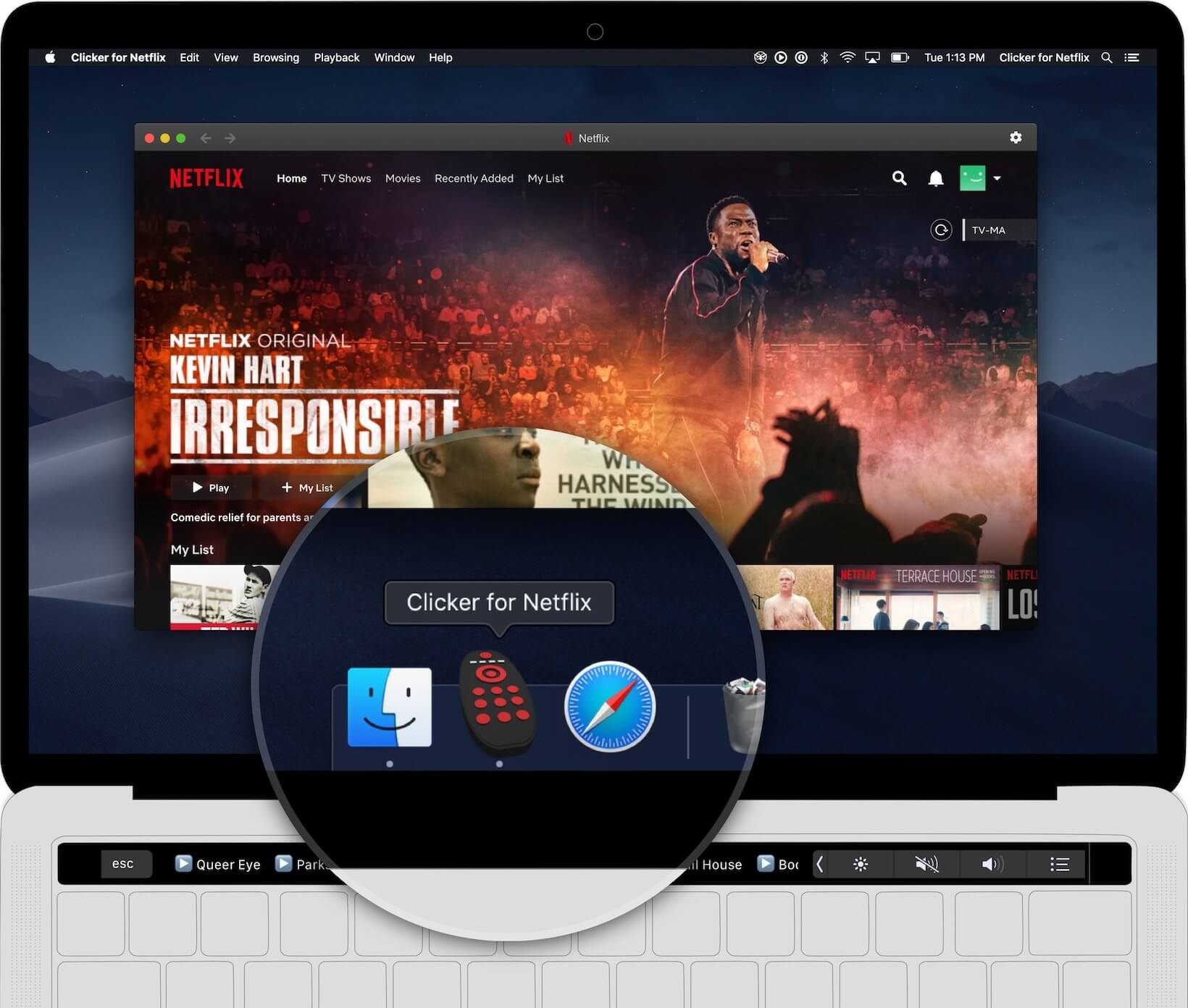
Clicker for Netflix is the standalone Netflix player for Mac.
Features:
- Launch Netflix right from your Dock
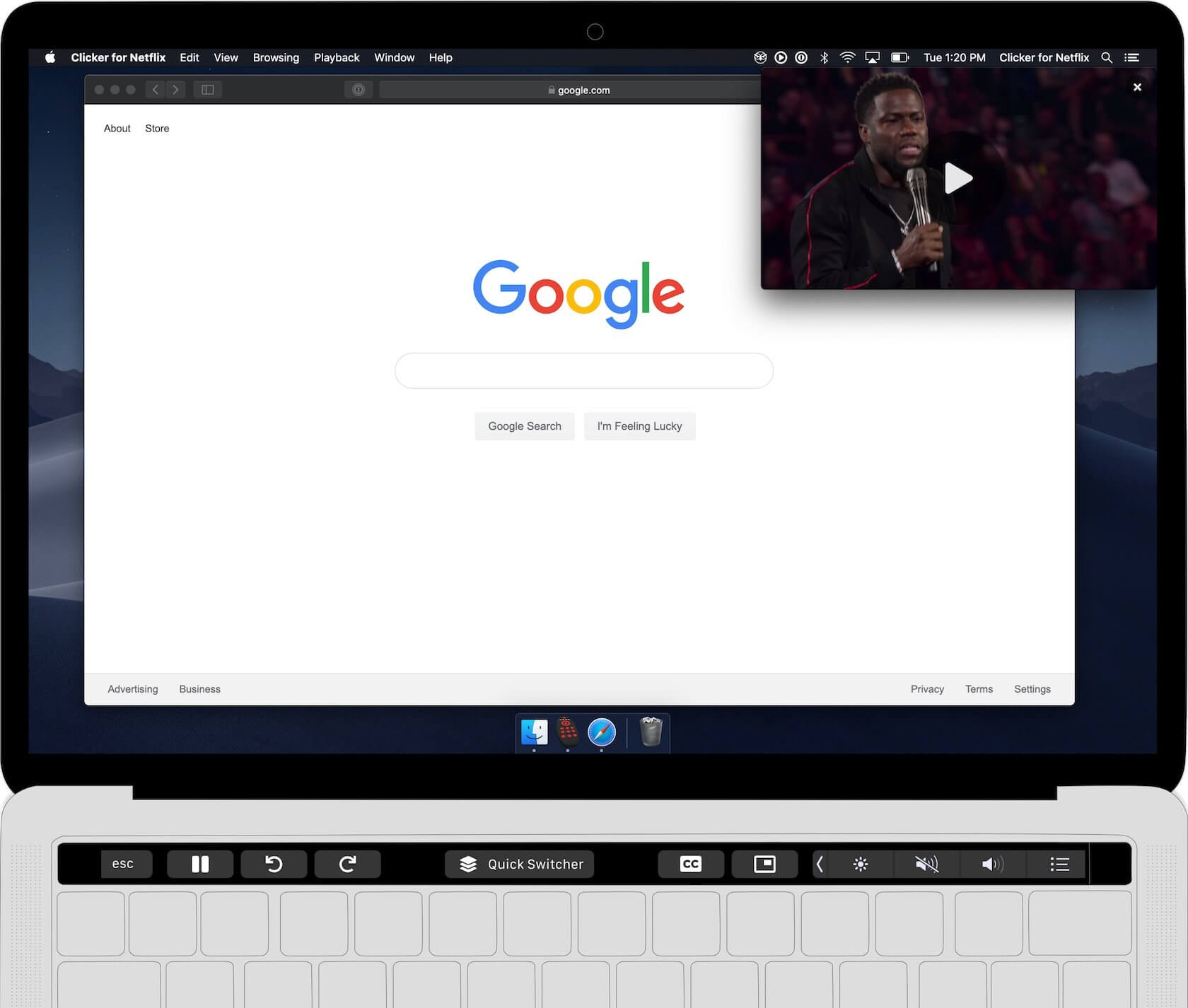
- Control Netflix from the Touch Bar
- Picture-in-Picture support
- Quick Resume Dropdown
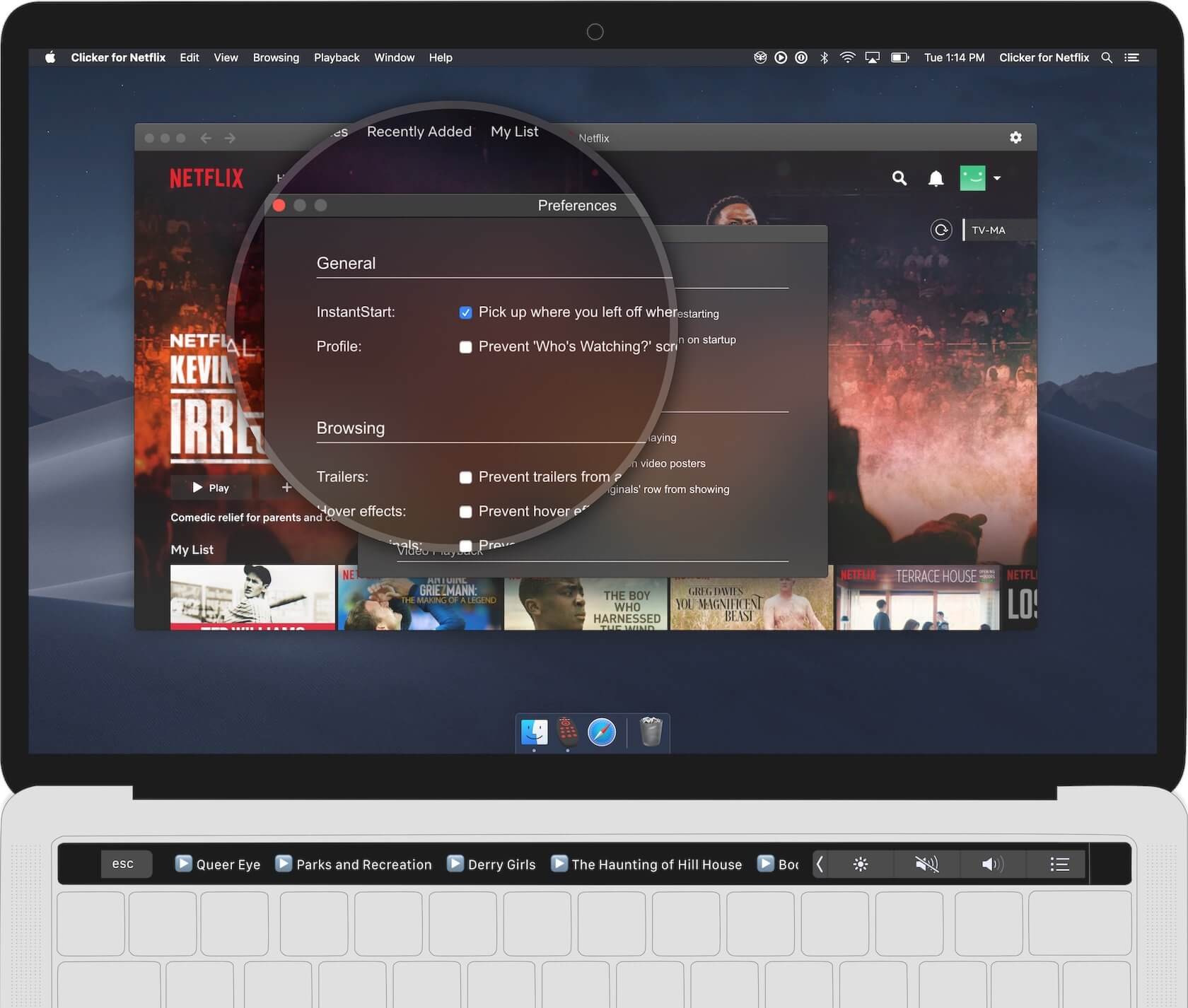
- Prevent trailers from auto-playing
- Truly full screen browsing
- Auto-resume last played video
- Auto-skip video intro
- Auto-advance to next episode
- No more crazy hover effects on posters
- Hide "Who's Watching?" popup
- Remove 'Netflix Originals' row
Version 2.11.0:
- 4K HDR playback now works! Requirements: macOS Big Sur, a Mac with a T2 chip (Mac from 2018 or later), and Netflix's UHD plan.
- You can now customize the items in the toolbar by going to View > Customize Toolbar
- Fix spacing of items in toolbar
- Fix sizing of buttons in Touch Bar
Frequently asked questions
How do I install the app?
Mount the image, drag the app into the "Applications" folder and launch it. If the system blocks the launch, allow it in "System Settings → Privacy & Security".
The app is damaged or won't launch
Reinstalling from a fresh image usually helps. Make sure your macOS version matches the one listed in the compatibility specs.
How do I update?
Download the new version from the site and install it over the current one — your settings will be preserved.
The download link doesn't work
Try a mirror or a download manager. For large files the browser often drops the connection.
How do I completely remove the app?
Use an uninstaller utility — it cleans up the service files that remain after moving the app to the trash.





Choose a download source
Clicker for Netflix 2.13 · 8.33 MB
Previous versions
Clicker for Netflix 2.13
Previous versions are available to registered users.