
Picture in Picture 1.1
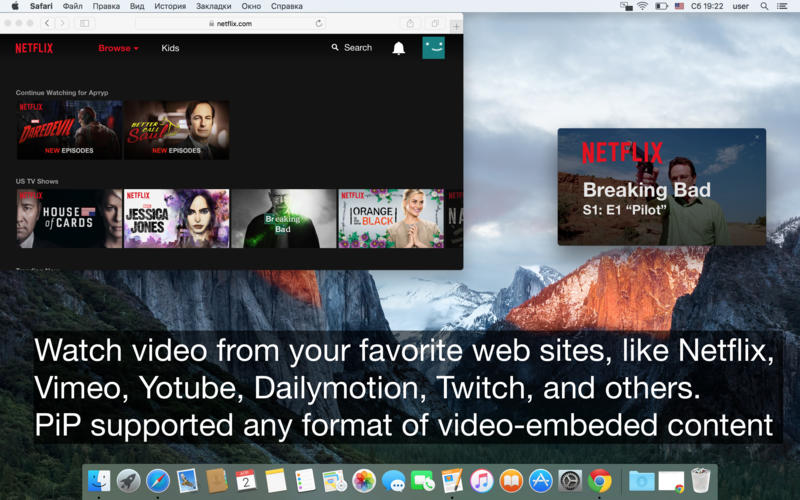
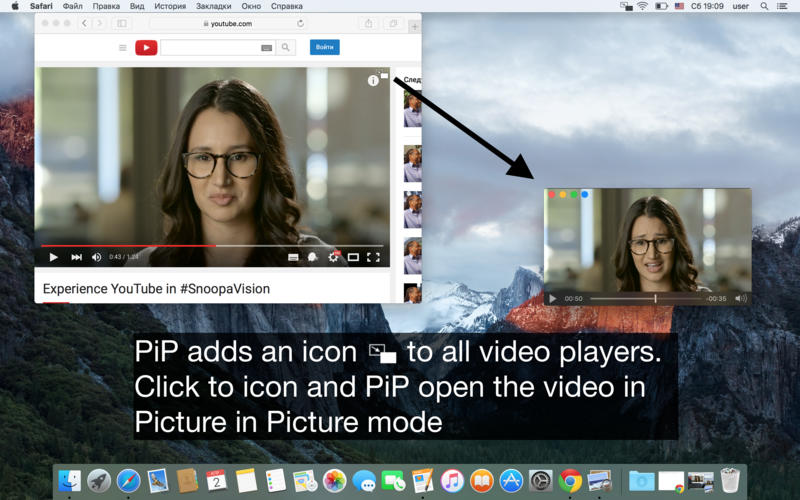
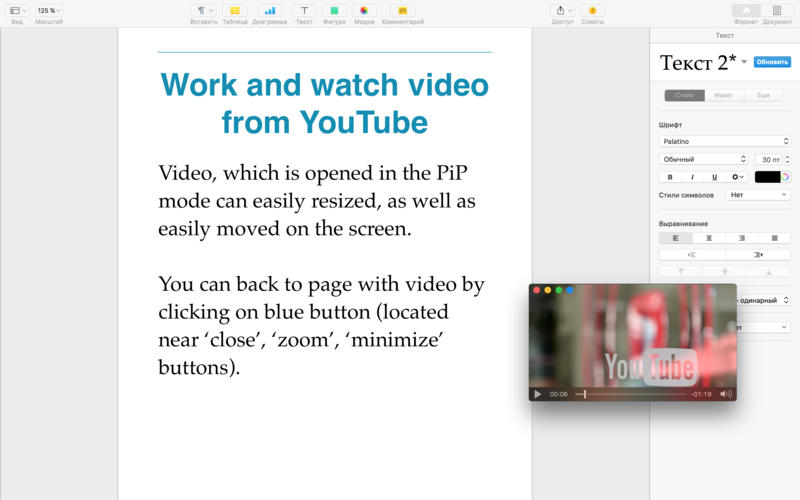
Picture in Picture (PiP) allows watching videos from the internet while working at a computer. Using unique algorithms, the program finds videos on web pages and allows to open them in a floating window, that remains in the front.
Picture in Picture supports viewing any video from web pages opened in Safari and Chrome browsers. Using PiP you can also open and watch .mp4, .mov, .m4v files stored in your computer.
Using Picture in Picture you can:
- Watch YouTube videos while working in Xcode
- Watch Netflix while shopping online
- Watch Twitch streams while playing CS
We guarantee that the following web-sites are tested and work with Picture in Picture:
- Youtube
- Netflix
- Vimeo
- Dailymotion
- Ted.com
- Twitch.tv
- and all others.
Flash players, HTML5 players, iframe videos - all types of web players are supported.
Picture in Picture - is not a browser, it is an application for playing videos.
PiP can:
- close the active tab after opening a video in PiP mode
- try stop playing videos in flash-players after opening them in PiP mode
- launch when the operating system is started
- close all opened videos before opening a new one
Screenshots
Frequently asked questions
How do I install the app?
Mount the image, drag the app into the "Applications" folder and launch it. If the system blocks the launch, allow it in "System Settings → Privacy & Security".
The app is damaged or won't launch
Reinstalling from a fresh image usually helps. Make sure your macOS version matches the one listed in the compatibility specs.
How do I update?
Download the new version from the site and install it over the current one — your settings will be preserved.
The download link doesn't work
Try a mirror or a download manager. For large files the browser often drops the connection.
How do I completely remove the app?
Use an uninstaller utility — it cleans up the service files that remain after moving the app to the trash.
VersionPicture in Picture 1.1
DeveloperArthur Vanesyan
CompatibilityOS X 10.11 or later, 64-bit processor
LanguageEnglish, Russian
IncludesPre-K'ed




Information
Visitors in the group Guests cannot leave comments on this publication.
Choose a download source
Picture in Picture 1.1 · 4.21 MB