
FonesGo iPhone Unlocker 6.3.3
Reset your Screen Time passcode, not your data.
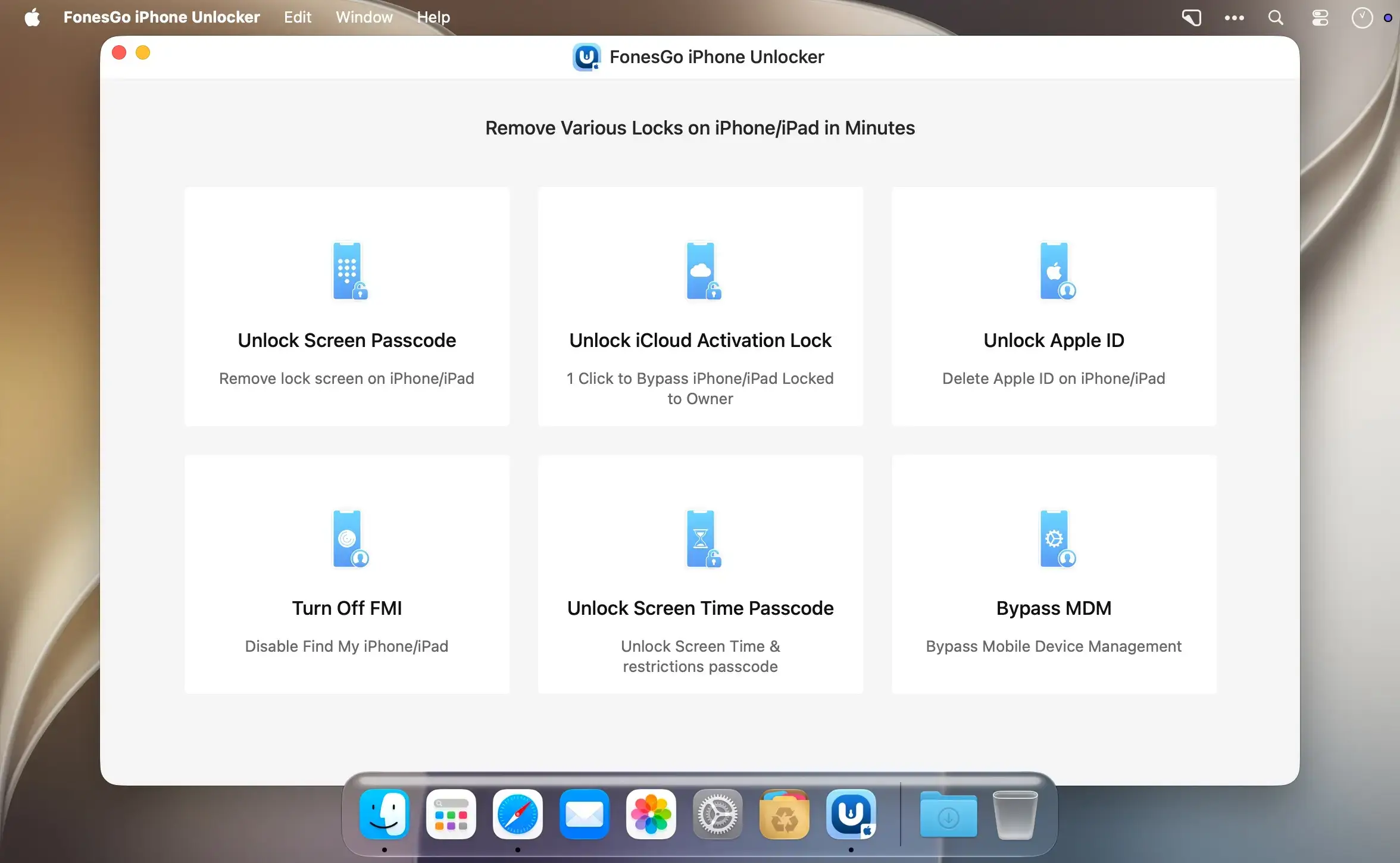
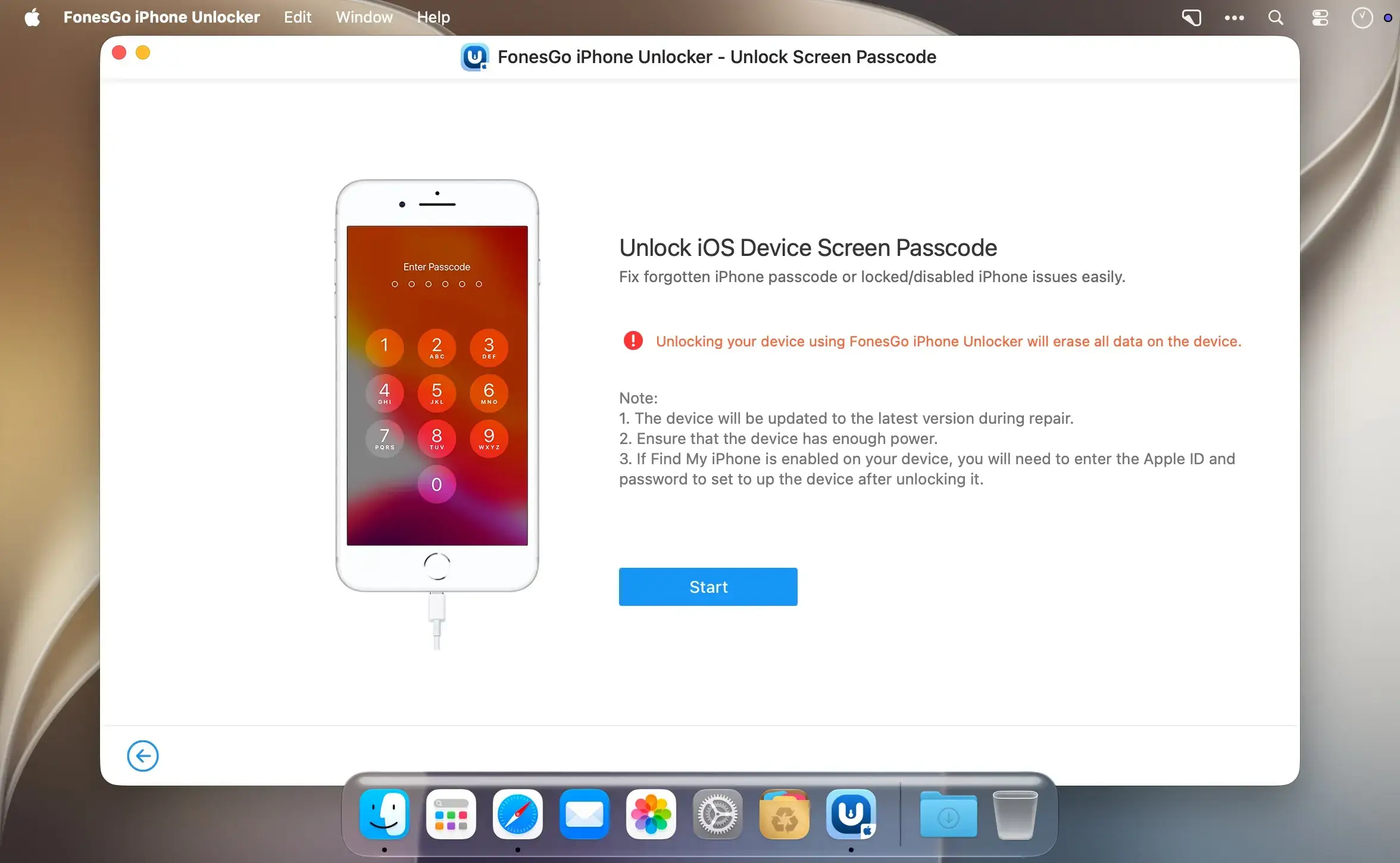
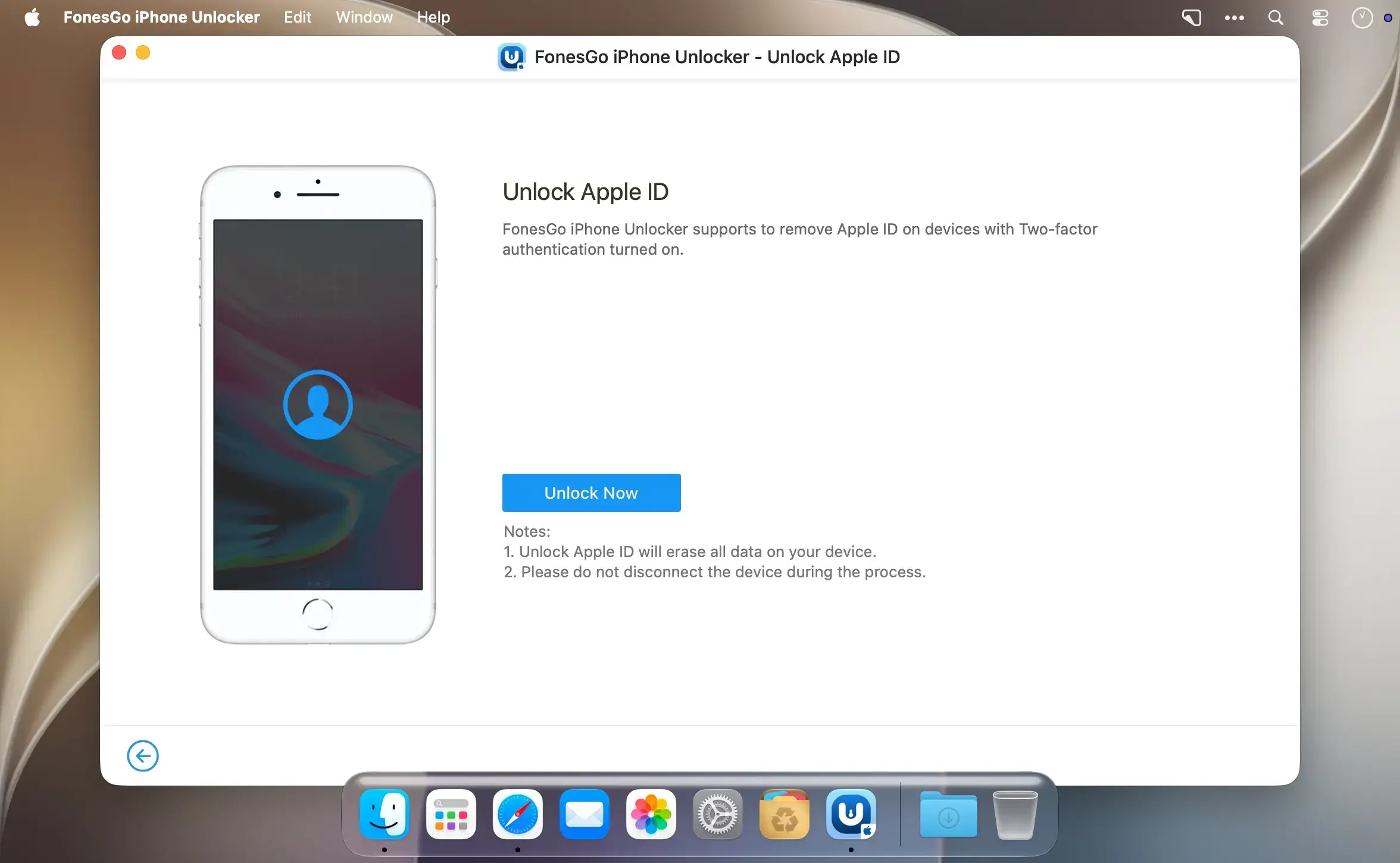
FonesGo iPhone Unlocker 6 for macOS helps you bypass iCloud Activation Lock when a second-hand iPhone, iPad, or iPod touch is locked after a reset. Remove the lock without a password or the previous owner.
Lock removal and bypass options
Address screen locks, account locks, and passcode restrictions from your Mac:
- Screen lock removal: Remove various screen locks from iPhone, iPad, and iPod touch.
- Activation Lock bypass: Bypass iPhone Locked to Owner without a password on iOS 16.7.
- Apple ID removal: Remove an Apple ID from iPhone, iPad, or iPod touch without a password.
- MDM lock bypass: Bypass MDM locks without data loss.
- Screen Time passcode reset: Reset the Screen Time passcode without data loss.
Device and iOS compatibility
FonesGo iPhone Unlocker 6 for macOS supports iOS 27 and iPhone 18.
Frequently asked questions
How do I install the app?
Mount the image, drag the app into the "Applications" folder and launch it. If the system blocks the launch, allow it in "System Settings → Privacy & Security".
The app is damaged or won't launch
Reinstalling from a fresh image usually helps. Make sure your macOS version matches the one listed in the compatibility specs.
How do I update?
Download the new version from the site and install it over the current one — your settings will be preserved.
The download link doesn't work
Try a mirror or a download manager. For large files the browser often drops the connection.
How do I completely remove the app?
Use an uninstaller utility — it cleans up the service files that remain after moving the app to the trash.





Choose a download source
FonesGo iPhone Unlocker 6.3.3 · 171.45 MB