
PCalc 4.12.2
Scientific calculator for Mac with hex, octal and binary
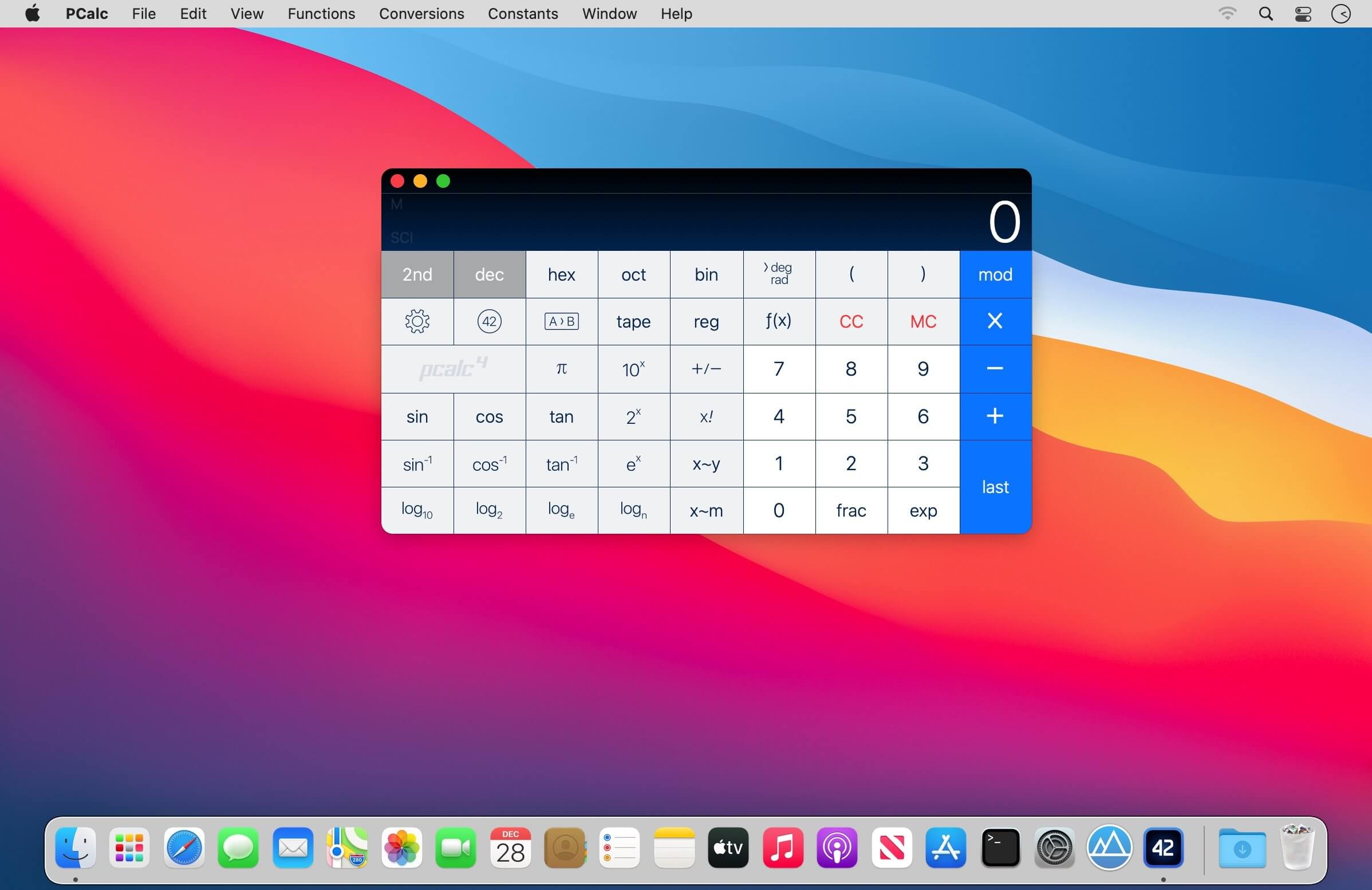
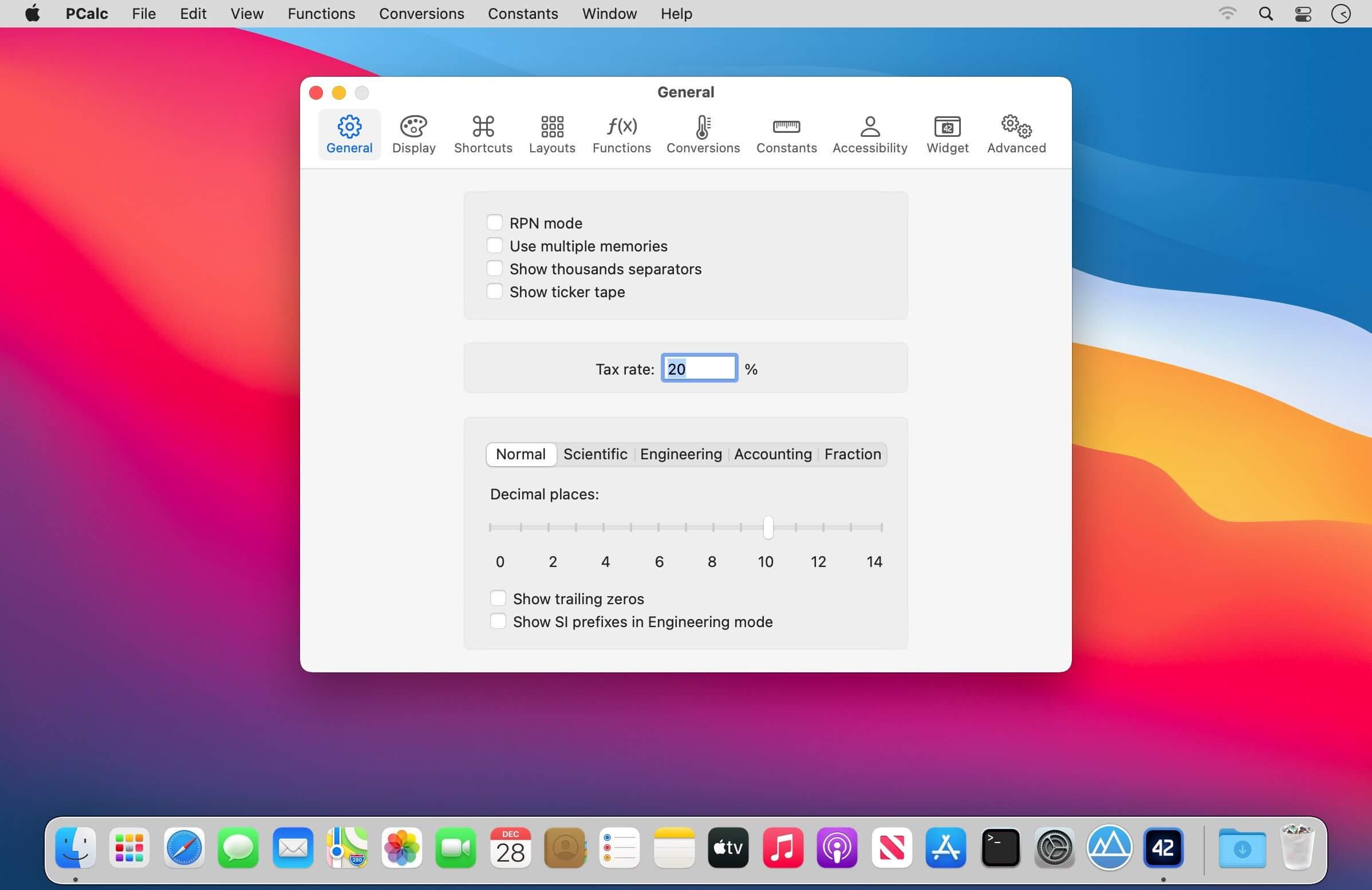
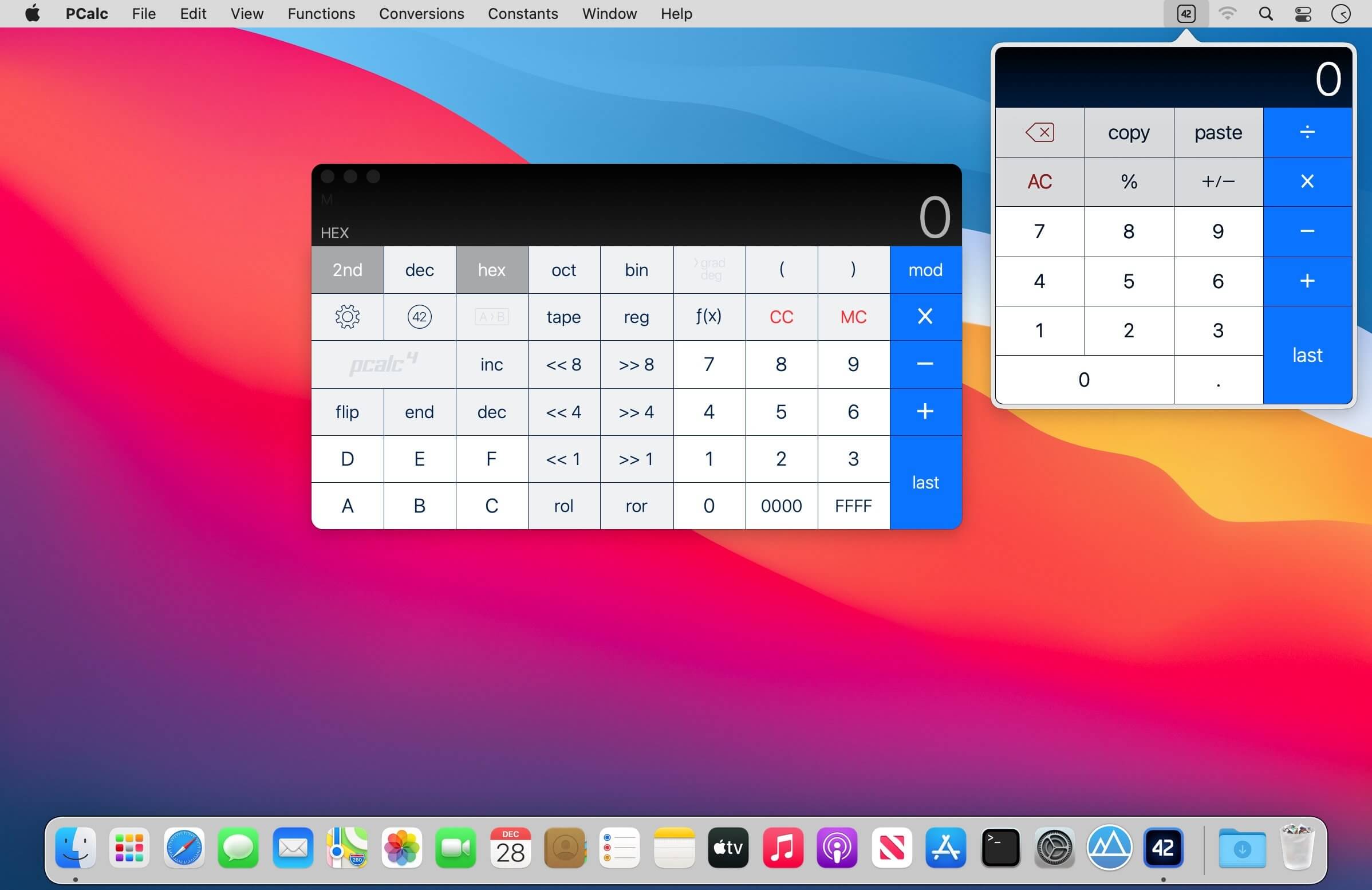
PCalc is a streamlined scientific calculator for your Mac that handles everyday sums and advanced math with equal ease. It works with hexadecimal, octal and binary operations, and its simple layout keeps the type of operation, the data you enter and tools such as radial degrees counting within easy reach.
Advanced functions when you need them
The Functions menu opens a much larger set of tools, from tax calculations and trigonometric functions to complex numbers used across a wide assortment of math formulas. You can also edit and create your own conversions, functions and constants, and a built-in smart synchronization system distributes your work across devices, so every change you make here is synced automatically to your iPhone or iPad running PCalc.
- Scientific calculator: a complete set of tools for advanced mathematical calculations in a simple layout.
- Number bases: extended support for hexadecimal, octal and binary operations.
- Functions menu: calculate taxes and trigonometric functions, and use complex numbers across a large assortment of math formulas.
- Custom conversions, functions and constants: edit the existing ones or create your own.
- Smart synchronization: changes sync automatically to your iPhone or iPad with PCalc installed.
- Ticker tape: keep track of your calculations and view the history of operations.
- Themes and layouts: multiple built-in themes and five layout modes, including Basic, Basic Large, Default, Large and Small.
Install PCalc on your Mac and put a complete scientific calculator on your desktop.
Version 4.12
- Added support for macOS 27.
- Added a “Data Rate” section to Conversions.
- Powers are now evaluated from right to left, so 2 ^ 3 ^ 2 equals 512.
- Operator precedence now follows mathematical conventions more closely.
- Rounding and truncation are now consistent throughout the app.
- Fixed issues with the Percentage and “Last X” buttons.
- Fixed a crash caused by damaged settings files.
- Fixed a speech-related crash that could occur when certain “Enhanced” or “Premium” voices were installed.
- Fixed various other minor bugs and edge cases.
Frequently asked questions
How do I install the app?
Mount the image, drag the app into the "Applications" folder and launch it. If the system blocks the launch, allow it in "System Settings → Privacy & Security".
The app is damaged or won't launch
Reinstalling from a fresh image usually helps. Make sure your macOS version matches the one listed in the compatibility specs.
How do I update?
Download the new version from the site and install it over the current one — your settings will be preserved.
The download link doesn't work
Try a mirror or a download manager. For large files the browser often drops the connection.
How do I completely remove the app?
Use an uninstaller utility — it cleans up the service files that remain after moving the app to the trash.



Choose a download source
PCalc 4.12.2 · 13.48 MB
Previous versions
PCalc 4.12.2
Previous versions are available to registered users.
Comments 2