Enolsoft PDF Password Remover 4.2.0
Remove PDF Password on Mac and Unlock Your Content
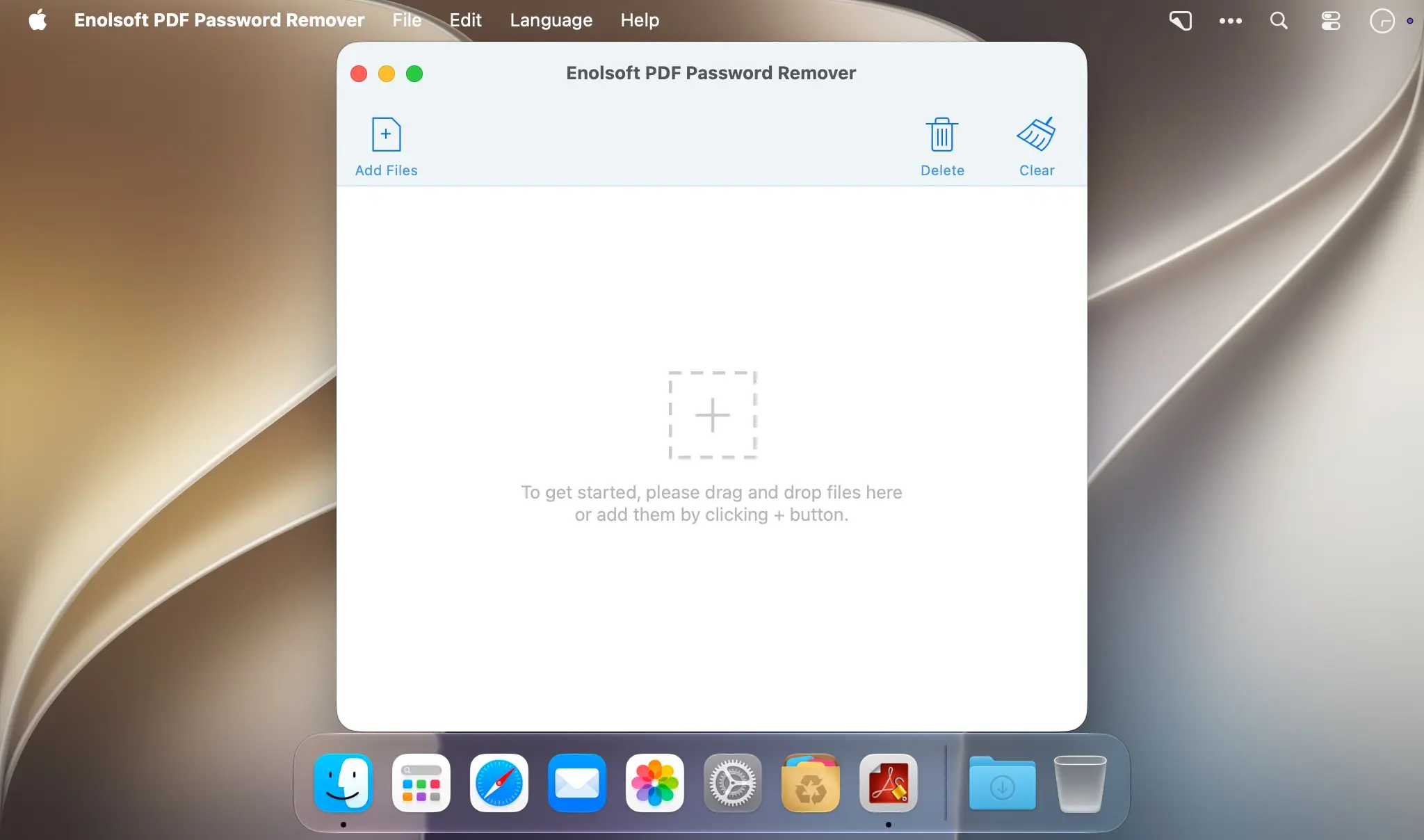
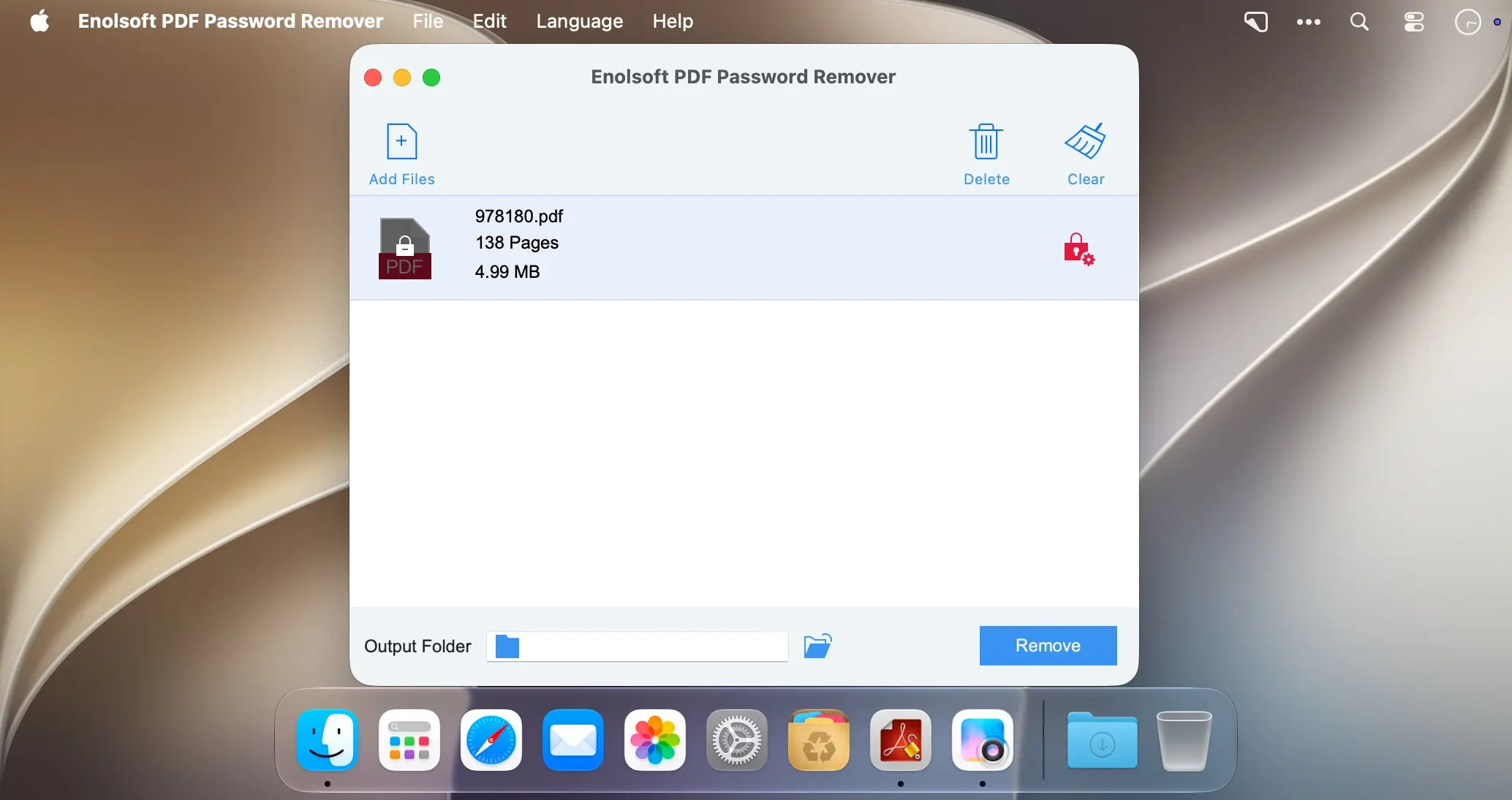
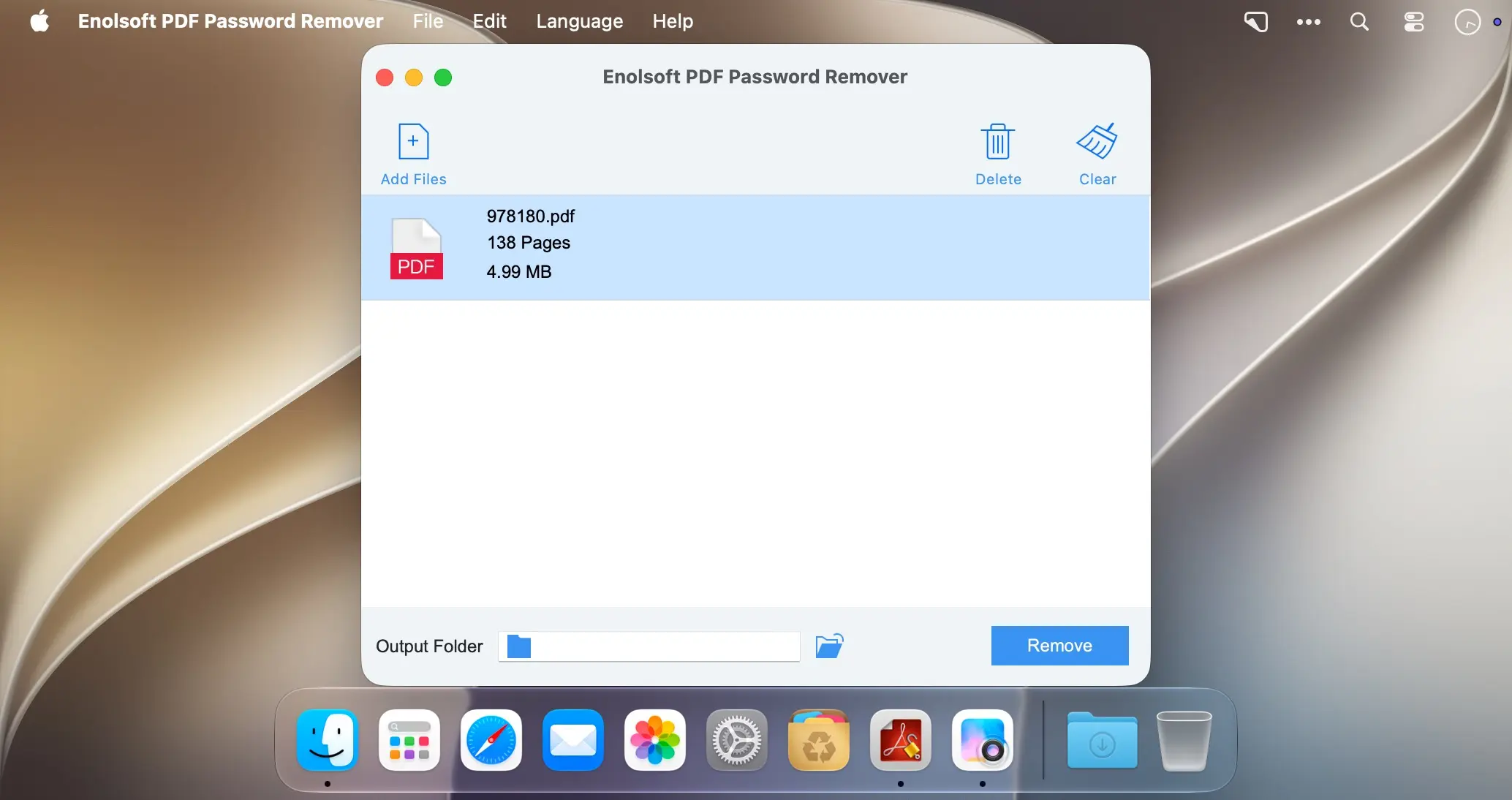
Remove PDF passwords on Mac and open, edit, and print your documents without the barriers that get in the way. Unlock PDF files protected by an open password or by restrictions, and use your content exactly as you want.
Two types of PDF passwords
An open (user) password controls who can open a PDF and keeps the file secure. A restrictions (owner) password is different: it limits what you can do with a document. Remove it, and you can print, copy, and modify the PDF with no limits, while the content stays easy to open and view.
- Remove PDF password on Mac: unlock your PDFs and get the freedom to use them as you want.
- Open/user password support: deal with the password that controls the permission to open a PDF file.
- Restrictions/owner password support: lift the limits on printing, copying, and modifying.
- Open and view: access the content of your PDF documents easily.
- Edit and print: work with unlocked PDFs without restrictions.
Download Enolsoft PDF Password Remover today and unlock the content of your PDFs on Mac.
Version 4.2.0:
- Added native support for Apple Silicon.
- Fixed an issue where hyperlinks in PDFs became invalid after removing the password.
- Fixed an issue where the correct password was incorrectly rejected for certain PDFs.
- Fixed an issue where some pages became blank after removing the password from certain documents.
Frequently asked questions
How do I install the app?
Mount the image, drag the app into the "Applications" folder and launch it. If the system blocks the launch, allow it in "System Settings → Privacy & Security".
The app is damaged or won't launch
Reinstalling from a fresh image usually helps. Make sure your macOS version matches the one listed in the compatibility specs.
How do I update?
Download the new version from the site and install it over the current one — your settings will be preserved.
The download link doesn't work
Try a mirror or a download manager. For large files the browser often drops the connection.
How do I completely remove the app?
Use an uninstaller utility — it cleans up the service files that remain after moving the app to the trash.



Choose a download source
Enolsoft PDF Password Remover 4.2.0 · 30.77 MB
Previous versions
Enolsoft PDF Password Remover 4.2.0
Previous versions are available to registered users.