FonesGo Android Unlocker 7.10.0
Android unlocker for Mac with FRP bypass
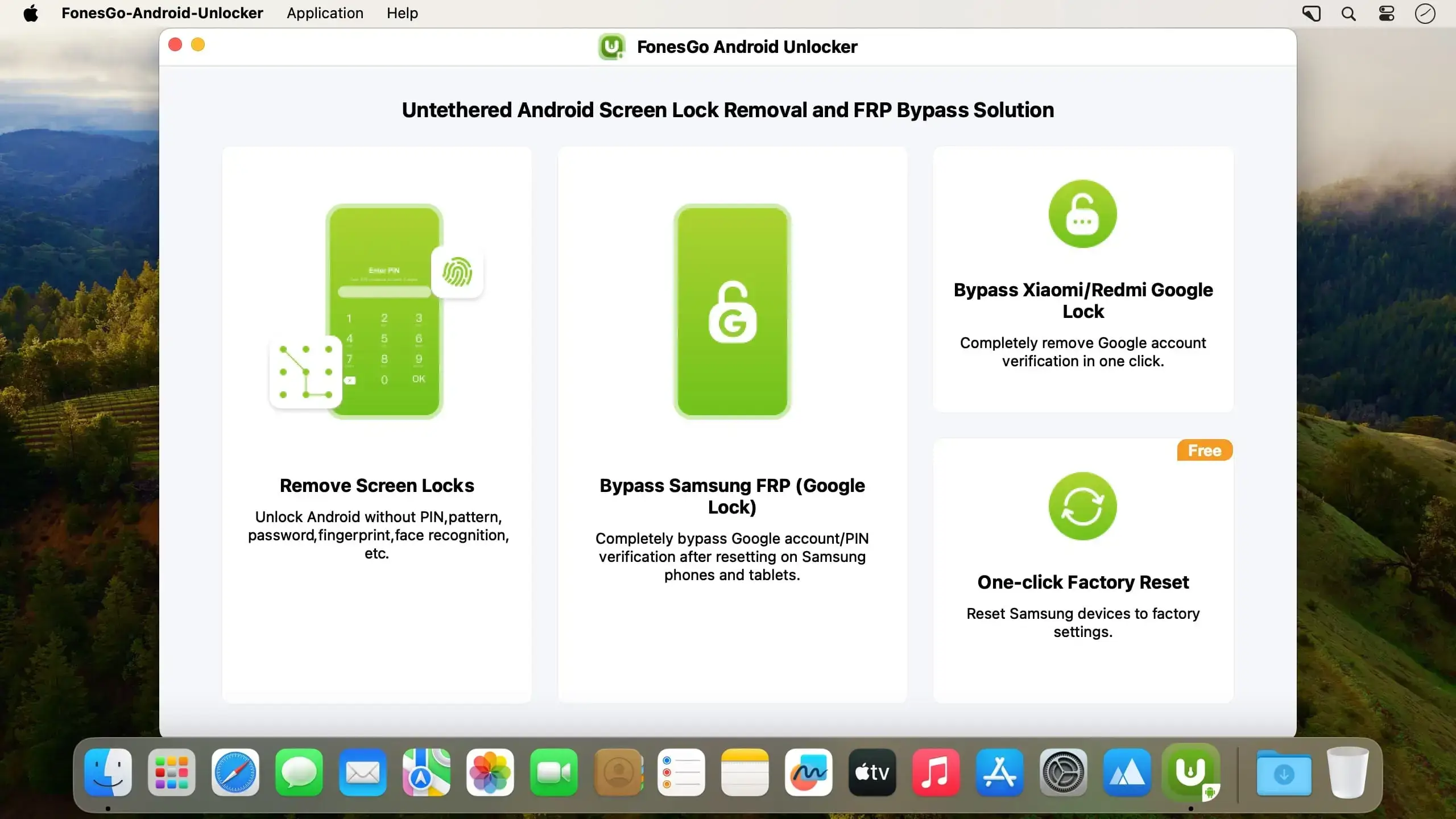
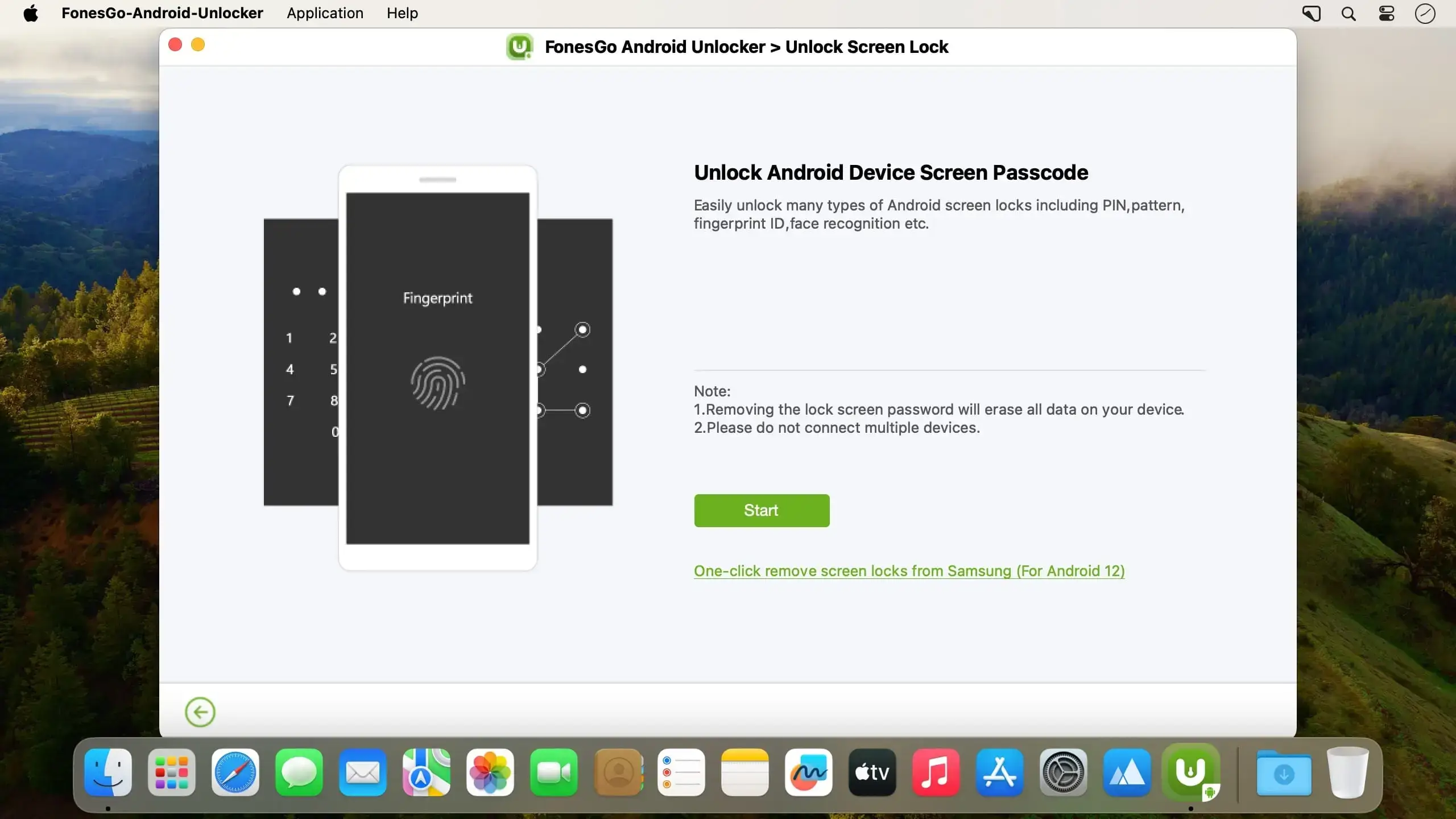
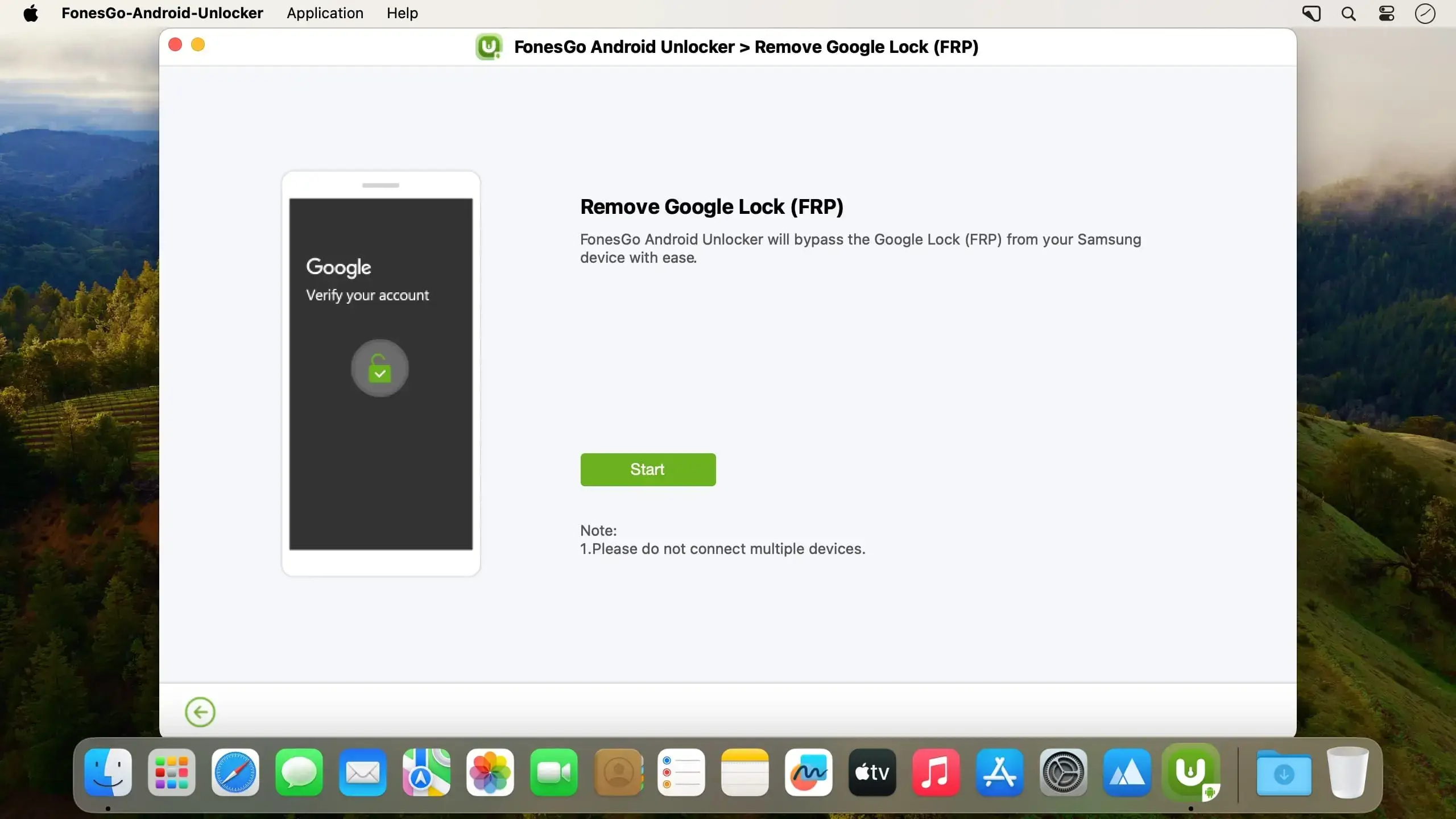
FonesGo Android Unlocker 7 for macOS helps you regain access to Android phones and tablets when screen locks or Google account verification stand in the way. Remove forgotten screen locks, bypass FRP on supported devices, and factory reset Samsung phones and tablets from your Mac.
Unlock devices when credentials are missing
Whether you purchased a second-hand phone, inherited an Android device, or forgot your Google account credentials after a factory reset, FonesGo Android Unlocker 7 provides tools for these common lockout situations.
- Google account verification bypass: Remove FRP on supported Android devices without the Google account password or PIN, then sign in with a new Google account.
- Android screen lock removal: Remove screen locks, including passwords, patterns, PINs, fingerprint locks, and face recognition locks.
- One-click Samsung factory reset: Restore Samsung phones and tablets to factory settings in 5–10 seconds, wiping their data and settings.
The Samsung reset function is also useful for second-hand phone shops and phone repair shops that need to reset devices.
Support for Android phones and tablets
FonesGo Android Unlocker 7 supports more than 6,000 Android phone and tablet models. Supported FRP bypass configurations include:
- Samsung: All phones and tablets running Android 5–17.
- Xiaomi and Redmi: All models running Android 6–13 with MIUI 10–14.
- vivo: All models running Android 10–13.
- OPPO: All models running Android 5–17 with ColorOS 2.1–17.
- Motorola: All models running Android 11 or 12.
- Realme: All models running Android 5–17.
FRP bypass support also includes OnePlus, Huawei, Lenovo, and Micromax devices.
Data removal during FRP bypass
Bypassing Google account verification erases all data on the Android device.
Version 7.10.0:
- Release notes were unavailable when this listing was updated.
Frequently asked questions
How do I install the app?
Mount the image, drag the app into the "Applications" folder and launch it. If the system blocks the launch, allow it in "System Settings → Privacy & Security".
The app is damaged or won't launch
Reinstalling from a fresh image usually helps. Make sure your macOS version matches the one listed in the compatibility specs.
How do I update?
Download the new version from the site and install it over the current one — your settings will be preserved.
The download link doesn't work
Try a mirror or a download manager. For large files the browser often drops the connection.
How do I completely remove the app?
Use an uninstaller utility — it cleans up the service files that remain after moving the app to the trash.
Choose a download source
FonesGo Android Unlocker 7.10.0 · 248.44 MB
Previous versions
FonesGo Android Unlocker 7.10.0
Previous versions are available to registered users.