Adware Zap - Malware Cleaner 2.13.0
Clean adware, extensions and cache from your Mac browser
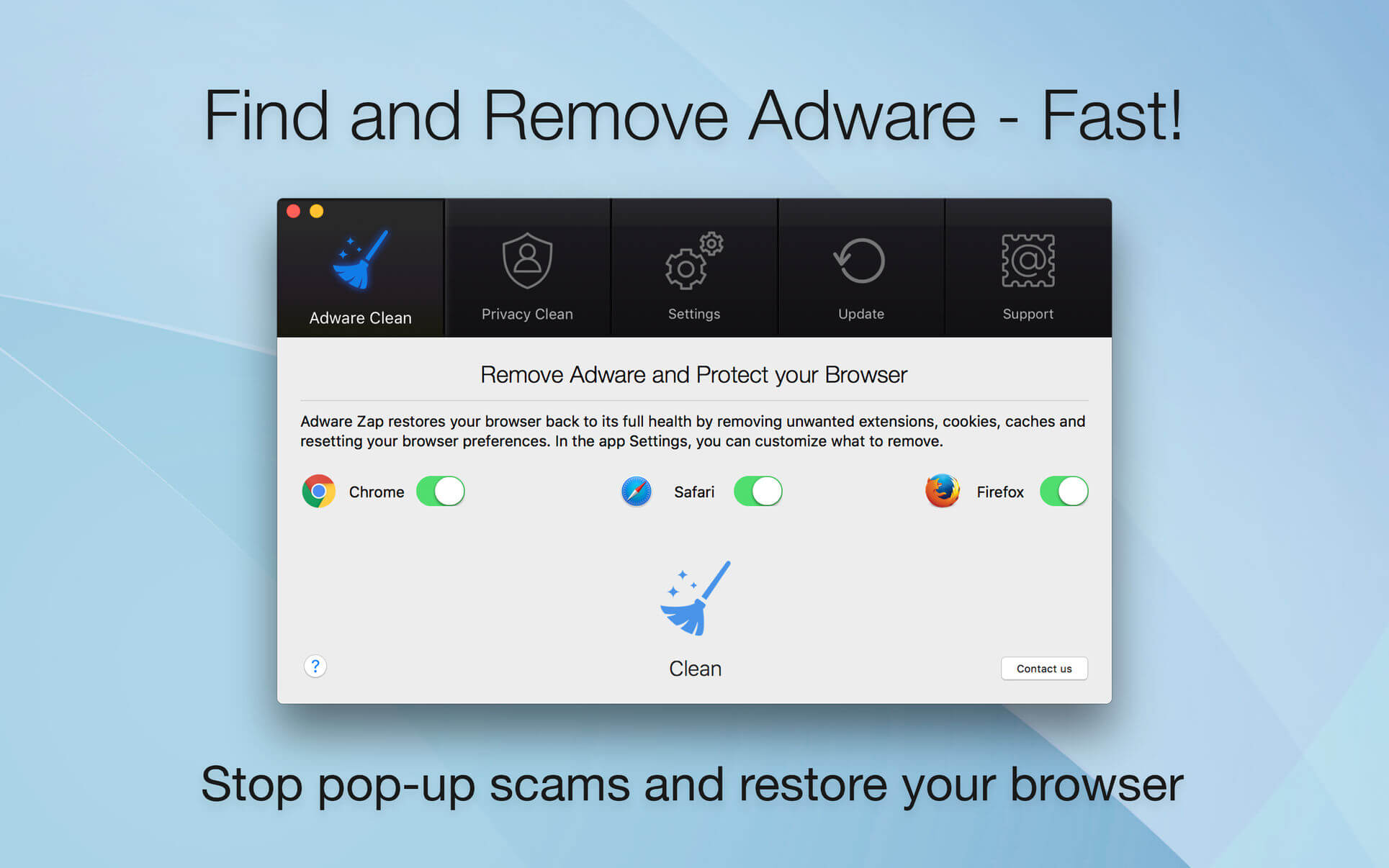
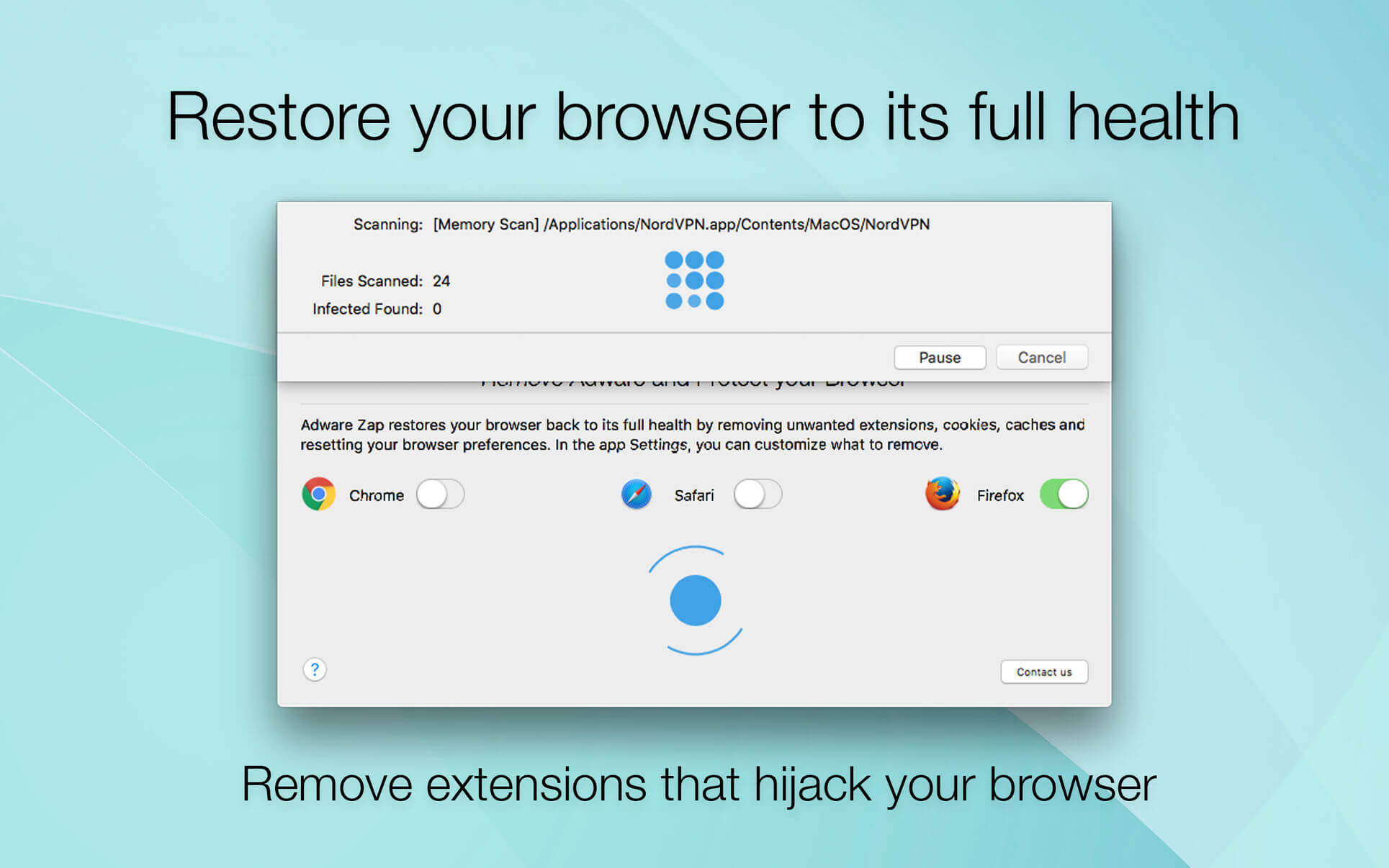
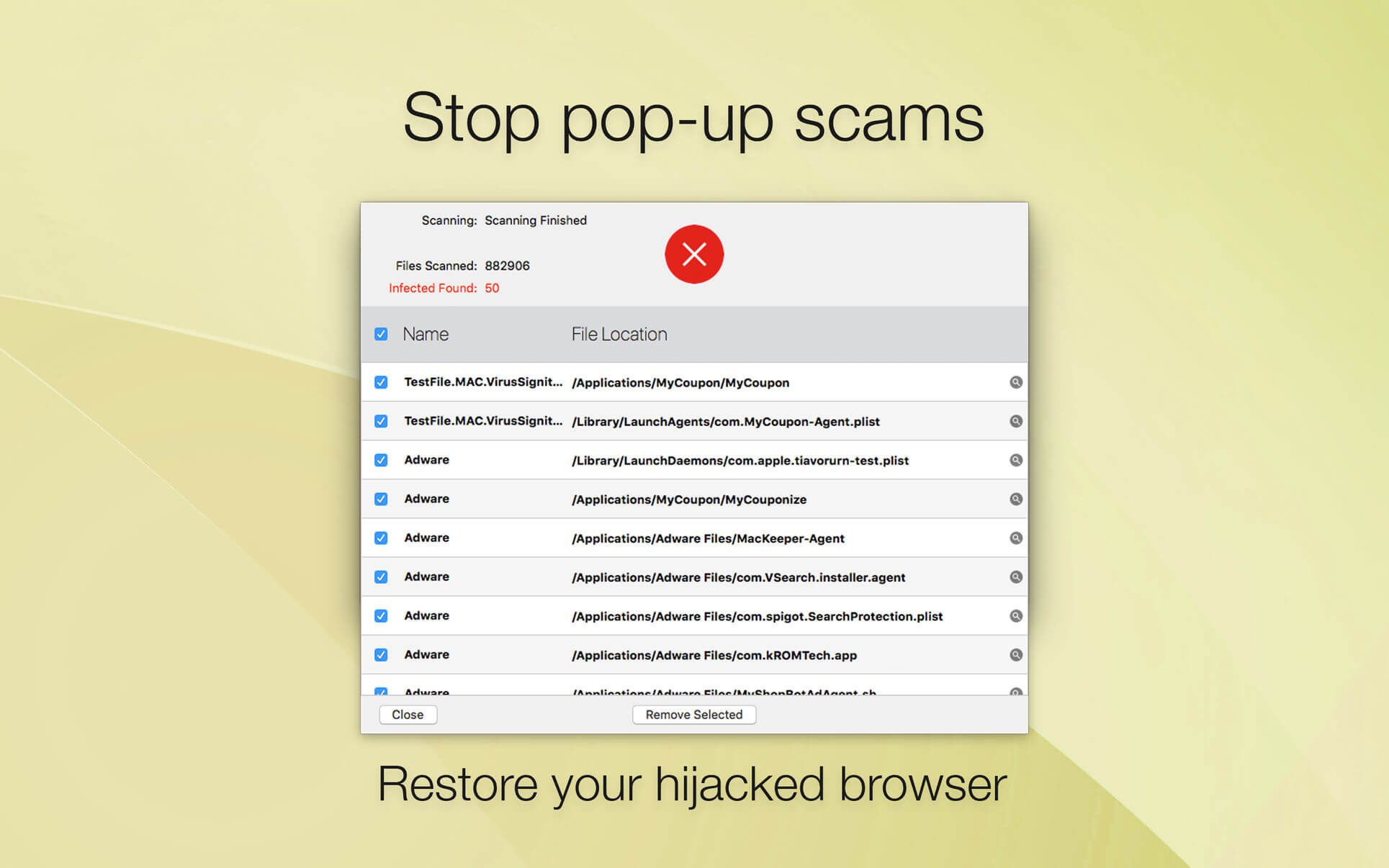
Adware Zap - Malware Cleaner for Mac helps you restore your browser to full health by removing unwanted extensions, cookies, and caches, then resetting your browser preferences back to default. If pop-up advertisements keep appearing even on websites you trust, your browser gets redirected to unfamiliar pages, or everything feels sluggish and prone to freezing, Adware Zap gives you a straightforward way to clean things up.
Why browser extensions can be a problem
Extensions can add handy features, but many are installed without your consent by software downloaded from the internet. Malicious extensions can display pop-up ads, inject banner ads into every website you visit, and collect your personal data without you realizing it. Adware Zap removes extensions so these hidden risks are cleared from your browser.
- Extension removal: clears installed browser extensions, including ones added without your knowledge.
- Cookie and cache cleanup: removes cookies and cached data to help your browser run smoothly again.
- Browser preferences reset: restores your browser settings back to their default state.
- Privacy Cleaner: removes sensitive files such as browsing history, download lists, cookies, and stored databases from selected browsers.
- Customizable cleanup: choose exactly what gets removed in the App Settings, including whether bookmarks and history are kept.
- Automatic clean up: set Adware Zap to clean your browser automatically whenever it quits.
By default, bookmarks and browsing history are not removed, but this can be changed in the App Settings. Any extensions you want to keep afterward will need to be reinstalled.
Download Adware Zap and give your Mac's browser a fresh, clean start.
Version 2.13.0
Adware Zap has a whole new look.
- Redesigned from the ground up for modern macOS
- Better adware detection
- Simpler Privacy Clean for Safari, Chrome and Firefox
- Now in 17 languages
- Follows your Mac's Light or Dark appearance
- Bug fixes and performance improvements
Requires macOS 12 or later.
Frequently asked questions
How do I install the app?
Mount the image, drag the app into the "Applications" folder and launch it. If the system blocks the launch, allow it in "System Settings → Privacy & Security".
The app is damaged or won't launch
Reinstalling from a fresh image usually helps. Make sure your macOS version matches the one listed in the compatibility specs.
How do I update?
Download the new version from the site and install it over the current one — your settings will be preserved.
The download link doesn't work
Try a mirror or a download manager. For large files the browser often drops the connection.
How do I completely remove the app?
Use an uninstaller utility — it cleans up the service files that remain after moving the app to the trash.

Choose a download source
Adware Zap - Malware Cleaner 2.13.0 · 24.89 MB
Previous versions
Adware Zap - Malware Cleaner 2.13.0
Previous versions are available to registered users.