Network Radar 3.2.2
Network scanner for device discovery and network monitoring.
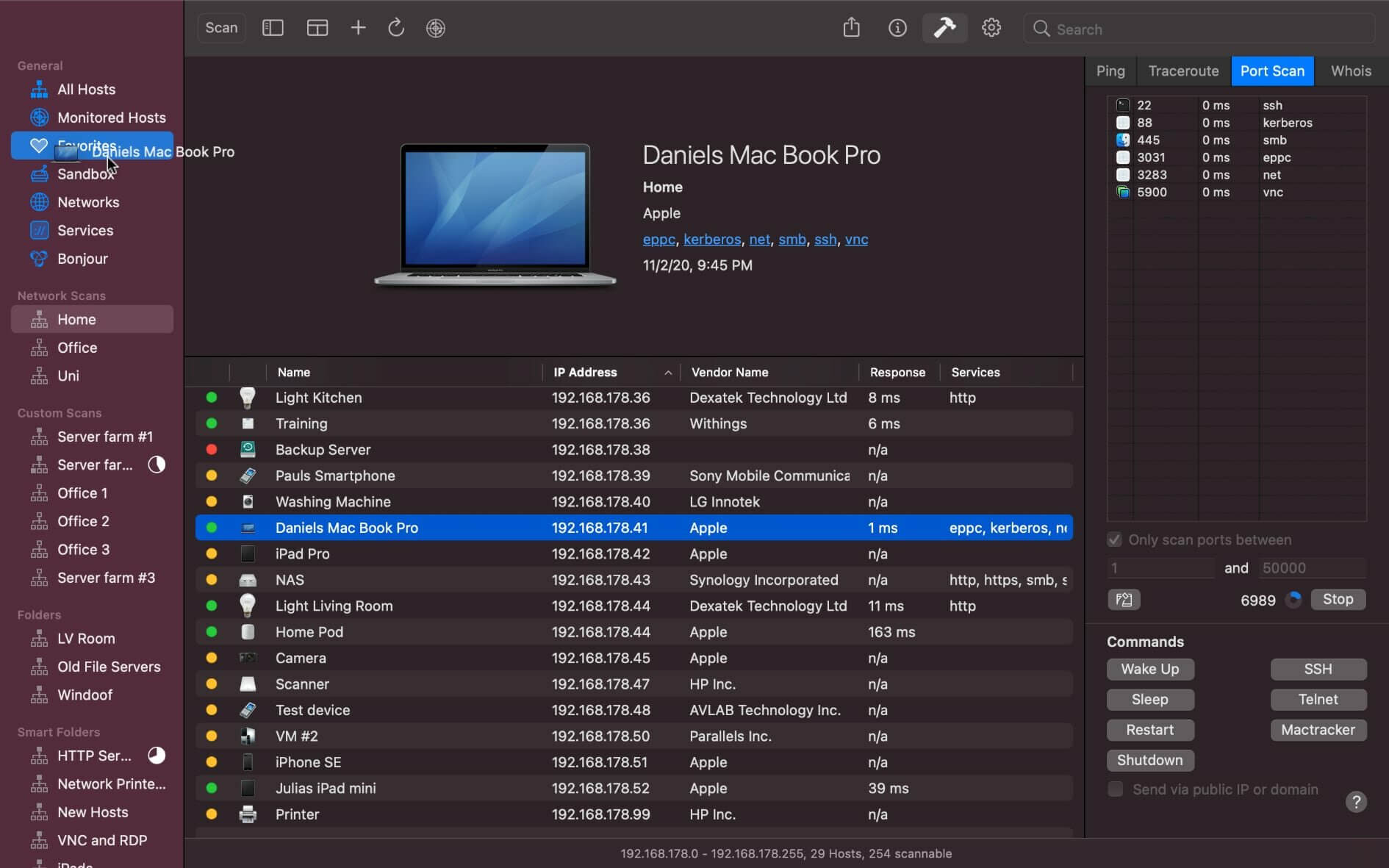
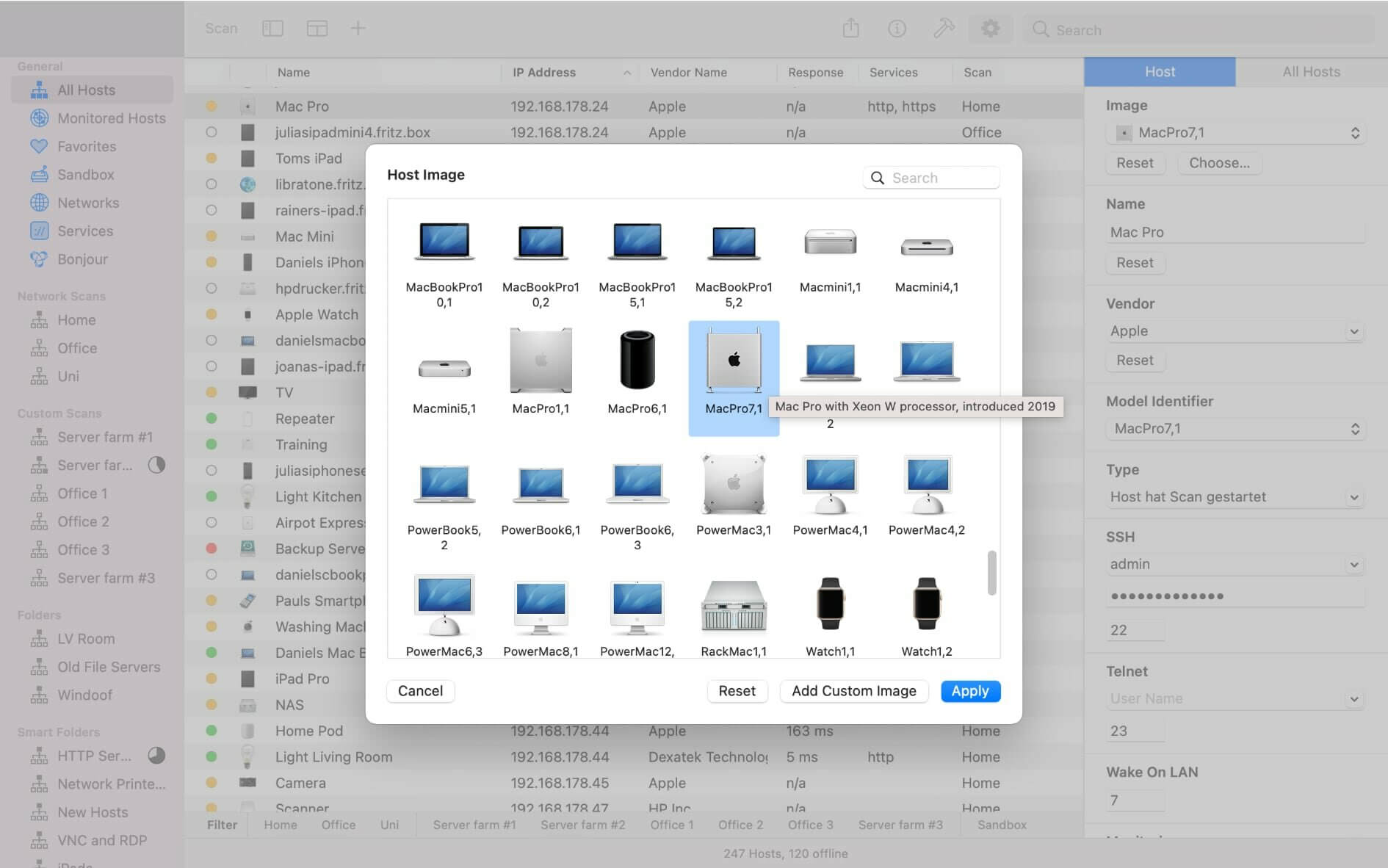

Discover connected devices, spot unexpected changes, and troubleshoot network issues with Network Radar for macOS. Scan your network with a click—no configuration required—and get detailed information about the devices you find.
Scan, monitor, and manage with confidence
See which devices are reachable, keep a record of network changes, and use built-in tools to investigate issues or take action.
- Network scanning: Find devices on your network, including devices that were online before your first scan.
- Device details: View IP, IPv6 and MAC addresses, vendor names, DNS and mDNS names, NetBIOS details, open ports, response time, and more.
- Network monitoring: Log changes and receive notifications when devices join or leave your network.
- Custom rules and actions: Set up actions such as an email alert when a server goes offline or a sound when an FTP server connects.
- Folders and smart folders: Organize hosts and automatically group devices using smart folders.
- Network tools: Run Ping, Port Scan, Traceroute, Lookup, Whois, Wake On LAN, and SSH.
- Device commands: Connect to a device with a double-click, or use available commands to wake, shut down, or restart devices and put other Macs to sleep.
- Bonjour services: View available Bonjour (mDNS) services and their details.
- Custom scans: Create scans for specific IP ranges and bind scans to networks to check whether devices are reachable.
- Import and export: Export scans to XML, CSV, TXT, PDF, or NETRADR, and import them back into Network Radar.
Make it easier to understand and manage your network on macOS. Start scanning with Network Radar.
Version 3.2.2
Bug Fixes
- Fixed an issue that prevented network scans and pings from receiving replies, leaving devices shown as cached or offline.
Frequently asked questions
How do I install the app?
Mount the image, drag the app into the "Applications" folder and launch it. If the system blocks the launch, allow it in "System Settings → Privacy & Security".
The app is damaged or won't launch
Reinstalling from a fresh image usually helps. Make sure your macOS version matches the one listed in the compatibility specs.
How do I update?
Download the new version from the site and install it over the current one — your settings will be preserved.
The download link doesn't work
Try a mirror or a download manager. For large files the browser often drops the connection.
How do I completely remove the app?
Use an uninstaller utility — it cleans up the service files that remain after moving the app to the trash.



Choose a download source
Network Radar 3.2.2 · 26.86 MB
Previous versions
Network Radar 3.2.2
Previous versions are available to registered users.