Cookie 8.8.0
Browser Privacy Tool for Smarter Cookie Management
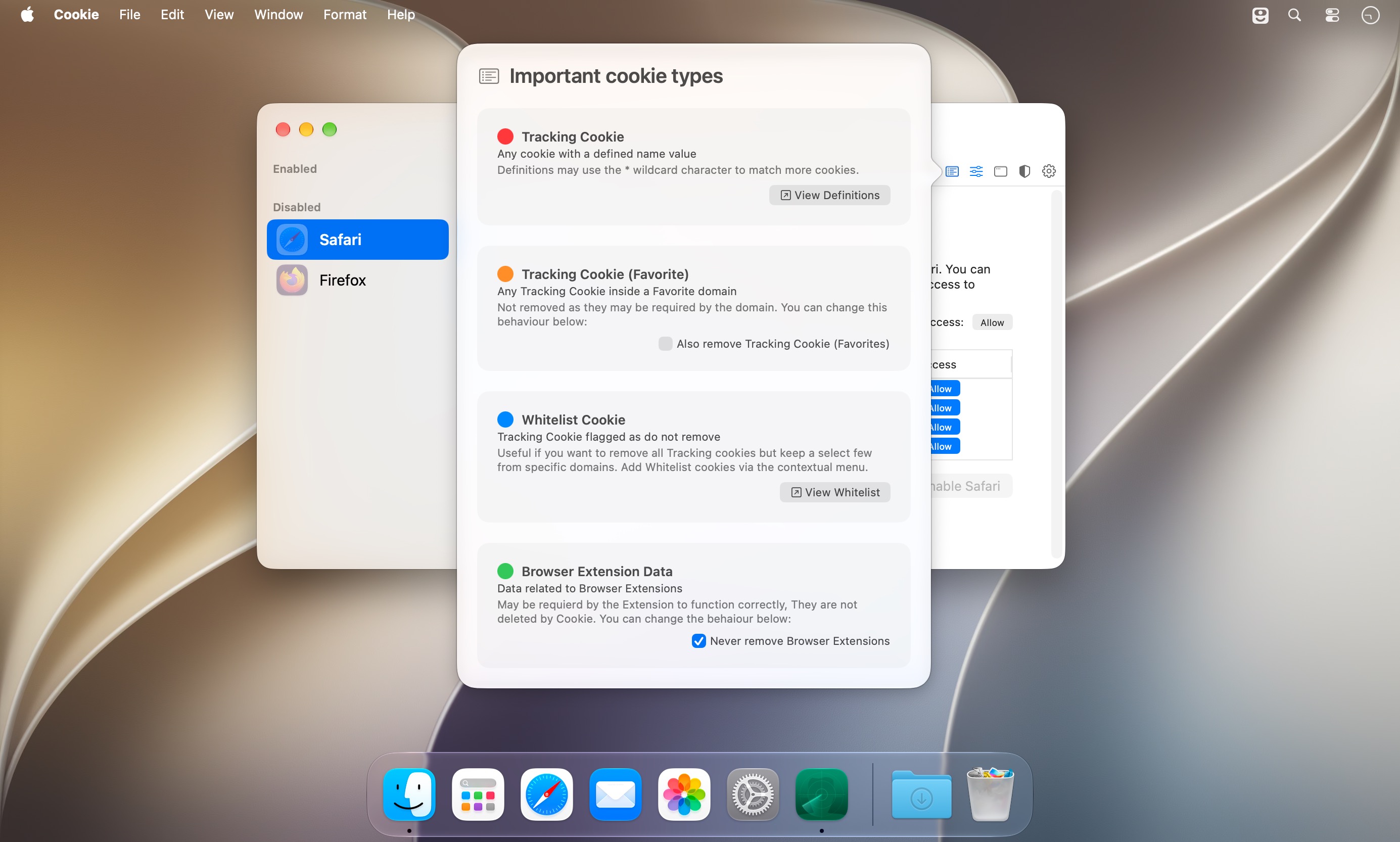
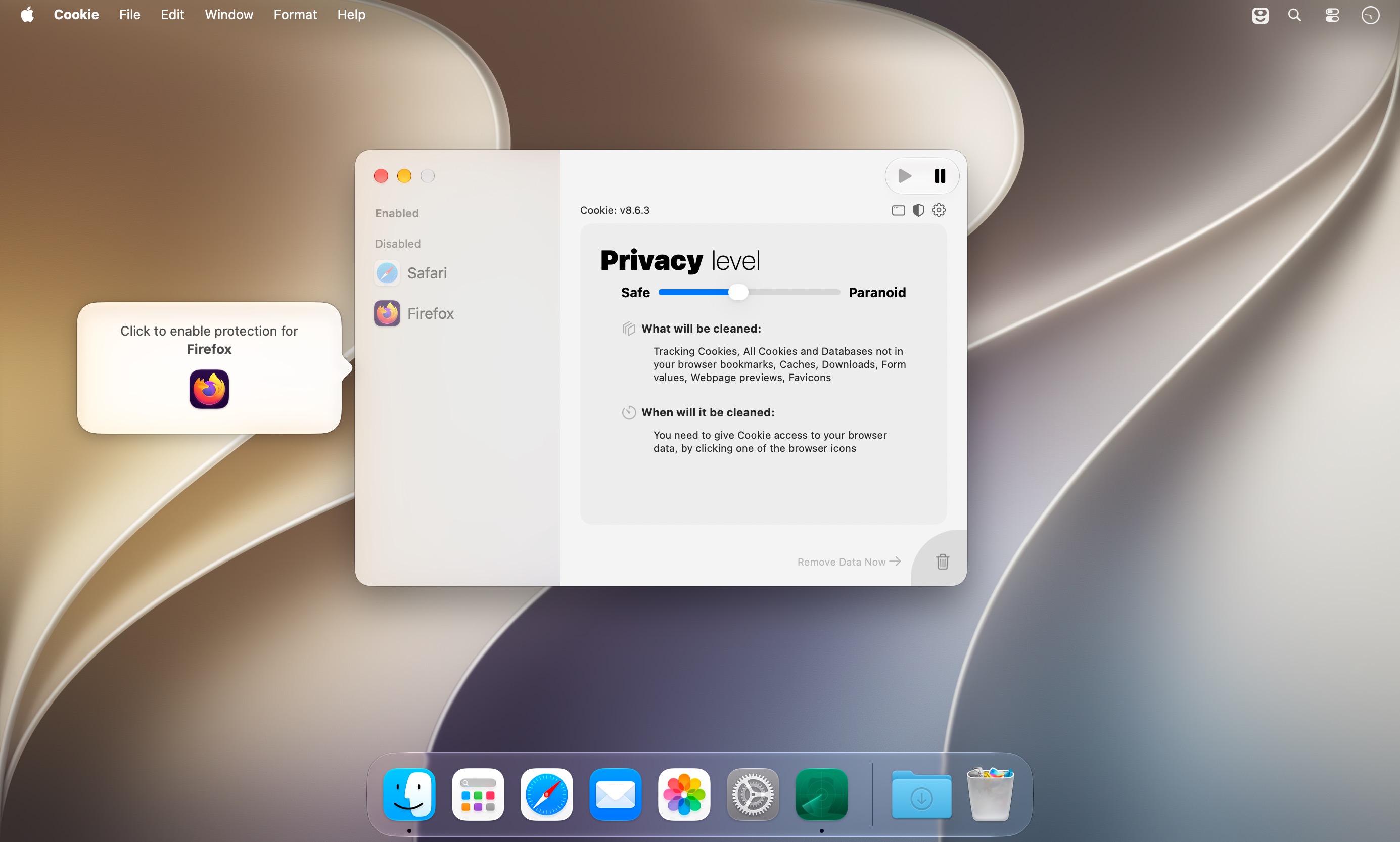
Six ways to clear cookies: when you quit the app, when a browser quits, at login, when the computer wakes from sleep, on a custom timer, or by hand. Cookie 8 is a cookie manager for Mac that runs in the background. You choose which cookies to keep, and it clears the rest, including the ones advertisers use to track and profile you.
- Favorite a whole domain or a single cookie, and it stays put through every cleanup.
- Different removal rules for each browser, and even for each browser user.
- Simplified View takes care of the technical details. Switch to Advanced View when you want every privacy setting in front of you.
- One combined list shows cookies and localStorage data together, which makes it easier to sort out what to delete.
- A hotkey wipes all unwanted data at once.
- Tracking cookie definitions are yours to edit, and single trackers can go on a whitelist.
- Support for 32 browsers, from Safari and Chrome to Arc, Zen Browser, Dia and Helium, including beta and nightly builds.
- iCloud support, a dark theme and basic stats on what's been removed.
- Browser extension for Chrome and Firefox based browsers for better compatibility.
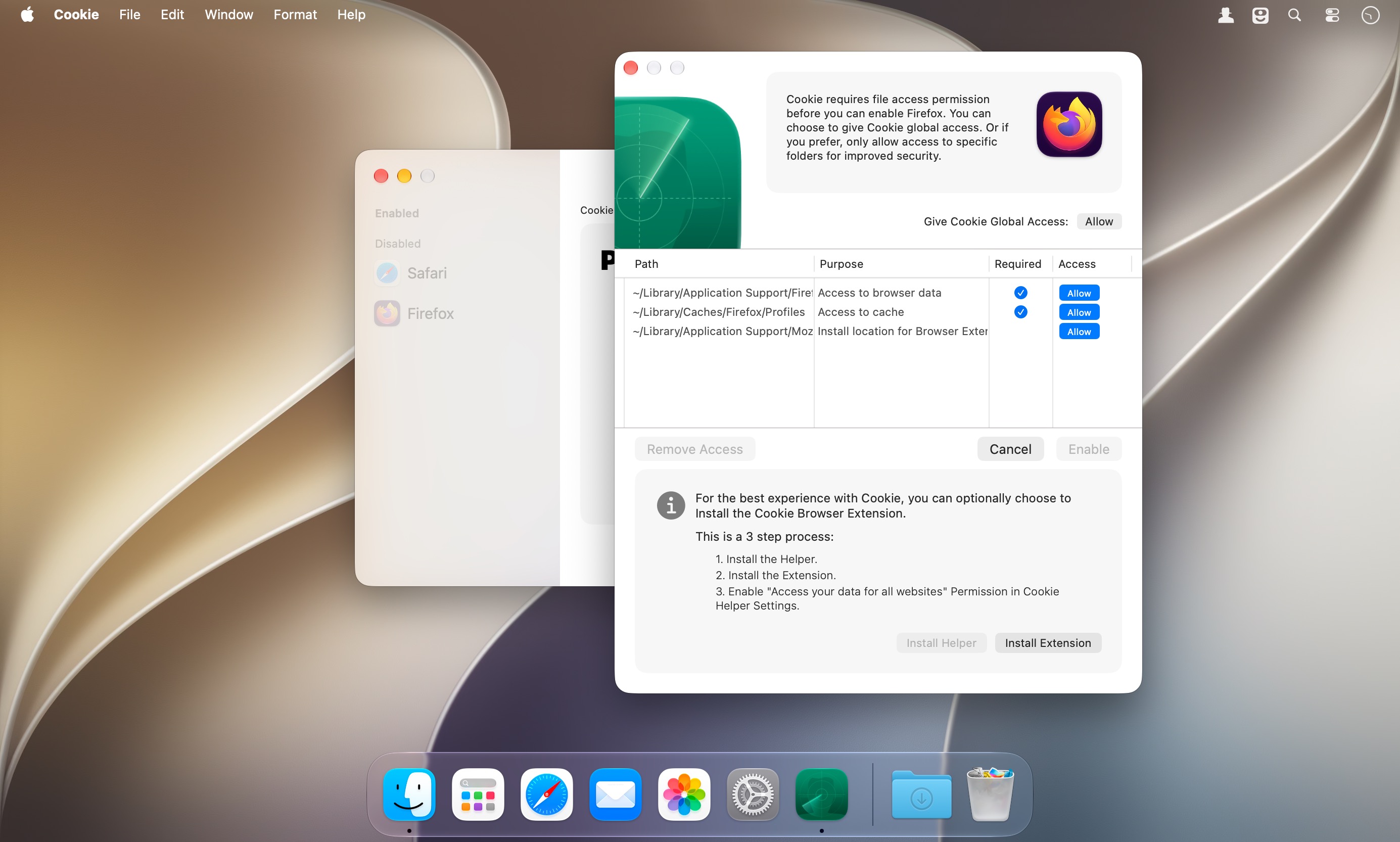
A setup window walks you through the first run.
Version 8.8:
- added a browser configuration option to allow viewing of chrome cookie contents
- a startup check was added to ensure browser permissions are correct, browsers with incorrect permissions will be edisabled
- improvements to browser extension communication and integration
- improved Chrome cache detection and removal
- added extra cache paths for Arc, Dia and Vivaldi
- notifications now posted (if configured) when removing data via Cookie Helper extension
- optimized browser extension name lookup
- optimized and improved drawing cellviews
- on startup the current selected browser should now be visible in sideview
- clicking the install extension button, should now open the related browser
- added a progress indicator to "Remove all unwanted data" menu items
- remove menu items are now disabled until ready for use
- fixed a potential out of bounds issue when reading Safari cookies
- fixed an issue with checking and removing Orion cache
- fixed a potential issue with removals via menus
- removing path access for a browser, will now check against all other browsers for collisions, and also disable any browsers containing these paths
- fixed an issue with Orion RC cache paths
- fixed a stale timer menu label on first open of the menu
Frequently asked questions
How do I install the app?
Mount the image, drag the app into the "Applications" folder and launch it. If the system blocks the launch, allow it in "System Settings → Privacy & Security".
The app is damaged or won't launch
Reinstalling from a fresh image usually helps. Make sure your macOS version matches the one listed in the compatibility specs.
How do I update?
Download the new version from the site and install it over the current one — your settings will be preserved.
The download link doesn't work
Try a mirror or a download manager. For large files the browser often drops the connection.
How do I completely remove the app?
Use an uninstaller utility — it cleans up the service files that remain after moving the app to the trash.



Choose a download source
Cookie 8.8.0 · 10.06 MB
Previous versions
Cookie 8.8.0
Previous versions are available to registered users.
Comments 1